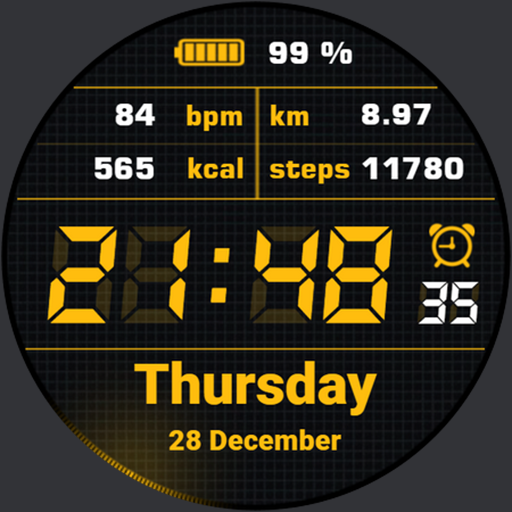
Simple Watchface AKM Wear OS vVARY
Akchim Watchfaces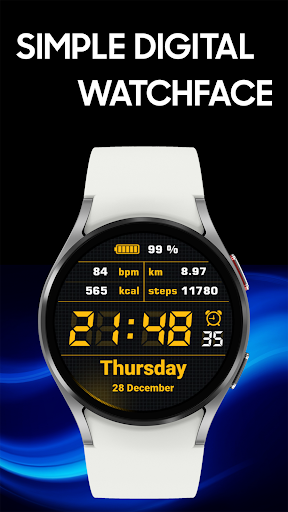



About this app
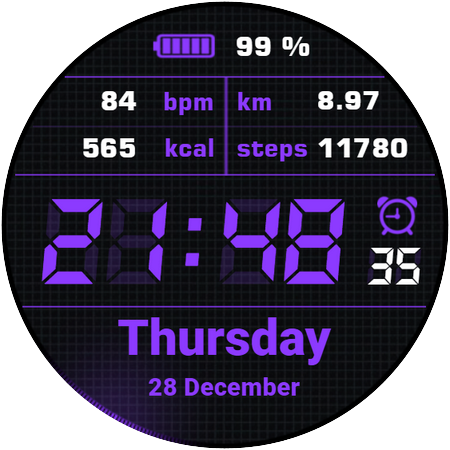
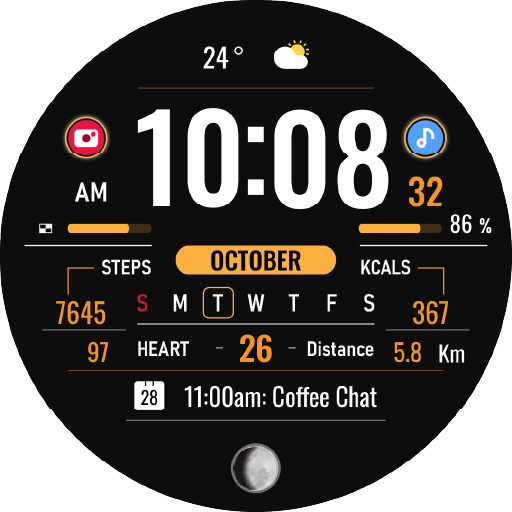
The Simple Watchface AKM Wear OS app solves the problem of cluttered watch faces by providing a minimalistic and strict digital design, benefiting users who value simplicity and ease of use. Compared to other personalization apps, it stands out with its clean interface but falls short in terms of customization options. With a good user rating of 3.9/5, it indicates a generally positive reception, but its limited downloads and lack of developer website raise some concerns. Overall, it's a straightforward app that does one thing well, but may not appeal to users seeking more complex features.
Pros
- The app's minimalistic design is a significant advantage for users who prefer a clean and simple watch face, making it easy to read and use.
- With no ads and no in-app purchases, the app provides an uninterrupted user experience, which is a significant plus for users who value simplicity and hate distractions.
- The app's small size and lack of permissions required make it a lightweight and secure option for users concerned about data privacy and storage space.
- The developer's email address is provided, which suggests a level of transparency and willingness to engage with users, potentially leading to better support and updates.
- The app's good user rating of 3.9/5 indicates a generally positive reception, suggesting that it meets the needs of its target audience.
Cons
- The app's limited customization options may be a drawback for users who want more control over the look and feel of their watch face, potentially limiting its appeal.
- The lack of a developer website and limited information about the developer raises some concerns about the app's long-term support and updates.
- The app's limited downloads and lack of visibility may indicate a smaller user community, potentially limiting the availability of user-generated content and support.
- The app's strict digital design may not appeal to users who prefer more elaborate or feature-rich watch faces, limiting its appeal to a niche audience.
Best for: The ideal user for this app is a tech-savvy individual who values simplicity, ease of use, and minimalism, likely in the 25-45 age range, who uses their smartwatch primarily for telling time and receiving basic notifications, and is looking for a clean and distraction-free watch face that complements their active lifestyle.
Developer Description
Minimalistic, strict, digital.
❗Customizable version of this watchface is now available! Check portfolio for Simple Watch AKM, or download from Companion App.❗
❗IMPORTANT NOTICE:
❗Please carefully read these instructions before and after downloading our watch face to avoid any unexpected issues.
Compatibility:
This watch face has been extensively tested on the Samsung Watch 4 Classic and Samsung Watch 5 Pro.
It is also compatible with other Wear OS 3+ devices.
However, please note that some features may vary slightly on different watch models.
⭐Installation instructions⭐
METHOD 1: COMPANION APPLICATION, PREFFERED WAY
🔹Open the Companion application on your phone (comes with the watchface).
🔹Locate the "Get from Watch" option and tap on it.
🔹Check your smartwatch for the watch face.
🔹Once the watch face appears on your smartwatch, tap the "INSTALL" button.
🔹Wait a few minutes for the watch face to be transferred to your smartwatch.
🔹Long press on the watch face, swipe left, and tap "ADD WATCH FACE" to activate it.
METHOD 2: PLAY STORE APPLICATION
❗THIS METHOD IS NOT ALWAYS SUPPORTED BY PLAY STORE❗
🔹Open the Google Play Store app on your phone.
🔹Tap the triangle icon and select the target device from the drop-down menu.
🔹Tap the "INSTALL" button on your phone and wait for the installation to complete on your watch.
🔹Long press on the watch face, swipe left, tap "ADD WATCH FACE" and select the watch face to activate it.
METHOD 3: PLAY STORE WEBSITE
🔹Access the watch face link using a web browser on your PC.
🔹Click on "Install on more devices" and select your watch from the target device list.
🔹Wait for the watch face to be transferred to your watch.
🔹Long press on the watch face, swipe left, tap "ADD WATCH FACE" and select the watch face to activate it.
REFFERING TO THE INSTALLATION GUIDE
🔹For a detailed and comprehensive installation guide, please visit this link:
https://developer.samsung.com/sdp/blog/en-us/2022/11/15/install-watch-faces-for-galaxy-watch5-and-one-ui-watch-45
❗AVOIDING DUPLICATE PAYMENTS
Please note that you will only be charged once for the watch face, even if you are prompted to pay again.
If you encounter a payment loop, try disconnecting and reconnecting your watch from your phone.
Alternatively, enable airplane mode on your watch and reactivate it after a few minutes.
Once you have installed the watchface, you may be asked to grant permissions to the sensors - be sure to approve all permissions.
❗ Please consider that any issues here are NOT developer dependent. The developer has no control over the Play Store from this side. Thank you. ❗
⭐What is inside⭐
✔ minimalistic design;
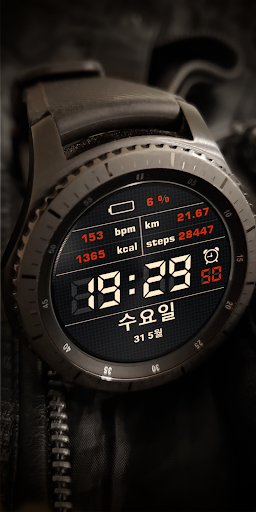
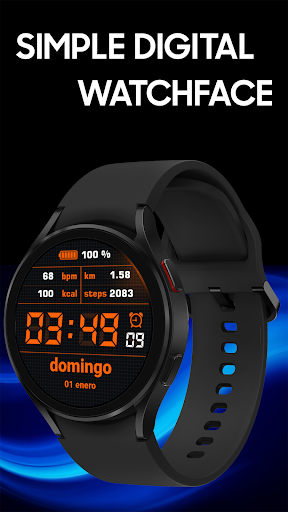
✔ 9 different color themes (change color in watchface settings);
✔ multilingual (based on language phone settings);
✔ 12/24 time format;
✔ Tap zones: Alarm and Calendar;
✔ AOD mode;
❗ Dear customer
If you have any problems, please contact me first via e-mail akchimwf@gmail.com
Then I gladly will help you asap❗
Privacy
Since the app requires no permissions, it poses minimal risk to user data and privacy. However, users should still be cautious when downloading and installing apps from unknown sources, and ensure they are downloading from a trusted repository. It's also essential to monitor the app's behavior and report any suspicious activity to the developer or relevant authorities.
Tips
To get the most out of this app, users should first ensure their watch is compatible with the app and running the latest version of Wear OS. They should also explore the app's settings to customize the watch face to their liking, and consider combining it with other simple and minimalistic apps to create a cohesive user experience. Additionally, users can provide feedback to the developer to help improve the app and address any issues or concerns.
What's New
Version Information
- Version
- -
- Downloads
- 10K+
- Updated on
- Jul 27, 2025
- Released
- Dec 21, 2023
- Requires
- Android Varies with device
Statistics
Google Play Rating History
Rating Distribution
Downloads Over Time
Simple Watchface AKM Wear OS has been downloaded times. Over the past 30 days, it averaged downloads per day.
Shaded area shows 30-day prediction based on historical trends
Historical data collection started recently. More data points will be available over time.
Simple Watchface AKM Wear OS users say on Google Play
 Prasanka 001
Good
 Jeff Maneval-Shaffer
not compatible with my watch
ApkTrusted Ratings & Reviews
More from Akchim Watchfaces
See more apps
Neon Watchface AKM Wear OS
Free
Casual Watchface AKM Wear OS
Free
Casual Watch AKM Wear OS
Paid
Akchim Watchface AKM Wear OS
Free
Invisible Watchface AKM WearOS
Free
Quick Watchface AKM Wear OS
Free
Akchim Watch AKM Wear OS
Paid
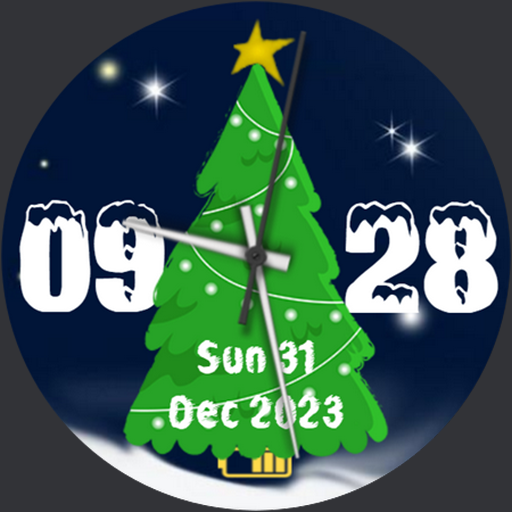
Christmas Watchface AKM WearOS
Paid
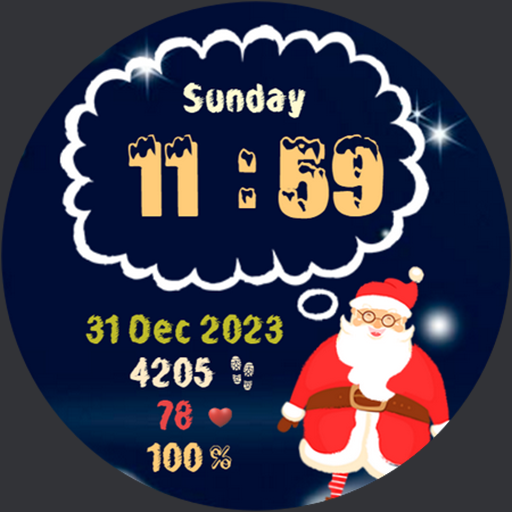
NewYear Watchface AKM Wear OS
Paid
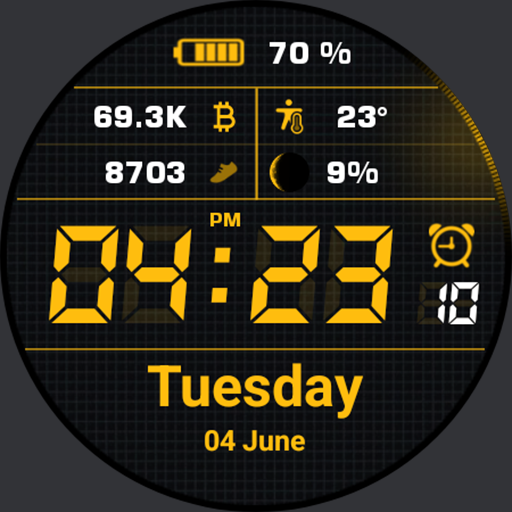
Simple Watch AKM Wear OS
Paid

Quick Watch AKM Wear OS
Paid
Christmas Watchface AKM WearOS
Paid
Similar Apps

KZY122
Paid

SMZ Knights Pro E2
Paid

Metallic Digital
Paid

Digital Watch Face CRC042
Paid

Pace Watch Face
Paid

SamWatch Simple J 2022
Paid

Info Watch Face crc034
Free

KZY107
Paid

Watch face CRC014
Paid
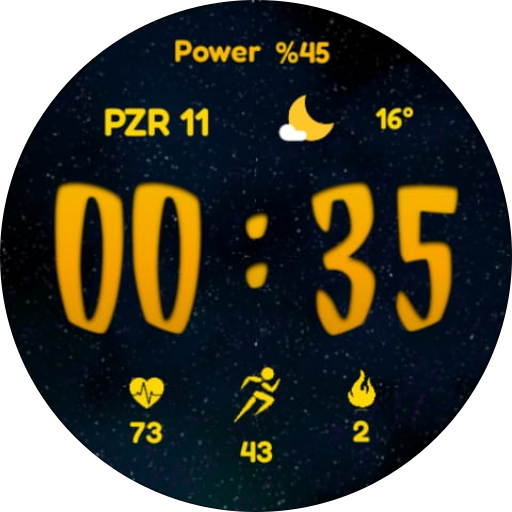
CNRwatch016
Free

HMKWatch Digital 189
Paid

Digital SMO102
Paid
HKR051
Paid

HMKWatch Digital 282
Paid

Tancha S57 Digital Watch Face
Paid

IWF AllNew Digi Pro watchface
Paid
Scan this QR code to download

Forwarding you to the page at Google Play market in seconds...
Open Google Play market now