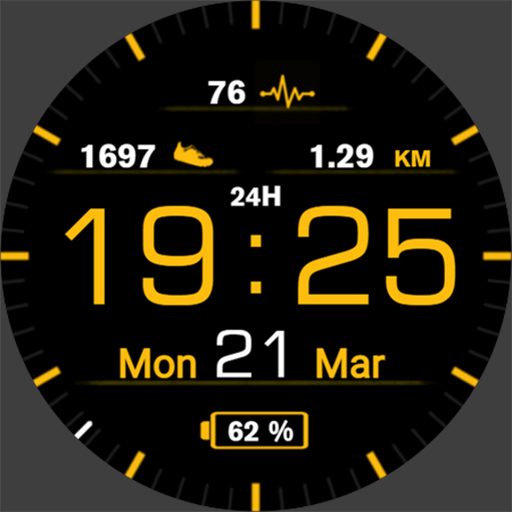
Casual Watchface AKM Wear OS vVARY
Akchim Watchfaces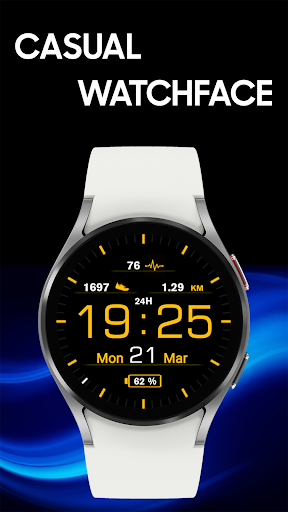

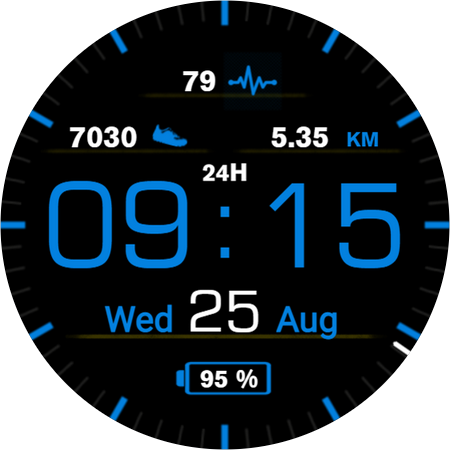
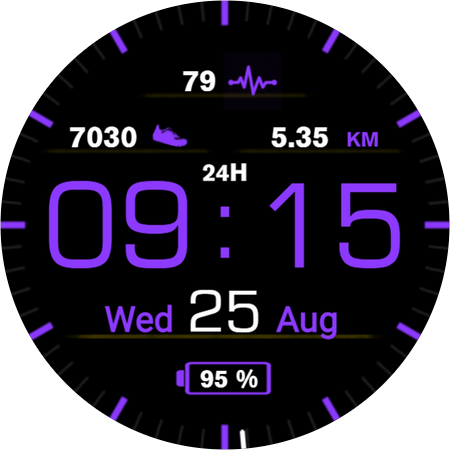
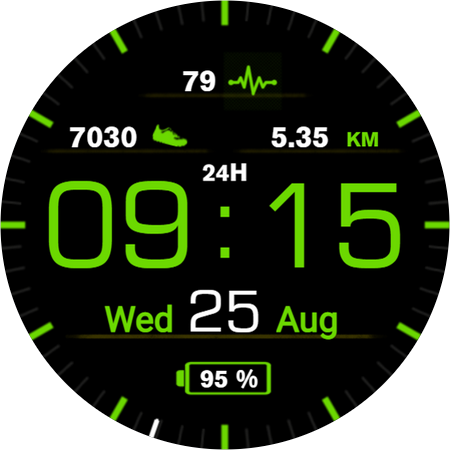

About this app
Developer Description
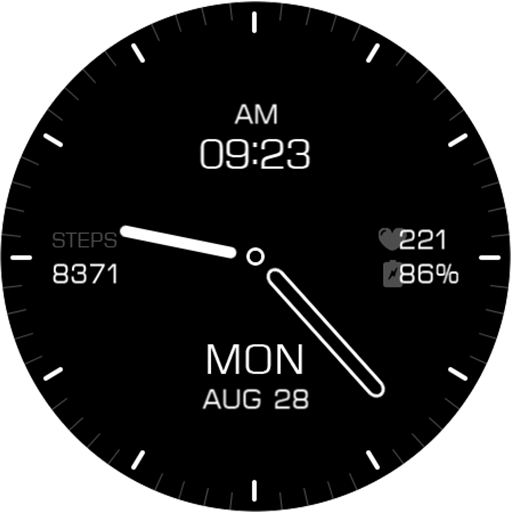
Casual. Digital. Yours.
❗Customizable version of this watchface is now available! Check portfolio for Casual Watch, or download from Companion App.❗
❗IMPORTANT NOTICE:
❗Please carefully read these instructions before and after downloading our watch face to avoid any unexpected issues.
Compatibility:
This watch face has been extensively tested on the Samsung Watch 4 Classic and Samsung Watch 5 Pro.
It is also compatible with other Wear OS 3+ devices.
However, please note that some features may vary slightly on different watch models.
⭐Installation instructions⭐
METHOD 1: COMPANION APPLICATION, PREFFERED WAY
🔹Open the Companion application on your phone (comes with the watchface).
🔹Locate the "Get from Watch" option and tap on it.
🔹Check your smartwatch for the watch face.
🔹Once the watch face appears on your smartwatch, tap the "INSTALL" button.
🔹Wait a few minutes for the watch face to be transferred to your smartwatch.
🔹Long press on the watch face, swipe left, and tap "ADD WATCH FACE" to activate it.
METHOD 2: PLAY STORE APPLICATION
❗THIS METHOD IS NOT ALWAYS SUPPORTED BY PLAY STORE❗
🔹Open the Google Play Store app on your phone.
🔹Tap the triangle icon and select the target device from the drop-down menu.
🔹Tap the "INSTALL" button on your phone and wait for the installation to complete on your watch.
🔹Long press on the watch face, swipe left, tap "ADD WATCH FACE" and select the watch face to activate it.
METHOD 3: PLAY STORE WEBSITE
🔹Access the watch face link using a web browser on your PC.
🔹Click on "Install on more devices" and select your watch from the target device list.
🔹Wait for the watch face to be transferred to your watch.
🔹Long press on the watch face, swipe left, tap "ADD WATCH FACE" and select the watch face to activate it.
REFFERING TO THE INSTALLATION GUIDE
🔹For a detailed and comprehensive installation guide, please visit this link:
https://developer.samsung.com/sdp/blog/en-us/2022/11/15/install-watch-faces-for-galaxy-watch5-and-one-ui-watch-45
❗AVOIDING DUPLICATE PAYMENTS
Please note that you will only be charged once for the watch face, even if you are prompted to pay again.
If you encounter a payment loop, try disconnecting and reconnecting your watch from your phone.
Alternatively, enable airplane mode on your watch and reactivate it after a few minutes.
Once you have installed the watchface, you may be asked to grant permissions to the sensors - be sure to approve all permissions.
❗ Please consider that any issues here are NOT developer dependent. The developer has no control over the Play Store from this side. Thank you. ❗
⭐What is inside⭐
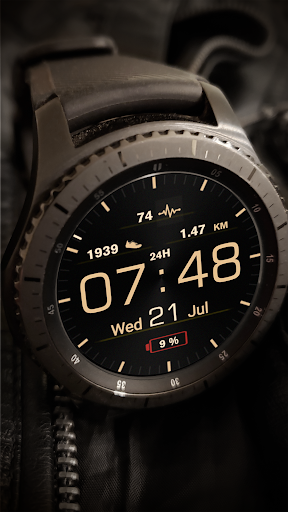
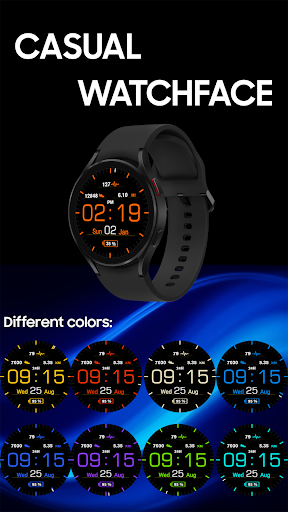
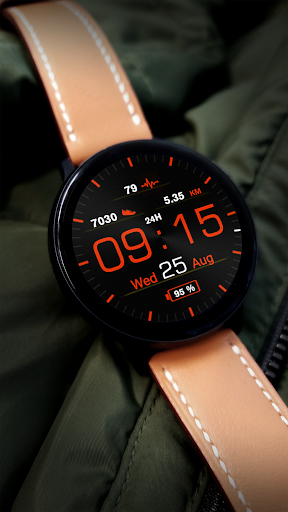
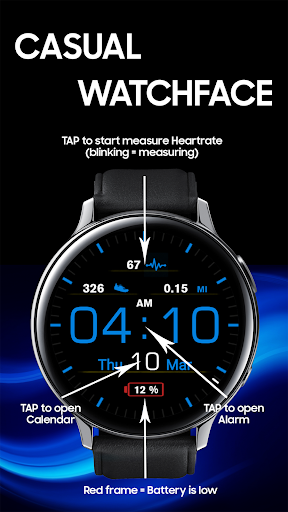
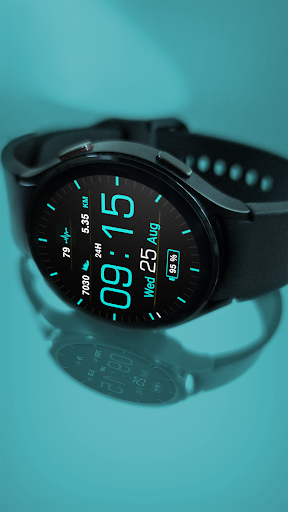
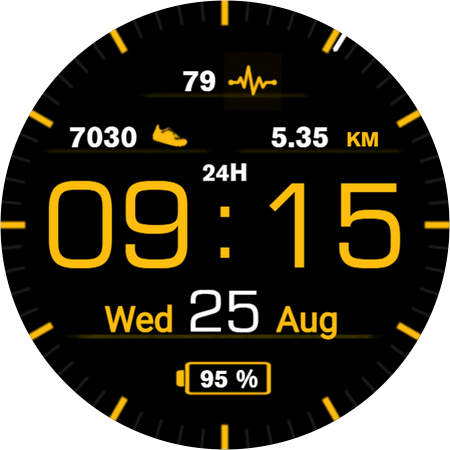
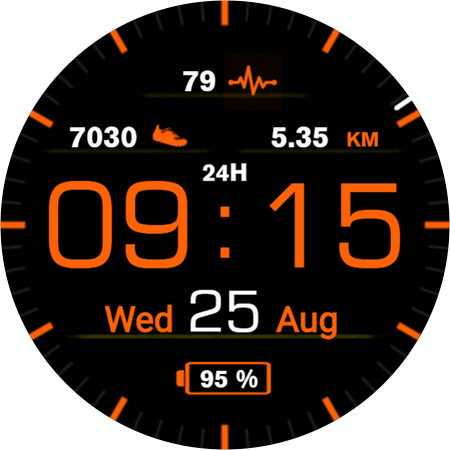
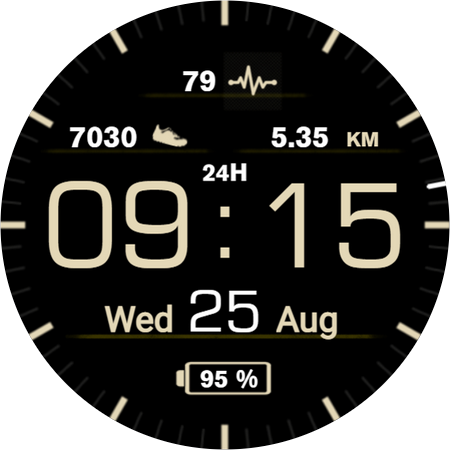
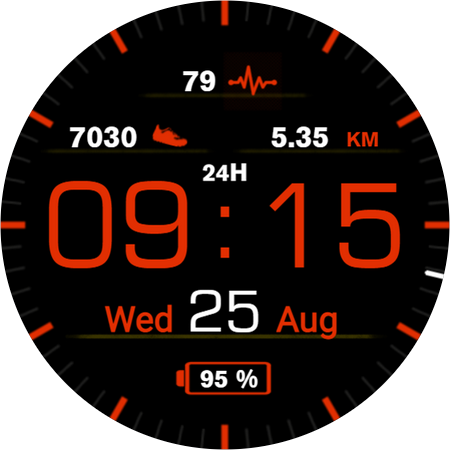
✔ 9 different color themes (TAP and hold on the watchface, then set Customize);
✔ All languages are supported for Date indication (based on language phone settings);
✔ Distance indication Km or Miles, based on language phone settings
(miles UK and US only);
✔ 12/24 time format;
✔ Tap zones: Alarm, Calendar and Heart rate measurement (interval set to 10 min);
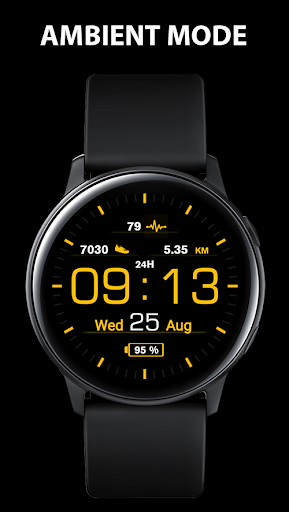
✔ AOD mode;
❗ Dear customer
If you have any problems, please contact me first via e-mail akchimwf@gmail.com
Then I surely will help you asap❗
What's New
Version Information
- Version
- -
- Downloads
- 100K+
- Updated on
- Jul 27, 2025
- Released
- Apr 18, 2022
- Requires
- Android Varies with device
Statistics
Google Play Rating History
Rating Distribution
Downloads Over Time
Casual Watchface AKM Wear OS has been downloaded times. Over the past 30 days, it averaged downloads per day.
Shaded area shows 30-day prediction based on historical trends
Historical data collection started recently. More data points will be available over time.
Casual Watchface AKM Wear OS users say on Google Play
 Mav W.D
Sharp and clean watchface, wish there were more aod and color customizations
 Steve Sherwood
Clean and clear but the remaining battery is always shown as 100% on pixel watch 1 so I need to find another watch face. Update: battery issue seen when you reconfigure the watch options. If you choose a different watch face and then switch back the battery indicator then seems to work. (Stars updated)
 Chris R
I have been using this watch face for a few weeks, I really liked however something strange has happened, the font face has changed from the thin clear font (as shown in the photos in this play store listing) , to a thicker not very attractive one, however this is not a customisation setting, it's like an update has messed it up. A really nice watchface has been ruined
 Abraham Pulido
Terrible how can I get my money back
ApkTrusted Ratings & Reviews
More from Akchim Watchfaces
See more apps
Neon Watchface AKM Wear OS
Free
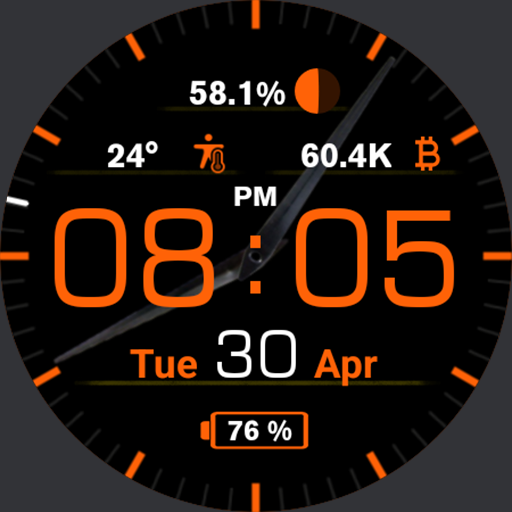
Casual Watch AKM Wear OS
Paid
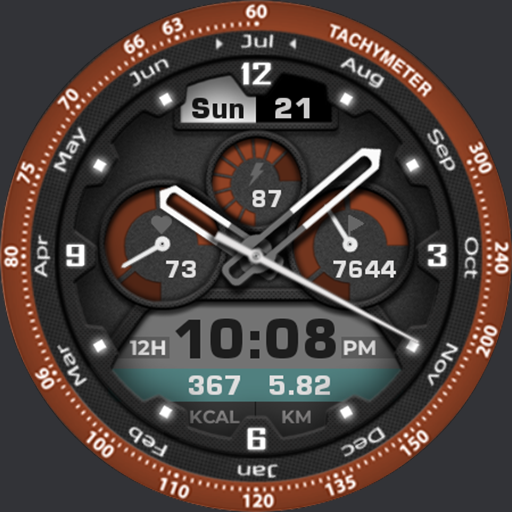
Akchim Watchface AKM Wear OS
Free
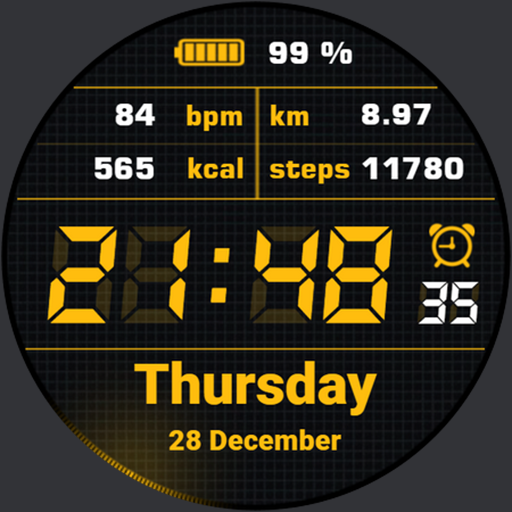
Simple Watchface AKM Wear OS
Free
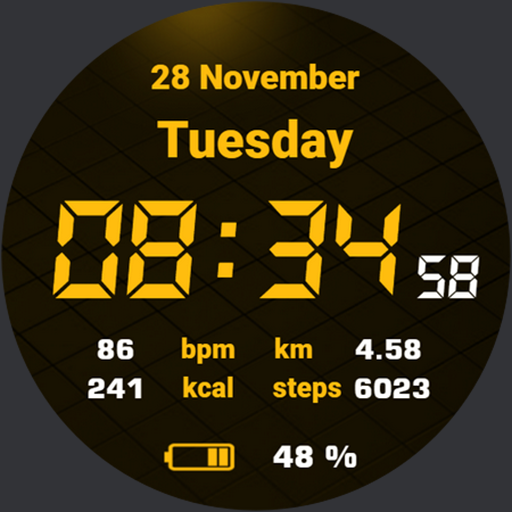
Quick Watchface AKM Wear OS
Free
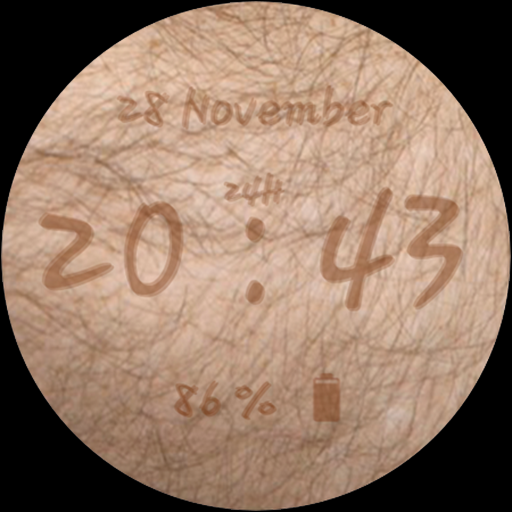
Invisible Watchface AKM WearOS
Free
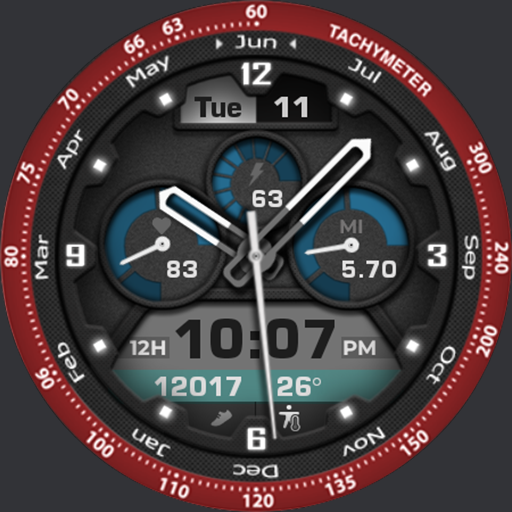
Akchim Watch AKM Wear OS
Free
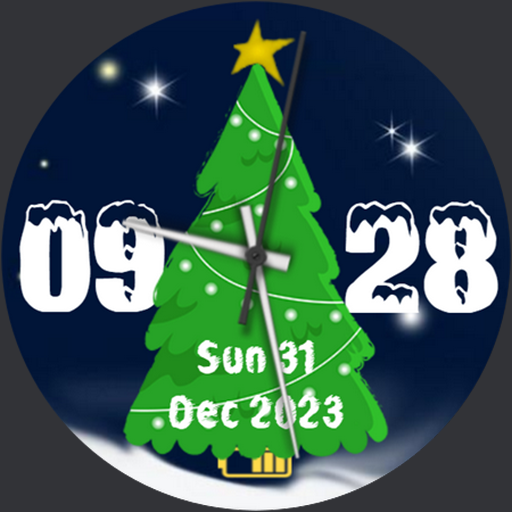
Christmas Watchface AKM WearOS
Paid
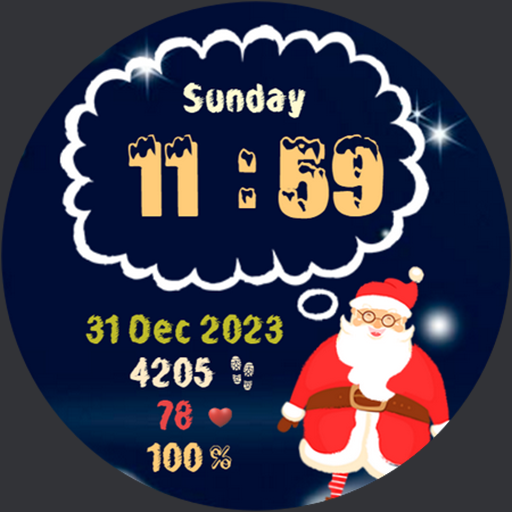
NewYear Watchface AKM Wear OS
Paid
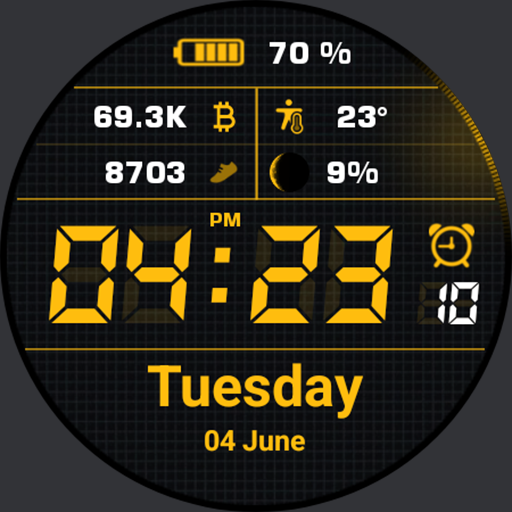
Simple Watch AKM Wear OS
Paid

Quick Watch AKM Wear OS
Paid
Similar Apps

ACRO ACT G Watchface
Free

Key048 Digital Watch Face
Paid

KZY122
Free
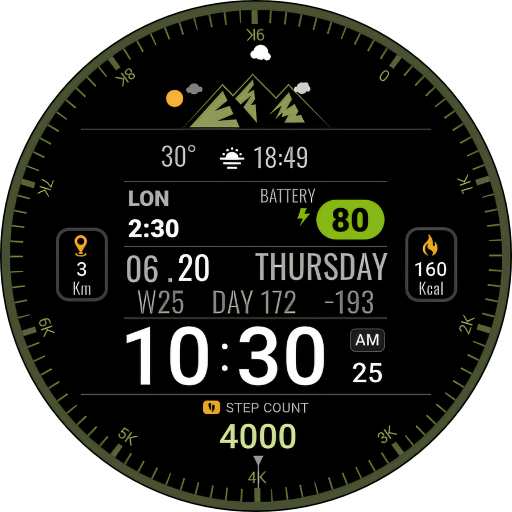
Digital SMO104
Paid

TVV Simple Digital Watch Face
Paid

TACT Q: Watch face
Paid
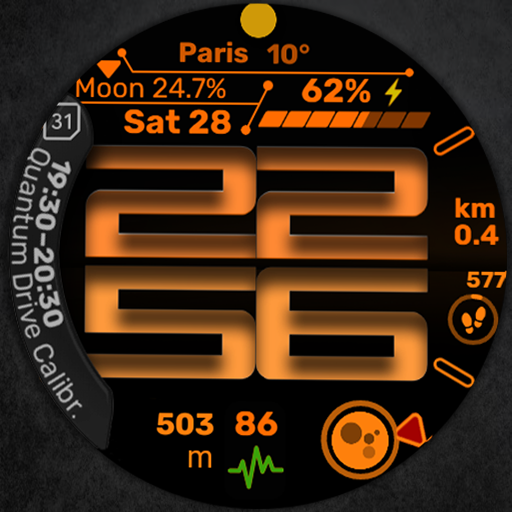
Digital Watch Face cue127
Paid

Iris14
Free
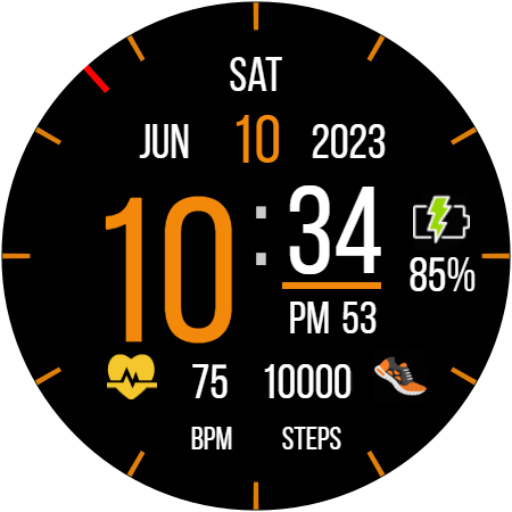
Iris22 Digital Watch Face
Free
Key096 Classic Watch Face
Free

HMKWatch Digital 043
Paid

Aero Core Watch Face
Paid

HMKWatch Digital 189
Paid

HMKWatch Digital 071
Free

Electronic Time Watch Face
Free

HMKWatch Digital 282
Paid
Scan this QR code to download

Forwarding you to the page at Google Play market in seconds...
Open Google Play market now