
Stop Motion Studio v25.08.8578
Cateater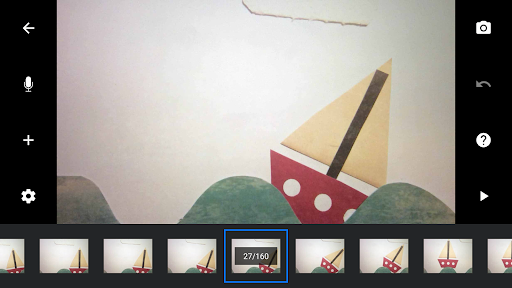
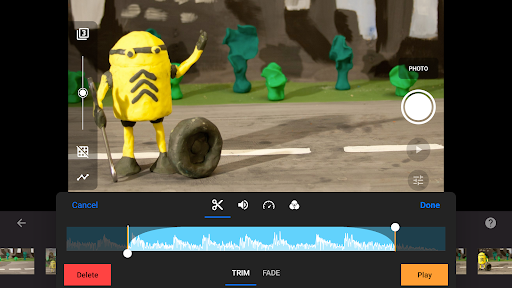
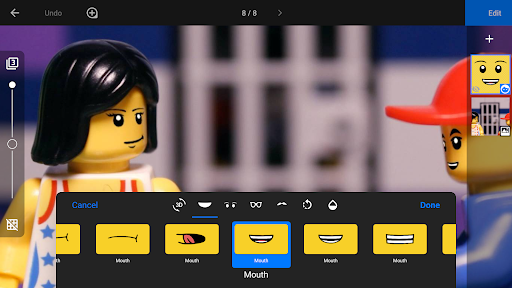
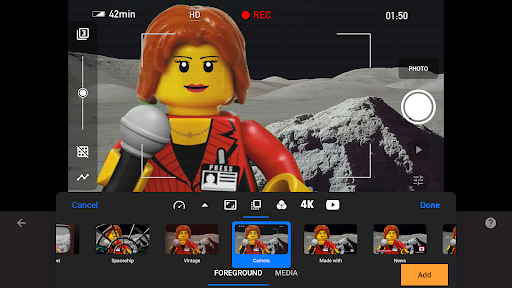
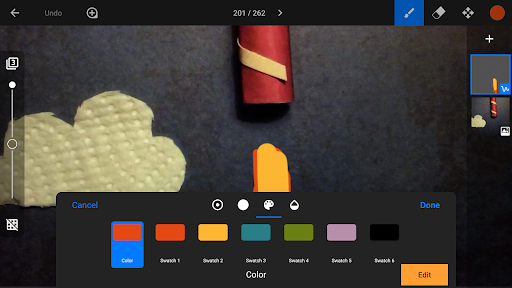
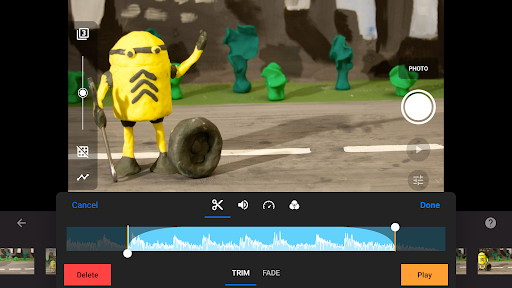
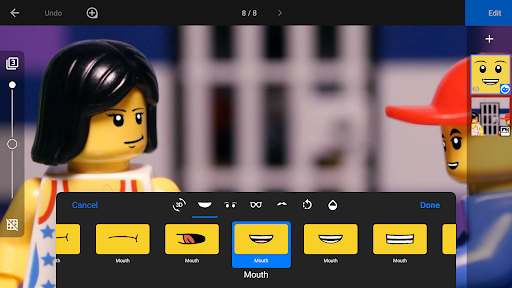
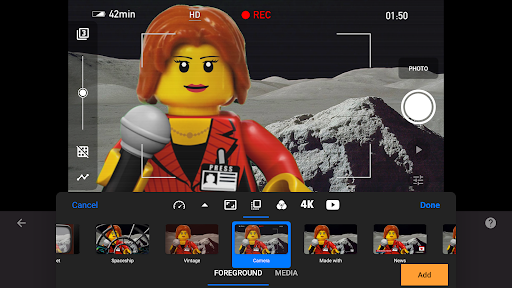
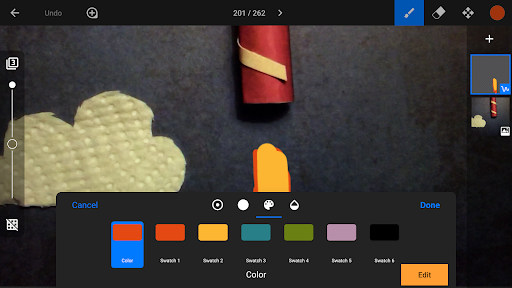
About this app
Developer Description
A unique animation app. Powerful, easy to use, and lots of fun.
With its easy-to-use interface, Stop Motion Studio lets you create beautiful movies like Wallace and Gromit or those groovy Lego shorts on YouTube. It's simple to use, deceptively powerful, and insanely fun to play with.
Stop Motion Studio is a powerful, full-featured movie editor with a whole host of features:
• A simplistic, easy-to-use interface
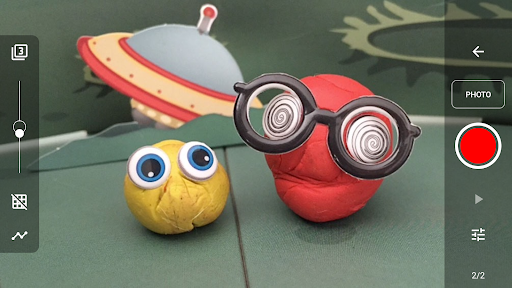
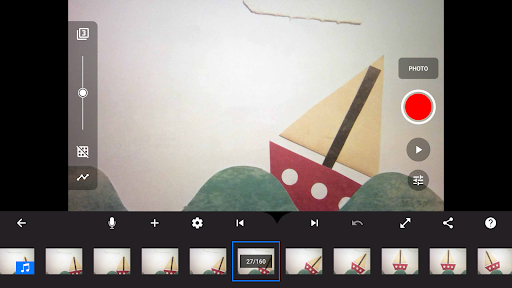
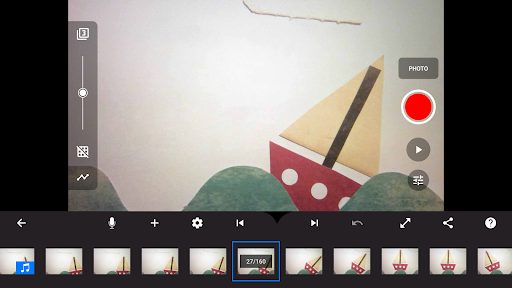
• Overlay mode showing the differences between frames
• Animation guides to position animated objects more easily
• Copy, paste, cut, and insert frames at any position
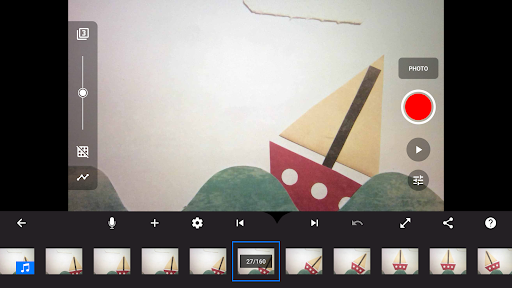
• Interactive timeline so you never get lost, even if you have hundreds of frames
Create beautiful movies:
• Choose from a whole lot of unique titles, credits, and text cards, or create your very own with the built-in editor
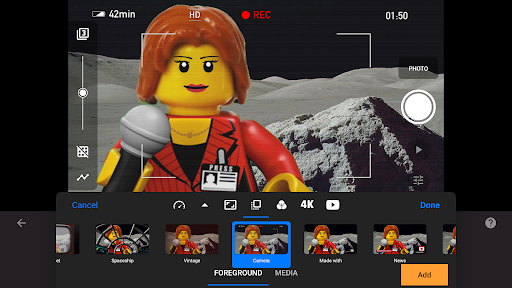
• Give your movie the perfect look with different video filters
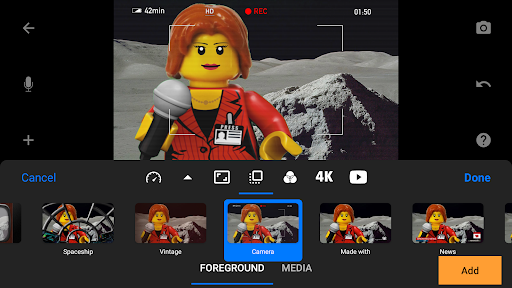
• Enhance your movie with different foregrounds, backgrounds, aspect ratios, and fade effects
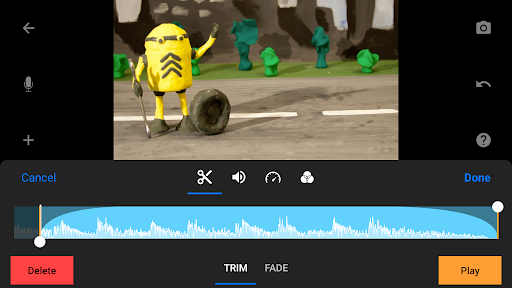
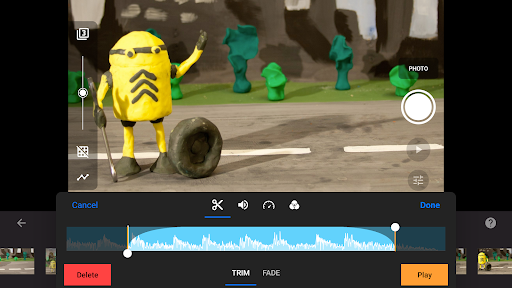
• Create a soundtrack using built-in music, sound effects, songs from your music library, or your narration
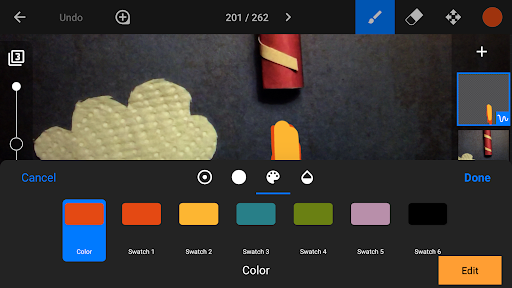
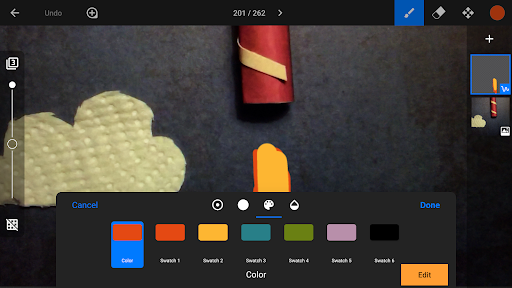
• Rotoscoping: Import video clips and create stunning animations by drawing over them.
• Green Screen: Change the background of your scene to make the figures you capture fly or appear anywhere you can imagine.
• Animation Guides: Use the animation guides editor to add gridlines, draw a marker or set up a movement path.
• Import Media: Import photos from your photo library into your movie.
• Connect a keyboard and use simple shortcuts to edit movies quickly
Capture like a pro:
• Capture with an adjustable time interval feature
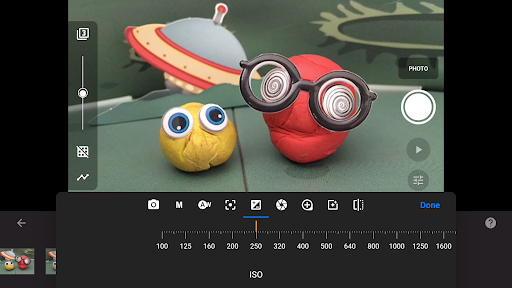
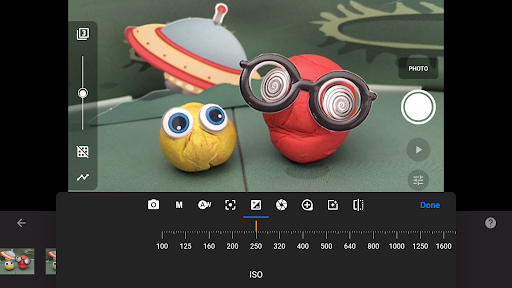
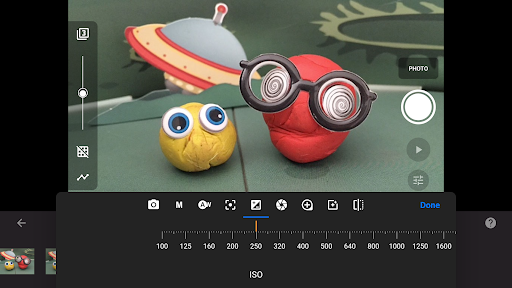
• Full camera control with automatic or manual white balance, focus and exposure, ISO, and shutter speed
• Use a second device as a remote camera
Powerful, built-in layer-based image editor:
• Add text and speech bubbles or create titles
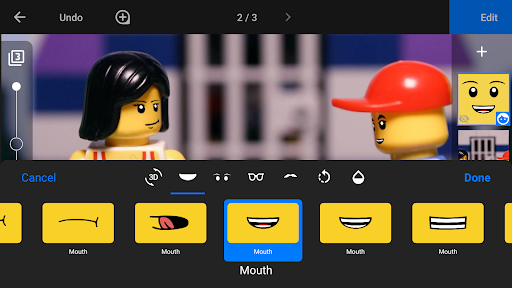
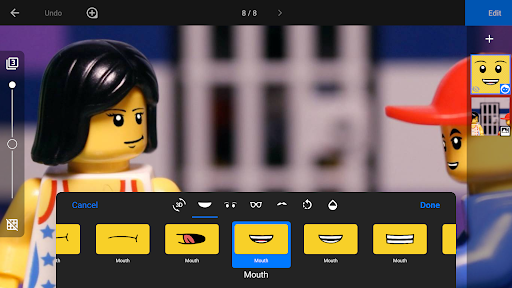
• Add facial expressions to figures
• Touch up and enhance images, sketch, and paint
• Wipe away unwanted objects with the eraser tool
• Merge frames to simulate fast movement
Share with friends and family:
• Save to your photo library or share to YouTube in 4K or 1080p
• Save as animated GIF
• Save all images for further processing
• Easily transfer projects between devices using Dropbox or Google Drive
• Start creating on your mobile device and continue right where you left off on your desktop computer
Learn to animate:
• Watch the included tutorial videos
• Read the comprehensive manual
• Use the animation tips and tricks provided
* Some features require in-app purchases. All features are included in the Pro version.
What's New
In-app purchases
$5.99 per item
Version Information
- Version
- 25.08.8578
- Downloads
- 10M+
- Updated on
- Dec 30, 2025
- Released
- Mar 9, 2015
- Requires
- Android 7.0
Statistics
Google Play Rating History
Rating Distribution
Downloads Over Time
Stop Motion Studio has been downloaded times. Over the past 30 days, it averaged downloads per day.
Shaded area shows 30-day prediction based on historical trends
Historical data collection started recently. More data points will be available over time.
Stop Motion Studio - Google Play Rankings
Top Rankings
| Rank | Country | Category | List | Change |
|---|---|---|---|---|
| — |
Ranking History in
No ranking data available yet. Rankings are updated daily.
#88 in Top Free Photography in United States


#33 in Top Free Photography in Russia


#38 in Top Free Photography in United Kingdom


#40 in Top Free Photography in Netherlands


Stop Motion Studio users say on Google Play
 Chiara Tenuzzo
very nice app for bigginers the cool thing about this app is you can animate whatever you want like humans,lego,pupets exetra i recommend this app to people who like animating.what i realy like about this app is it has a premium version and that's what I have and it has way more effects
 kumari nisha
Some Basic tools is paid but it is good app for beginners it is easy and simple to use
 Mark H
Great app but unfortunately 2 features make it almost unusable for me. First and most important, DO NOT buy this for a Pixel phone. The fact Google force the bottom menu bar (the Triangle, circle, square) to be visible at all times means that when you want to edit individual frames, that button in inaccessible because it is covered by the phone menu. Second, if you want to shoot in portrait it is useless. And you can't convert from landscape to portrait. Other than that, it's great.
 Chuck Ng
This is a really good app. I enjoy using it for making Lego animations . But why is the timer not free anymore? I really need to use it for some parts of my Lego animations. So please make the timer free. That's the only problem I have with app. If the timer was right now, I would give this app 5 stars ⭐⭐⭐⭐⭐. Are you gonna listen to me or what?
 Luke Woods
won't allow to upload images for free. have to pay 😑. silly thing for such a basic feature. thought this app would be useful and easy to use. Do not Get
ApkTrusted Ratings & Reviews
More from Cateater
See more apps

Similar Apps

ScratchJr
Free
GoNoodle - Kids Videos
Free

VLC for Android
Free

Kahoot! Play & Create Quizzes
Free

Secure Camera
Free

PictoBlox - Block Coding & AI
Free

Toon Goggles Cartoons for Kids
Free
Minecraft Education
Free
Synthesia
Free

DK Virtual Reality
Free
Kidoodle.TV: Movies, TV, Fun!
Free
Acropolis educational 3D scene
Free

Easy Draw Animals
Free

How Fennec Fox Built a Home
Free

Kidjo Games: Kids Play & Learn
Free

PlayKids Baby Learning Games
Free
Scan this QR code to download

Forwarding you to the page at Google Play market in seconds...
Open Google Play market now