
Stop Motion Studio Pro v25.08.8578
Cateater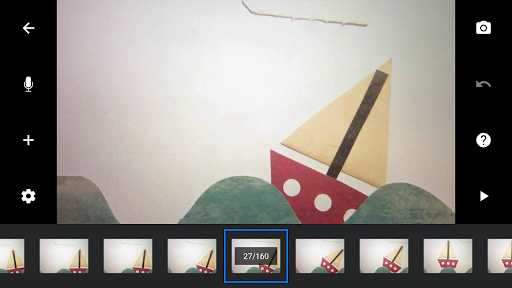


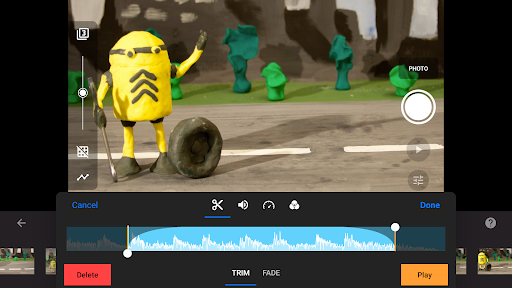
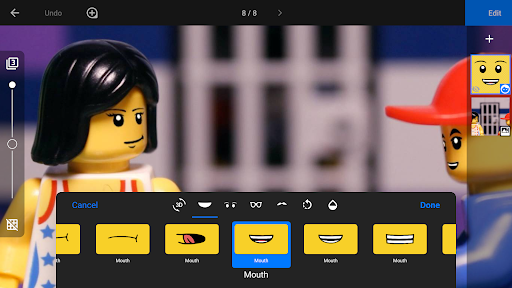
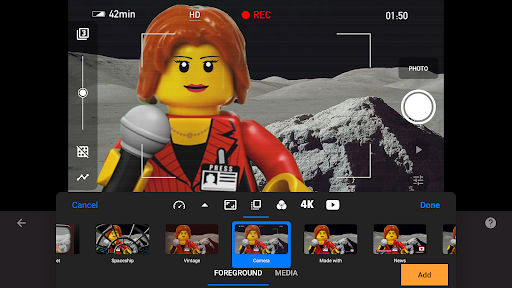
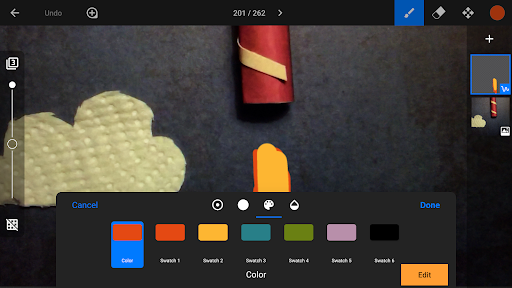
About this app
Developer Description
A unique animation app. Powerful, easy to use, and lots of fun.
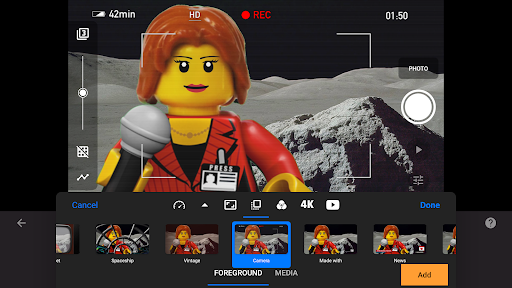
With its easy-to-use interface, Stop Motion Studio lets you create beautiful movies like Wallace and Gromit or those groovy Lego shorts on YouTube. It's simple to use, deceptively powerful, and insanely fun to play with.
Stop Motion Studio is a powerful, full-featured movie editor with a whole host of features:
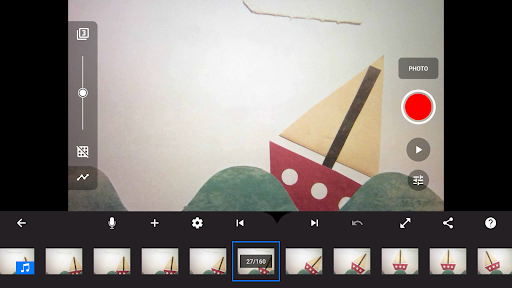
• A simplistic, easy-to-use interface
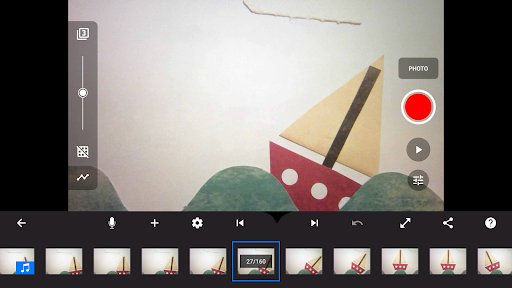
• Overlay mode showing the differences between frames
• Animation guides to position animated objects more easily
• Copy, paste, cut, and insert frames at any position
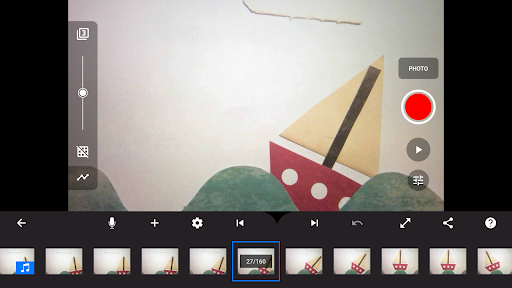
• Interactive timeline so you never get lost, even if you have hundreds of frames
Create beautiful movies:
• Choose from a whole lot of unique titles, credits, and text cards, or create your very own with the built-in editor
• Give your movie the perfect look with different video filters
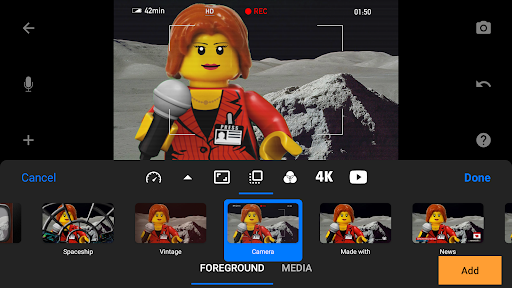
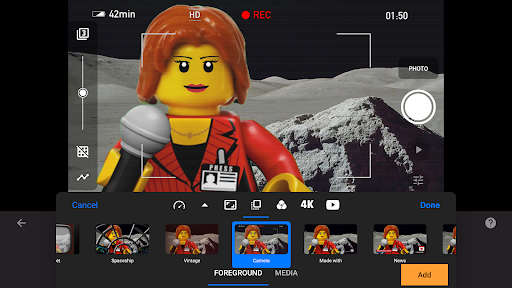
• Enhance your movie with different foregrounds, backgrounds, aspect ratios, and fade effects
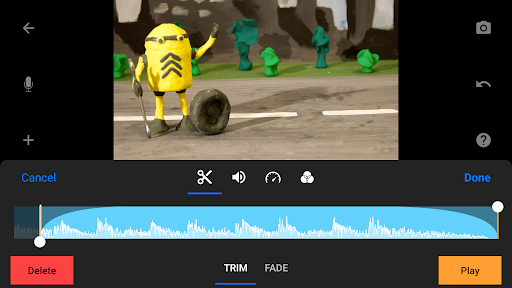
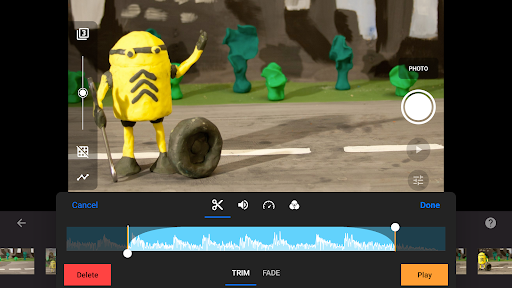
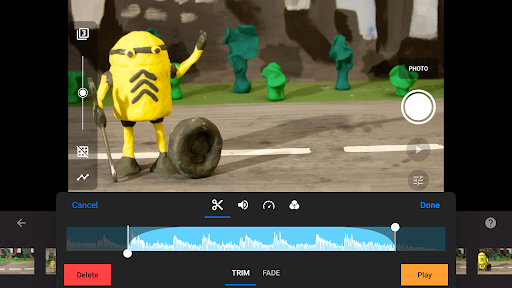
• Create a soundtrack using built-in music, sound effects, songs from your music library, or your narration
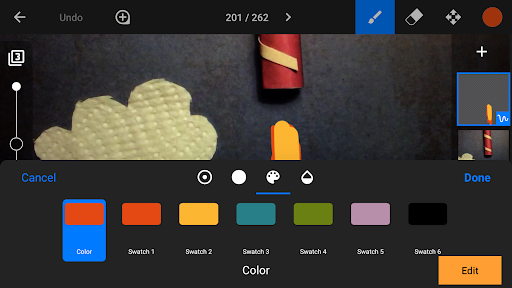
• Rotoscoping: Import video clips and create stunning animations by drawing over them.
• Green Screen: Change the background of your scene to make the figures you capture fly or appear anywhere you can imagine.
• Animation Guides: Use the animation guides editor to add gridlines, draw a marker or set up a movement path.
• Import Media: Import photos from your photo library into your movie.
• Connect a keyboard and use simple shortcuts to edit movies quickly
Capture like a pro:
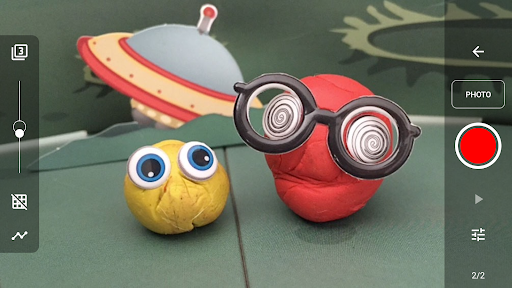
• Capture with an adjustable time interval feature
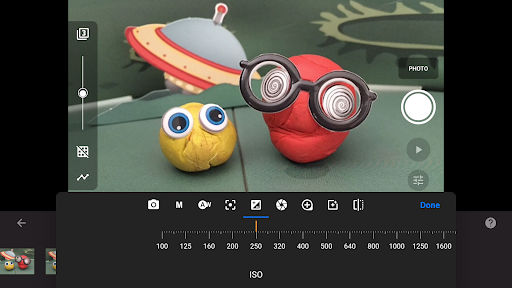
• Full camera control with automatic or manual white balance, focus and exposure, ISO, and shutter speed
• Use a second device as a remote camera
Powerful, built-in layer-based image editor:
• Add text and speech bubbles or create titles
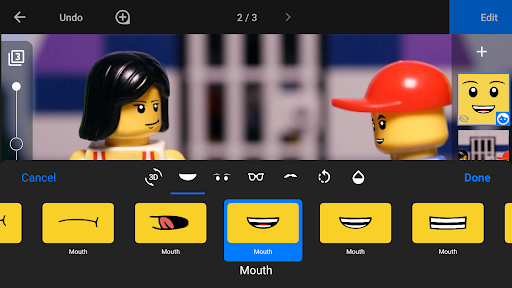
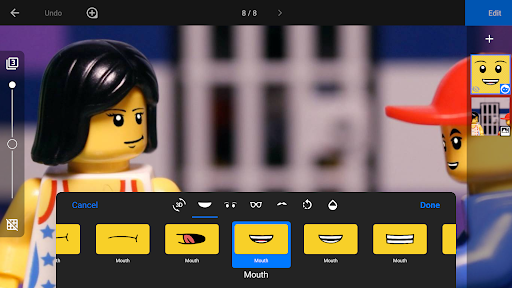
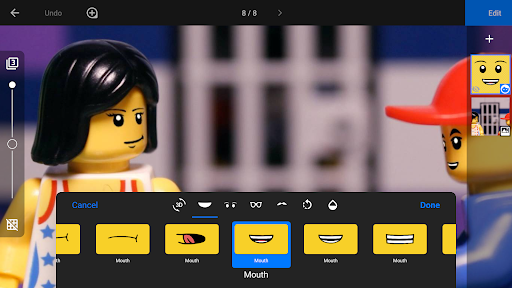
• Add facial expressions to figures
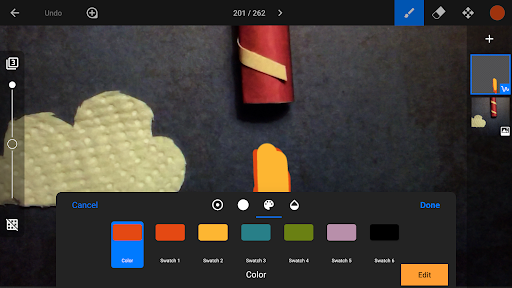
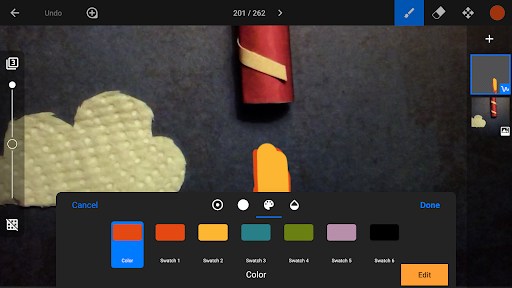
• Touch up and enhance images, sketch, and paint
• Wipe away unwanted objects with the eraser tool
• Merge frames to simulate fast movement
Share with friends and family:
• Save to your photo library or share to YouTube in 4K or 1080p
• Save as animated GIF
• Save all images for further processing
• Easily transfer projects between devices using Dropbox or Google Drive
• Start creating on your mobile device and continue right where you left off on your desktop computer
Learn to animate:
• Watch the included tutorial videos
• Read the comprehensive manual
• Use the animation tips and tricks provided
* All features are included in the Pro version.
What's New
Version Information
- Version
- 25.08.8578
- Downloads
- 100K+
- Updated on
- Dec 30, 2025
- Released
- May 18, 2015
- Requires
- Android 7.0
Statistics
Google Play Rating History
Rating Distribution
Downloads Over Time
Stop Motion Studio Pro has been downloaded times. Over the past 30 days, it averaged downloads per day.
Shaded area shows 30-day prediction based on historical trends
Historical data collection started recently. More data points will be available over time.
Stop Motion Studio Pro - Google Play Rankings
Top Rankings
| Rank | Country | Category | List | Change |
|---|---|---|---|---|
| — |
Ranking History in
No ranking data available yet. Rankings are updated daily.
#4 in Top Paid Photography in United States

#2 in Top Paid Photography in Spain

#3 in Top Paid Photography in Australia
#4 in Top Paid Photography in France


Stop Motion Studio Pro users say on Google Play
 Caden Gentry
this app is incredible, there's no doubt about it, and let me just say, the $5.99 was worth it, because this app makes it so easy to make stop motions, when I went into the app, I I thought it was going to be so hard to understand, but when I made my first stop motion, it was extremely easy!! This app is incredible, if you are a stop motion person I 100% recommend this app. I also love how there is tutorials on it! they are so helpful! I have really enjoyed this app.
 Jim Burrows
I do not understand, at all, the background feature when editing a photo -- select photo, edit, the plus sign, then background. All it does is make my photo a solid color. Sure, I can make it see through by lowering the bar on the left, but what exactly is the purpose of that? Also, it would be amazing if there was a way to turn off the tutorials that keep coming up every once in a while when I select one of my video files. It is not helpful, it's annoying and gets in the way.
 Maddy Woodhouse
BIGGEST ISSUE: When I add a custom sound effect, it almost always sends it a few frames back for some reason. This is so annoying and wastes so much time. This has been occurring for ages now. Please fix this. STOP RANDOMLY DELETING SOUND EFFECTS I RECORD! An option to rename sound effects in menus would be much appreciated as it can take forever to find a previously recorded sound effect. Where did green screen mode go??
 Slaviko
been using this app for 3 years on different devices. work flawlessly no issue . this latest update 100% screw over the app. no idea why but the device keeps crashing/disconnecting and 100% refuses to focus. its. like its on an extreme edge mode. I could have the perfect lighting for a scene yet no matter what i do it will not focus and when it does eventually its either too dark or too bright. like mentioned before I know how to use the app but untill you guys fix this....2 stars.
 Kirsten McCarty
literally can't even open it. can't open a single one of their apps. just immediately crashes.
ApkTrusted Ratings & Reviews
More from Cateater
See more apps

Similar Apps

DK Virtual Reality
Free

Easy Draw Animals
Free

Secure Camera
Free

GoNoodle - Kids Videos
Free

Magic Mitten
Free

Pictionary Air
Free

MusiQuest ECE: Sketch-a-Song
Free

Oznoz Video
Free

Hey, I have a mouth!
Free

Zibble : The Kids Browser
Paid

Zendora: Hybrid Learning App
Free

Earz Solo - Game to the Music
Free

Read notes & drum notation
Free

CDC HEADS UP Rocket Blades
Free

Prodigies
Free

Hopster: ABC Games for Kids
Free
Scan this QR code to download

Forwarding you to the page at Google Play market in seconds...
Open Google Play market now