
Chinese Keyboard - Pinyin v17.0.4
Desh Global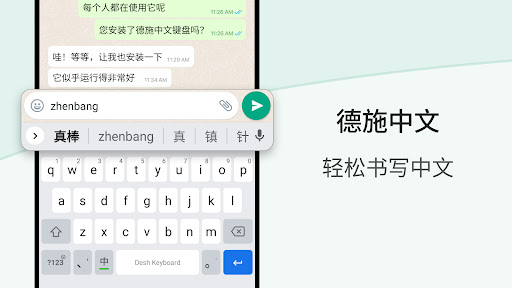



About this app
Developer Description
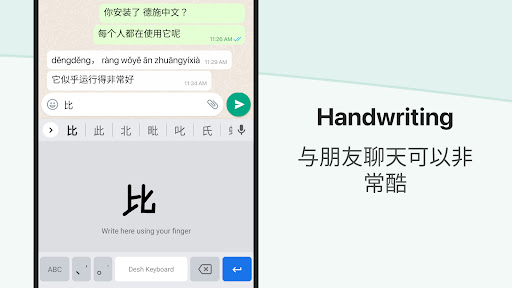
Type faster in Simplified Chinese. Browse stickers, emojis & GIFs!
- English to Chinese typing: write phonetically in English to get Chinese
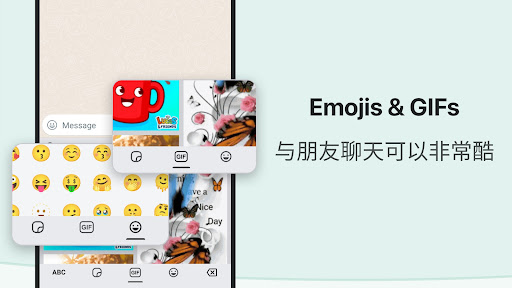
- Browse stickers from your phone and send them directly inside messaging apps
- Works inside all apps - a Chinese typing keyboard app for social media and messaging apps
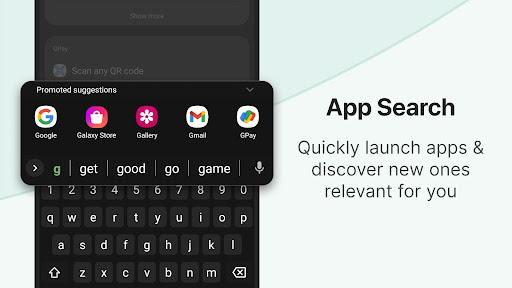
- Easily search and open apps installed on your phone and discover new apps relevant to you with our App Search feature.
Installation and set up is easy.
- Open the app to enable and choose the keyboard. A standard warning may be shown when you enable any downloaded keyboard app
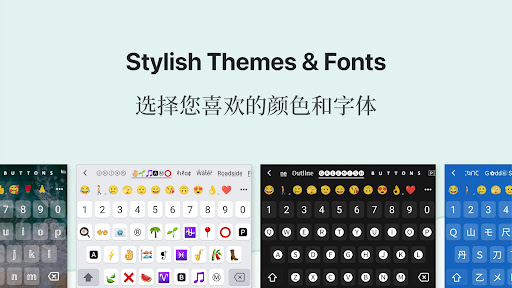
- Choose a keyboard theme or create your own photo to the keyboard
- You can now type Chinese everywhere!
- To change the keyboard, press and hold the Space key
Amazing features. Simple and easy.
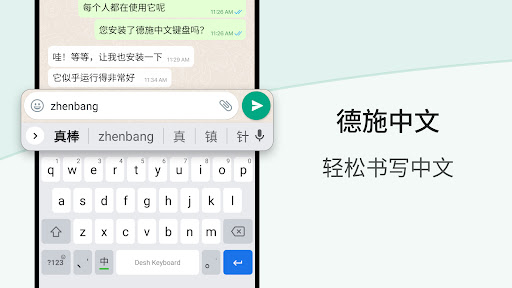
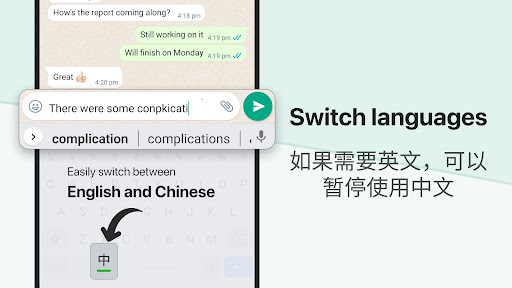
- Type in Chinese faster: start typing in English and choose Chinese word suggestions for what you're typing. This is the easiest method for English to Chinese typing
- Browse stickers: Choose and send any sticker on your phone inside messaging apps. Storage permission is required to enable this feature.
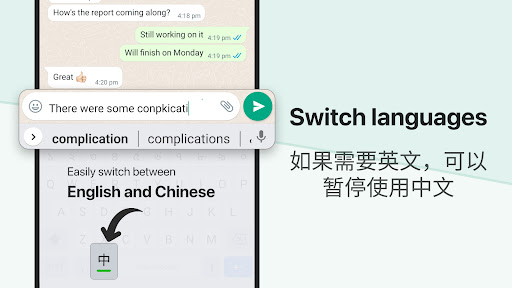
- Use the language button to switch between English and Chinese. English words suggestions are also available.
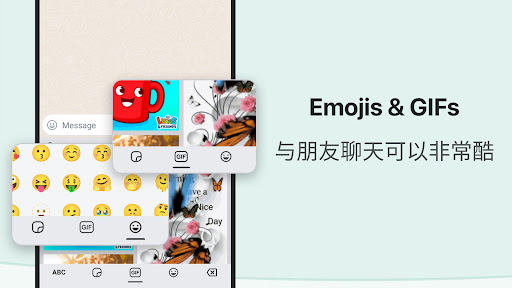
- An emoji bar is included to select emojis faster. Click on the emojis button to view all emojis. Press and hold emojis to change skin tones.
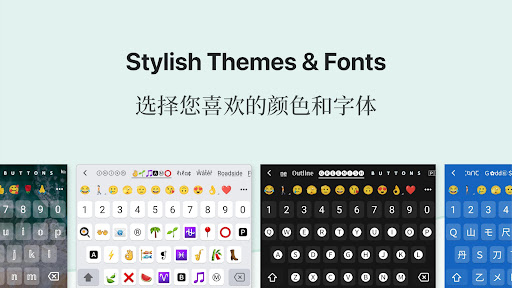
- The keyboard theme can be changed from settings. You can also create your own photo theme.
- No more typing with slow manual keyboards - choose this Android Chinese Transliteration Keyboard that is free, fast, effortless and easy to use.
Love it? Choose Premium.
- Suggest new features and help make the app better
- Get a fully ad free experience
Safe & secure. We respect your privacy.
- No personal information or credit card details are collected. A standard warning is shown by Android for all keyboards that you download.
- Anonymous statistics may be collected to improve your experience.
Share your suggestions by emailing us at apps@clusterdev.com
Please leave great feedback - it helps us keep going!
What's New
- Save stickers to your favorites 📌
In-app purchases
$1.49 per item
Version Information
- Version
- 17.0.4
- Downloads
- 1M+
- Updated on
- Dec 23, 2025
- Released
- Dec 31, 2017
- Requires
- Android 5.0
Statistics
Google Play Rating History
Rating Distribution
Downloads Over Time
Chinese Keyboard - Pinyin has been downloaded times. Over the past 30 days, it averaged downloads per day.
Shaded area shows 30-day prediction based on historical trends
Historical data collection started recently. More data points will be available over time.
Chinese Keyboard - Pinyin users say on Google Play
 patience endure love
if you write alot of mixed English & Chinese. This Keyboard is PERFECT!
 Munotidaishe Takaruva
its really good i just don't like that you can't use it offline the Chinese function i mean😅
 Madai Mendoza
I love it but the translator is baddddd, aometimes is accurate, only sometimes. besides that if you already know Chinese its great
 Movie Sync
give the 9 key layout for chinese and ill download otherwise begone!
 David Yau
不好用
ApkTrusted Ratings & Reviews
More from Desh Global
See more apps









Similar Apps

Pleco Chinese Dictionary
Free

HSK2 Learn Chinese Chinesimple
Free

Greater Chinese
Free

ChineseSkill - Learn Chinese
Free

Immersive Chinese
Free

Chinese Guru
Free

Laoshi - Learn Chinese
Free

Todaii: Easy Chinese
Free

Ling Learn Mongolian Language
Free

Learn Japanese Speak Language
Free

Arabic Unlocked Learn Arabic
Free

Gaminik: Auto Screen Translate
Free

HSK1 Learn Chinese Chinesimple
Free

Cantonese Guru
Free
Naver SmartBoard - Keyboard
Free

VoiceTra(Voice Translator)
Free
Scan this QR code to download

Forwarding you to the page at Google Play market in seconds...
Open Google Play market now