
OGG MP3 AAC Audio Converter v4.8
Clogica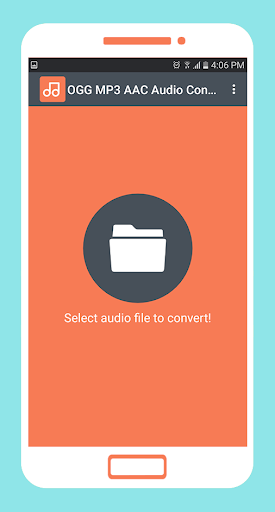

About this app
Developer Description
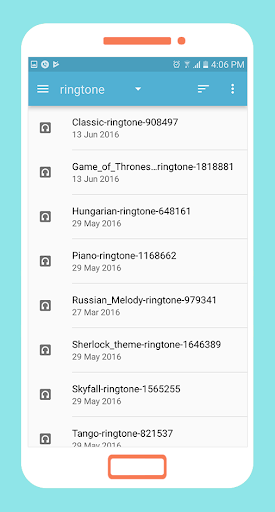
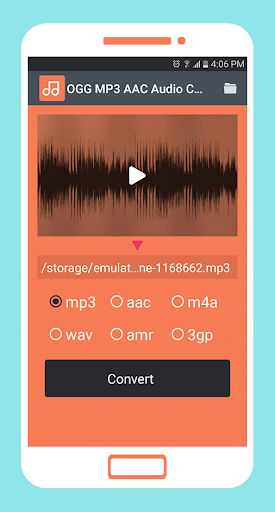
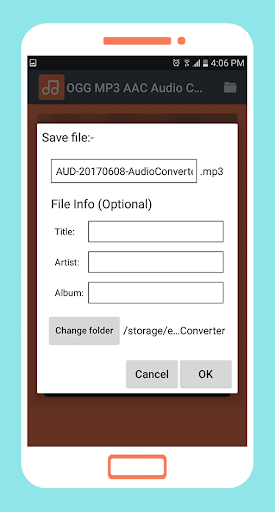
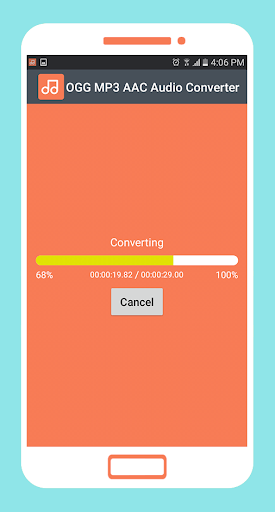
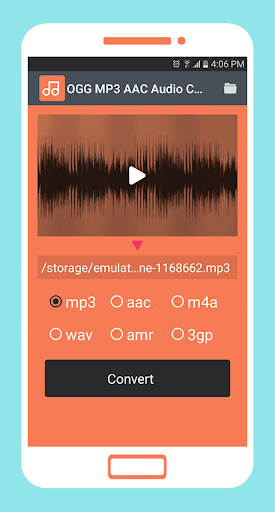
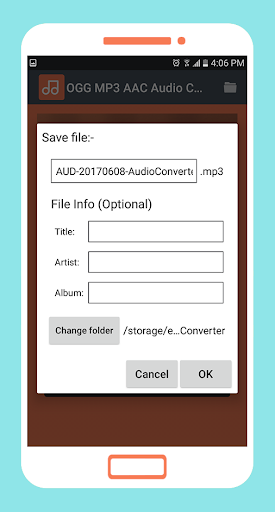
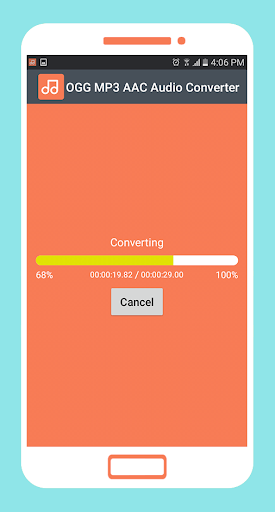
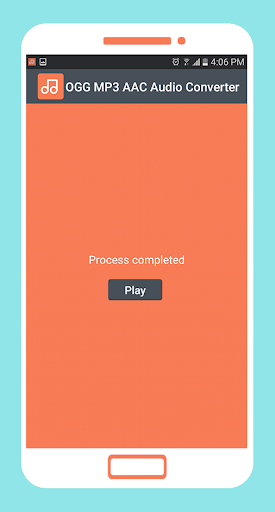
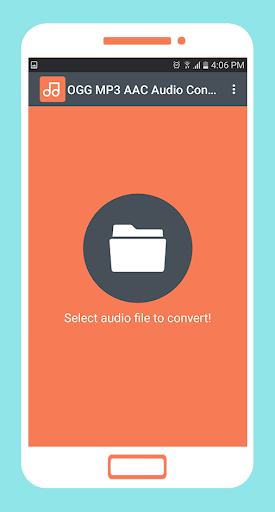
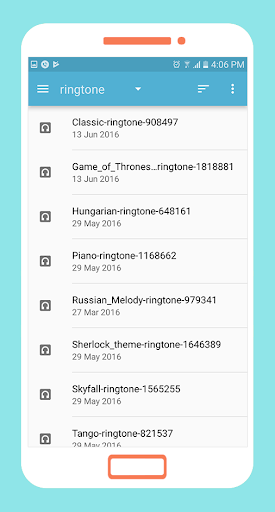
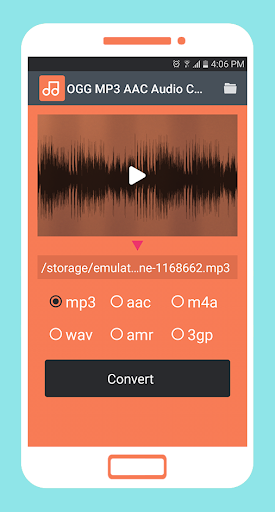
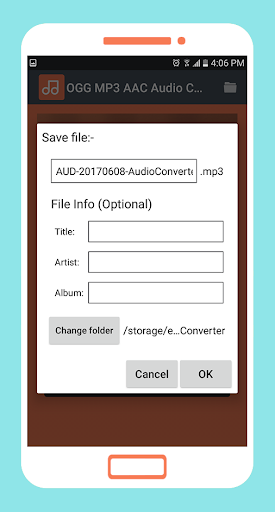
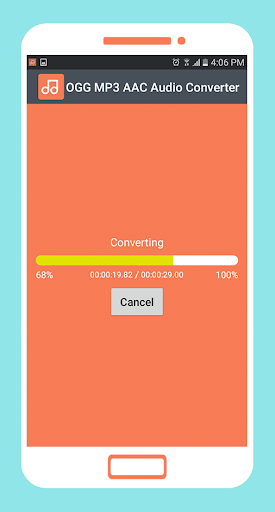
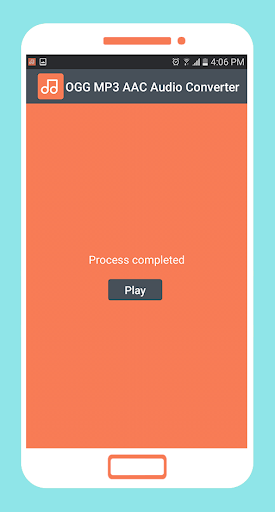
OGG MP3 AAC Audio Converter is a smart tool convert most popular audio formats
App features:
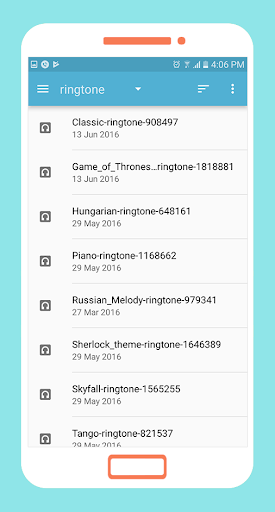
- Supports most popular audio formats like OGG, MP3, AAC, m4a, 3gp, wav, amr.
- Fast, simple and easy to use.
- Free to download for everyone.
Uses FFmpeg under permission of LGPL.
- based on the leading multimedia framework FFmpeg.
What's New
In-app purchases
$1.99 per item
Version Information
- Version
- 4.8
- Downloads
- 500K+
- Updated on
- Oct 29, 2025
- Released
- Jun 8, 2017
- Requires
- Android 7.0
Statistics
Google Play Rating History
Rating Distribution
Downloads Over Time
OGG MP3 AAC Audio Converter has been downloaded times. Over the past 30 days, it averaged downloads per day.
Shaded area shows 30-day prediction based on historical trends
Historical data collection started recently. More data points will be available over time.
OGG MP3 AAC Audio Converter users say on Google Play
 doc7string
I tried to send a sound file to a friend with an i phone, and she couldnt open it. Turns out it was an ogg file which my Note 10 will open but her iphone 11 wont. I used this to convert the file in a ridiculously long 2 seconds (sarcasm) and viola, she could play it. Nothingbfancy, it just works. Thanks!
 Rajkumar Jadhav
This is one of the best audio converter apps I have tried. After using for a while I purchased it to avoid advertisements. But it still displays ads at the time of closing the application. I request developers to address the issue at the earliest. I would like to rate it 5 star subject to said issue gets resolved.
 Steve Z
It functions well, ads are expected but not intrusive, however batch select isn't available. Try "Audio Converter" which lets you batch convert 10 at a time.
 Yar Ilich
Ad takes half of the screen
 *'er *'er T'Floobius
Does the job to a small degree an only works properly for a few days or times until it starts being unable to reconvert files it has created and then it just keeps throwing up " invalid file path" or "not an audio file format", the program is too crude and buggy an does not integrate with any user installed file managers properly except being dependant on its useless builtin browser or the devices rubbish proprietory file manager, NEEDS LOTS OF WORK TO FIX THIS PROBLEM AND NOT REALY MUCH USE!!!
ApkTrusted Ratings & Reviews
More from Clogica
See more apps
LiteC Video MP3 Audio Extract
Free
Bluetooth App Sender APK Share
Free

Smart Video Compressor resizer
Free

Smart Video Rotate and Flip
Free
Smart Video Editor Trim Merge
Free
Replace Add Audio to Video
Free
VMER Video Merger Joiner
Free

MP3 Cutter and Audio Merger
Free

VEdit Video Cutter and Merger
Free
MP3 Music Amplifier & Booster
Free

Smart Video Crop - Video Cut
Free
To mp4 3gp webm Video Converte
Free

MP3 Audio Merger and Joiner
Free

Fast & Slow Motion Video Maker
Free

Simple Todo List - Task List m
Free

Smart Money Manager
Free
Similar Apps

Video downloader: Vid Play
Paid

Funny Ringtones - Ai Sound App
Paid

Smart Video Downloader
Paid
n-Track Studio Pro | DAW
Paid

PodBot - podcast player
Paid

Music Maker JAM: Beatmaker app
Free
Recorder AI:Voice&Meeting Note
Free
SoundHound ∞ - Music Discovery
Paid

Soundtrap: Music Making Studio
Free

Musixmatch: lyrics finder
Free

ChoirMate
Free

Flat: Music Score & Tab Editor
Free
unMix - AI Vocal Remover
Free
Music Audio Editor, MP3 Cutter
Free

Video Downloader Stream Saver
Paid

Set List Maker
Paid
Scan this QR code to download

Forwarding you to the page at Google Play market in seconds...
Open Google Play market now