
eWeLink Camera - Home Security v1.3.9
CoolKit Technology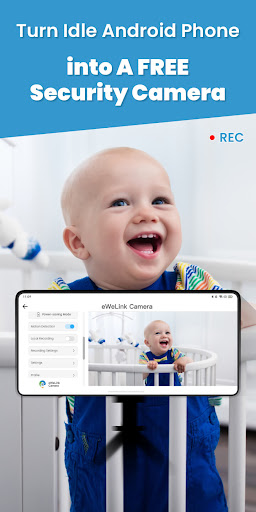


About this app
Developer Description
With an old, unused Android cellphone, you can have video surveillance anytime.
Key Features:
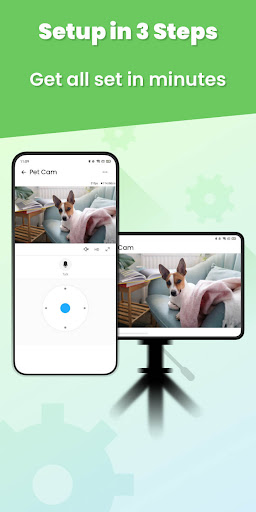
1. Easy to set up, No mount required. There are only 3 steps to set up. Follow the step-by-step instructions and get all set in minutes.
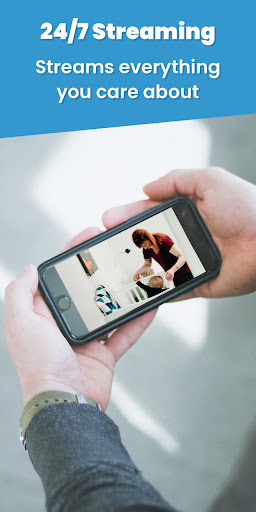
2. 24/7 Live Streaming. After setting up the camera phone, it streams everything you care about. Watch the live streaming whenever, and wherever you're. Worry-free even when you're out of home.
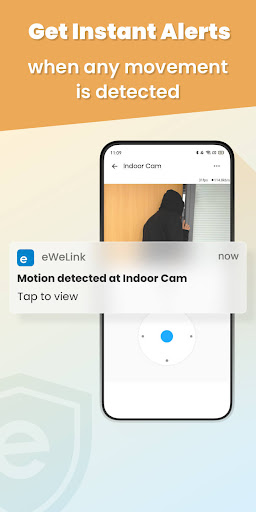
3. Security matters. Enable the Motion Detection to get an instant notification when there is any movement detected. The recorded clips can be saved to your phone albums. Review what has been captured at any time.
4. Multi-access to live feed. Watching the live feed on the linked phone is a common feature, but it's not always convenient. We offer three more accesses to the live feed, that is, view on Echo Show, Google Nest Hub, and eWeLink Web. Just pick the easier access to the live view.
5. Get remote interactions. With the 2-way talk feature, it is so easy to chat with your loved ones, watch your little baby when you're in the middle of something, or even yell at the un-expected visitors, faster than grab the phone call.
6. Check device status. This is an exclusive feature for eWeLink users. You can pin the camera to eWeLink support switches and check it before action.
Setup Guide:
Step 1: Prepare two phones; download and install eWeLink Camera App on the Android phone (use as the camera), and download and install eWeLink App on the other phone (Viewer)
Step 2: Create an eWeLink account if you don't have one
Step 3: Log in with the same eWeLink account
What's New
Version Information
- Version
- 1.3.9
- Downloads
- 100K+
- Updated on
- Sep 28, 2023
- Released
- Mar 8, 2019
- Requires
- Android 7.0
Statistics
Google Play Rating History
Rating Distribution
Downloads Over Time
eWeLink Camera - Home Security has been downloaded times. Over the past 30 days, it averaged downloads per day.
Shaded area shows 30-day prediction based on historical trends
Historical data collection started recently. More data points will be available over time.
eWeLink Camera - Home Security users say on Google Play
 A Google user
Good. Working as expected but one thing can be introduced by allowing us to select front or back camera.
 Jim Solinski
Latest December 2020 update does not work on old phones using Android 4. Latest require Android 7 minimum. Have to keep old version on Android 4 phones for it to continue working..
 Wim De Taeye
Works perfect on my old Samsung I9000 and Cubot X6. Only drawback: it has to run constantly in the foreground with the screen always activated, so it makes your phone getting hot, which is not recommendable. And it's a pity the fullscreen view is not available in eWeLink for these cameras.
 likie3
Great but somehow screen keep on. Should make screen off 😪
 Paul Oliver
The app needs the ability to remotely turn the phones LED flash on and off so you can see in the dark. You should make the app work with the screen turned off. They is no reason to keep it on. Should have the ability to get motion and sound alerts in the main eWeLink app and be able to use them in Automations. I have removed this app. Alfred Camera is free and works much better.
ApkTrusted Ratings & Reviews
More from CoolKit Technology
See more apps

Similar Apps















Scan this QR code to download

Forwarding you to the page at Google Play market in seconds...
Open Google Play market now