
PowerDirector - Video Editor v15.9.2
Cyberlink Corp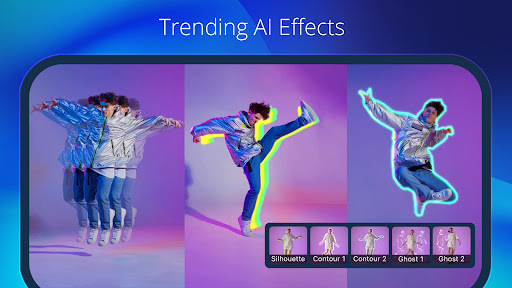
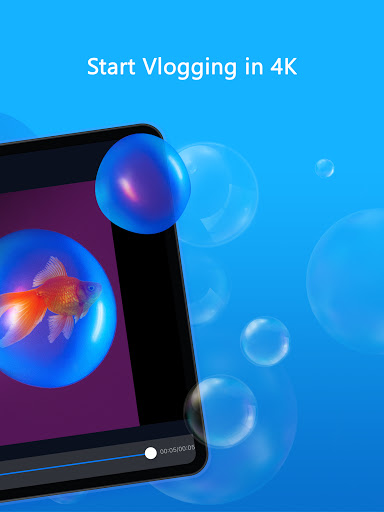
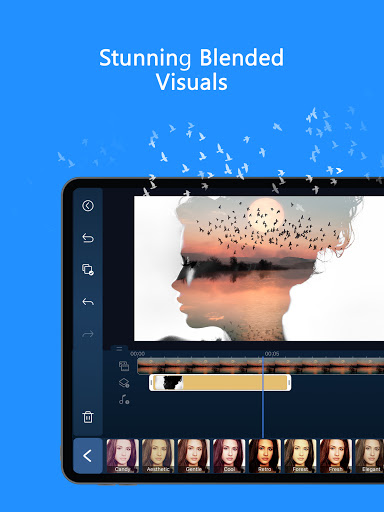
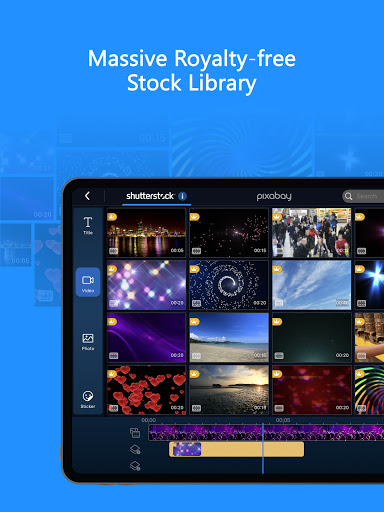
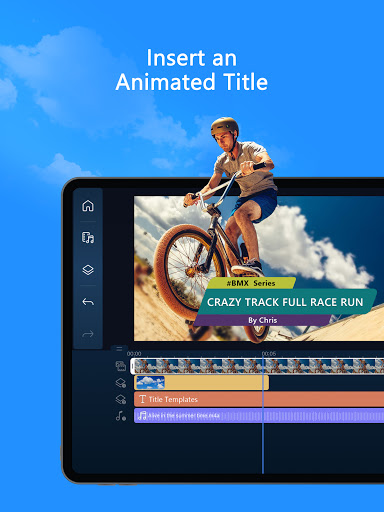
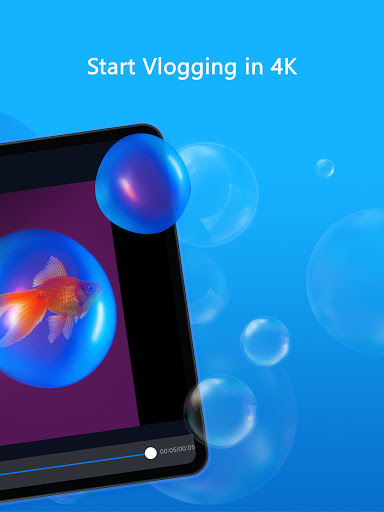
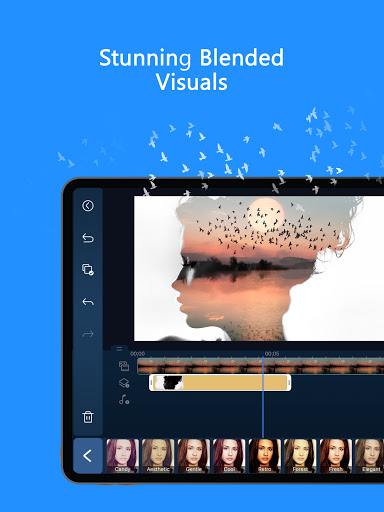
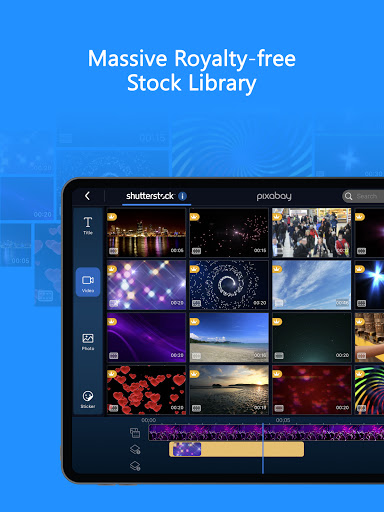
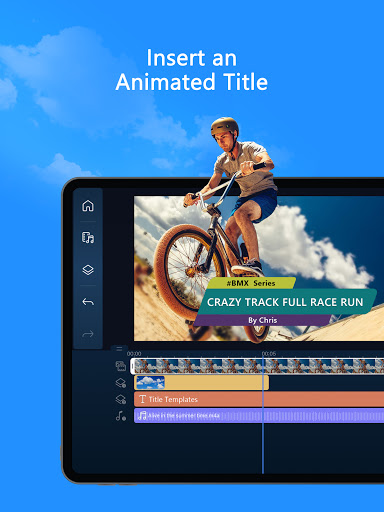
About this app
PowerDirector - Video Editor solves the problem of complex video editing by providing an intuitive and feature-rich interface, making it ideal for casual users and professionals alike. It benefits most those who need to create high-quality videos with advanced effects, such as vloggers, social media influencers, and small business owners. Compared to alternatives in the Video Players category, PowerDirector stands out with its AI-powered editing tools and green screen capabilities, although it falls short in terms of a steep learning curve for beginners. Its high download numbers and positive user ratings are a testament to its effectiveness.
Pros
- With over 100 million downloads and a 4.3-star rating, PowerDirector has demonstrated its ability to meet the needs of a large and diverse user base, providing a level of social proof that is hard to ignore.
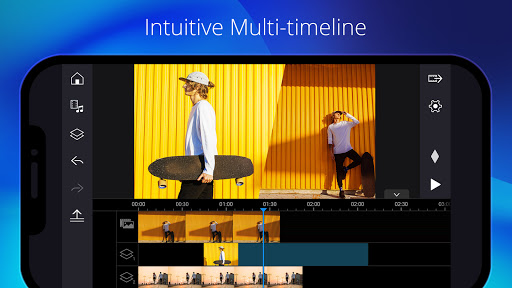
- The app's feature set is comprehensive, including AI effects, green screen, and multi-track editing, making it a one-stop shop for video editing needs.
- Cyberlink Corp, the developer, has a reputation for delivering high-quality software, and PowerDirector is no exception, with regular updates and a commitment to user support.
- The app's offline capability and accessibility features make it a great choice for users who need to edit videos on-the-go or with limited internet connectivity.
- PowerDirector's performance is optimized for a wide range of devices, ensuring a smooth editing experience even on lower-end hardware.
Cons
- One concern is the aggressiveness of the monetization model, with numerous in-app purchases and ads that may disrupt the user experience.
- Some users have reported issues with the app's stability and crashes, particularly when working with large or complex projects.
- The lack of transparency around data collection and usage is a concern, given the app's access to user-generated content and device information.
- The app's steep learning curve may be a barrier for beginners, who may find it difficult to navigate the complex interface and features.
Best for: The ideal user for PowerDirector is a tech-savvy individual, likely between the ages of 18 and 45, who needs to create high-quality videos for personal or professional use, such as vloggers, social media influencers, small business owners, or marketing professionals, and has a basic understanding of video editing concepts and terminology.
Developer Description
Movie maker & video editing app with AI effects and green screen
🤖 AI Editing Features
■ AI Auto Edit: Auto detects the best moments in your clips and turns them into polished videos with templates.
■ AI Image-to-Video: Templates for AI Dance, AI Kissing, and more!
■ AI Portrait: Filters for Ghibli, Disney style, and more!
■ AI Anime Video
■ AI Auto Caption
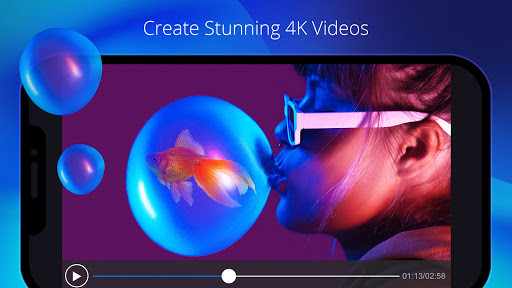
■ AI Video Enhancer
■ AI Voice Changer
■ AI Smart Cutout
■ AI Speech-to-Text
■ AI Speech Enhancement
■ AI Super Slow Motion
■ AI Background Removal
■ Body Effect with Body Tracking
--------------------------------------------------------------------
🪄 Easy Editing Tools for All Experience Levels
■ Trim, cut, splice and rotate
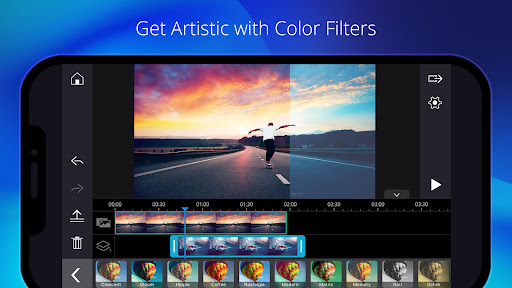
■ Choose from thousands of free templates, effects, and filters
■ Add music to photos or videos
■ Insert text or animated titles
■ Videos and photos collages
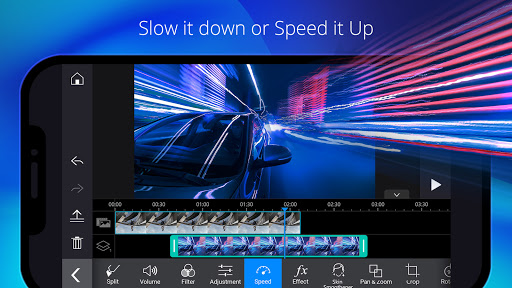
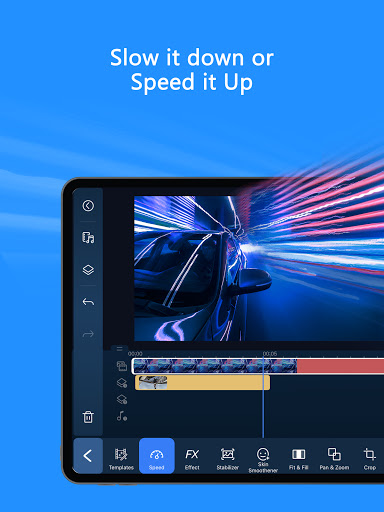
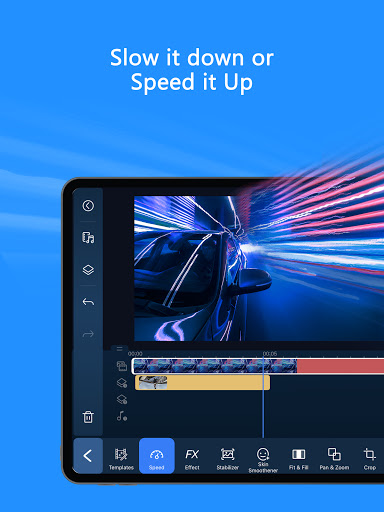
■ Adjust speed for fast or slow motion
■ Background Removal
■ Transitions and Effects
--------------------------------------------------------------------
🎬 Professional Video Editor for Content Creators
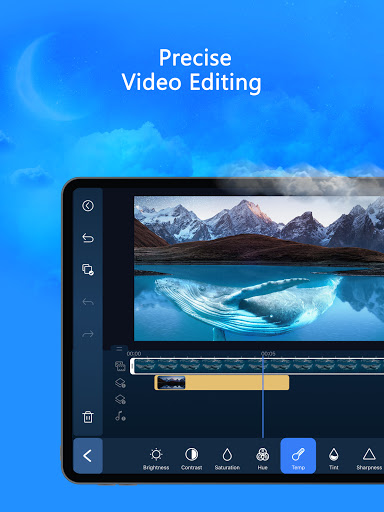
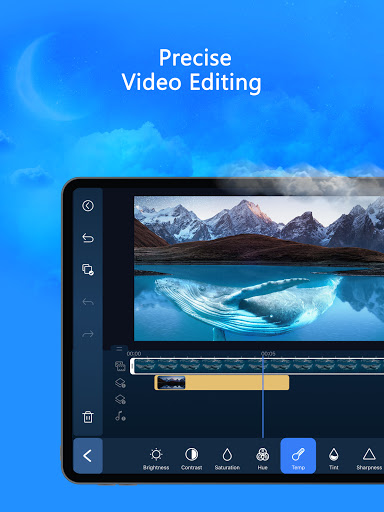
■ Fine-tune brightness, color, and saturation
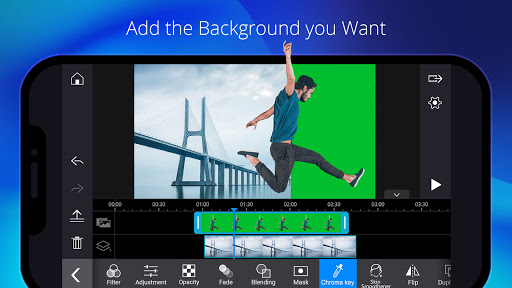
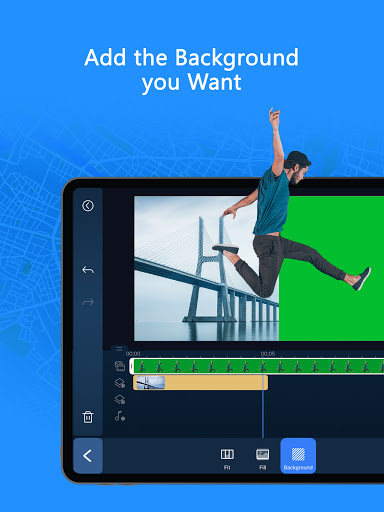
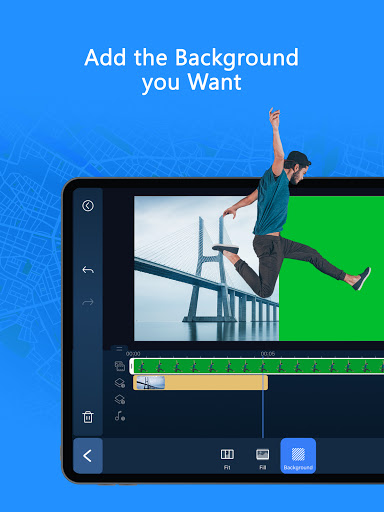
■ Green Screen editing
■ Video stabilizer
■ Record and add voiceovers
■ Video overlay: Create spectacular double exposure effects
■ Keyframe controls: Adjust the transparency, rotation, position and scale for picture in picture and masks
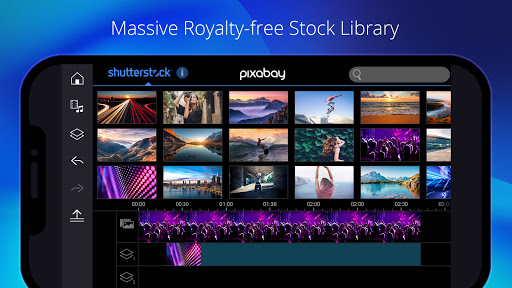
■ Built-in stock library and customizable templates: add photos, music, sound effects, video intros, and outros
*Supported devices only.
👑 PREMIUM Benefits
■ Exclusive premium content (filters, motion titles, transitions, effects and more…)
■ Stock media content, also available for commercial use (1.5k+music, photos, stickers, stock video footage, sounds)
■ Ad free and distraction free
■ Enjoy unlimited access to our massive, royalty-free stock library powered by Getty Images
Find inspiration on Instagram: @powerdirector_app
Have a problem? Talk to us: support.cyberlink.com
Hope you enjoy editing on one of the best video editors in the world!
Privacy
Given that PowerDirector requires no permissions, it is a relatively safe app to use, with minimal risk of data breaches or unauthorized access. However, users should still be cautious when sharing their edited videos online, as they may contain personal or sensitive information. To protect their privacy, users should review the app's terms and conditions, as well as the developer's data collection and usage policies.
Tips
To get the most out of PowerDirector, users should start by exploring the app's tutorials and guides, which provide a comprehensive introduction to its features and functionality. Additionally, users can optimize performance by closing other resource-intensive apps and clearing cache regularly. Finally, users can take advantage of the app's integration with other Cyberlink software, such as PhotoDirector, to create a seamless editing workflow.
What's New
• Motion Swap: Import a character photo and a reference clip — watch your character move exactly the way you want!
Start creating your unique video style today!
In-app purchases
$0.99 - $249.99 per item
Version Information
- Version
- 15.9.2
- Downloads
- 100M+
- Updated on
- Dec 23, 2025
- Released
- Jun 4, 2014
- Requires
- Android 9
Statistics
Google Play Rating History
Rating Distribution
Downloads Over Time
PowerDirector - Video Editor has been downloaded times. Over the past 30 days, it averaged downloads per day.
Shaded area shows 30-day prediction based on historical trends
Historical data collection started recently. More data points will be available over time.
PowerDirector - Video Editor - Google Play Rankings
Top Rankings
| Rank | Country | Category | List | Change |
|---|---|---|---|---|
| — |
Ranking History in
No ranking data available yet. Rankings are updated daily.
#5 in Top Grossing Video Players in United States

#36 in Top Free Video Players in United States


#4 in Top Grossing Video Players in Germany

#4 in Top Grossing Video Players in France
PowerDirector - Video Editor users say on Google Play
 Jaime AV
Very happy with the app. Tons of cool features like numerous transition effects. Allows you to play with the audio (volume, speed, pitch, effects, mixing). Allows multiple layers. Various styles and fonts for titles. Awesome stickers. Cool effects to enhance the video overall!!
 Mike Foley
Loving Power Director with that content creation on the go... Gotta have the power of mid level range editing capabilities in my palm. Yay-yuhhhh!
 Paulo Corceiro
It works but some features are really silly, for instance you can crop a video to 4:3 ratio but it's impossible to export it with that ratio - you have to do it with 1:1 and get a couple of black bars :-)
 TheNitroRaptor
Several times now, whenever I try to save a complete video onto my phone, the progression stops at 15%. Now, it is just stopping at 5% for no reason at all. An error message pops up saying it's encountered an error, and that I need to reboot my device or upgrade my phone, or that I need to make sure all media formats in my project are supported. Everything I ever put into projects is supported, and yet the same message keeps popping up saying an error has occurred and it will not go past 5%
 Vic Hugo
I have paid since I started this app. Somehow I must pay again???????? I got proof of payment wich will go of on the 12th, yet I need to subscribe again????
ApkTrusted Ratings & Reviews
More from Cyberlink Corp
See more apps



Similar Apps

LightCut -AI Auto Video Editor
Free

Filmora: AI Video Editor&Maker
Free
Splice - Video Editor & Maker
Free

Spring - Video Editor & Maker
Free

VivaVideo - Video Cut & Editor
Free

YouCut - Video Editor & Maker
Free

AI Video Maker AI Video Editor
Free

VLLO - Video Editor Vlog Edits
Free
KineMaster - Video Editor
Free

Add Music To Video & AI Editor
Free

Video Maker
Free

Node Video - Pro Video Editor
Free

AI Video Editor - VideoShow AI
Free

PixelFlow: Intro Video maker
Free

GoPro Quik: Video Editor
Free

BeatSync: Photo & Music Videos
Free
Scan this QR code to download

Forwarding you to the page at Google Play market in seconds...
Open Google Play market now