Digital Material You 2 v1.0.5
SOC Creations












About this app
Developer Description
Bring Material You to your Wear OS Watch.
1. Make sure you watch is connected to your phone via Bluetooth.
2. Install, download and open the companion app.
3. Go to the watch Play Store, and type the exact watch name(with correct spelling and spacing) and open listing. If price still appears, wait for 2-5 minutes or restart your watch face.
4. Please also try installing the watch face via Galaxy Wearable app(install it if not installed)> Watch Faces> Downloaded and apply it to watch.
5. You can also install this watch face by accessing the Google Play Store in the web browser in a PC or Laptop. Make sure you use the same account you made the purchase from to avoid double charge.
6. If PC/laptop not available, you can use the phone web browser. Head over to the Play Store app, then to the watch face. Click the 3 dots in the upper right hand corner then Share. Use the available browser, login to the account you made the purchase from and install it there.
About the watch face:
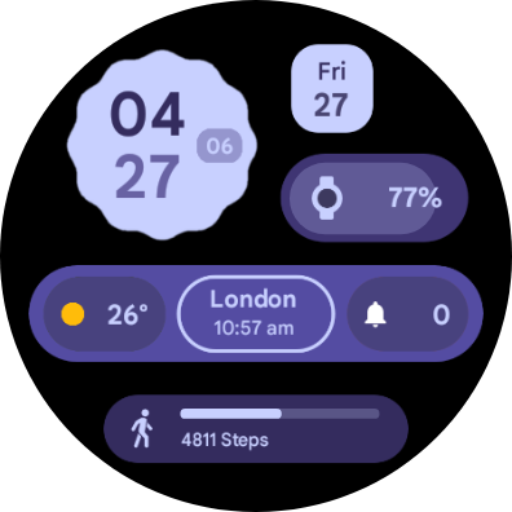
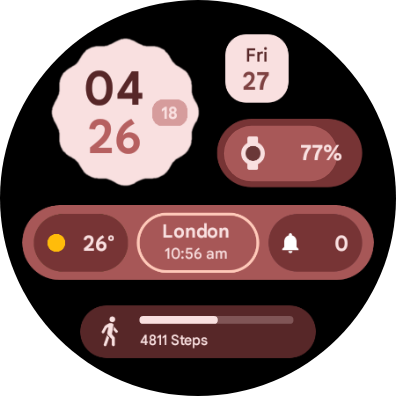
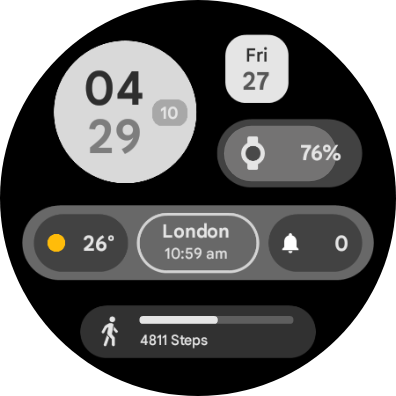
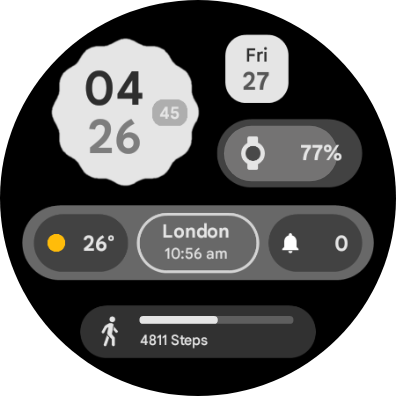
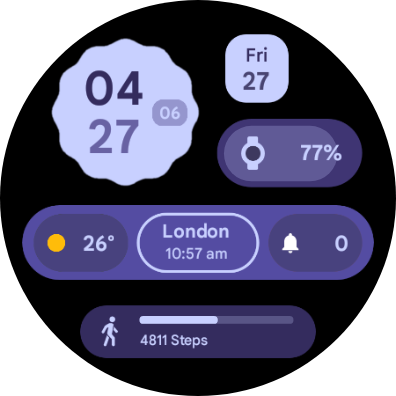
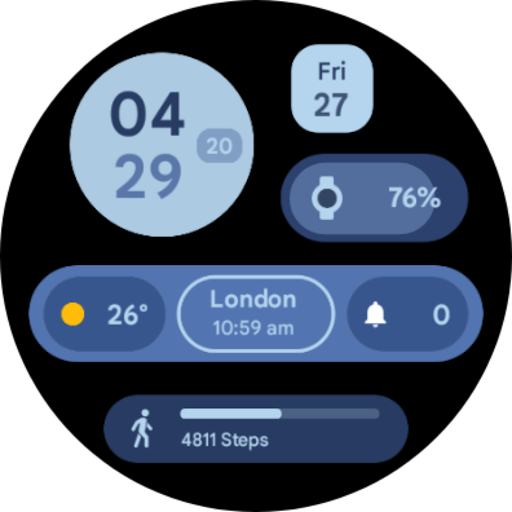
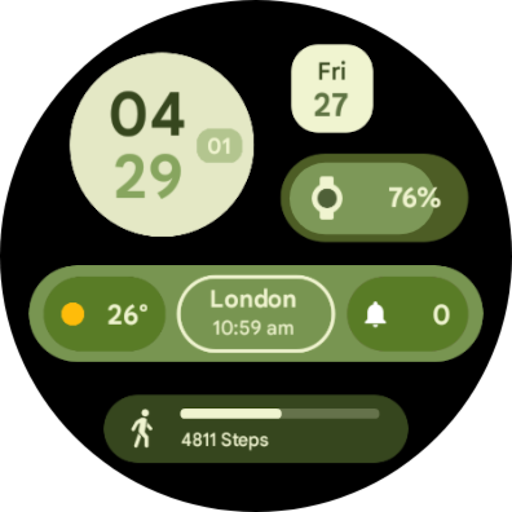
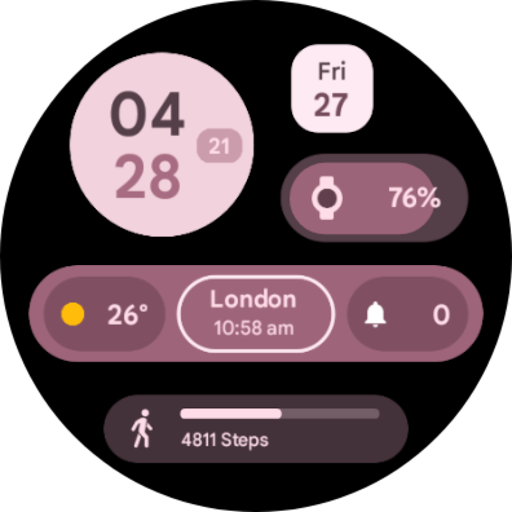
An analog watch face for your Wear OS smartwatch inspired from Material You by Google. With organic shapes and pastel colors, the watch face aims to spice up your watch and bring a consistent UI with your phone.
- 3 customizable complications
- 2 secret app shortcuts on the clock and the steps widget
- 8 color options
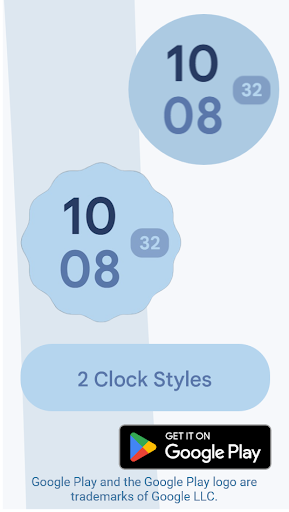
- 2 clock styles
More to come in future updates..
Version Information
- Version
- 1.0.5
- Downloads
- 1K+
- Updated on
- Oct 12, 2025
- Released
- Jan 27, 2023
- Requires
- Android Varies with device
Statistics
Google Play Rating History
Rating Distribution
Downloads Over Time
Digital Material You 2 has been downloaded times. Over the past 30 days, it averaged downloads per day.
Shaded area shows 30-day prediction based on historical trends
Historical data collection started recently. More data points will be available over time.
Digital Material You 2 users say on Google Play
 Oscar Di Lenarda
Well, this watch face doesn't work for the new version of WearOS such as on the Galaxy Watch 7 devices, for very illogical reasons, because the versions 1 and 3 of this watch face say it's fully compatible with my watch. Edit: it seems like it can be installed now, it was surely updated since my initial review. Still love the watch face as much as on day 1. Thank you!
 Xeynoun
very nice watch face for pixel users! there is an issue the steps count at the bottom is not updated, shows different number from the actual step count.
 Braiden Green
Overall it looks great, my big complaint is the steps counter at the bottom is non-functional, and just displays a sample number of steps, which is super annoying.
 Martin Gotfryd
When you reach over 10k steps the bar doesn't display proper reading
 Sorin
Sorin
Good looking watch face but developer refuses to provide support. On Ticwatch E3 the full temperature is cut off. So if it's 65 outside, the watch will only show "6...". This is a deal-breaker as the watch face was bought with the expectation that it will work as shown in screenshots. After initial contact the developer ghosted me. Review will be updated should anything change.
ApkTrusted Ratings & Reviews
More from SOC Creations
See more apps
Digital Material You 1
Paid
Nothing cmf Watch Face
Paid
Digital Material You 2
Paid

Pixel Watch 2 Face I
Paid
Android 14 Watch Face I
Paid
Glyph Watch Face
Paid
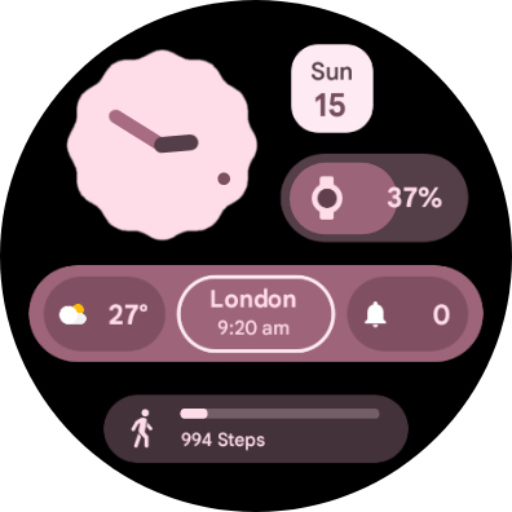
Analog Material You
Free
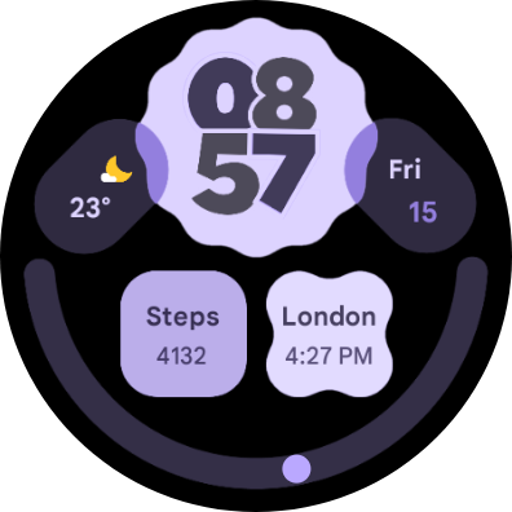
Digital Material You 3
Free
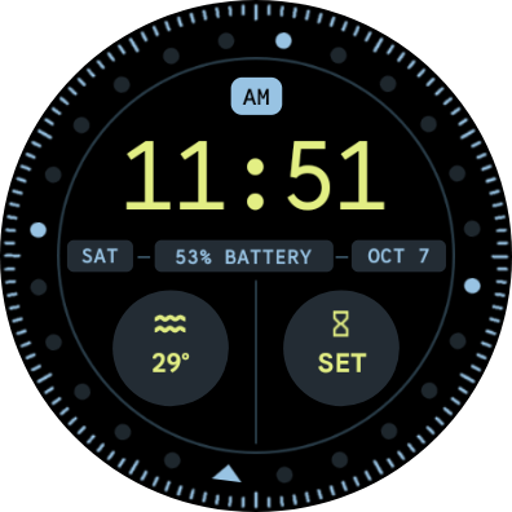
Pixel Watch 2 Face VI
Paid

iDial Watch Face
Free
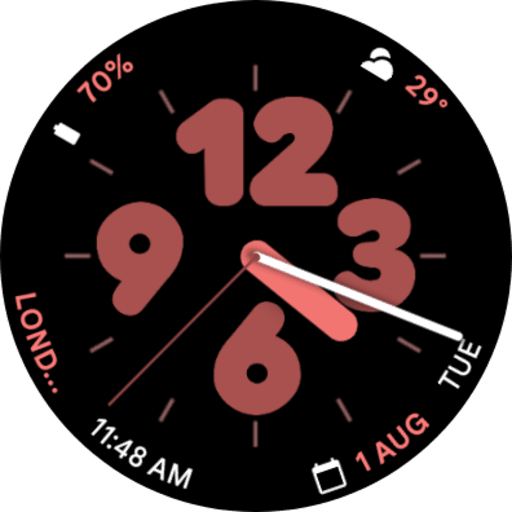
Pixel Watch 2 Face II
Paid
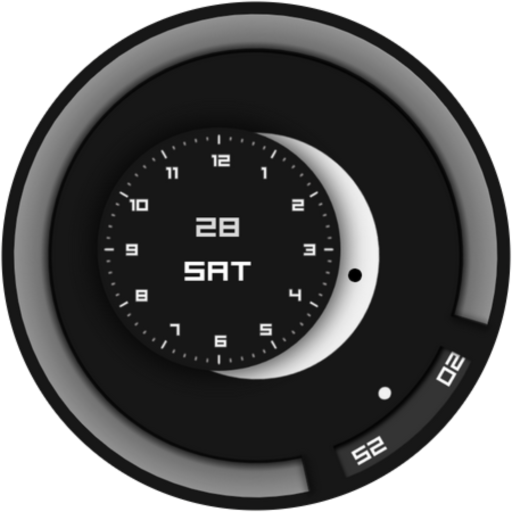
Minimalist Focus Watch Face
Free

Neumorphic Analog Watch Face
Paid
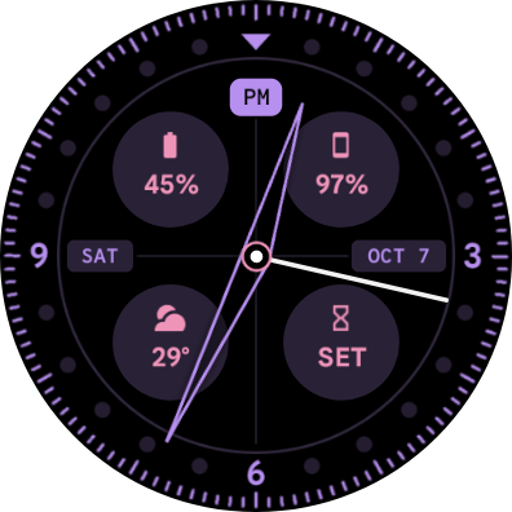
Pixel Watch 2 Face VII
Free
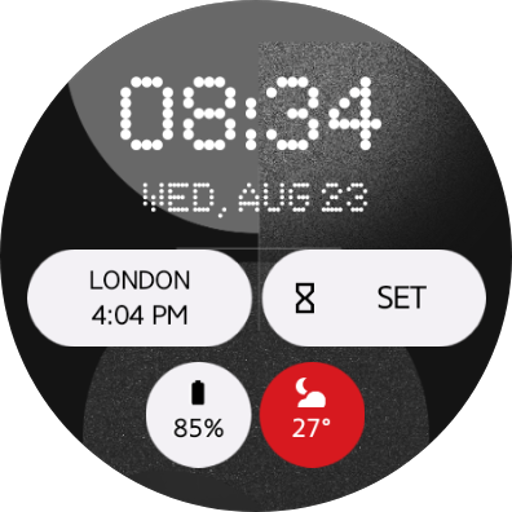
Nothing Watch Face 2.0
Paid
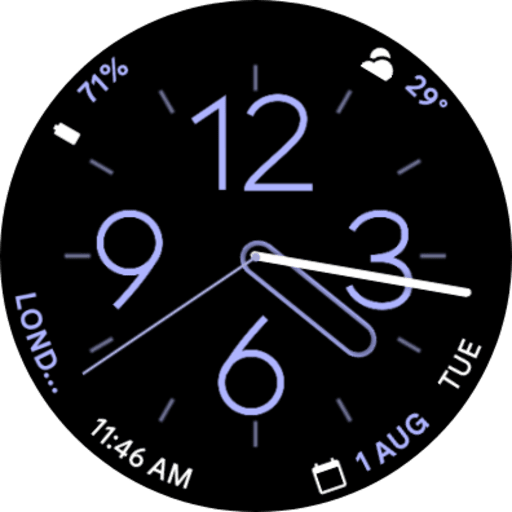
Pixel Watch 2 Face IV
Paid
Similar Apps

Watchface Material 2
Free
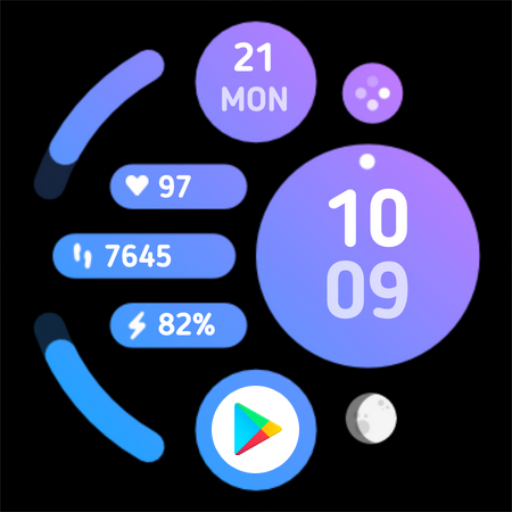
Soapstone Watch Face Wear OS
Free

AR VOID Watch Face
Paid
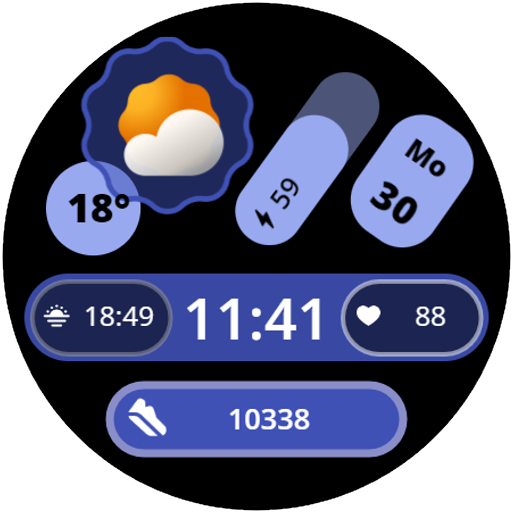
Watchface Material 1
Free

AWD Big Weather Gif
Free

Aurora Watch Face
Paid

EXD146: Material Watch Face
Free
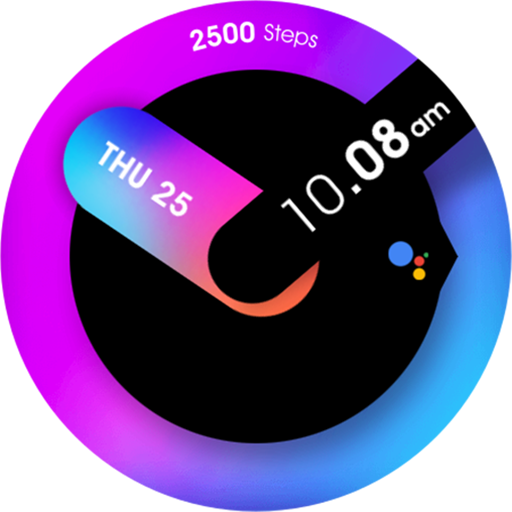
UsA Minimalist Analog - USA158
Free

ACRO Double Simple Watchface
Paid

OMG Dual Pulse
Free

Minimal - Wear OS 3 Watch Face
Paid

ZCPY Watch face Glasswidget
Paid

Baku Digital Watch Face
Paid

EXD024: Material Hybrid Face
Free

Digital Tree v2 watch face
Paid

AD Stride - Watch Face
Free
Scan this QR code to download

Forwarding you to the page at Google Play market in seconds...
Open Google Play market now