
Neumorphic Analog Watch Face vVARY
SOC Creations


About this app
Developer Description
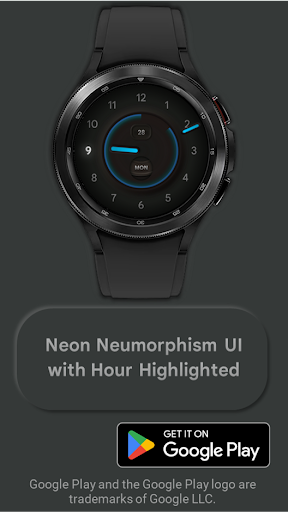
Bringing the popular neumorphic effect to you Wear OS watch.
1. Make sure you watch is connected to your phone via Bluetooth.
2. Install, download and open the companion app.
3. Go to the watch Play Store, and type the exact watch name(with correct spelling and spacing) and open listing. If price still appears, wait for 2-5 minutes or restart your watch face.
4. Please also try installing the watch face via Galaxy Wearable app(install it if not installed)> Watch Faces> Downloaded and apply it to watch.
5. You can also install this watch face by accessing the Google Play Store in the web browser in a PC or Laptop. Make sure you use the same account you made the purchase from to avoid double charge.
6. If PC/laptop not available, you can use the phone web browser. Head over to the Play Store app, then to the watch face. Click the 3 dots in the upper right hand corner then Share. Use the available browser, login to the account you made the purchase from and install it there.
About the watch face:
A simple, minimalist analog watch face for your Wear OS watch.
The Watch face:
1) Features a Red tint before 12 noon
2) Features a Blue tint after 12 noon
3) Features a Green tint while Charging
The watch face also highlights the current hour.
With a predominantly black interface, the watch face is light on your battery as well..
Version Information
- Version
- -
- Downloads
- 100+
- Updated on
- -
- Released
- Dec 28, 2022
- Requires
- Android Varies with device
Statistics
Google Play Rating History
Rating Distribution
Downloads Over Time
Neumorphic Analog Watch Face has been downloaded times. Over the past 30 days, it averaged downloads per day.
Shaded area shows 30-day prediction based on historical trends
Historical data collection started recently. More data points will be available over time.
Neumorphic Analog Watch Face users say on Google Play
 Steve May
Absolutely gorgeous design! Looks ultra smart. Great job with this!
 Sergio Donici
It doesn't work, I asked for a refund but got nothing because it's not in their policy. Sounds like a scam!!!! Be aware. "We can't provide a refund for this purchase because it is not supported by our policy" Scam!!
ApkTrusted Ratings & Reviews
More from SOC Creations
See more apps
Digital Material You 1
Paid
Nothing cmf Watch Face
Paid
Digital Material You 3
Paid
Digital Material You 2
Paid
Digital Material You 2
Paid

Pixel Watch 2 Face I
Paid
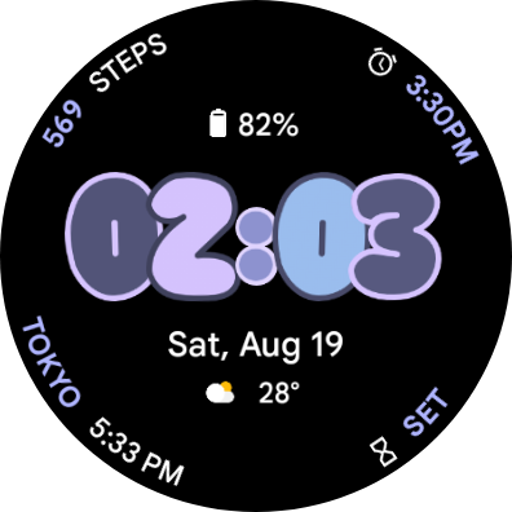
Android 14 Watch Face I
Paid
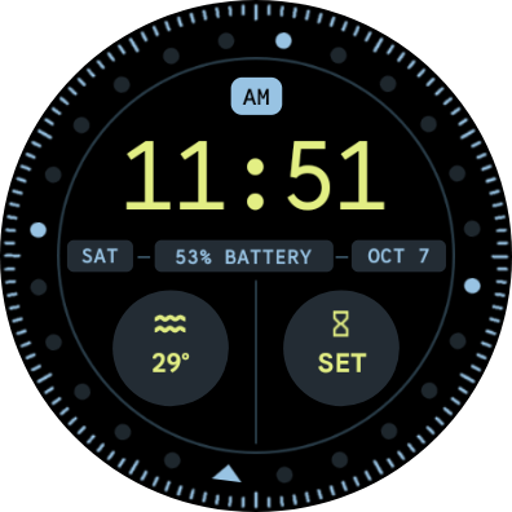
Pixel Watch 2 Face VI
Paid
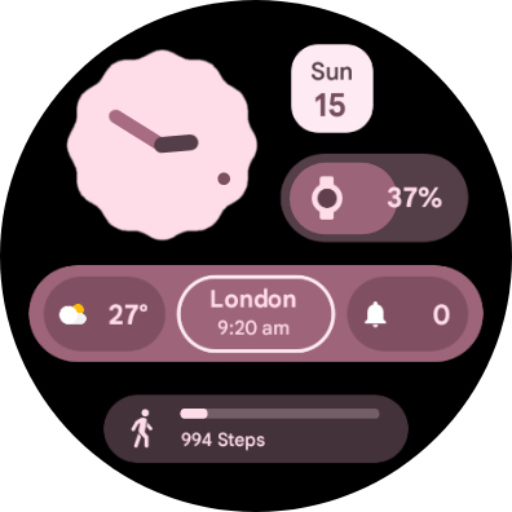
Analog Material You
Paid
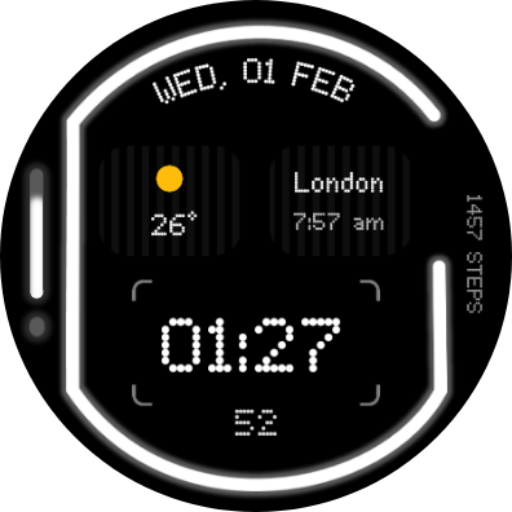
Glyph Watch Face
Paid

iDial Watch Face
Free
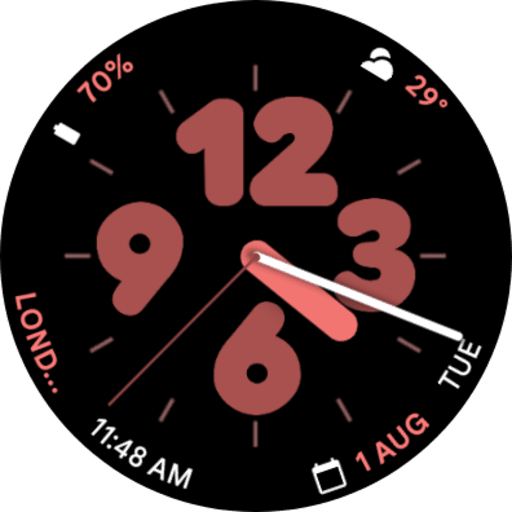
Pixel Watch 2 Face II
Paid
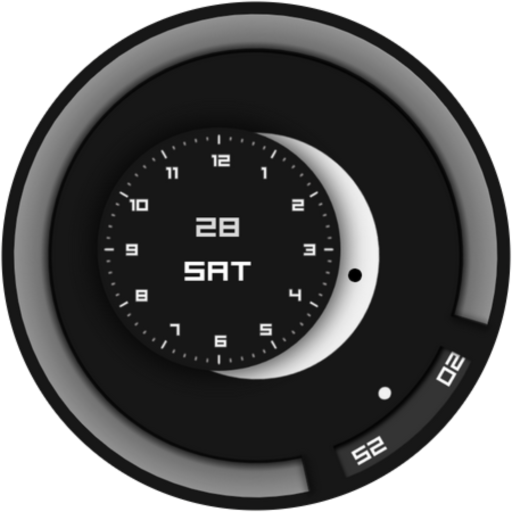
Minimalist Focus Watch Face
Paid
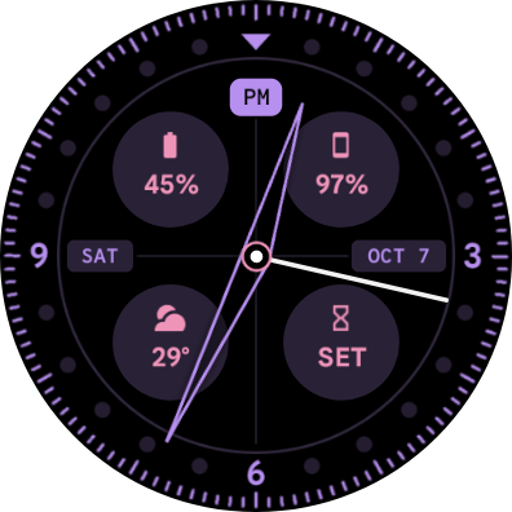
Pixel Watch 2 Face VII
Paid
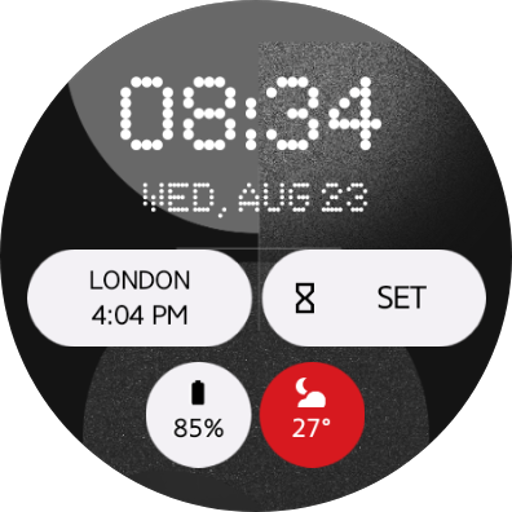
Nothing Watch Face 2.0
Paid
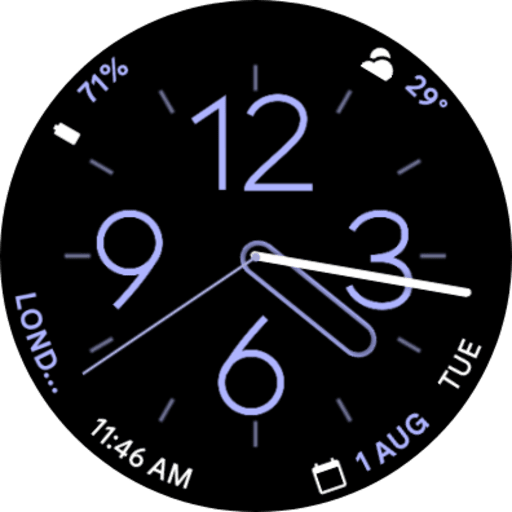
Pixel Watch 2 Face IV
Paid
Similar Apps

Adore Digital Watch Face
Paid

Watch Face WF141
Paid
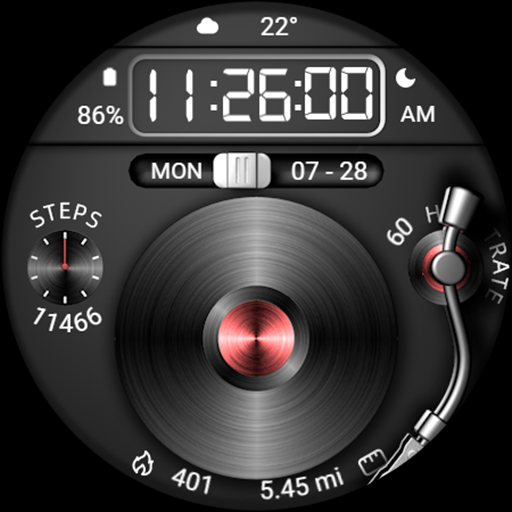
Antique Phonograph For Wear OS
Free
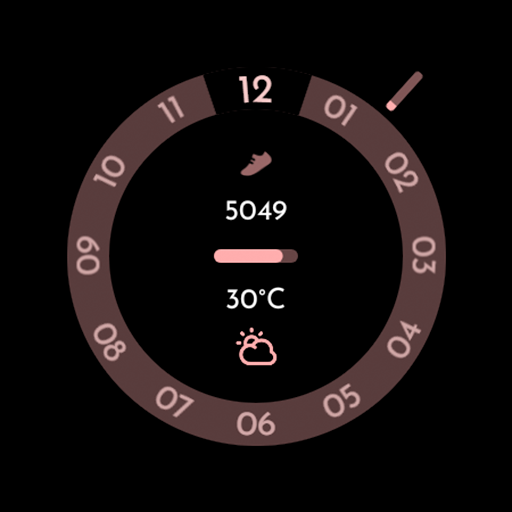
AD Cycle Analog - Watch Face
Paid
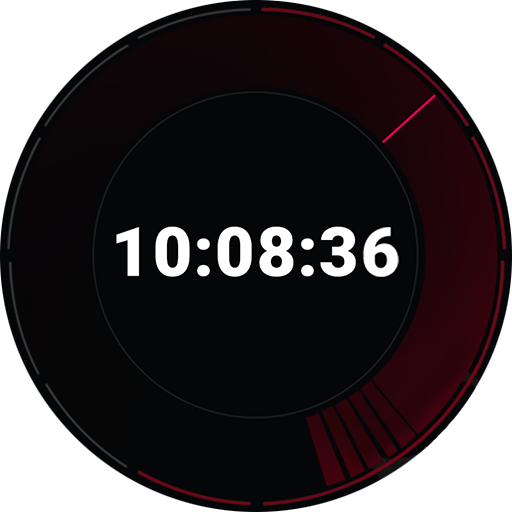
Aero X
Free
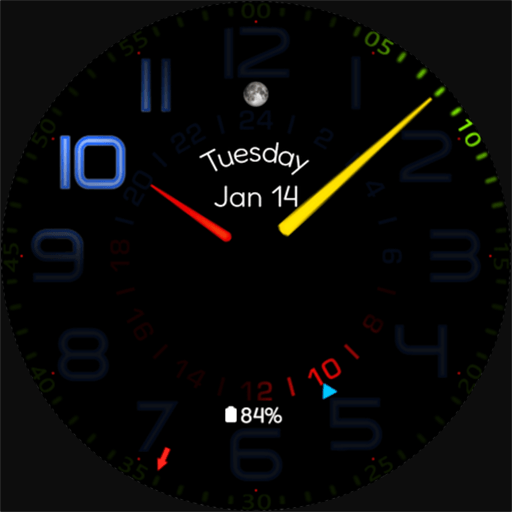
Lightsync
Paid

Analog Digital Watch Iris533
Free

H370 Watch Face
Free

Energon Watch Faces
Paid

Ace of Horizons: Watch Face
Paid

Active Watch Face for Wear OS
Paid

Nothing Watch face WF1
Free
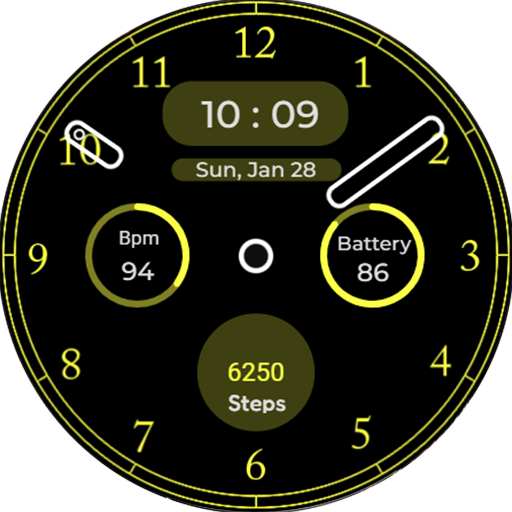
Classic Neo Watch Face
Paid
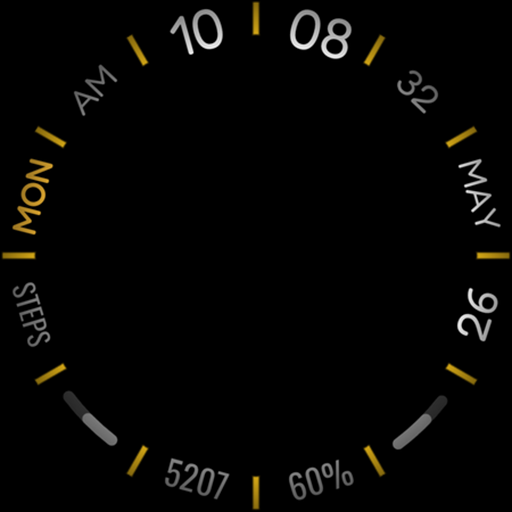
h102 Circle Watch Face
Paid

Bloom watch face for Wear OS
Free

Key WF31 Digital Watch Face
Paid
Scan this QR code to download

Forwarding you to the page at Google Play market in seconds...
Open Google Play market now