
Pixel Watch 2 Face I vVARY
SOC Creations




About this app
Developer Description
Bring a Digital Pixel and Android 14 inspired watch face to your Wear OS Device.
1. Make sure you watch is connected to your phone via Bluetooth.
2. Install, download and open the companion app.
3. Go to the watch Play Store, and type the exact watch name(with correct spelling and spacing) and open listing. If price still appears, wait for 2-5 minutes or restart your watch face.
4. Please also try installing the watch face via Galaxy Wearable app(install it if not installed)> Watch Faces> Downloaded and apply it to watch.
5. You can also install this watch face by accessing the Google Play Store in the web browser in a PC or Laptop. Make sure you use the same account you made the purchase from to avoid double charge.
6. If PC/laptop not available, you can use the phone web browser. Head over to the Play Store app, then to the watch face. Click the 3 dots in the upper right hand corner then Share. Use the available browser, login to the account you made the purchase from and install it there.
About the watch face:
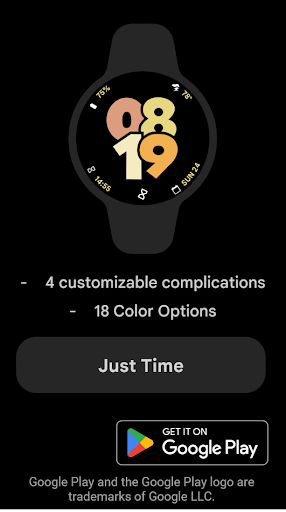
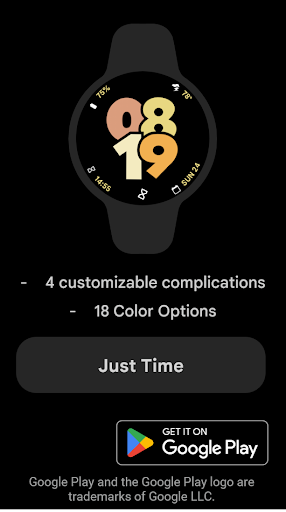
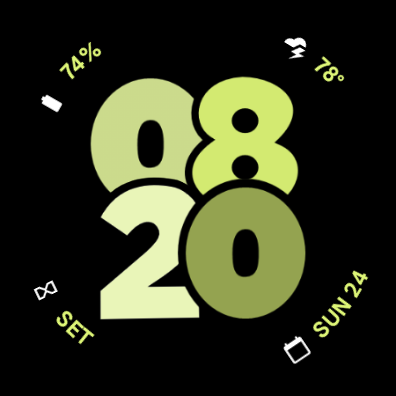
A Digital watch face for your Wear OS smartwatch inspired from Android 14 and Pixel. With organic shapes and pastel colors, this watch face aims to spice up your watch and bring a consistent UI with your phone.
Pixel Watch 2 Face I - Just Time
- 4 customizable complications
- 8 Color Options
More to come in future updates..
Version Information
- Version
- -
- Downloads
- 10K+
- Updated on
- Oct 12, 2025
- Released
- Aug 2, 2023
- Requires
- Android Varies with device
Statistics
Google Play Rating History
Rating Distribution
Downloads Over Time
Pixel Watch 2 Face I has been downloaded times. Over the past 30 days, it averaged downloads per day.
Shaded area shows 30-day prediction based on historical trends
Historical data collection started recently. More data points will be available over time.
Pixel Watch 2 Face I users say on Google Play
 Harsha
Wow! This watch face app is simply fantastic! The customization options are top-notch, Thoroughly liking the look and feel of my watch now. You have built a awesome app and it's incredibly user-friendly and it has elevated my smartwatch experience. Highly recommended!
 Siebe Sysmans
Great improvement over the default one on my Pixel Watch 2. However, it seems overly focused on battery optimization. The brightness doesn’t adjust in AOD, making it hard to read when moving between dark and light areas. Complications also update less frequently compared to Google’s official watchfaces. For instance, my heart rate stays static until I wake the device, whereas it updates live on Google's AOD.
 Purvesh Dave
Clean and good watch face. Date complication is not as shown in screenshots, issue with the date complication is that when selected it's not showing the month. just date blank space and day.
 Andy Nam
Looks great and good #of complications, it's what i wish the default version of this face was buuuuuuut, Unfortunately, it severely drains battery in Bedtime Mode. I'll make it half the day with AOD enabled and be at 60% battery remaining, but then turn on bedtime mode for the night, and the watch will be dead in under 8 hours. I've tested after a reboot, and it consistently does this. No default faces have this issue so there's something buggy about this face.
 Melih K
I can't use it on my galaxy watch active 2???
ApkTrusted Ratings & Reviews
More from SOC Creations
See more apps
Digital Material You 1
Paid
Nothing cmf Watch Face
Paid
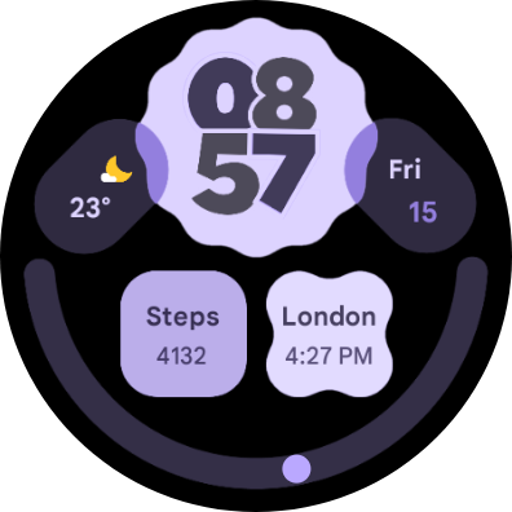
Digital Material You 3
Paid
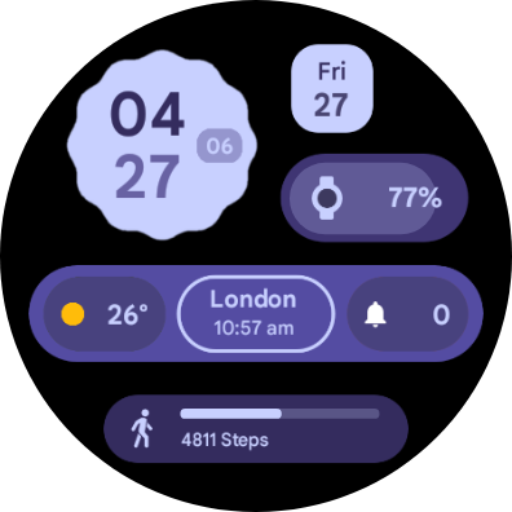
Digital Material You 2
Paid
Digital Material You 2
Paid
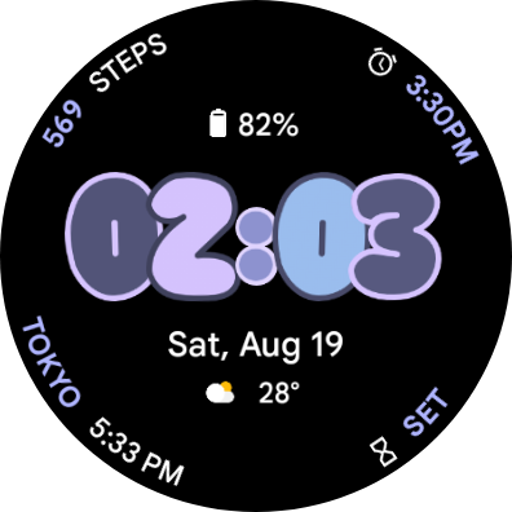
Android 14 Watch Face I
Paid
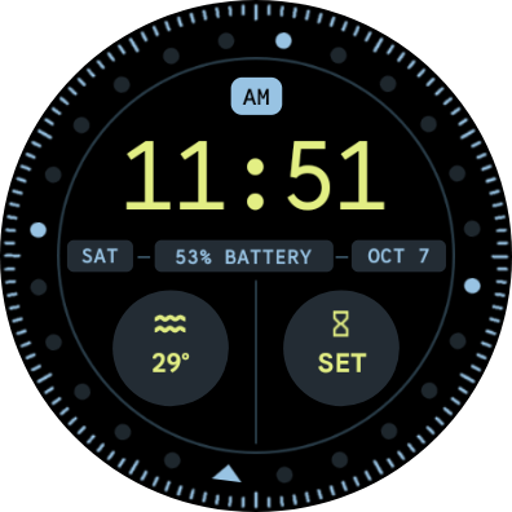
Pixel Watch 2 Face VI
Paid
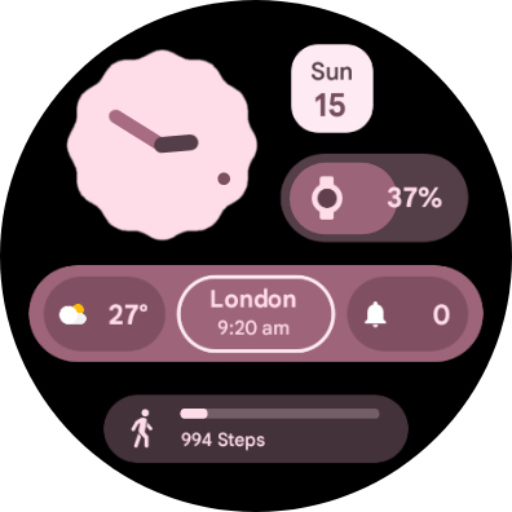
Analog Material You
Paid
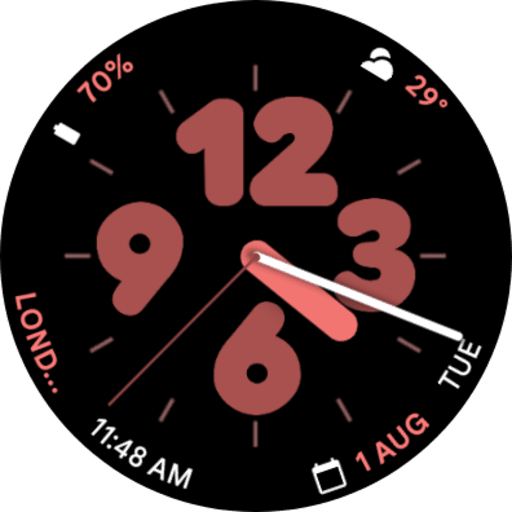
Pixel Watch 2 Face II
Paid
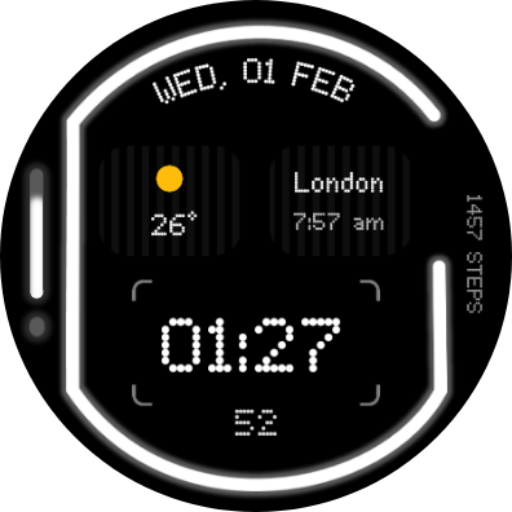
Glyph Watch Face
Paid

iDial Watch Face
Free
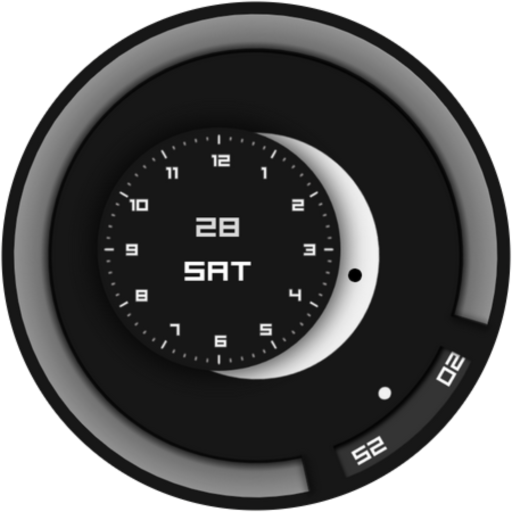
Minimalist Focus Watch Face
Paid

Neumorphic Analog Watch Face
Paid
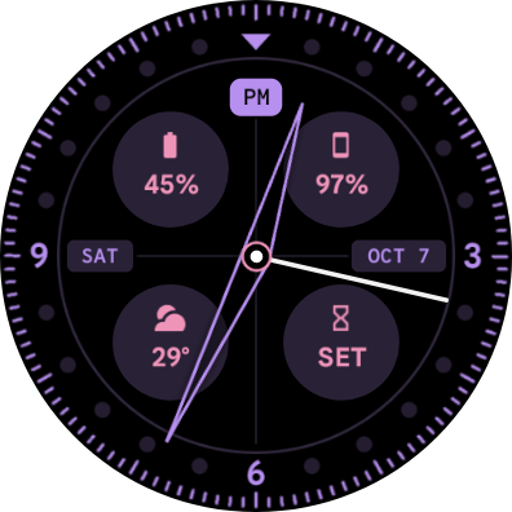
Pixel Watch 2 Face VII
Paid
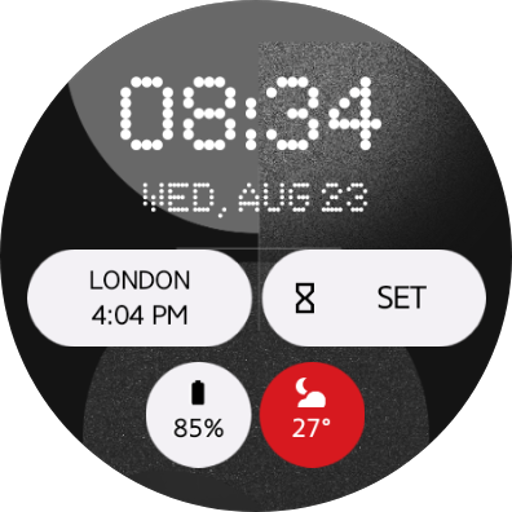
Nothing Watch Face 2.0
Paid
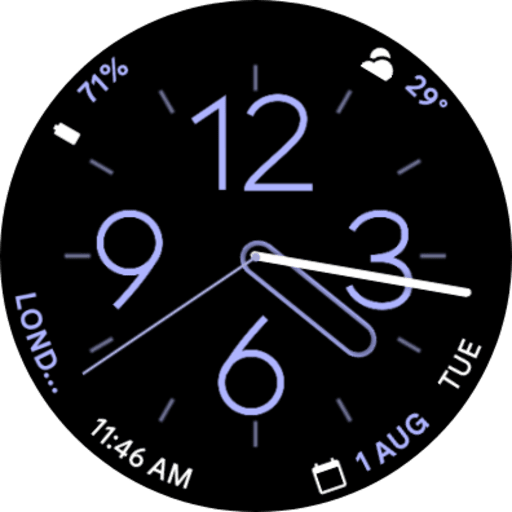
Pixel Watch 2 Face IV
Paid
Similar Apps

Striking Watch Face 029
Free
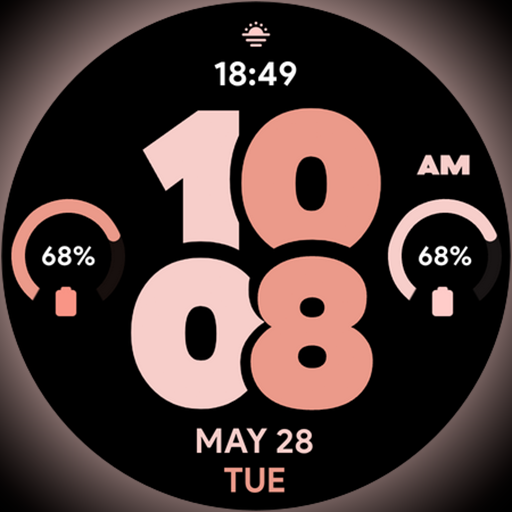
Pixel Pro 2 - Watch face
Paid
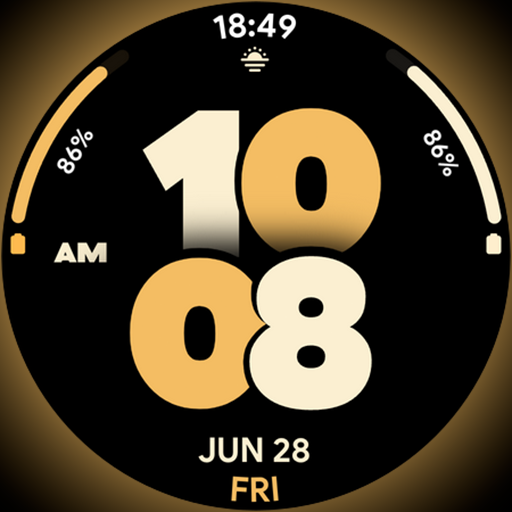
Pixel Pro Dial - Watch face
Paid

Quadrant - Animated Watch Face
Paid

Jiggle Weather - Watch face
Paid

Peach Bold Watch Face
Paid
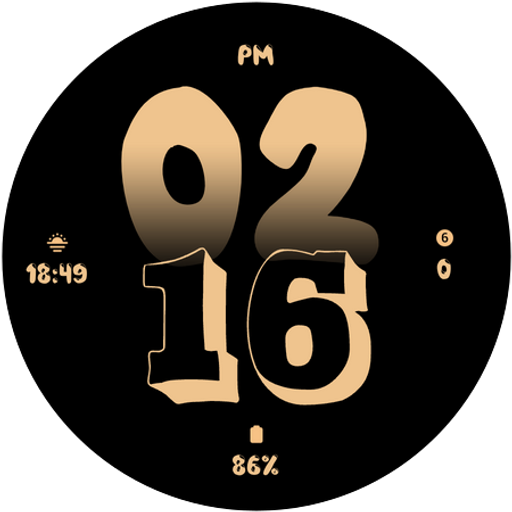
Citrus Glow Watch Face
Paid

Pastel Bold Watch Face
Paid
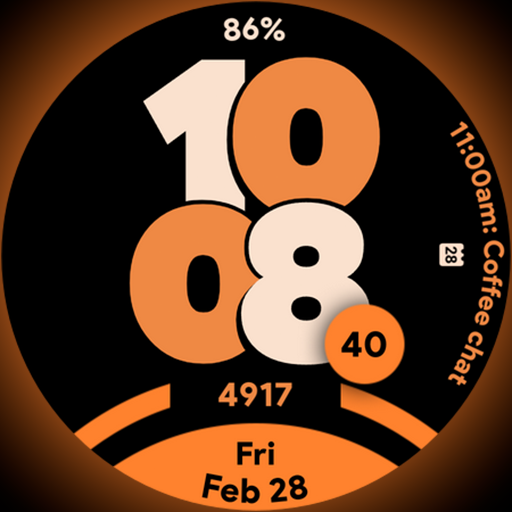
Pixel Sporty Pro - Watch face
Paid
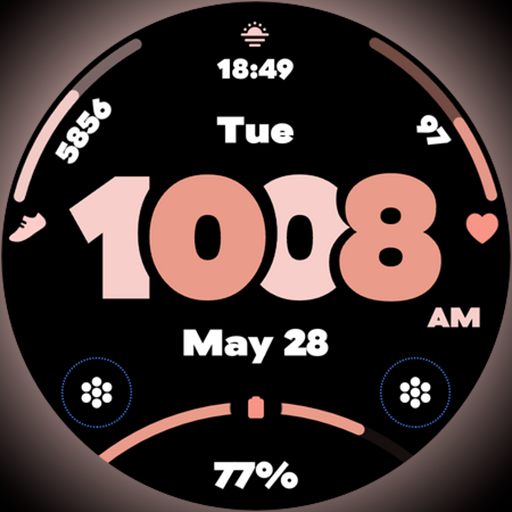
Pixel Pro - Watch face
Paid

ML2U 502 Watch Face
Free
MIMIX Bubble Simple Pop Watch
Paid

AI COLORFUL S
Paid

Gradient dream Watch Face
Paid

Flower Pastel Colorful - ReS06
Paid
Pixel Analog 2 - Watch face
Paid
Scan this QR code to download

Forwarding you to the page at Google Play market in seconds...
Open Google Play market now