
Logic Circuit Simulator v36.0.1
Stefan Belinov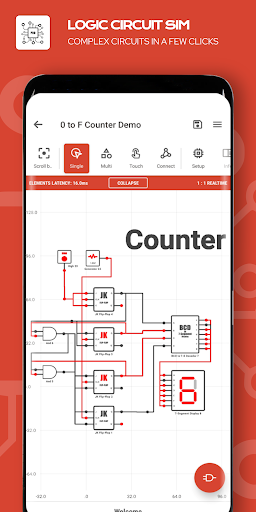
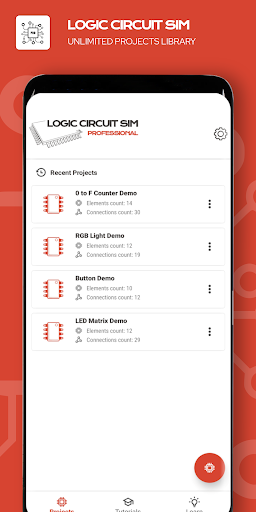


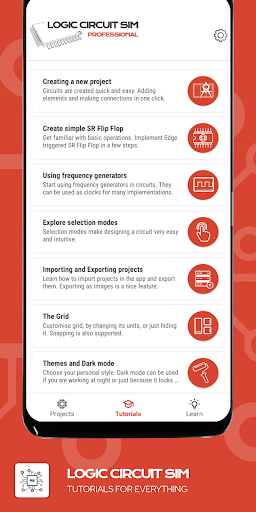


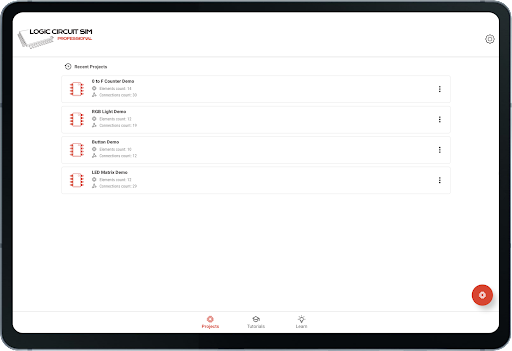

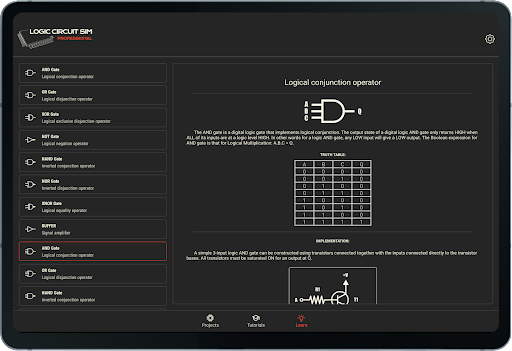




About this app
Developer Description
Learn electronics and electrical engineering by digital simulation and reference
If you have heard of Multisim, SPICE, LTspice, Proteus or Altium, this logic electronics simulator might be your friend.
Do you want to understand how electronics works? The application helps you learn the basics of electronics and electrical engineering.
Create amazing logic circuits with all the provided electronics logic elements.
Use variety of elements to evolve, experiment and learn electronics and electrical engineering.
-The simulator makes designing COMBINATIONAL LOGIC CIRCUIT quick and easy by its intuitive interface and a lot of options to explore.
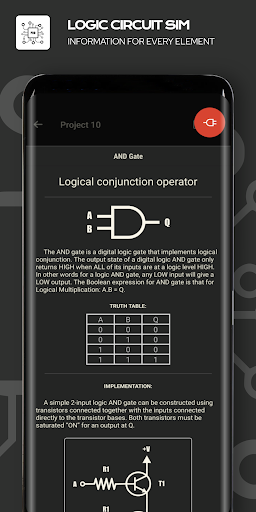
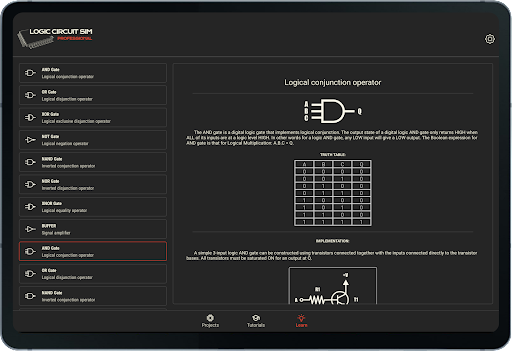
-Educational - the application provides a lot of information for all the elements that can be used.
-Import, export and share circuits by ease.
-Embed electronics circuits in each other.
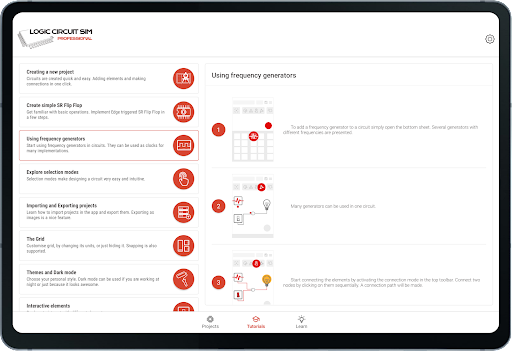
-Many tutorials and use tips are here to help, if you struggle.
-Great tablet support - our simulator is designed to take the most of your -tablet.
-The application is customizable with great themes and Dark mode (keep eyes safe).
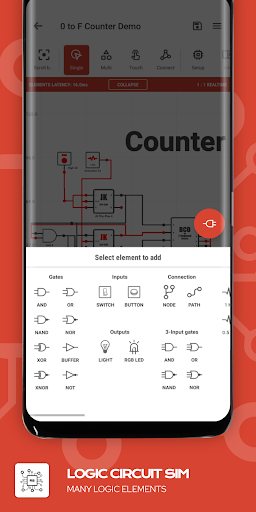
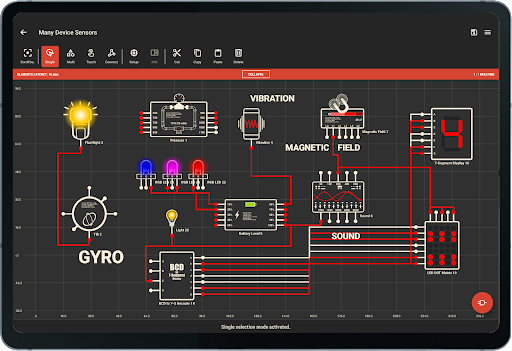
-Many elements which are used in electronics are available - lots of logic gates, programmable arrays, latches, flip-flops, generators, device sensors...
Available options:
-Importing and exporting projects
-Tutorials
-Educational information for everything
-Use tips
-Grid settings
-Grid units
-Easy position by snap to grid
-Multi-selection mode
-Circuit embedding
-Edit easily with CUT, COPY and PASTE functions and more...
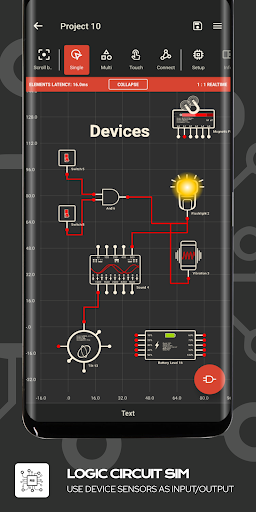
Use device's sensors as inputs or outputs. Many sensors can be used as inputs:
- Proximity (Far/Near);
- Light sensor (detect lux, 6 Levels);
- Charge detector (on AC, on USB, Wirelessly, Full Battery);
- Orientation sensor (Portrait/Landscape);
- Accelerometer sensor;
- Media Volume buttons detector (Volume UP, Volume DOWN);
- Battery sensor (Charge, Temperature, Technology, 10 Levels);
- Tilt detector (4 directions);
- Noise meter (10 Levels);
- Magnetic field sensor (uT, 6 Levels);
- Pressure sensor (mBar, 10 Levels)(if supported by device).
Many device's components can be used as outputs too :
- Buzzer (Frequency) ;
- Vibration ;
- Sound (10 inputs for different frequencies) ;
- Flashlight .
Available elements
- AND GATE
- OR GATE
- XOR GATE
- NOT GATE / INVERTER GATE
- NAND GATE
- NOR GATE
- XNOR GATE
- BUFFER GATE
- TRI-STATE BUFFER GATE
- 3 INPUT AND GATE
- 3 INPUT OR GATE
- 3 INPUT NAND GATE
- 3 INPUT NOR GATE
- IC - CIRCUIT EMBED
- PROGRAMMABLE LOGIC ARRAY - PLA
- PROGRAMMABLE ARRAY LOGIC - PAL
- READ ONLY MEMORY - ROM
- MULTIPLEXER - MUX
- DEMULTIPLEXER - DEMUX
- HIGH LOGIC CONSTANT
- LOW LOGIC CONSTANT
- NODES
- TEXTS
- FREQUENCY GENERATOR 0.5 HZ
- FREQUENCY GENERATOR 1 HZ
- FREQUENCY GENERATOR 40 HZ
- FREQUENCY GENERATOR 1 kHZ
- FREQUENCY GENERATOR 40 kHZ
- TOGGLE SWITCH
- PULSE BUTTON
- LIGHT BULB
- 7-SEGMENT DISPLAY
- BCD TO 7-SEGMENT DISPLAY DECODER
- 14-SEGMENT DISPLAY
- RGB LED
- LED DOT MATRIX
- SR FLIP-FLOP
- D FLIP-FLOP
- JK FLIP-FLOP
- T FLIP-FLOP
- SR LATCH
- D LATCH
- JK LATCH
- T LATCH
- SR GATED LATCH
- TIMER ON (Adjustable)
- TIMER OFF (Adjustable)
What's New
Version Information
- Version
- 36.0.1
- Downloads
- 1K+
- Updated on
- Jan 8, 2026
- Released
- Aug 30, 2021
- Requires
- Android 6.0
Statistics
Google Play Rating History
Rating Distribution
Downloads Over Time
Logic Circuit Simulator has been downloaded times. Over the past 30 days, it averaged downloads per day.
Shaded area shows 30-day prediction based on historical trends
Historical data collection started recently. More data points will be available over time.
Logic Circuit Simulator users say on Google Play
 Nedkova Preslava
This is the best logic simulator not only for Android but for any platform. Very Highly recommended!
 kryss geezus
Really whats the difference between this version and thebpro version again? km looking but lost at ghe same time???Love using this honestly! Giving 4 stars becuase I Wish there were more items to use and just a few more things i would like to see implemented which im gonna wait to see if they come! Maybe sometime later in an update! Will definitely give 5 if next update has a bit more, especially if theres a few more tools!
 toastlea
Great app, but I spent ours on a project, and accidentally clicked the delete button. With no confirmation just deleted, there's no way to recover deleted projects.
 krishna kumar
Worst app dont ever download the app
ApkTrusted Ratings & Reviews
More from Stefan Belinov
See more apps


Similar Apps

Manufacturing Engineering Pro
Free

Electrical Calculation PRO
Paid

MEL Science: a science lab app
Free

memoryOS: Improve Your Memory
Free

Learn C++
Free

Simple Soroban
Free

CircuitMess Playground
Free

Daily Science Experiment
Paid

NEC Electrician Exam Prep 2026
Free

Enki: Learn to code
Free

Next Spaceflight
Free

mmmarcus: a stoic mindset
Free
PROTO - circuit simulator
Free

Desmos Graphing Calculator
Free

BraiNest
Paid

Sens.ai Brain Training
Free
Scan this QR code to download

Forwarding you to the page at Google Play market in seconds...
Open Google Play market now