Flashlight v13.0.0
Vmons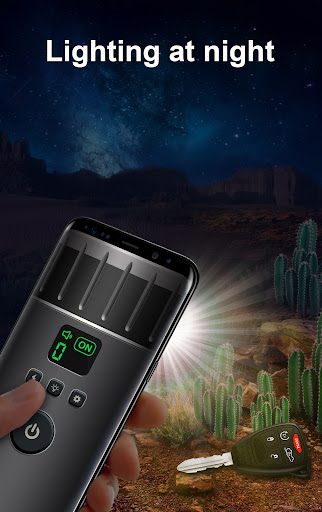

About this app
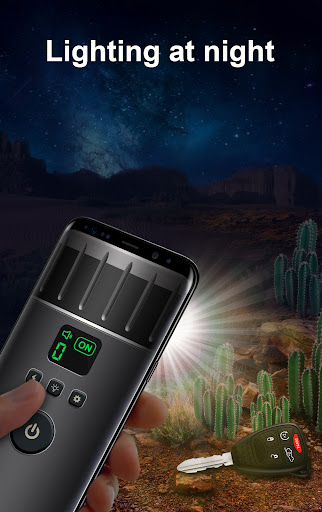
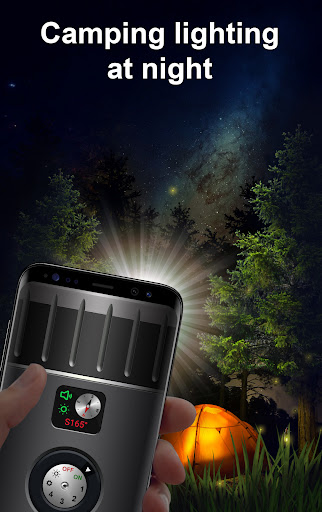
The Flashlight app by Vmons solves the problem of providing a reliable and feature-rich lighting solution for Android users, with its digital compass and 8-color bright screen mode making it a versatile tool for various situations. This app benefits most users who frequently find themselves in low-light environments, such as outdoor enthusiasts or workers. Compared to alternatives in the Tools category, Flashlight stands out with its high download numbers and well-received user rating, indicating a high level of user satisfaction. However, the presence of ads and in-app purchases may detract from the overall experience for some users.
Pros
- With over 10 million downloads, Flashlight has demonstrated a high level of social proof, indicating that it is a tried and tested solution for many users.
- The app's 4.3/5 user rating suggests that it is well-received by the majority of its users, which is a testament to its effectiveness and user-friendliness.
- The developer, Vmons, has a website and email address listed, which adds a layer of transparency and accountability to the app's development and support process.
- The app's small size and lack of permission requests make it a lightweight and relatively private option for users who are concerned about data collection and security.
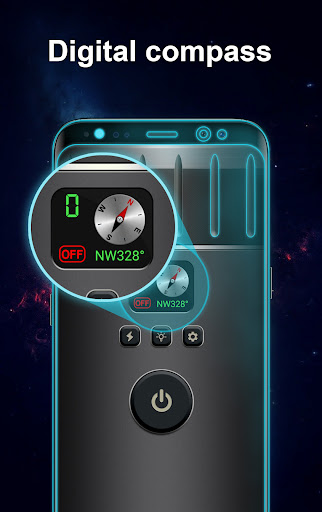
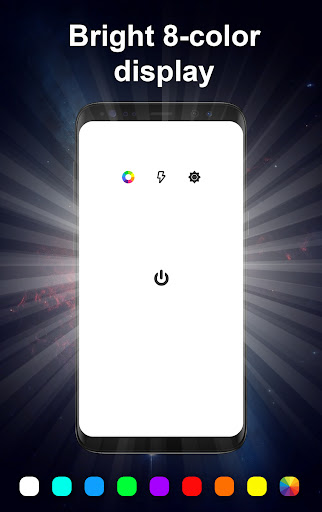
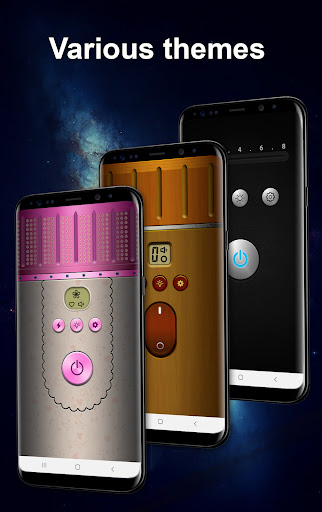
- The presence of a digital compass and 8-color bright screen mode provides a unique set of features that set it apart from other flashlight apps in the Tools category.
Cons
- The app's monetization model, which includes ads and in-app purchases, may be seen as aggressive by some users, particularly those who are sensitive to interruptions or prefer an ad-free experience.
- The lack of information about the specific data that may be collected by the app, despite its minimal permission requests, may still be a concern for users who are particularly privacy-conscious.
- Some users may find the app's feature set to be limited, particularly compared to other flashlight apps that may offer additional tools or functionality.
- The app's compatibility with certain devices or Android versions may be a concern, particularly if users experience issues with performance or stability.
Best for: The ideal user for the Flashlight app is likely an individual who frequently finds themselves in low-light environments, such as outdoor enthusiasts, workers, or travelers, and who values a reliable and feature-rich lighting solution that is easy to use and relatively private.
Developer Description
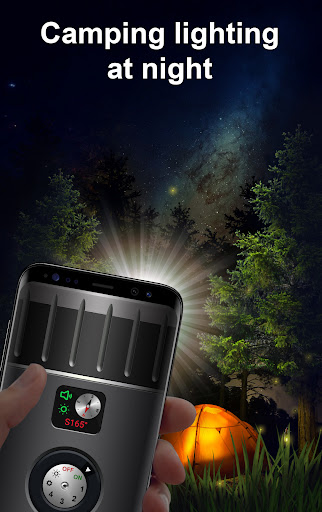
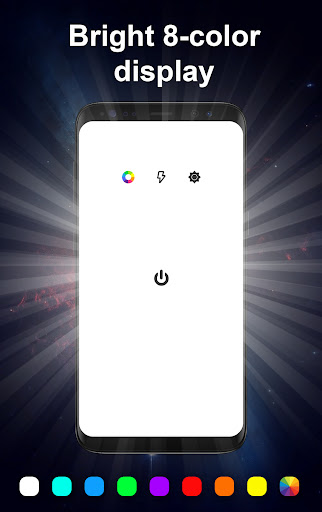
Digital compass flashlight and 8-color bright screen mode
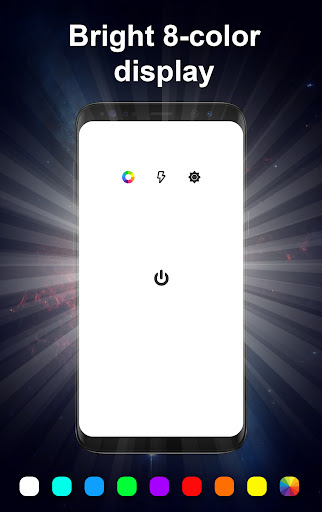
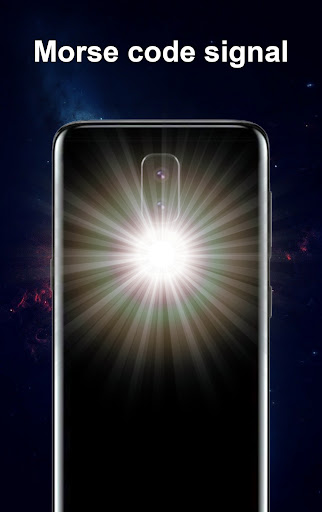
- There is an 8-color bright screen mode you can adjust the flashing of 3 frequencies and adjust the brightness (This mode will be enabled by default when the phone does not have LED flash)
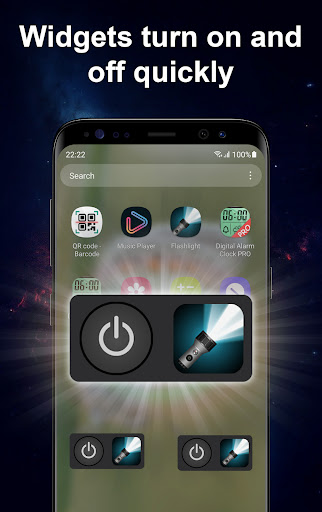
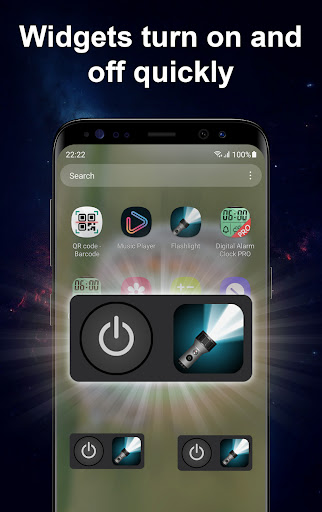
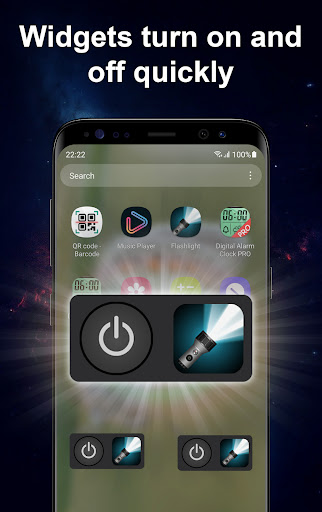
- Shortcuts on the notification bar for you to turn on and off conveniently.
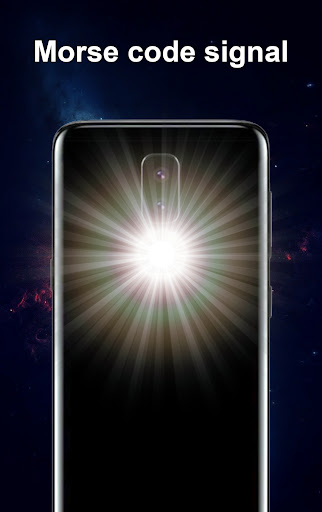
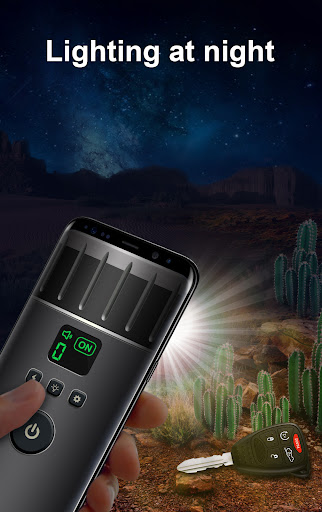
- Morse codes SOS signals when you need an emergency. You can change the Morse code
- There mode flashing multiple frequencies
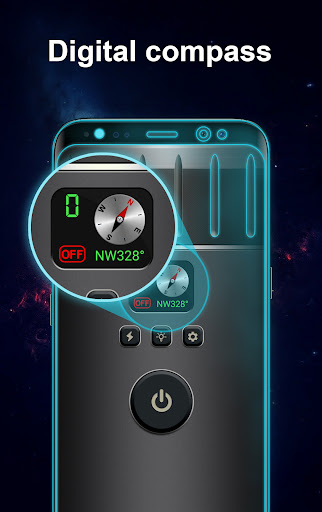
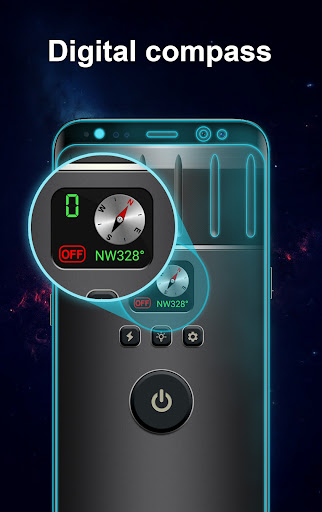
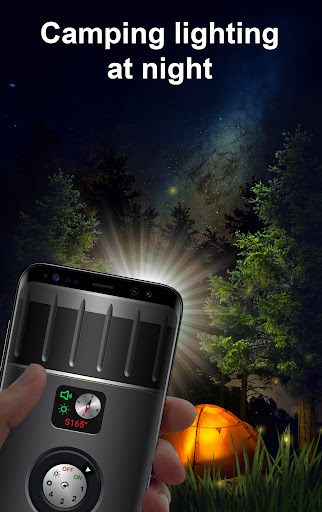
- Digital compass flashlight for you to determine the direction (note: some phone models do not support digital compass)
Privacy
Given that the Flashlight app requests no permissions, it appears to be a relatively private and secure option for users. However, users should still be aware that the app may collect anonymous usage data or other information for advertising or analytics purposes. To minimize potential risks, users can review the app's terms of service and privacy policy, and consider using a VPN or other security tools to protect their data.
Tips
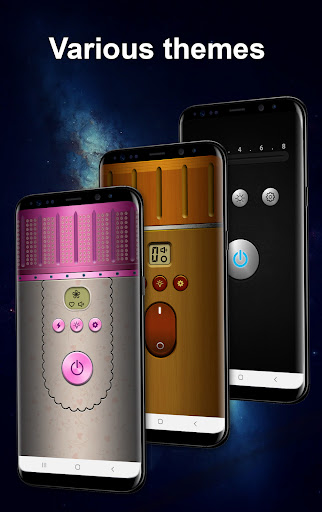
To get the most out of the Flashlight app, users can experiment with the different screen modes and colors to find the one that works best for their specific needs. Additionally, users can try using the app in conjunction with other tools or apps, such as a compass or map, to enhance their overall experience. It's also a good idea to check for updates regularly to ensure that the app remains stable and secure.
What's New
Improve the application
In-app purchases
$2.00 per item
Version Information
- Version
- 13.0.0
- Downloads
- 10M+
- Updated on
- Aug 27, 2025
- Released
- Jul 15, 2017
- Requires
- Android 6.0
Statistics
Google Play Rating History
Rating Distribution
Downloads Over Time
Flashlight has been downloaded times. Over the past 30 days, it averaged downloads per day.
Shaded area shows 30-day prediction based on historical trends
Historical data collection started recently. More data points will be available over time.
Flashlight users say on Google Play
 Rich Maher
Awesome flashing lights or flashlight
 Joseph Kariuki
Come handy during black out.
 Asante gina
It good but when you are downloading it slow
 Taqveem Awan
It is a good light and more beautiful
 Robert Kendall
So many popups, the light won't even come on.
ApkTrusted Ratings & Reviews
More from Vmons
See more apps


Similar Apps

Shuttle Music Player (Legacy)
Free

Video Recorder
Paid

Frolomuse: MP3 Music Player
Free

Music Player HD+ Equalizer
Free
Music Equalizer - Bass Booster
Paid

Pulsar Music Player
Free
PlayerPro Music Player
Free

Music Player
Free

HQ Video Player & Casting
Paid

Retro Music Player
Free

Boom: Bass Booster & Equalizer
Free

Simple Music Player
Free

Music Player - Mp3 Player
Free

Music Player - MP3 Player
Free

Chaos Audio
Free

ZenAlarm: Smart Wake Up
Paid
Scan this QR code to download

Forwarding you to the page at Google Play market in seconds...
Open Google Play market now