
Plume Line - Icon Pack v2.7
FLDESIGN
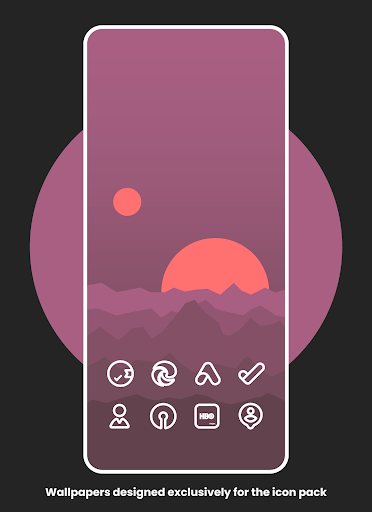
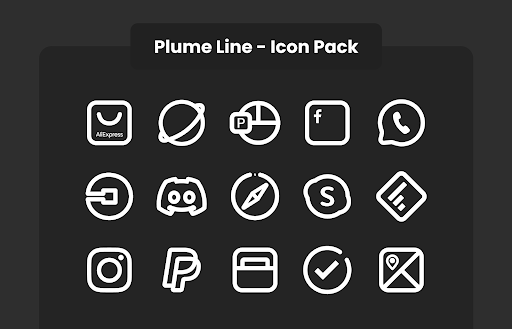
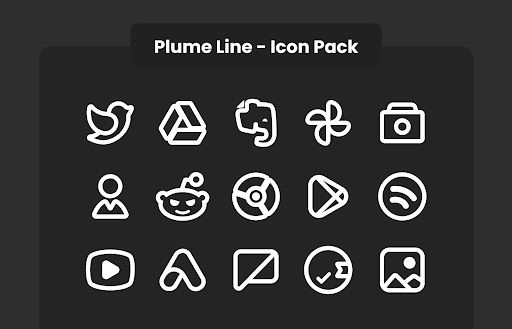
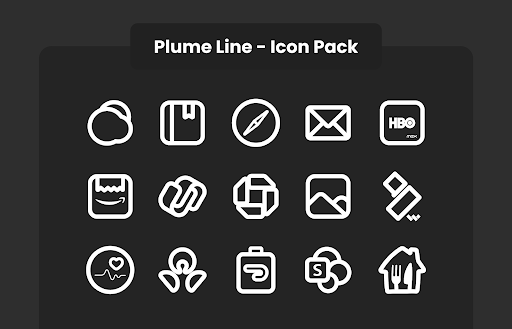


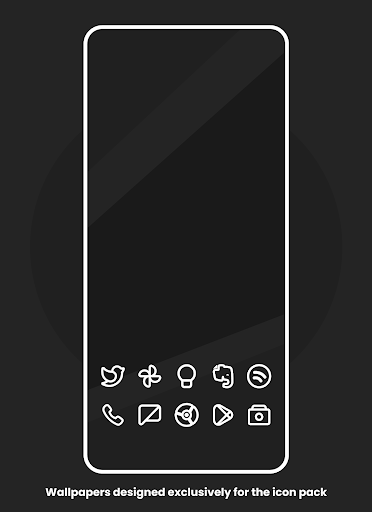
About this app
Developer Description
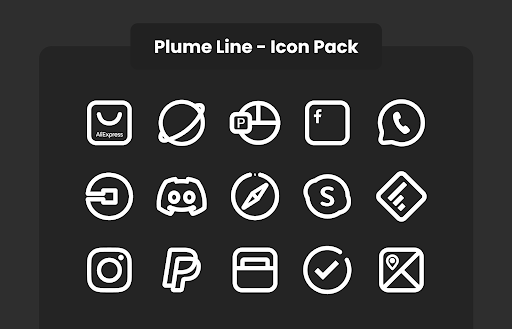
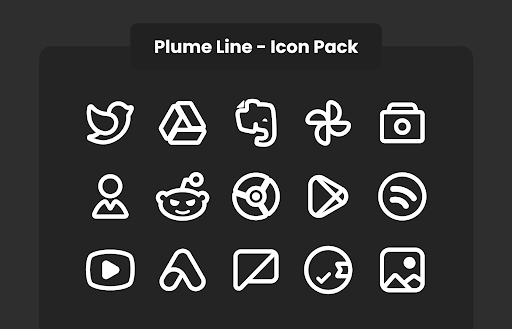
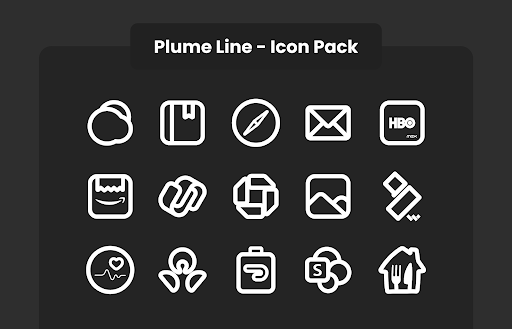
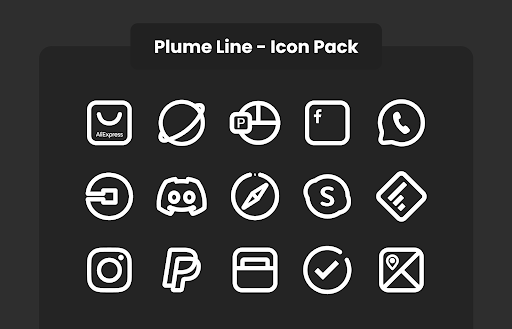
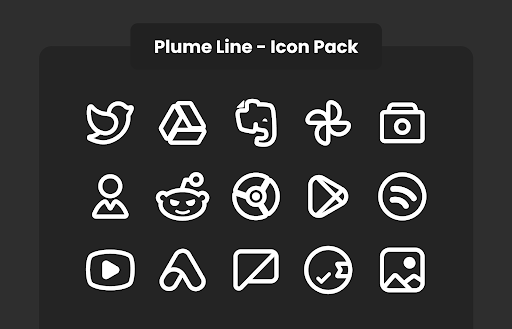
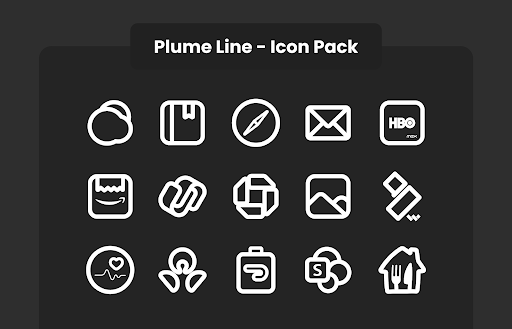
2750+ High Quality Line Icons
• Frequent Updates.
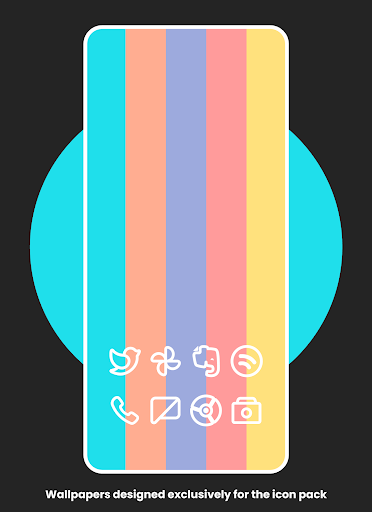
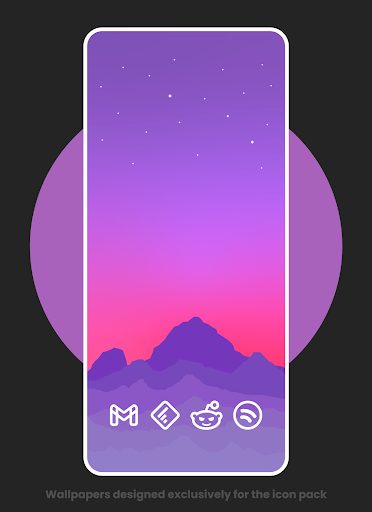
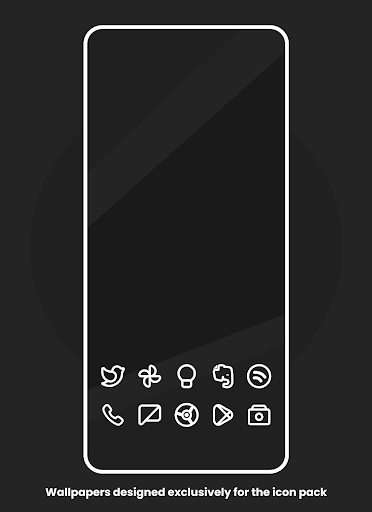
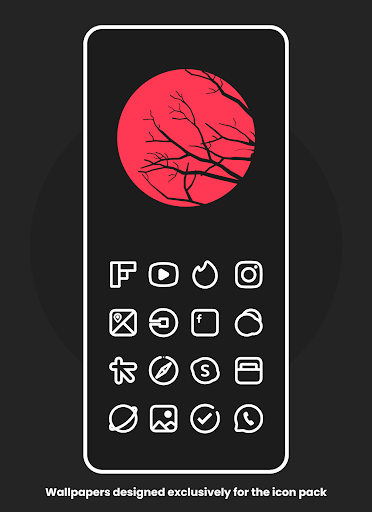
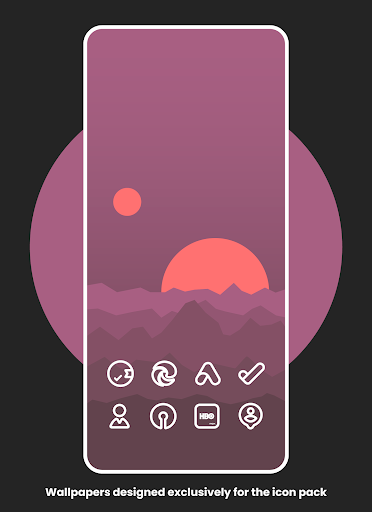
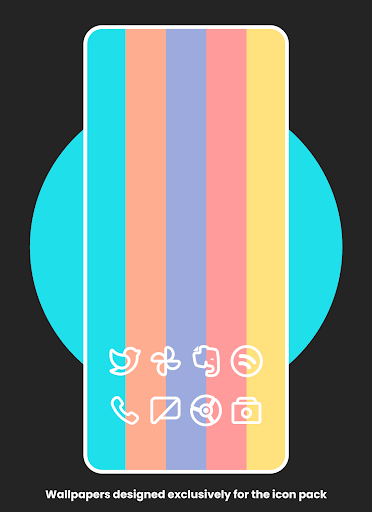
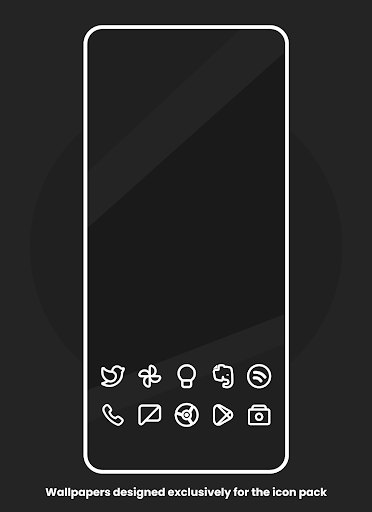
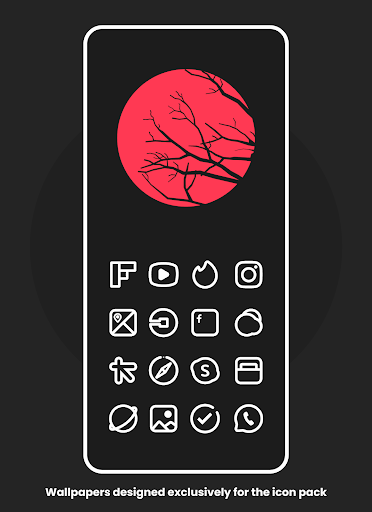
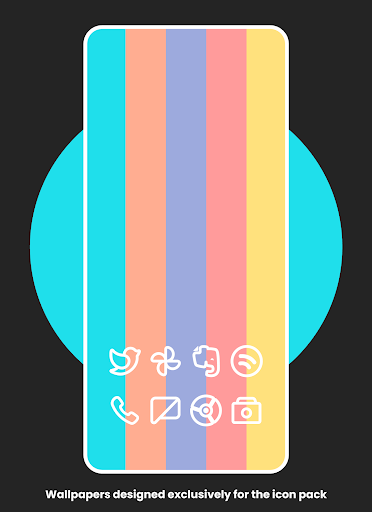
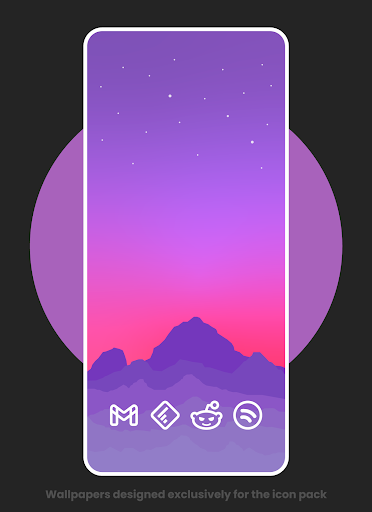
• Wallpapers Designed Exclusively For The Icon Pack.
• Alternative Icons.
• Dynamic Calendar support.
• Icon Request Tool.
• Icon Search.
Usage tip: Use the icon pack with a black wallpaper :)
On some launchers you need to enter the launcher settings to activate the icon pack.
If you are using OnePlus launcher just enter the launcher settings: hold your finger on the home screen, then click "icons".
Supports
• Nova Launcher
• Apex Launcher
• OnePlus Launcher
• Go Launcher
• ADW2
• Action Launcher
• ABC Launcher
• Aviate Launcher
• Evie Launcher
• Holo Launcher
• ICS Holo Launcher
• Lucid Launcher
• M launcher
• Zero launcher
• V Launcher
• Smart Launcher
• Mix Launcher
• Cool Pixel Launcher
• Lawnchair Launcher
• Super P Launcher
• Rootles Launcher
• Solo Launcher and many more...
Stay in touch:
https://twitter.com/FLDesign5
https://www.instagram.com/fl_icon_design/
How to Apply Icons with Plume Line - Icon Pack
1- Open Plume Line - Icon Pack
2- Navigate to Apply Plume
3- Select Your Launcher
4- Enjoy Your New Theme :)
What's New
Some icons fixed.
Thank you so much for the support
New icons coming soon
In-app purchases
$2.49 - $250.00 per item
Version Information
- Version
- 2.7
- Downloads
- 5K+
- Updated on
- Dec 17, 2025
- Released
- Oct 5, 2022
- Requires
- Android 5.0
Statistics
Google Play Rating History
Rating Distribution
Downloads Over Time
Plume Line - Icon Pack has been downloaded times. Over the past 30 days, it averaged downloads per day.
Shaded area shows 30-day prediction based on historical trends
Historical data collection started recently. More data points will be available over time.
Plume Line - Icon Pack - Google Play Rankings
Top Rankings
| Rank | Country | Category | List | Change |
|---|---|---|---|---|
| — |
Ranking History in
No ranking data available yet. Rankings are updated daily.
#52 in Top Paid Personalization in South Korea
![[WISH] 겨울공간 카톡 테마](https://play-lh.googleusercontent.com/-nYSzxWVlSSyLnGtAQH0cHiEC_e9QOPtLG-20zhpyAlfWp8ci9QvETRTUIN9LDAZFg)

#63 in Top Paid Personalization in Japan
#67 in Top Paid Personalization in Canada


Plume Line - Icon Pack users say on Google Play
 Sébastien De Wolf
Slick design, and I like how they found a decent solution for apps that have no design yet.
 Stephen P
Love the aesthetic of the pack, almost all of my apps were converted to the style of this icon pack. There were a few apps not compatible but it's understandable!
 Andrew Smith
Good icons but could do with supporting samsung apps
 shivam mishra
How to use this application? Purchased but baffled
 Oscar Lazaro
I don't know if I'm doing something wrong , but the apps aren't actually just lines, they have a grey shape background and then the outline of the app icon.
ApkTrusted Ratings & Reviews
More from FLDESIGN
See more apps
Plume Red - Icon Pack
Paid
Flat Squircle - Icon Pack
Paid

Flat Circle - Icon Pack
Paid

Flat Pie - Icon Pack
Paid

Omega - Icon Pack
Paid

Flat Dark Evo - Icon Pack
Paid

Fun - Icon Pack
Paid
Flat Square - Icon Pack
Paid

Astro - Icon Pack
Paid

Black Sweet - Icon Pack
Paid

Flat Evo - Icon Pack
Paid

Black Pie - Icon Pack
Paid

Flat TearDrop - Icon Pack
Paid

Smooth - Icon Pack
Paid
Intense Red - Icon Pack
Paid

Plume Black Line
Paid
Similar Apps

Borealis - Icon Pack
Paid

PurpleLine Icon Pack : LineX
Paid

Ares Dark Icon Pack
Paid

Retro Mode - Icon Pack (Light)
Paid

Ikon Pass
Free

Vera Icon Pack: shapeless icon
Paid

Retro Mode - Icon Pack (Neon)
Paid

Gothic Forest Green Icons
Free

BOLT Icon Pack
Paid

Ares Light: Pastel Icon Pack
Paid

Olympia - Cartoon Icons Pack
Paid

AIO Launcher
Free

Nothing Pomodoro Timer
Paid

OneUI Widgets
Paid

Ratio: Productivity Homescreen
Free

Ellwood City Ledger
Free
Scan this QR code to download

Forwarding you to the page at Google Play market in seconds...
Open Google Play market now