MyEverBright icon

MyEverBright v2.30.0

MyEverBright screenshot 0 MyEverBright screenshot 1 MyEverBright screenshot 2 MyEverBright screenshot 3 MyEverBright screenshot 4 MyEverBright screenshot 5 MyEverBright screenshot 6 MyEverBright screenshot 7 MyEverBright screenshot 8 MyEverBright screenshot 9 MyEverBright screenshot 10 MyEverBright screenshot 11 MyEverBright screenshot 12 MyEverBright screenshot 13 MyEverBright screenshot 14

About this app

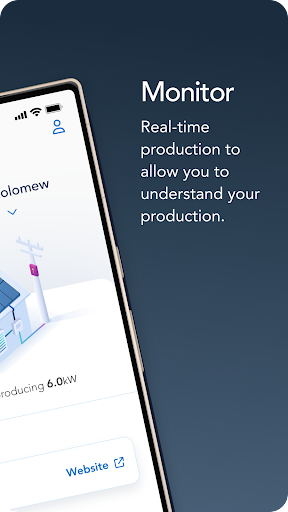
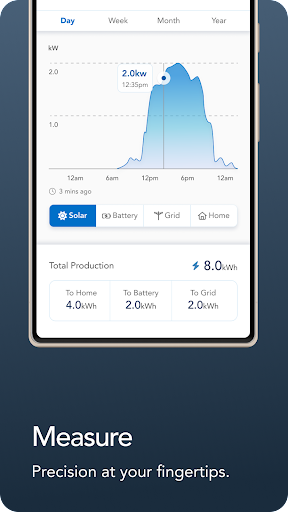
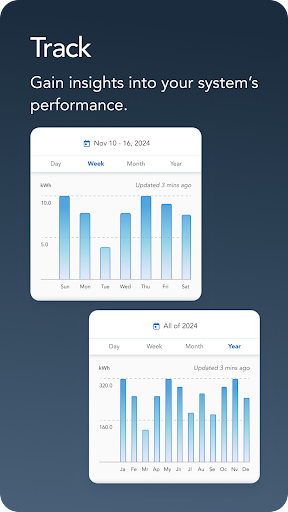
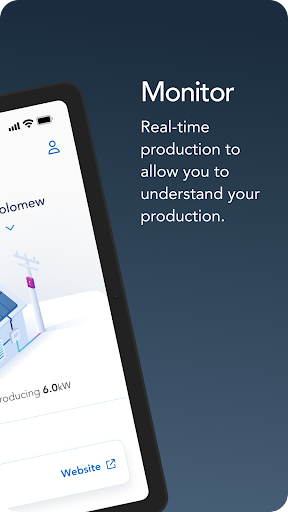
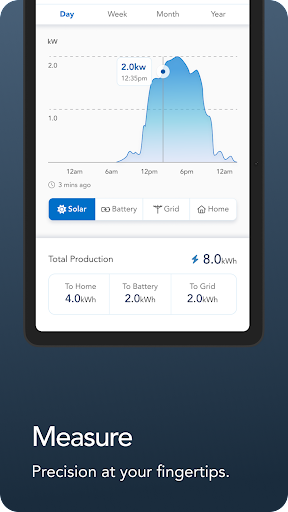
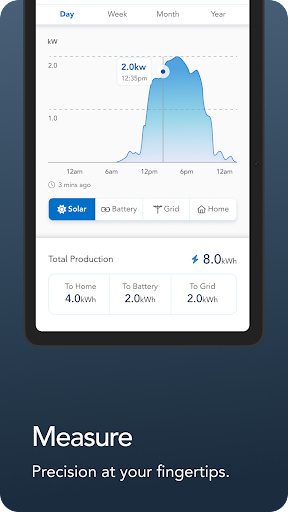
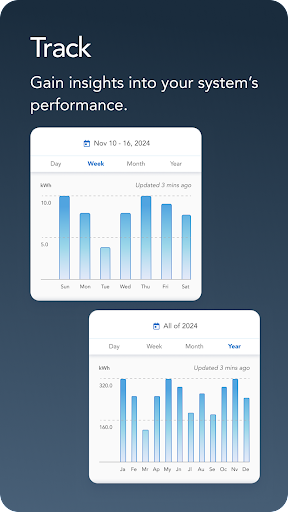
MyEverBright is a specialized app designed to help users track the progress of their system installations, monitor system production, and access related features, making it an ideal tool for individuals involved in construction, renovation, or maintenance projects. This app benefits professionals and homeowners alike who need to oversee and manage system installations. Compared to other House And Home category apps, MyEverBright stands out with its focused feature set and excellent user rating of 4.7/5, indicating a high level of user satisfaction. However, its limited download numbers and lack of in-app purchases or advertisements might suggest a niche user base or limited marketing efforts.

Pros

  • With a user rating of 4.7/5 and over 10,000 downloads, MyEverBright demonstrates a high level of quality and social proof, indicating that it is a reliable and useful tool for its target audience.
  • The app's developer, MyEverBright, provides a website and email contact, showing a commitment to user support and feedback, which is essential for an app that requires technical expertise and trust.
  • MyEverBright does not contain ads, ensuring a clean and uninterrupted user experience, which is particularly important for an app used in professional settings where distractions can be costly.
  • The app requires Android 8.0 or later, indicating that it is designed to work with relatively modern devices, which can provide better performance and security compared to older systems.
  • With zero permissions requested, MyEverBright demonstrates a strong commitment to user privacy and security, minimizing potential risks associated with data collection and unauthorized access.

Cons

  • Despite its excellent rating, the app's relatively low download numbers might indicate limited awareness or a narrow target audience, potentially restricting its community support and feature expansion.
  • The lack of in-app purchases or a paid version might limit the app's ability to offer advanced features or premium support, which could be a concern for heavy users or professionals requiring more comprehensive tools.
  • There is limited information available on the app's update frequency and long-term support, which could be a concern for users who rely on the app for critical tasks and need assurance of ongoing maintenance and improvements.
  • Without more detailed information on the developer's plans for expansion or integration with other tools and services, users might be hesitant to commit to the app for long-term projects or workflows.

Best for: The ideal user for MyEverBright is likely a professional or homeowner involved in construction, renovation, or maintenance projects who values a straightforward, ad-free, and privacy-conscious tool for tracking system installations and monitoring production, and is comfortable with a specialized app that might have a more limited feature set compared to more general-purpose House And Home apps.

Developer Description

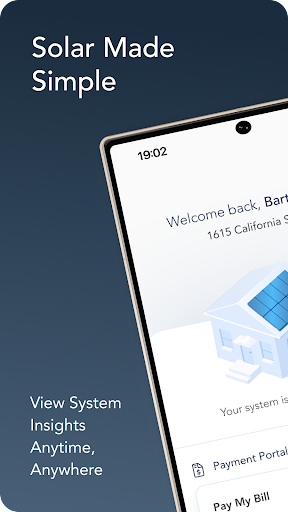
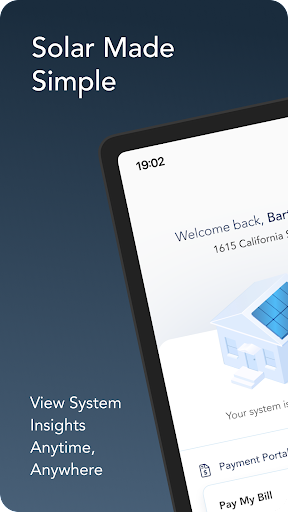
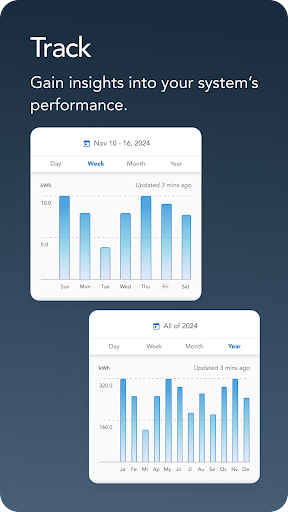
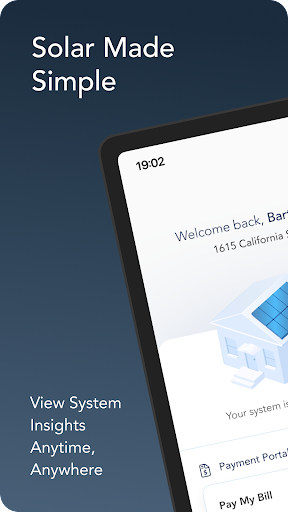
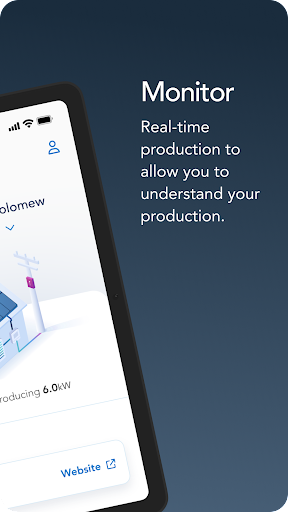
Track the progress of your system install, check system production, and more!

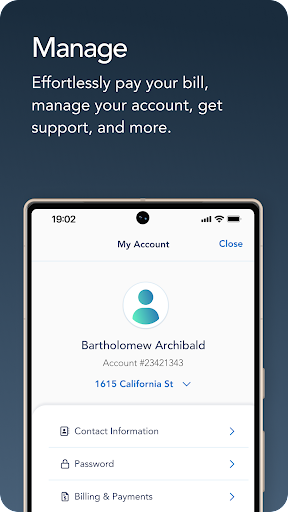
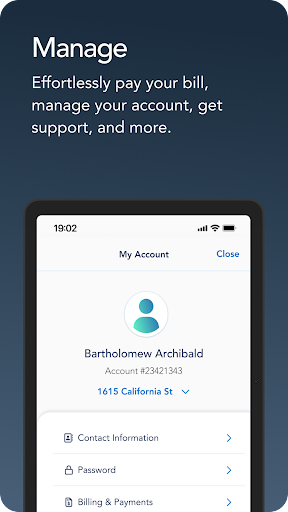
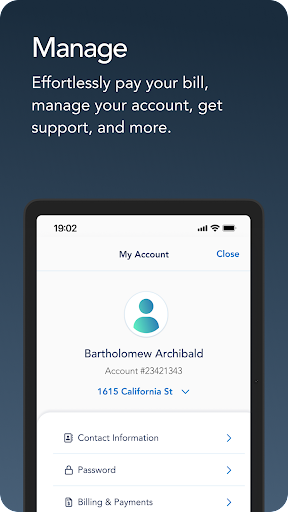
Keep up to date on the progress of your system installation and complete your welcome checklist! Once your system installation is completed, you will have access to billing and payment information, system production data, details about your system design, and important agreement documentation. We're here to give you the best experience funding your clean power home. The EverBright customer support team is here to answer any question and resolve any issue quickly.

Privacy

Given that MyEverBright requests zero permissions, it appears to be a low-risk app in terms of data collection and privacy concerns. However, users should still be cautious when downloading and installing any app, ensuring it comes from a trusted source like the official Play Store. Regularly reviewing the app's permissions and privacy policy, if one is provided, can also help users stay informed about any changes to how their data is handled.

Tips

To get the most out of MyEverBright, users should start by familiarizing themselves with the app's tracking and monitoring features, setting up their system installations and production data as soon as possible. For optimal performance, ensuring the device meets the recommended Android version and keeping the app updated can help prevent compatibility issues. Additionally, exploring any available settings or options for customizing the app's behavior can enhance the user experience and tailor it to specific needs or workflows.

What's New

Support Page Redesign: The Support experience now has a more intuitive layout where FAQs are organized into categories with visuals to help homeowners find answers faster.

Video Resources: Homeowners can now access educational videos tailored to their product type, providing key information on their solar system.

Version Information

Version
2.30.0
Downloads
10K+
Updated on
Nov 17, 2025
Released
Aug 29, 2022
Requires
Android 8.0

Statistics

Google Play Rating History

Current
Average
Range

Rating Distribution

Total Ratings:

Downloads Over Time

MyEverBright has been downloaded times.

Total Downloads
Last 30 Days
Avg Daily Est.

Shaded area shows 30-day prediction based on historical trends

Historical data collection started recently. More data points will be available over time.

MyEverBright users say on Google Play

★★★★★
Bruce Carter Bruce Carter

Worked fine for me!!

9 May 3, 2024
★★★★
Phred Jenkins Phred Jenkins

Very easy to pay my bill.

4 Jun 27, 2025
★★★
P E P E

I had the same issues as others have mentioned as it relates to reporting. It was not giving me Today's energy production and This month was off compared to the online dashboard by about 50 kWh. I did call customer service who submitted a ticket. However, I just uninstalled the app, and added it again, and now the data matches what I am seeing online.

4 Oct 29, 2024
★★
Autumn Dagan Autumn Dagan

Trying to log in but the home page won't resize to fix my mobile device. All of the words are overlapped and I can not click anything. Please let your IT team know its a simple programming fix. I've read other reviews of people saying they get errors. I can't even get that far.

6 May 1, 2024
Robyn Benedict Robyn Benedict

I can't even log in. Whenever the app loads, I get a message that something went wrong, and then it won't let me log in. Even if I enter my login credentials manually, nothing happens when I hit the login button.

17 Jan 18, 2024

ApkTrusted Ratings & Reviews

0.0
0 ratings
5
0
4
0
3
0
2
0
1
0
✓ Thank you! Your review has been submitted and will be published after admin approval.
Be the first to write a review...

Similar Apps

Explore Tags

Browse all tags