Jigsaw Crossword + v3.2.3
Havos Word Games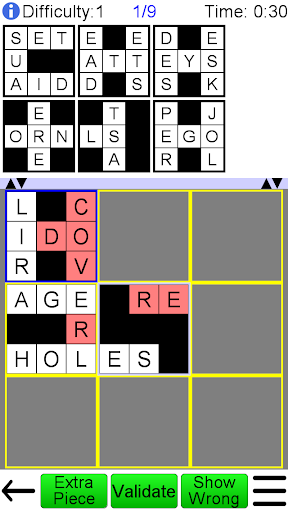



About this app
Developer Description
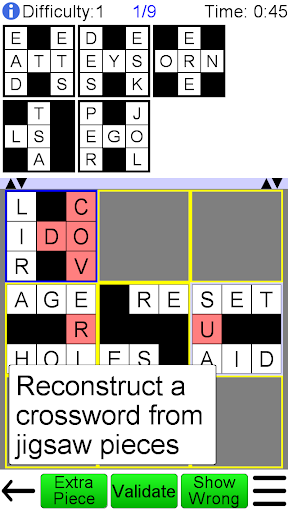
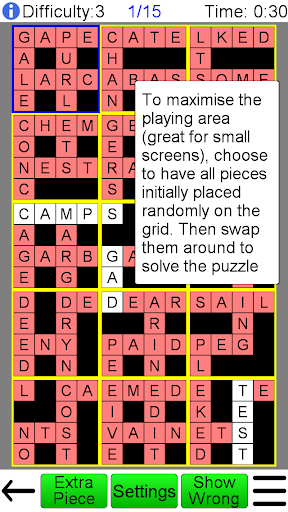
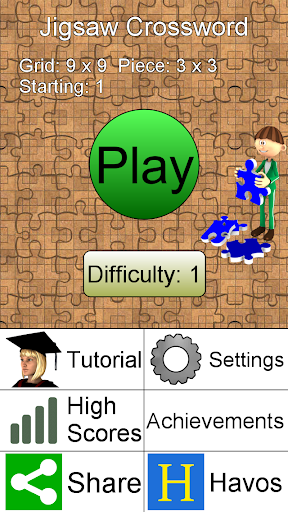
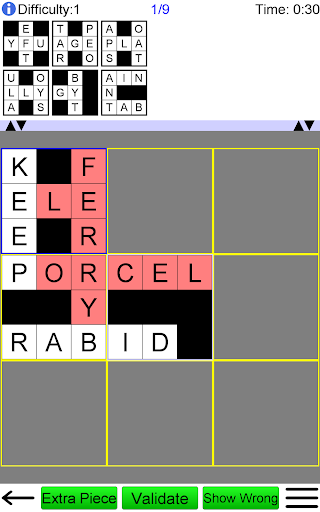
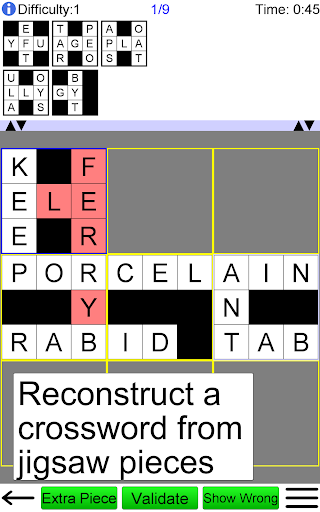
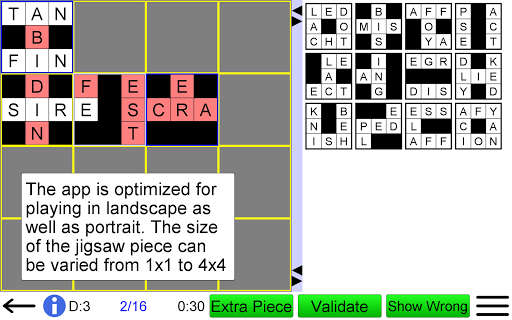
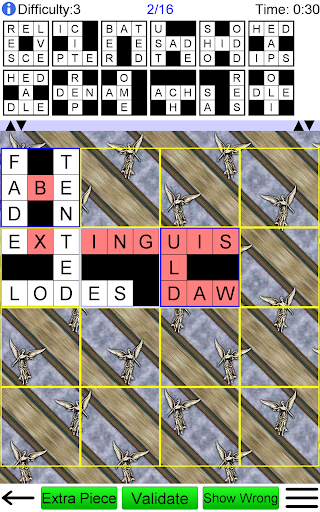
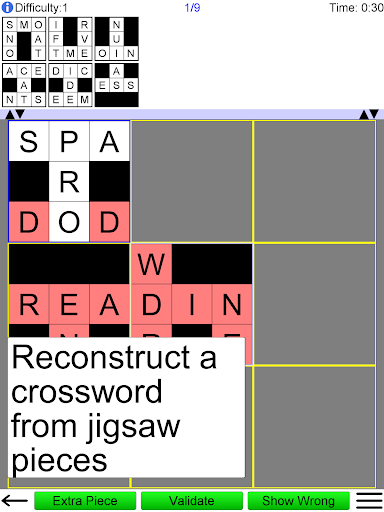
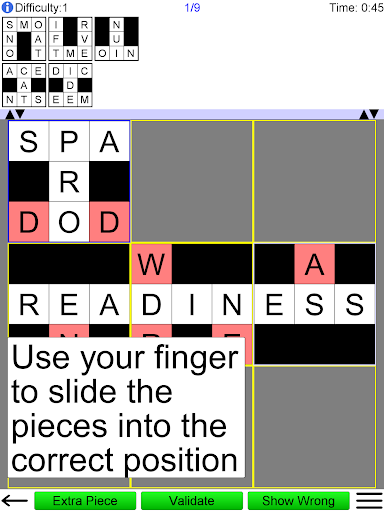
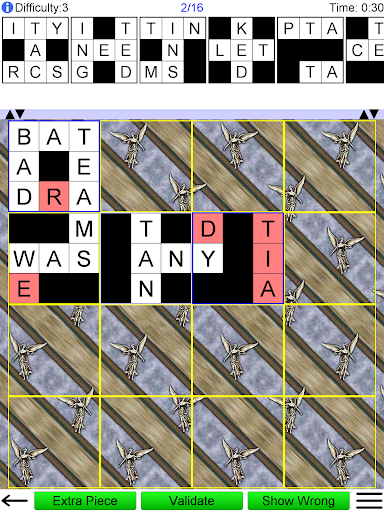
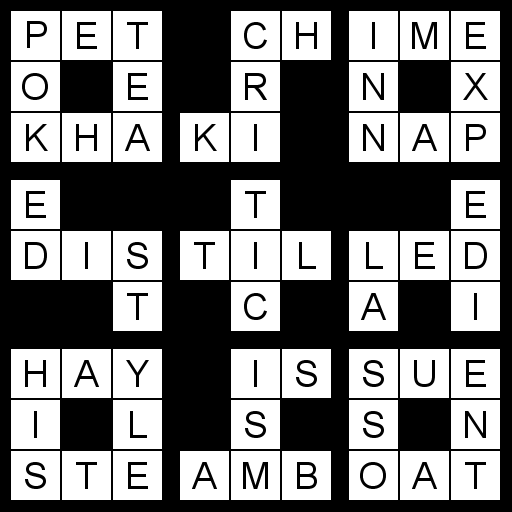
Recreate a crossword with jigsaw pieces in this fun and challenging word game
Play with an English word list or choose one of 23 other languages.
• Play an unlimited number of different puzzles!!
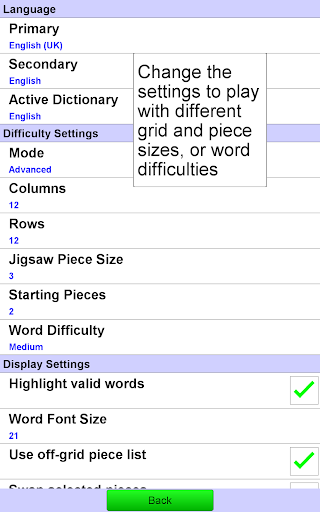
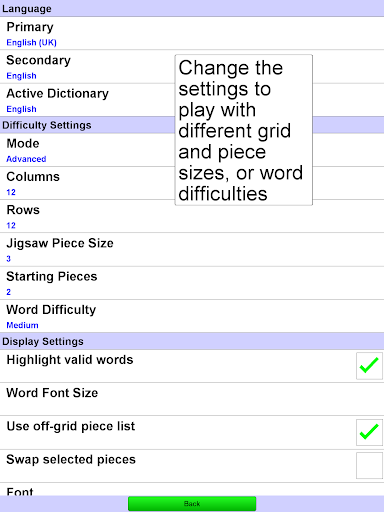
• Multiple difficulty options. Play one of 10 built in difficulty levels, or use the advanced mode to configure the difficulty just as you want.
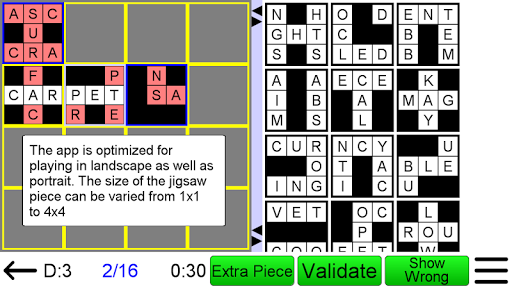
• Four different sizes of puzzle piece are possible.
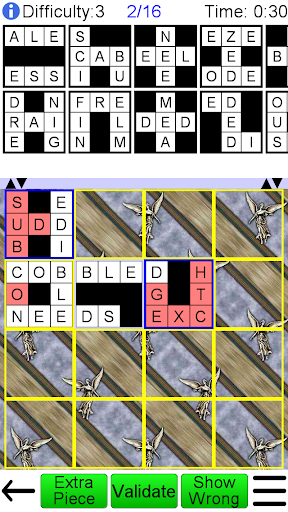
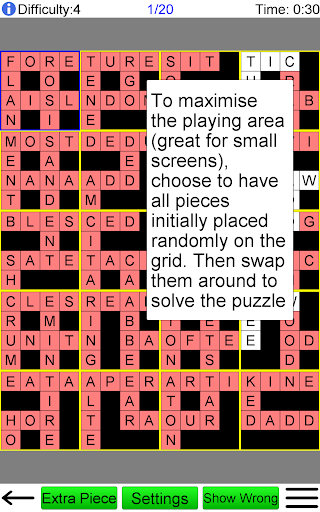
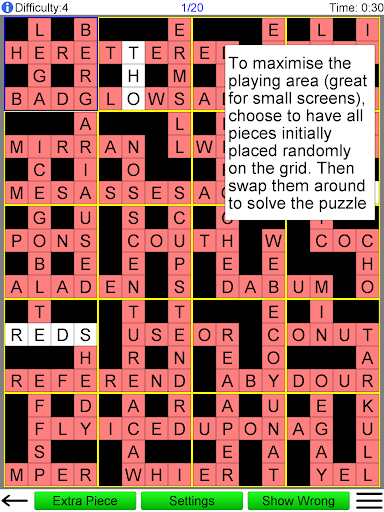
• Pieces can start outside the grid (classic version), or all are randomly placed on the grid and are then swapped to find the solution (ideal for smaller screens).
• Game contains achievements integrated into Google Play's "Game Services".
• Designed for fun games from the smallest mobile phones up to the largest tablets.
You can configure:
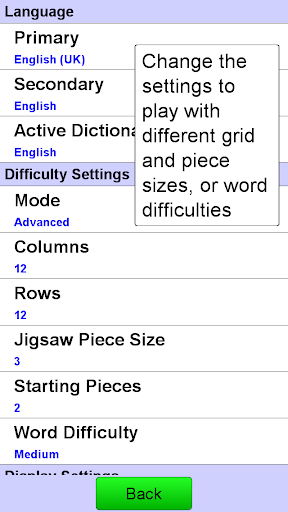
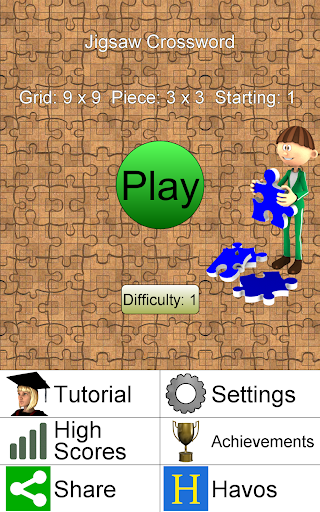
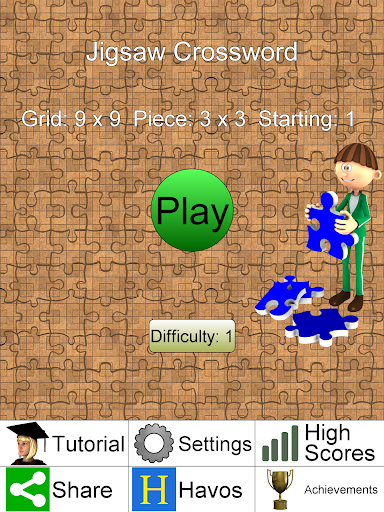
1) Grid size
Specify exactly how many columns and rows to use (from 3 to 20). Even non square grids (e.g. 12x15) are possible.
2) Difficulty Settings
Change the difficulty of the puzzles, from easy to very difficult.
3) Language
Choose the language of the word list, from a large range of downloadable dictionaries. 24 languages are currently available (see below).
4) Orientation
Can be played in portrait or landscape mode. Just rotate your device and the display adjusts automatically.
This app gives you the ultimate power to play the game just the way you want.
Game aids:
1) As words are formed, then valid words are highlighted.
2) You can choose to have one or more pieces placed into their correct position at the beginning of the game.
3) During the game, you can request a random puzzle piece to be placed into its correct position.
4) You can ask the game if a selected puzzle piece is in the correct position.
Each game is assigned a difficulty level from 0 (easy) to 9 (very hard). The difficulty level is determined by the settings. Each difficulty level maintains the high scores (measured by fastest time to complete the game). The game displays the best 20 scores for each difficulty level.
Compare your high scores with others around the world by using Google Play's "Game Services".
Other features unique to this app:
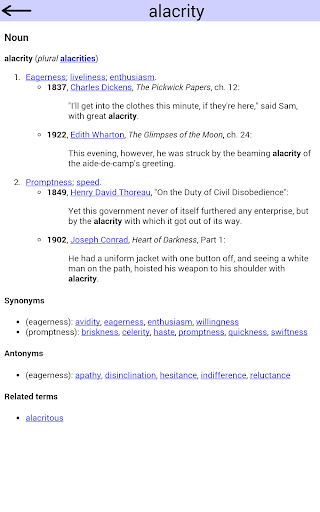
1) View the definition of the word from an online source (e.g. Wiktionary), optimized for viewing on a small screen.
2) When you play with a word list in a foreign language, the word definition will (where possible) be in your own language. This is great for language learning!
Dictionaries available are English, Spanish, Portuguese, Russian, Arabic, French, German, Italian, Indonesian, Bulgarian, Croatian, Czech, Danish, Greek, Hungarian, Polish, Romanian, Serbian(Latin), Serbian(Cyrillic), Slovak, Slovene, Swedish, Turkish, Ukrainian and more coming later
What's New
Version Information
- Version
- 3.2.3
- Downloads
- 500+
- Updated on
- Jan 28, 2024
- Released
- May 22, 2014
- Requires
- Android 4.4
Statistics
Google Play Rating History
Rating Distribution
Downloads Over Time
Jigsaw Crossword + has been downloaded times. Over the past 30 days, it averaged downloads per day.
Shaded area shows 30-day prediction based on historical trends
Historical data collection started recently. More data points will be available over time.
Jigsaw Crossword + users say on Google Play
 Eric F
A really fun game and they just updated it to fix my criticisms.
 J P
J P
I payed for ad free but I still get ads for games I already have installed.
 A Google user
Very good
ApkTrusted Ratings & Reviews
More from Havos Word Games
See more apps
Crossword Solver +
Paid
Codeword Unlimited
Free
Codeword Unlimited +
Paid
Word Fit Puzzle
Free
Number Fit Puzzle
Free
Word Games
Free
Crossword Unlimited
Free
Jigsaw Crossword
Free
Pic Quiz
Free
Crossword
Free
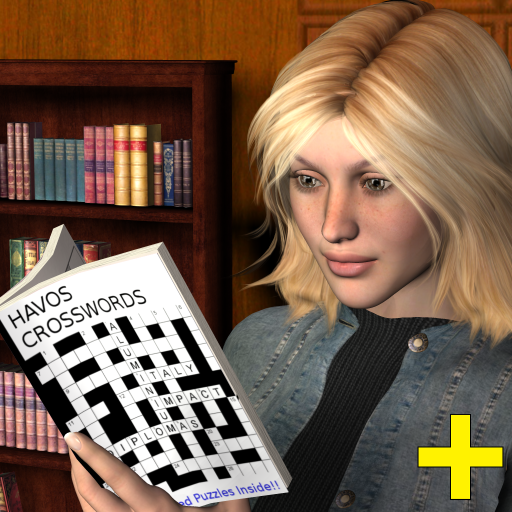
Crossword Unlimited
Paid
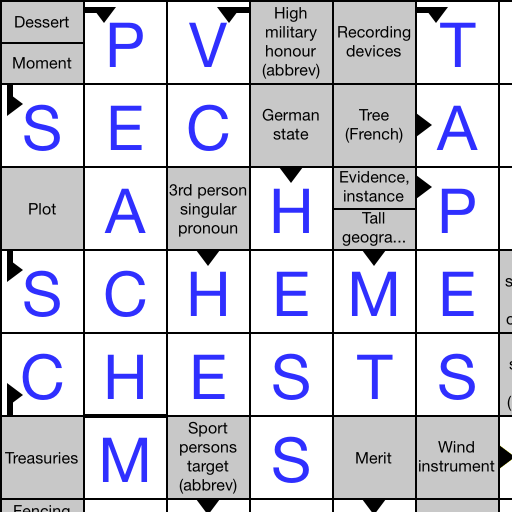
Arrow Crossword
Free
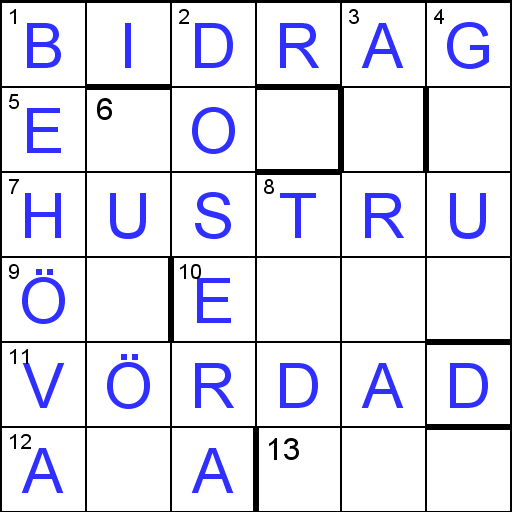
Barred Crossword
Free
Famous People +
Paid
Number Fit Puzzle +
Free

Crossword Solver
Free
Scan this QR code to download

Forwarding you to the page at Google Play market in seconds...
Open Google Play market now