3D Modeling App: Sculpt & Draw v1.20.8
3D Modeling Apps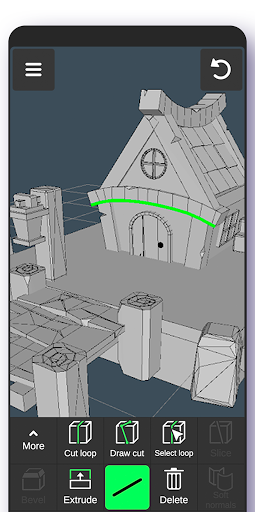
About this app
Developer Description
Easy 3D drawing design maker & creator. Model designing, Sculpting. Create&paint
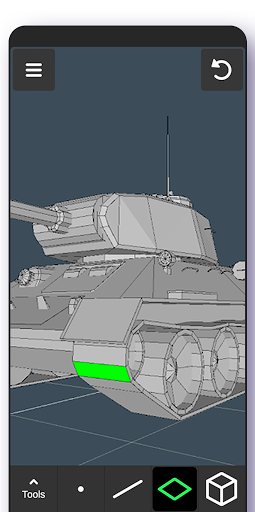
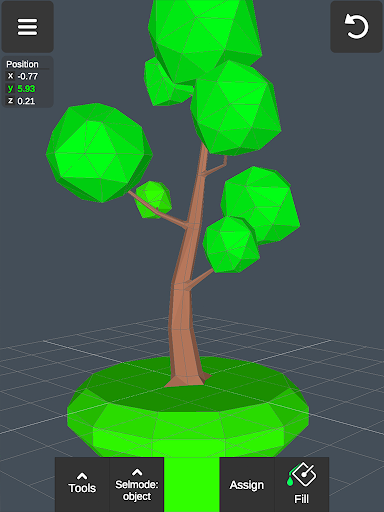
Create a multitude of 3d objects for business. It is a useful addition to the toolkit of many professionals: use it as a 3d graphic design app, a 3d builder design app, a 3d drawing app for engineering, a landscape design drawing app, a 3d furniture design app, an industrial design app, and one of the best woodworking design apps. Automotive engineers can even use it for car design. For those looking for the best digital canvas for 3d pen work, painting, or sketching, 3D Modeling App is also a 3d painting app and 3d sketch maker. Find the right 3d brush for your task. Are you a crafter and maker who has long been looking for an all-around 3d art maker? Look no further. No stylus pen is required for 3d pencil drawing, but if you are an artist who relies on one, our drawing editor app supports it. Test your abilities as a digital sculptor, since 3D Modeling App is also a 3d sculpting app. For the model makers, it is also a 3d model maker and 3d object maker. This is the cgi creator for fast 3d.
And for game designers and developers, we provide a tool that lets you create 3d characters and design 3d games. It's the 3d animator you need to create cut scenes. Also use it to make 3d models of your characters and to accurately model 3d physics. Or try out the app as a 3d map maker to flesh out an immersive world for your game and 3d character.
Tons of features:
1. Fast workflow:
- Move and rotate 3d images, and scale 3d objects and the camera using gestures. Quickly switch between tools.
- Easily multi-select vertices, edges, faces, and objects by long tapping or drawing frames.
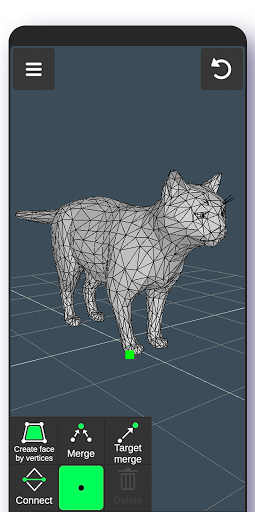
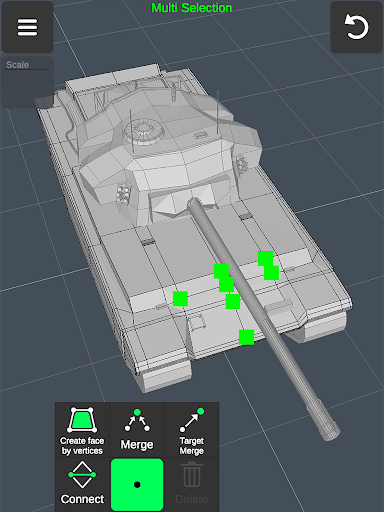
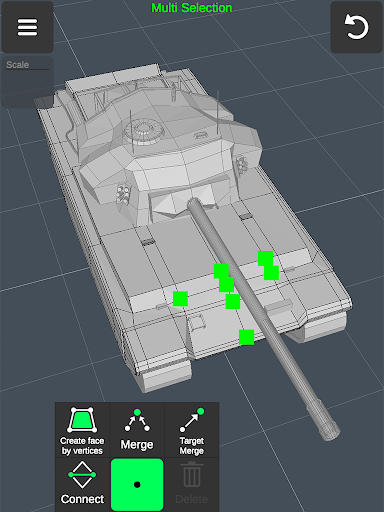
2. Vertex tools for 3d geometry: merge (target merge, collapse edges, collapse faces), connect, and create faces using vertices.
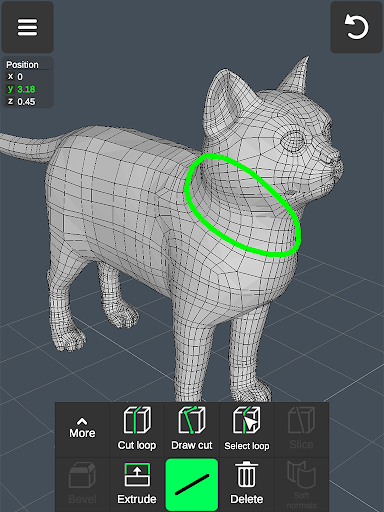
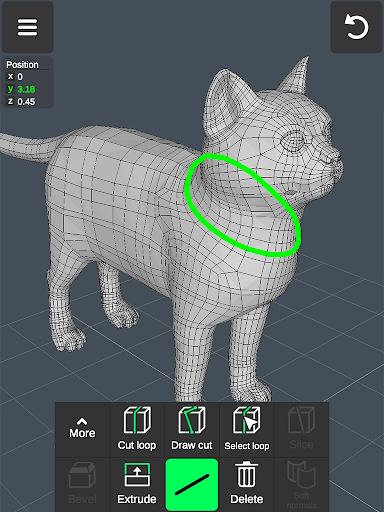
3. Edge tools: Draw a cut using a single swipe or by select one point by point, cut a loop (create new edge-loops), select a loop (also by double tapping), extrude, delete, select ring, create 3d faces using the border edge (fill in the hole).
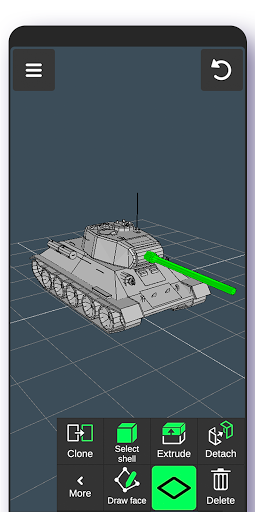
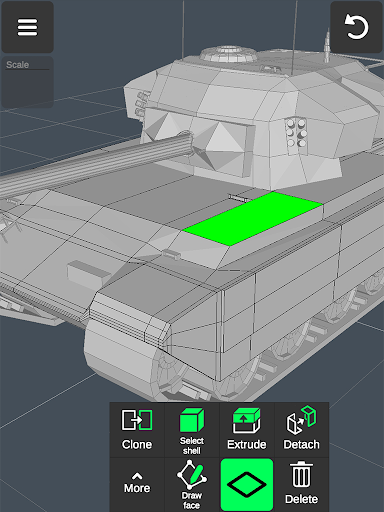
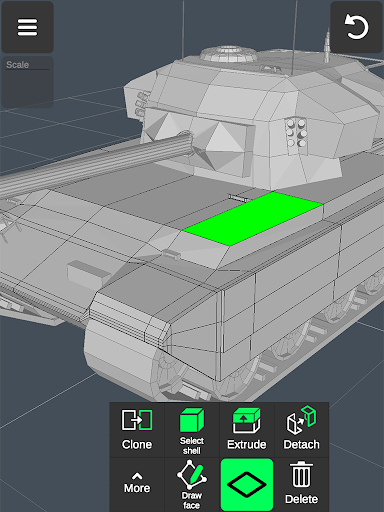
4. Face tools: Extrude, draw a face using set points, detach, clone, select shell (also by double tap), reverse, delete.
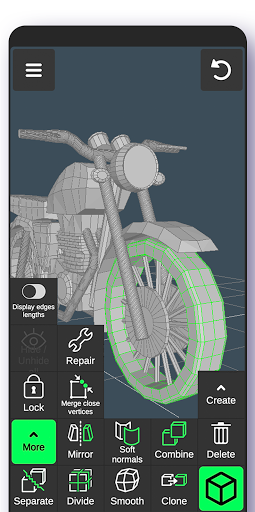
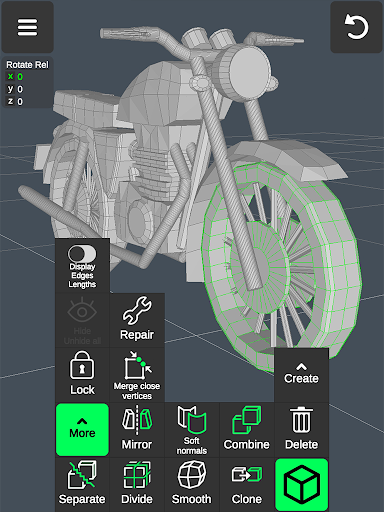
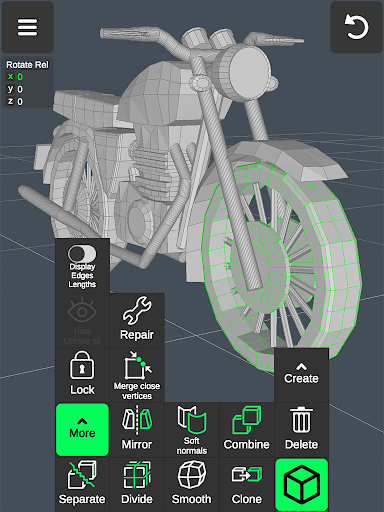
5. Object tools: Combine/separate, clone, mirror, smooth, divide, and soft/hard normals.
6. Sculpting tools: Move, screen, push, pull, and smooth. You can adjust brush size and strength.
7. Display tools:
- Grid with settable size and snapping values.
- Display info: Triangles count, distance between vertices, and edge length.
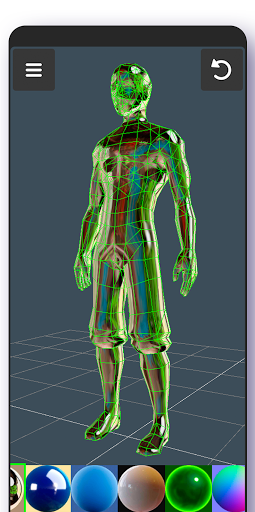
- Wireframe on/off, shaded on/off.
- Shadows on/off.
- Axis on/off.
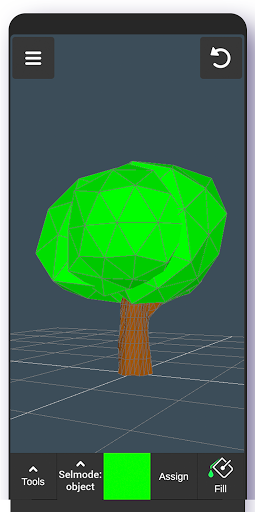
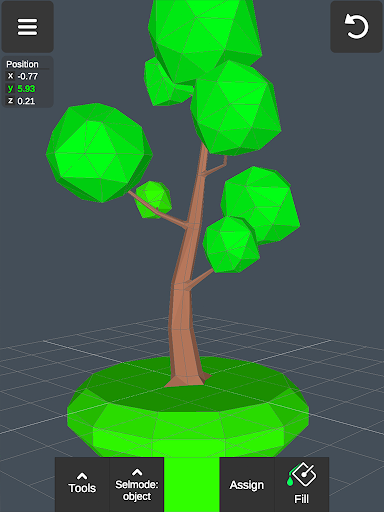
8. Coloring: Vertex color painting.
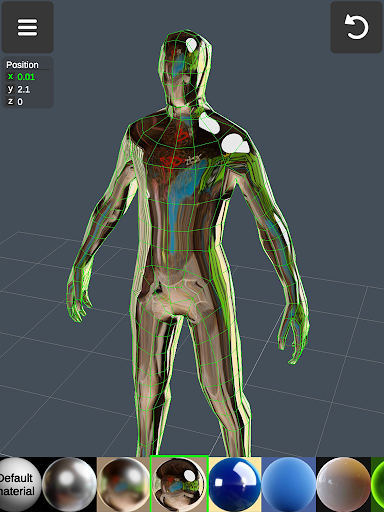
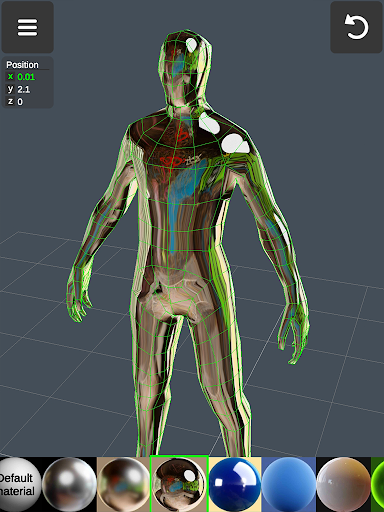
9. You can apply up to 20 materials to your objects.
10. Additional tools:
- Orthographic camera.
- Set move, rotate, and scale precise values.
- Display selected (isolate selection).
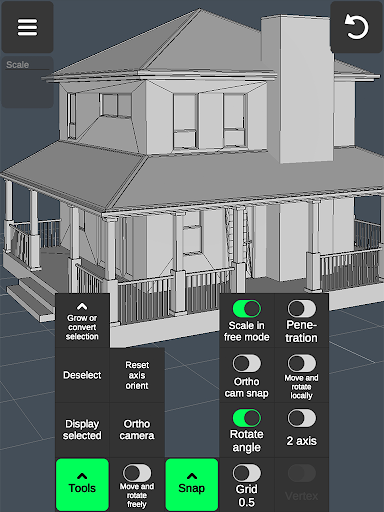
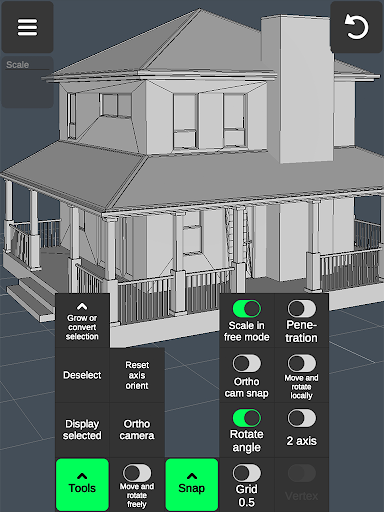
- Grow selection and convert selection.
- Move vertices, edges, 3d faces, and objects freely without grid snap.
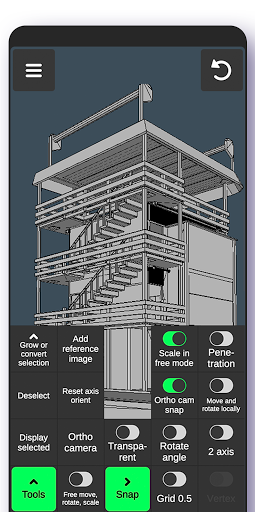
- Snap: Grid, rotate angle, 2 axis plane, local space, physical penetration, ortho cam snap.
- Auto-save.
11. Export & import .obj files:
- Can be imported in 3D modeling software: 3ds Max \ Maya \ Blender \ Zbrush \ Modo \ Adobe Photoshop \ Adobe Illustrator \ MeshMixer \ Concepts \ Netfabb \ Forger - Can be imported in CAD software: Autodesk AutoCAD \ SolidWorks \ Tinkercad \ NX \ Catia \ Solid Edge \ Autodesk Fusion 360 \ Rhino \ Onshape \ Trimble Sketchup \ Maxon Cinema 4D (C4D) \ Autodesk Alias
- Can be converted to the following file formats using 3rd party converters: IGS \ IGES \ STP \ STEP \ JT \ SAT \ X_T \ X_B \ BREP \ WRL \ X3D \ 3DM STL \ DAE \ DXF \ GLTF \ FBX \ IFC \ 3DS to further import to Shapr3d (Shapr) or uMake 12.
What's New
In-app purchases
$0.99 - $34.99 per item
Version Information
- Version
- 1.20.8
- Downloads
- 10M+
- Updated on
- Dec 8, 2025
- Released
- Aug 20, 2024
- Requires
- Android 6.0
Statistics
Google Play Rating History
Rating Distribution
Downloads Over Time
3D Modeling App: Sculpt & Draw has been downloaded times. Over the past 30 days, it averaged downloads per day.
Shaded area shows 30-day prediction based on historical trends
Historical data collection started recently. More data points will be available over time.
3D Modeling App: Sculpt & Draw - Google Play Rankings
Top Rankings
| Rank | Country | Category | List | Change |
|---|---|---|---|---|
| — |
Ranking History in
No ranking data available yet. Rankings are updated daily.
#51 in Top Free Art And Design in United States


#10 in Top Free Art And Design in Russia

#40 in Top Free Art And Design in France


#43 in Top Free Art And Design in Netherlands


3D Modeling App: Sculpt & Draw users say on Google Play
 Eli DeLima
Great controls for a mobile 3d editor, and it has all the basic tools necessary. Definitely not as say as powerful as blender, but really, thid has the core tools and great controls, and that's really all that matters. Quick suggestion though, I can see people using this for 3d printing, it may be hard, but try adding some toggable mesh analysis stuff, like highlighting inverted normals, overhangs, etc.
 That Reindeer lmao
It's really great, it had everything I need to make a model, but there's one problem, converting it into obj file is premium, you should make it that you can get it for free temporarily by watching ads, that way it wouldn't be too unfair for people with no money, and the devs still can get monetize
 Than Tun Zaw
Instead of subscribing premium to be able to export and import "obj" file, asking user to watch Ads about 30 seconds for every export may be more convenient for most beginner users. I only export obj file sometimes. So I don't wanna purchase premium just for exporting obj file one or two times in a month. If the users become proficient at your 3D modelling App and use obj file frequently, they will subscribe premium.
 Kevin Barnard
At the beginning I liked the app. I paid for it for several months. Slowly over time bugs were appearing so something like a basic scene I was finishing off with not much in started to scale, rotate and position the basic shapes all wrong. If I can't carry on with my work as I can't steer around the problems I can't use the app.
 Jordan Russell
Locks most features behind an over priced subscription. Avoid at all costs!
ApkTrusted Ratings & Reviews
Similar Apps
Prisma3D - Animation, Modeling
Free
xOne: 3D Scanner & 3D Editor
Free

Nomad Sculpt
Free
Creality Cloud - 3D Printing
Free
Poseit
Free

Magic Poser - Art Pose Tool
Free
Moblo - furniture 3D modeling
Free
Stick Nodes - Animation
Free
DWG FastView-CAD Viewer&Editor
Free

Pocket Code: Learn programming
Free
Floor Plan Creator
Free

Polycam: 3D Scanner & Editor
Free

Max2D: Game Maker, Create Game
Free

FlipaClip: Create 2D Animation
Free

GDevelop - Create & Play Games
Free

ArcSite
Free
Scan this QR code to download

Forwarding you to the page at Google Play market in seconds...
Open Google Play market now