
Timestamp Camera vVARY
Bian Di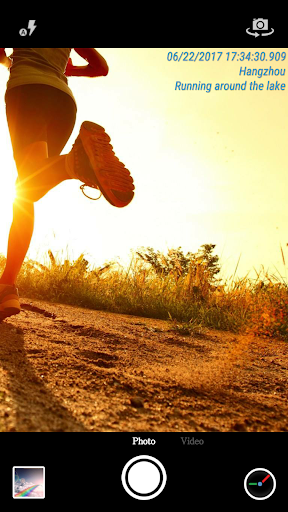

About this app
The Timestamp Camera app effectively solves the problem of wanting to add a date and time watermark to photos and videos, benefiting photographers, journalists, and individuals who need to document evidence or memories with a timestamp. Compared to alternatives in the Photography category, Timestamp Camera stands out with its simplicity and high user rating, indicating a well-designed and user-friendly interface. However, it falls short in terms of advanced editing features, making it more of a niche tool rather than a comprehensive photo editing app. With over 50 million downloads and a 4.6-star rating, it's clear that this app meets a specific need for many users.
Pros
- With zero permissions requested, Timestamp Camera demonstrates a strong commitment to user privacy and security, making it an attractive choice for those concerned about data protection.
- The app's high user rating and large download numbers are a testament to its effectiveness and user satisfaction, providing social proof for potential users.
- The simplicity of the app's purpose - to add date and time watermarks - means it does one thing very well, without cluttering the user interface with unnecessary features.
- The developer's reputation, as indicated by the app's success and the provision of a dedicated website and email for support, suggests a level of professionalism and commitment to user support.
- The absence of in-app purchases means that users can enjoy the full functionality of the app without additional costs, enhancing the overall user experience.
Cons
- The presence of ads may detract from the user experience, potentially interrupting the workflow or causing annoyance, especially for users who prefer ad-free environments.
- The lack of advanced editing features beyond adding date and time watermarks may limit the app's utility for users seeking more comprehensive photo editing capabilities.
- While the app's simplicity is a strength, it also means that users looking for more sophisticated features may find it lacking, necessitating the use of additional apps to achieve desired outcomes.
- The variability in Android requirements and versioning might lead to compatibility issues or inconsistent performance across different devices, which could affect the user experience.
Best for: The ideal user for Timestamp Camera is an individual, likely an adult, who frequently needs to document events, items, or scenes with a clear record of when the photo or video was taken, such as journalists, photographers, estate agents, or anyone requiring visual evidence with a timestamp, and who values simplicity, ease of use, and privacy in their apps.
Developer Description
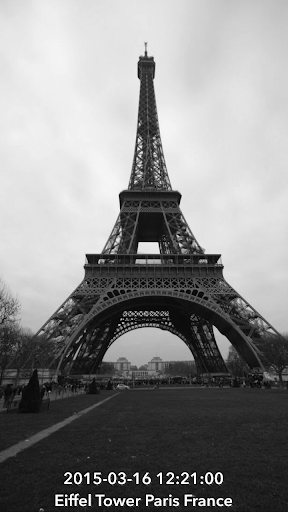
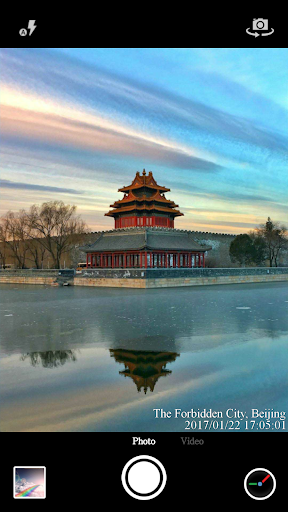
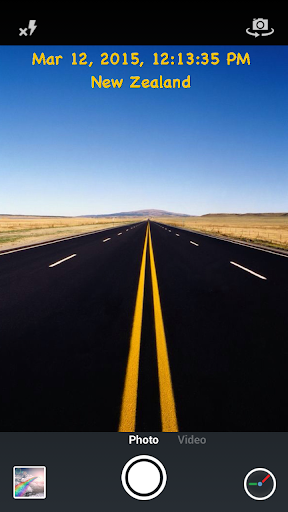
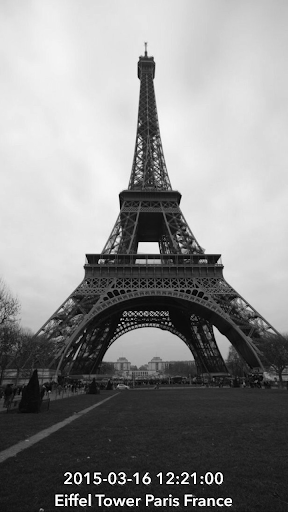
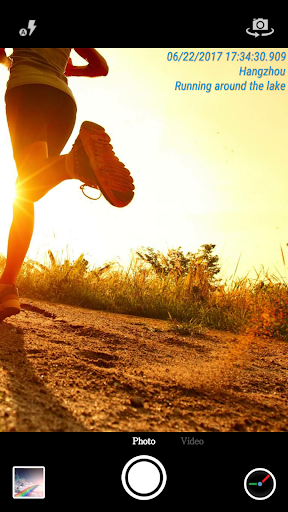
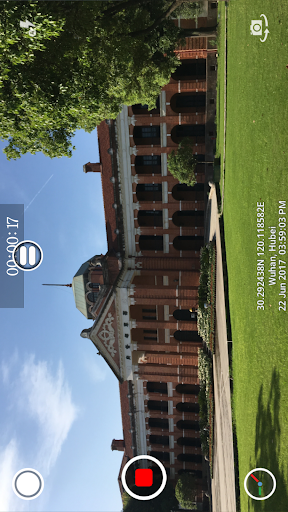
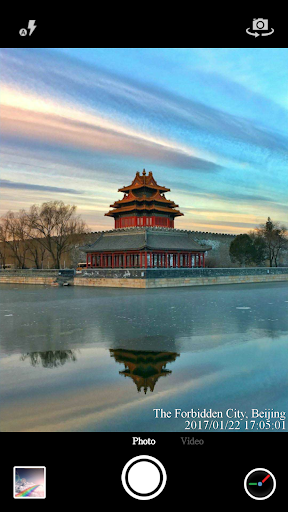
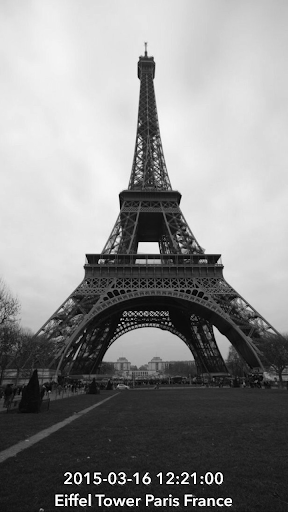
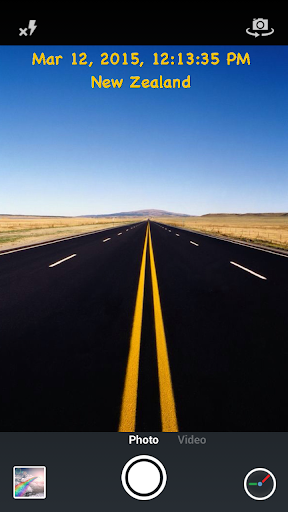
Add date and time watermark to photos and videos
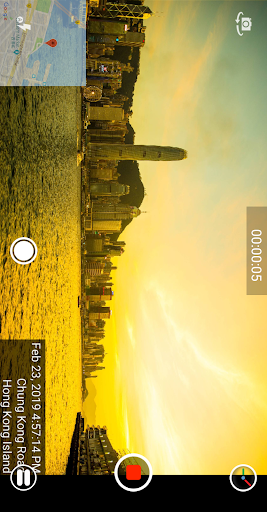
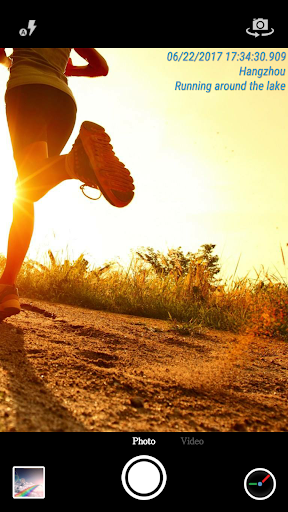
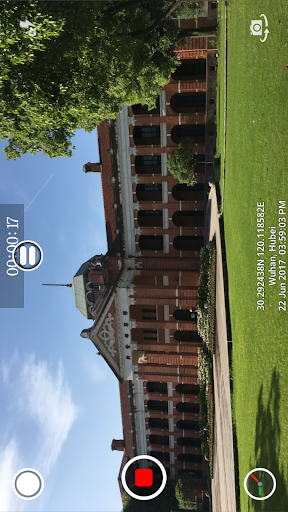
● Add current time and location when recording videos or taking photos, you can change time format or select the location around easily. Timestamp Camera is the only App that can record video with the time watermark accurate to millisecond(0.001 second).
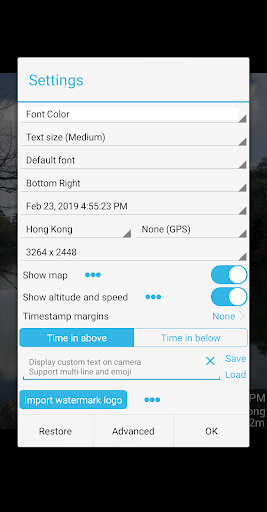
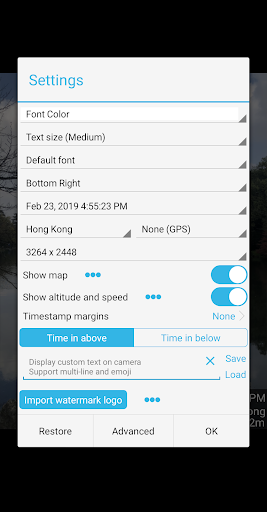
- Support 61 timestamp formats
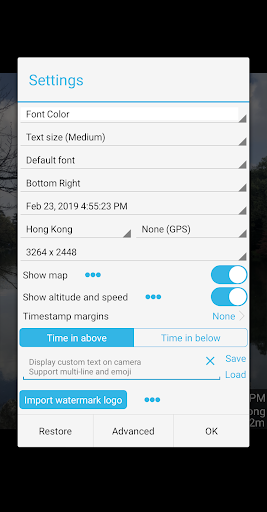
- Support change font, font color, font size
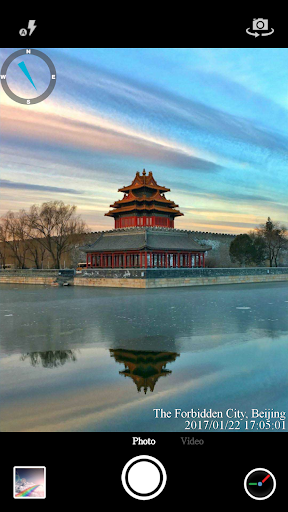
- Support set timestamp in 7 positions: top left, top center, top right, bottom left, bottom center, bottom right, center
- Support auto add location address and GPS
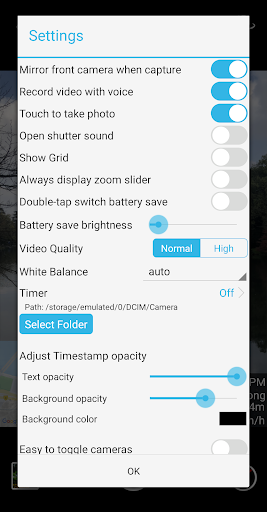
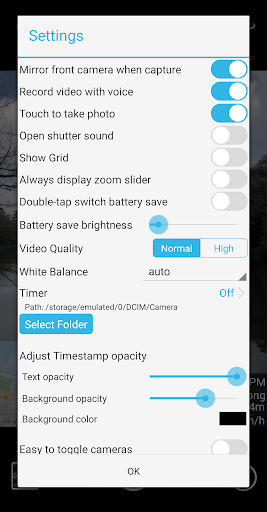
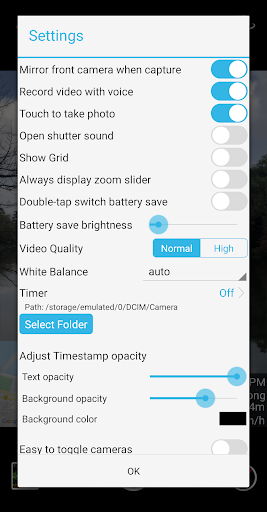
- Support change timestamp opacity and background
- Support add altitude and speed on camera
● Support display custom text and emoji on camera. For example, you can input "Good day at the zoo"
● Support display map, you can change the map scale, transparency, size, position
● Support display compass on camera
● Support display custom logo image on camera
● Support record video with or without audio
● Support "Battery saver mode", the brightness of screen will be 0%~100% of normal when turn it on. Support double-tap to turn on the "Battery saver mode"
● Support turn off the shutter sound when shooting
● All of the time effects are real-time and can be used when taking photo or video
● Can change effect, toggle camera when recording
● Support portrait and landscape
● Support change resolution
● Support capture photo when recording
● Support save photo and video to SD card directly, enable it in the advance setting
Some features may not be available on some phones due to hardware and network differences.
If you want to upgrade to the pro version, you can get the pro version from Google Play which costs $4.99. And you only need to pay for once and use it forever. Don't trust anybody that charge you outsides the Google Play.
Please mail us cybfriend@gmail.com if you have any problem or suggestions. Thank you.
Privacy
Given that Timestamp Camera requests no permissions, it poses minimal risk to user privacy and security, making it a safe choice for those concerned about data protection. However, users should still be cautious when sharing photos and videos, especially if they contain sensitive information. To further protect your privacy, ensure you review the app's terms of service and understand how your data might be used, even though the app itself does not collect sensitive permissions.
Tips
To get the most out of Timestamp Camera, first ensure your device's time and date settings are accurate, as this will directly affect the watermark. For optimal performance, consider closing other resource-intensive apps while using Timestamp Camera, especially if you're working with large videos. Additionally, explore the app's settings to customize the appearance of the timestamp, such as font, size, and color, to best suit your needs.
What's New
- Bug fixed in windowed and split-screen modes
Version Information
- Version
- -
- Downloads
- 50M+
- Updated on
- Dec 9, 2025
- Released
- Mar 26, 2015
- Requires
- Android Varies with device
Statistics
Google Play Rating History
Rating Distribution
Downloads Over Time
Timestamp Camera has been downloaded times. Over the past 30 days, it averaged downloads per day.
Shaded area shows 30-day prediction based on historical trends
Historical data collection started recently. More data points will be available over time.
Timestamp Camera - Google Play Rankings
Top Rankings
| Rank | Country | Category | List | Change |
|---|---|---|---|---|
| — |
Ranking History in
No ranking data available yet. Rankings are updated daily.
#84 in Top Free Photography in United States


#2 in Top Free Photography in Thailand


#4 in Top Free Photography in Indonesia

#9 in Top Free Photography in Saudi Arabia


Timestamp Camera users say on Google Play
 Cartage deBerry
It makes 3rd party verification of the media, very precise. it has saved me from court case issues a few times. What is great on the video you can verbalize what you are showing in the video.
 Owen Ley
Good but sometimes the location didn't appear
 Đặng Trang
bug with Select All. It doesn't work (not selecting all) and sometimes shows Unselect All (when only 1 single picture among many has been selected instead of Select All)
 Utkarsh Singh
It drains the battery.
 Yamank Thakur
useless app
ApkTrusted Ratings & Reviews
More from Bian Di
See more apps





Similar Apps

Timemark: Photo Proof
Free
GPS Map Camera
Free
Camera - HD Camera for Android
Free

Framelapse 2 Time Lapse Camera
Free

NoteCam Lite - GPS memo camera
Free

Camera360 :Photo Editor&Selfie
Free

Cymera - Photo Editor Collage
Free

Canon Camera Connect
Free

Camera FV-5 Lite
Free

Candy Camera AI – Find myself
Free
Cameringo Lite. Filters Camera
Free

GPS Photo: With Location & Map
Free
Professional HD Camera
Free
Camera - Fast Snap with Filter
Free
HD Camera
Free

Camera360 Lite -Stylish Filter
Free
Scan this QR code to download

Forwarding you to the page at Google Play market in seconds...
Open Google Play market now