Super Sphere Code+Control App v1.3.5
Franckh-Kosmos Verlags GmbH & Co. KG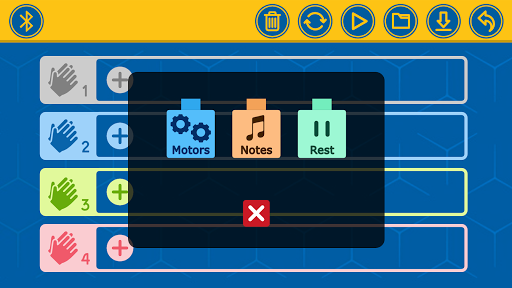



About this app
Developer Description
For use with the "Robotics: Smart Machines – Super Sphere" engineering kit
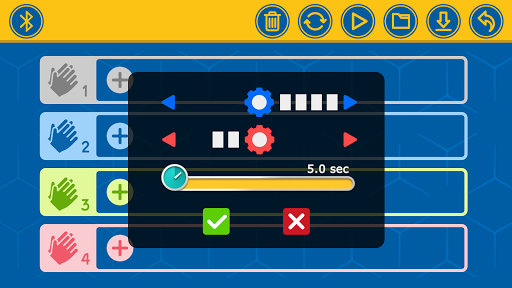
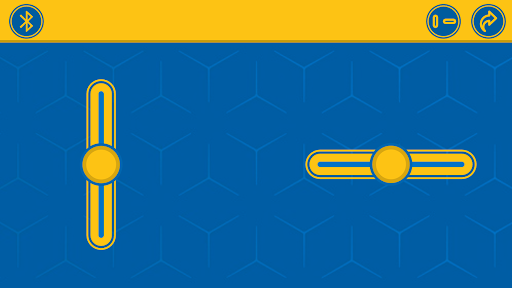
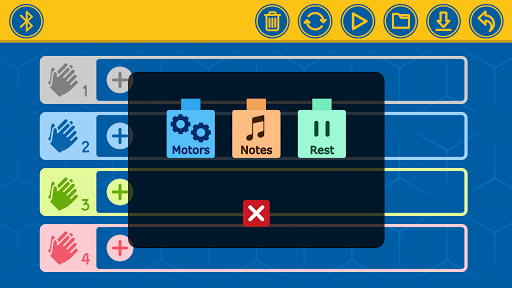
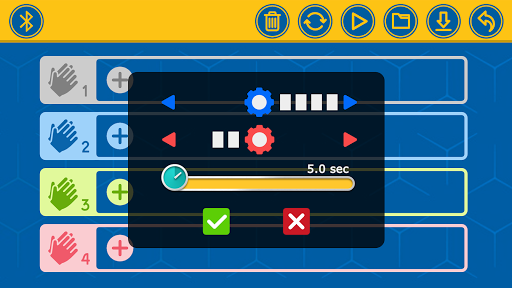
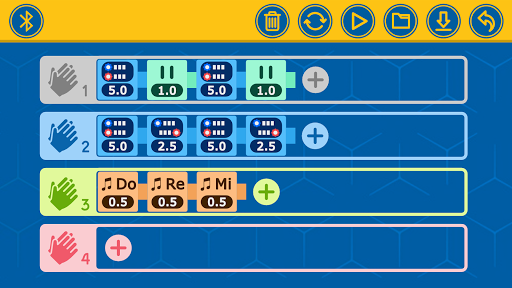
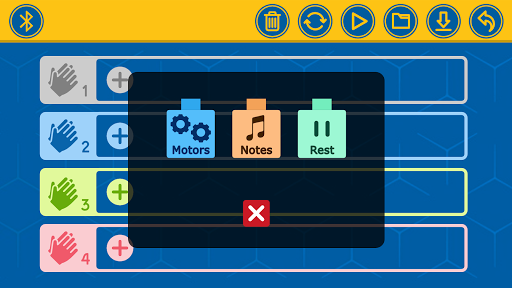
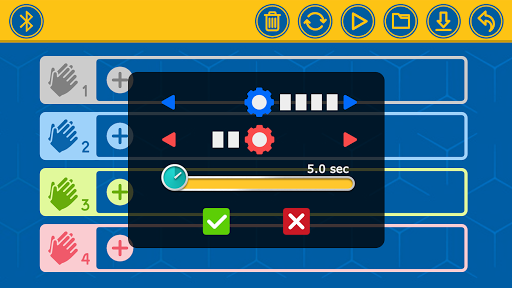
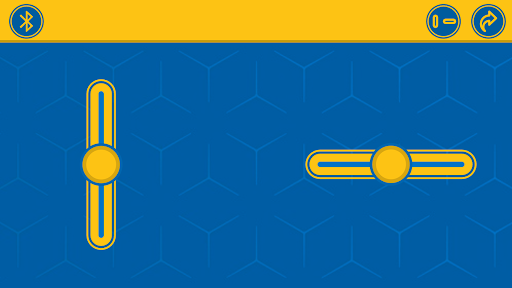
The Super Sphere kit allows you to build and program seven amazing robots, including a spherical robot: an awesome, nine-inch-diameter, rolling robotic sphere! With this app installed on a supported Bluetooth-enabled device, you can remotely control and program your Super Sphere and other robots. Drive your robot using the remote-control interface in the app, or write programs using the easy, visual programming language in the app. The onboard sound sensor lets you program your robots to perform specific sequences of commands in response to the number of claps (or other loud sounds) that it detects.
HOW TO USE:
We suggest you read and follow the instructions step by step in the manual included in the kit. Here is an overview of the instructions for building and using the Super Sphere to get you oriented:
1. Download and install the app.
2. Follow the assembly instructions on page 14 to build the first model, the Super Sphere. Make sure you have inserted the batteries into the Bluetooth battery box correctly according to the instructions on page 2.
3. Shake the model until the blue light on the Bluetooth battery box turns on, indicating that the module is on. The module automatically turns off after about a minute of inactivity to save battery power. You simply have to jiggle the model when you want to turn it on again. It’s a movement-activated on-off switch!
4. Now you can connect the tablet or smartphone to the model via the free app. Follow the instructions at the bottom of page 7.
5. To drive the Super Sphere in remote control mode, follow the instructions on page 8 and the driving tips on pages 22–23.
6. To run a program on the Super Sphere, follow the instructions on page 24. For detailed explanations of how the programming mode of the app works, refer to pages 9–13. Try editing the program for Super Sphere, or writing your own from scratch.
7. Now, proceed with building the other models, one at a time, and running the sample programs given on the programming page found after the assembly.
*****
If your device does not meet the minimum Android OS requirements, email support@thamesandkosmos.com for further support.
*****
Questions or suggestions for improvements:
Mail to apps@kosmos.de
We are looking forward to your feedback!
*****
What's New
Version Information
- Version
- 1.3.5
- Downloads
- 1K+
- Updated on
- Sep 29, 2025
- Released
- Sep 24, 2020
- Requires
- Android 12
Statistics
Google Play Rating History
Rating Distribution
Downloads Over Time
Super Sphere Code+Control App has been downloaded times. Over the past 30 days, it averaged downloads per day.
Shaded area shows 30-day prediction based on historical trends
Historical data collection started recently. More data points will be available over time.
Super Sphere Code+Control App users say on Google Play
 Nab A
Nab A
This is my favorite app I used my robot it moved made songs and it worked better when I got it a few 🔋 battery's from Walmart I bought a card it made my robot talk
 Cody Lucus
It's a good app and all but you can only turn when on tile or wood but that's not the apps fault
 Ronnie Zaid
As all other users stated, the app doesn't work. It's not the actual device or your phone. Download the app Robotics - Smart Machines. It connects in 2 seconds. Save yourself the headache!
 Marie Rose
My 10 year old with ADHD spent an hour putting this stupid over priced machine together. He was very excited about it and anxious to play with it. We downloaded the app and tried everything to get it connected. It is useless, and will not connect to bluetooth. He's now crying and throwing a tantrum, which you may not understand if you don't have a kid with ADHD, but the screaming is ear piercing and I now have a headache. I do not recommend, I will he returning this product.
ApkTrusted Ratings & Reviews
More from Franckh-Kosmos Verlags GmbH & Co. KG
See more apps
KOSMOS Helper App
Free

Catan Assistant
Free
Robotics: Drone
Free
CodeGamer
Free
Hoverbots Code+Control App
Free
Thames & Kosmos Junior
Free
KOSMOS Mazzy
Free
KAI Robotics
Free

Kosmos-Plus
Free
KOSMOS Proxi
Free
Robotics - Smart Machines
Free
RSM Assembly Instructions – Tr
Free

HoverBots Assembly Instruction
Free
Birds of Europe
Paid

Thames & Kosmos Sidekick
Free

Wildkrankheiten erkennen
Paid
Scan this QR code to download

Forwarding you to the page at Google Play market in seconds...
Open Google Play market now