Volume in notification bar vVARY
Power Mind Apps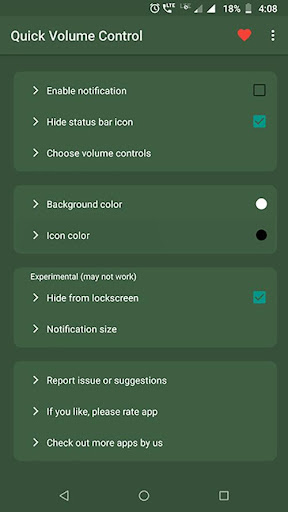



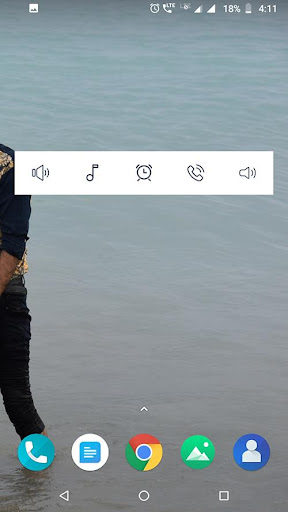
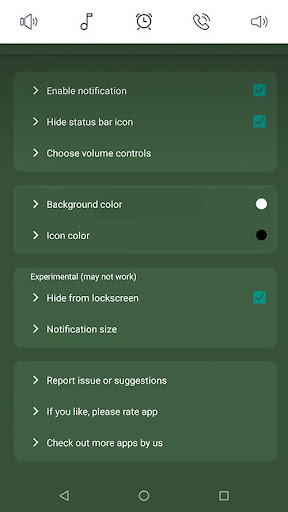
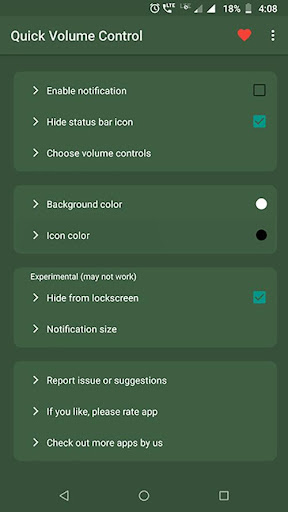


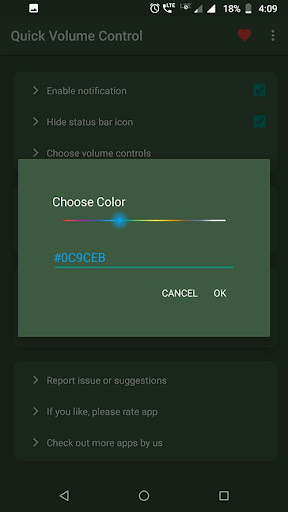

About this app
Developer Description
App to control volumes quickly from volume in notification bar
This is the small little app (219 kb in size) without any nasty permissions or background services.
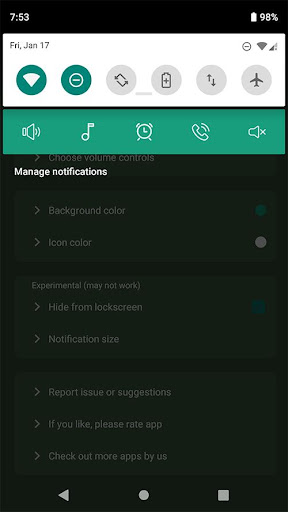
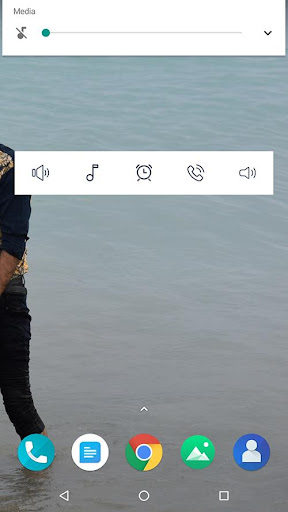
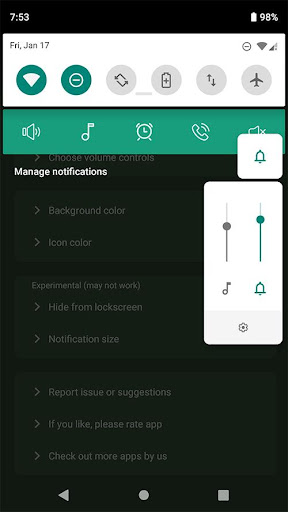
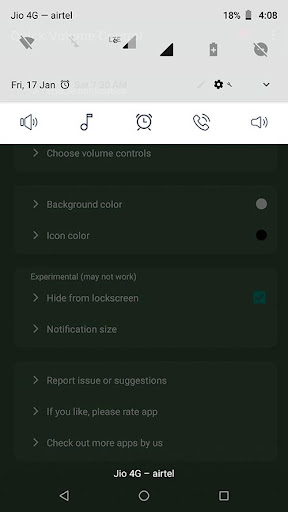
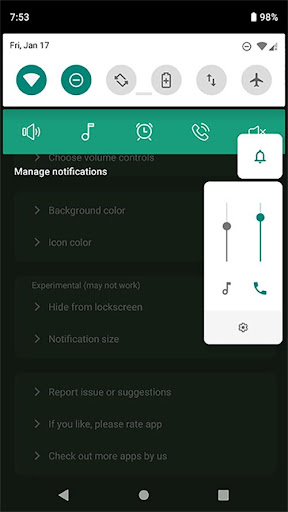
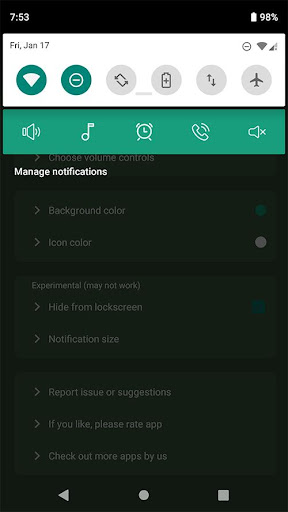
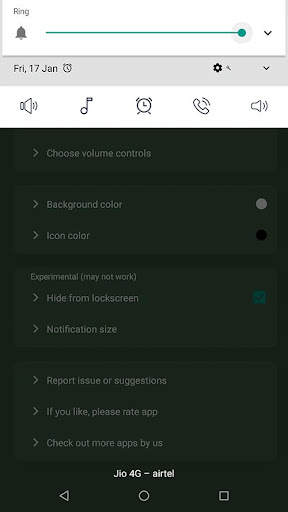
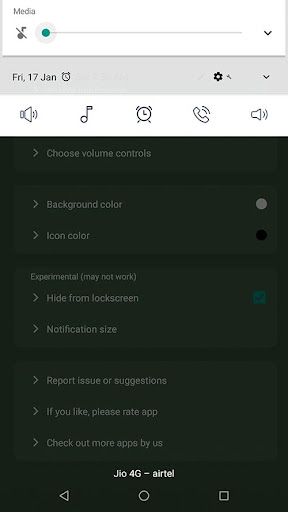
What if these volume sliders are directly available to you in notification bar ? Just swipe down and access volume in notification bar. isn't it quick and easy?
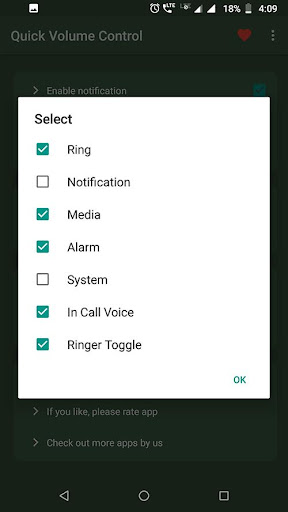
It provides maximum customisation options with clean simple UI. app allows notification toggles for volume sliders: Ring, Notification, Alarm, Music, In call and system(dial tone).
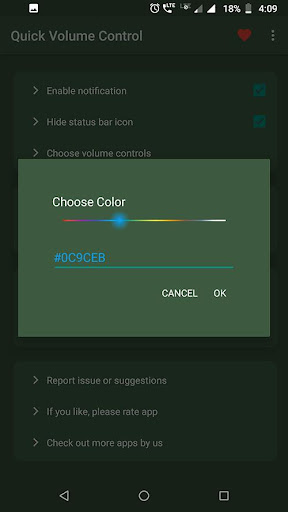
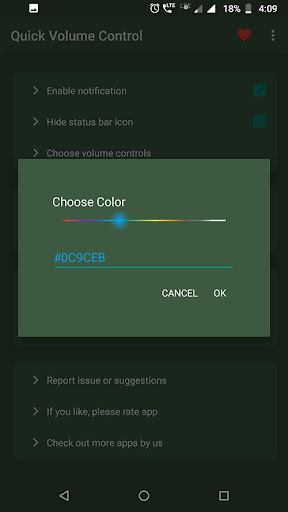
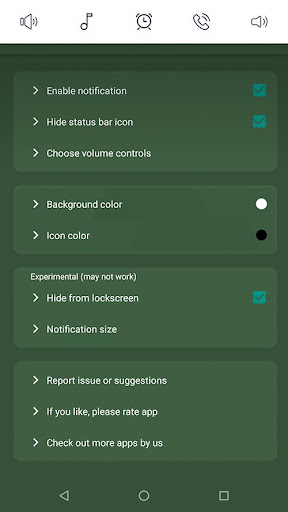
Notification toggles are customisable with background and icon colour.
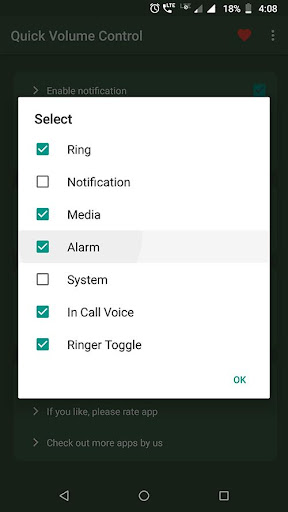
Choose volume toggles those you want to access from notification,
Ringer mode toggle is available to control and change ringer modes quickly such as Silent, Vibrate and normal.
Features:
☑ Quickly control volumes from notification bar
☑ Change back color and icon color for notification toggles
☑ Add/remove notification toggles
☑ Ringer mode notification toggle
☑ Widget on your home-screen
☑ No nasty permissions
☑ Small size (219 kb)
Note:
• App need do not disturb permission for changing ringer modes.
• Not all device support ring and notification volumes separately. so if your device belongs to that category, you can hide. notification toggle from option in app main screen.
Please email us if you find any issues or if you have any suggestions. we works to improve user experiences and enhance app with best features.
email us at bhanualiarvind@gmail.com
This is free app and contains adverrtisements and some options are locked. if you want ad free version and without ads, please download paid version:
https://play.google.com/store/apps/details?id=com.light.volumecontrolnotificationbar
If you like the app, please leave your review on playstore.
Version Information
- Version
- -
- Downloads
- 100K+
- Updated on
- -
- Released
- Jan 21, 2020
- Requires
- Android Varies with device
Statistics
Google Play Rating History
Rating Distribution
Downloads Over Time
Volume in notification bar has been downloaded times. Over the past 30 days, it averaged downloads per day.
Shaded area shows 30-day prediction based on historical trends
Historical data collection started recently. More data points will be available over time.
Volume in notification bar users say on Google Play
 Tristan Lascano
I know why you downloaded this app your phone is probably old or the sound button is not working,my phone now is 4 year old and the sound button is now broken so i downloaded this app and it works it's so good thankyou for creating this app for our phones so I'll leave a 5 star review you guys earned it :>
 Karthala alloor Alloor
Ok
 Team 3T
Good app. Does it work well but when app is closed, it gets vanished from the notification section. That's very irritating.
 Meherin Tabassum
Good for goribs
 Fardin Islam
Not working
ApkTrusted Ratings & Reviews
More from Power Mind Apps
See more apps
Simple text widget
Paid
Website Shortcut -URL Shortcut
Paid

Simple Photo Widget
Free
Paid Apps Sales Pro
Free

Add Frames to photos
Free
Countdown Widget - Time Until
Paid

Screen Rotation Control
Free

Folder Widget - App Shortcuts
Free

Video Live Wallpaper Maker
Paid
Simple Navigation Bar - Floati
Free
Ringtone Scheduler - Automate
Free
Volume Scheduler - silent mode
Free
Scan this QR code to download

Forwarding you to the page at Google Play market in seconds...
Open Google Play market now