Website Shortcut -URL Shortcut vVARY
Power Mind Apps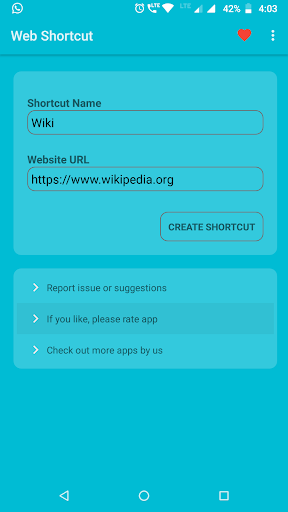







About this app
Developer Description
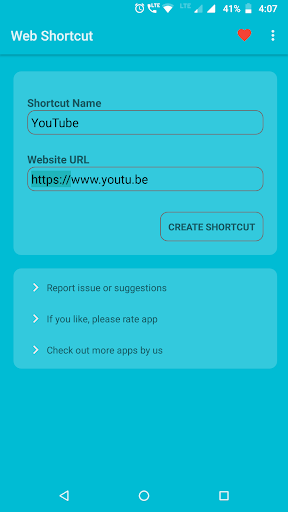
Create website shortcut quickly, simple app - 99 kb only
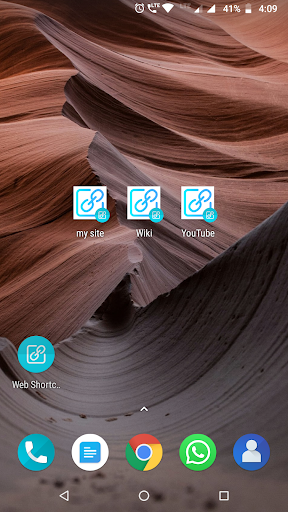
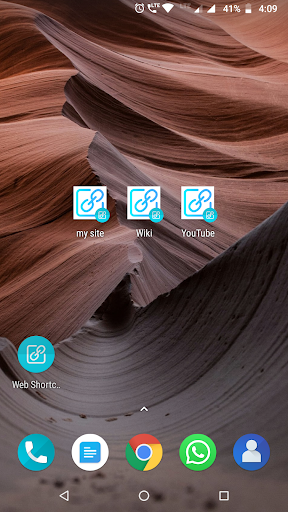
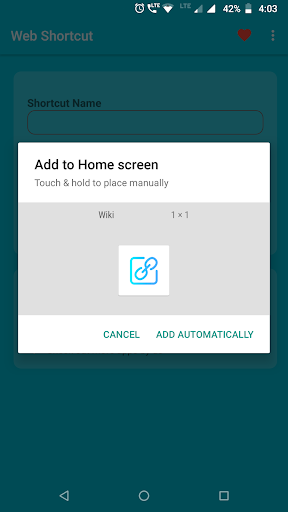
Quickly access website from your home screen with website shortcuts.
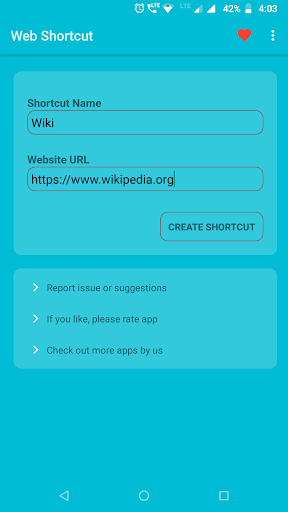
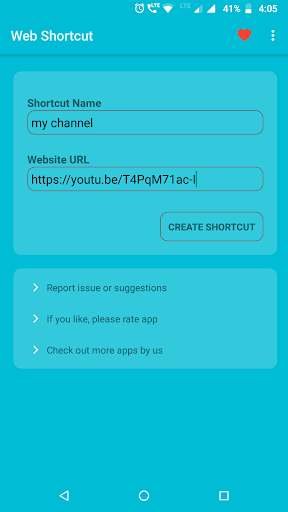
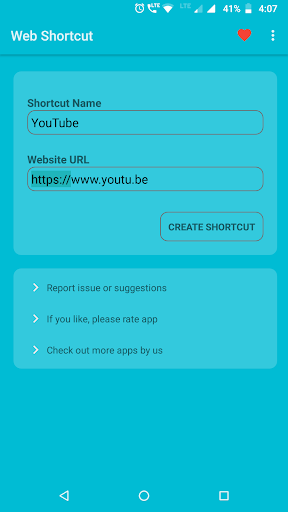
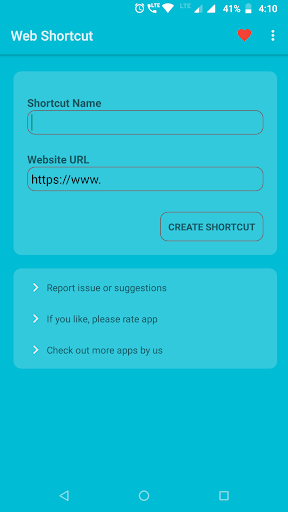
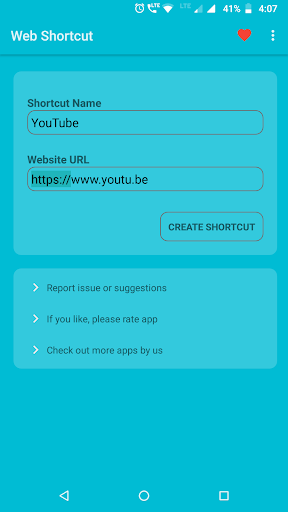
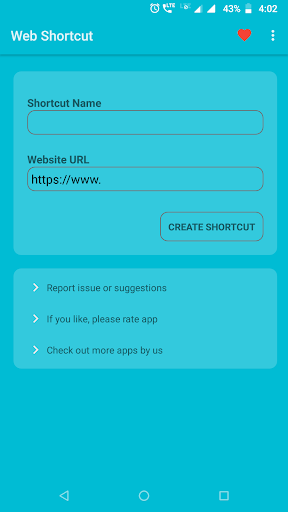
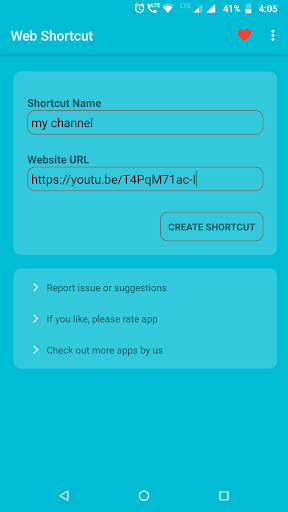
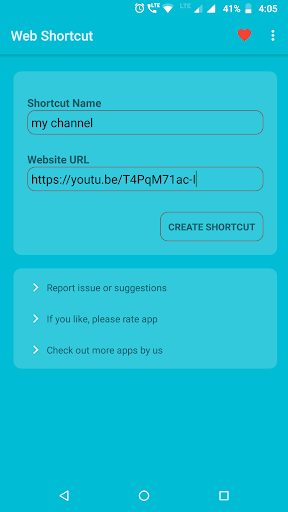
Two simple steps to create shortcut, Give name to the shortcut and url of website. that's all.
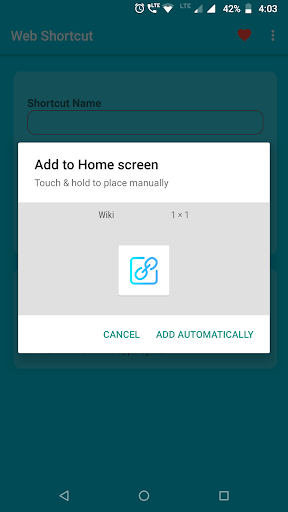
Create link shortcut that you can quickly access from your home screen.
There is one more fast way to create website shortcut, You can use android system to create website or link shortcut.
Share any link and choose this app on share app list, and it will create shortcut for you.
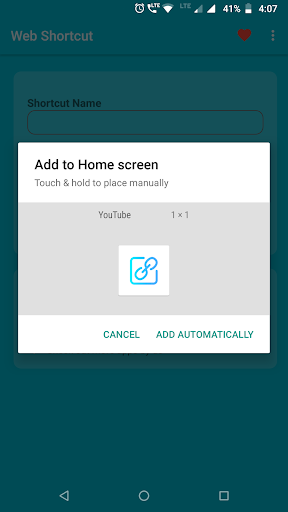
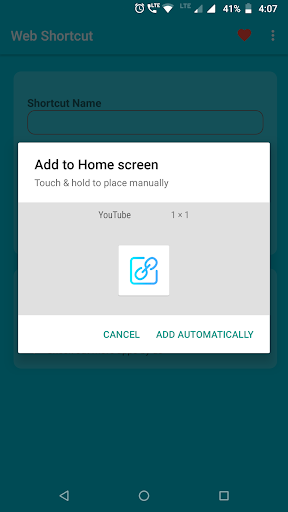
Note: From android 8, Android system adds tiny icon at bottom right of the shortcuts, this is unavoidable.
Permissions:
Install shortcut permission to create shortcut on home screen
Internet access to open the website shortcut.
Its simple and smallest size app, having only 99kb app size.
If you like the simplicity of the app, please give rating on playstore.
Thank you.
Version Information
- Version
- -
- Downloads
- 10K+
- Updated on
- -
- Released
- Sep 22, 2020
- Requires
- Android Varies with device
Statistics
Google Play Rating History
Rating Distribution
Downloads Over Time
Website Shortcut -URL Shortcut has been downloaded times. Over the past 30 days, it averaged downloads per day.
Shaded area shows 30-day prediction based on historical trends
Historical data collection started recently. More data points will be available over time.
Website Shortcut -URL Shortcut users say on Google Play
 Matthew Smith
Does the job quick and easy to make desktop shortcuts that aren't dependant upon any particular browser. Share a link, give it a name, & you're done.
 Klaatu58
Why a dedicated URL shortcut maker when browsers do this already? Because my main browser, Firefox, has a bug that occasionally doesn't offer a homescreen shortcut for some sites. A setting to enable opening links with a browser other than the default would be nice. No dark theme. Consumes 400kb of storage, not 99kb as advertised.
 Kyle Oyama
Website shortcut maker. While good for when you know the address, and faster than opening up your browser; There's no way to customize the shown icon and no dark mode within the app itself.
 Trần Văn Chức
It will better if we can customize icon of the shortcut created! If can do that, simple like stock funtion of browser in Android!
 Ze Ro
Ze Ro
No point in paying for this as browsers can already do this for you.
ApkTrusted Ratings & Reviews
More from Power Mind Apps
See more apps
Simple text widget
Paid

Simple Photo Widget
Free
Paid Apps Sales Pro
Free

Add Frames to photos
Free
Volume in notification bar
Free
Countdown Widget - Time Until
Paid

Screen Rotation Control
Free

Folder Widget - App Shortcuts
Free

Video Live Wallpaper Maker
Paid
Simple Navigation Bar - Floati
Free

Ringtone Scheduler - Automate
Free

Volume Scheduler - silent mode
Free
Scan this QR code to download

Forwarding you to the page at Google Play market in seconds...
Open Google Play market now