Calligrapher vVARY
Mark Tushkevich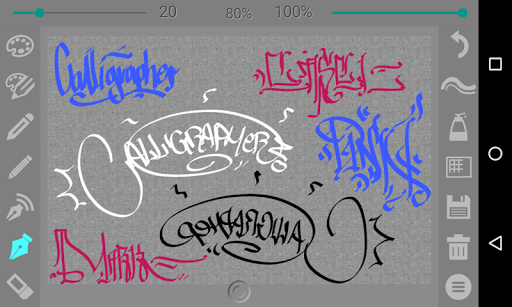
About this app
Developer Description
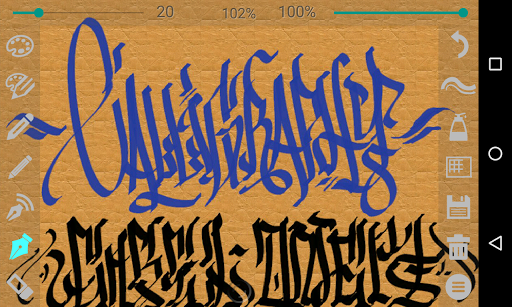
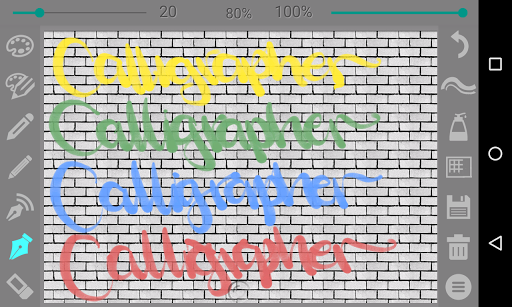
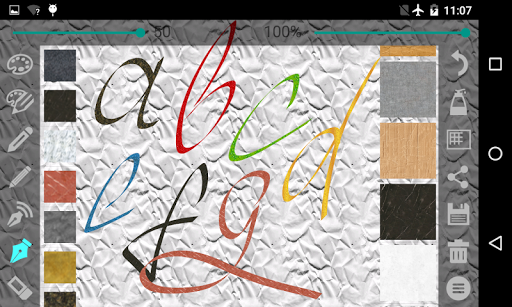
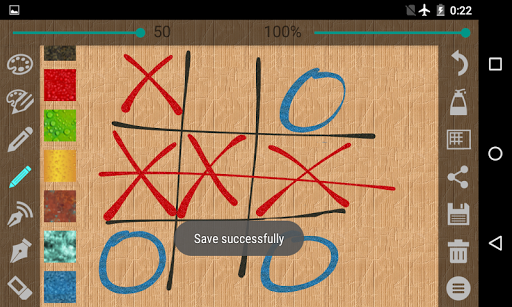
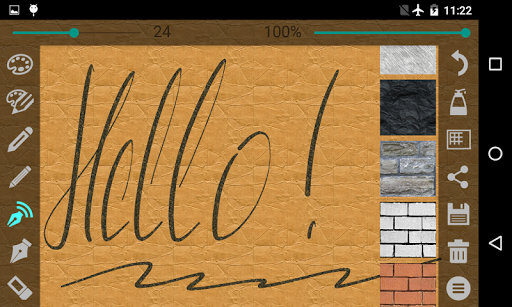
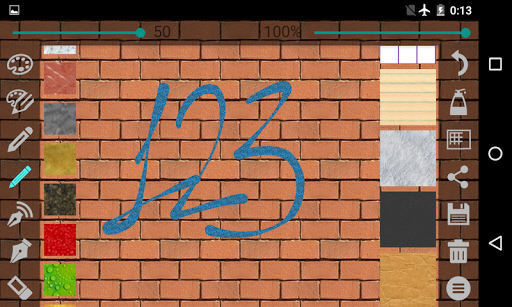
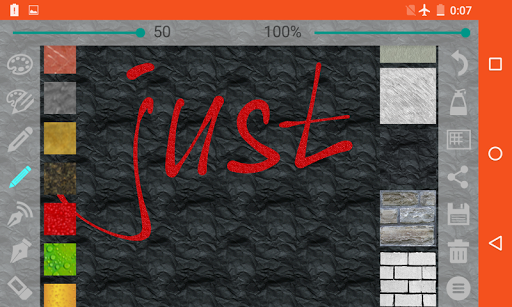
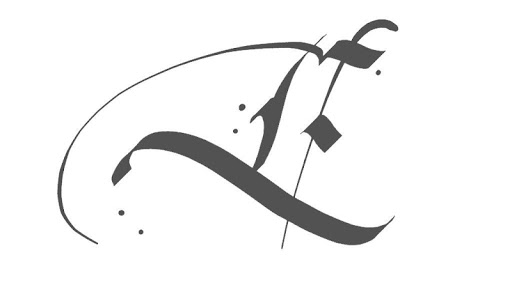
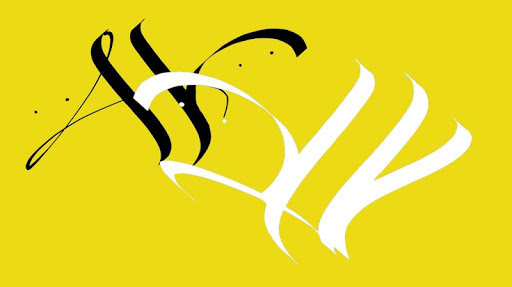
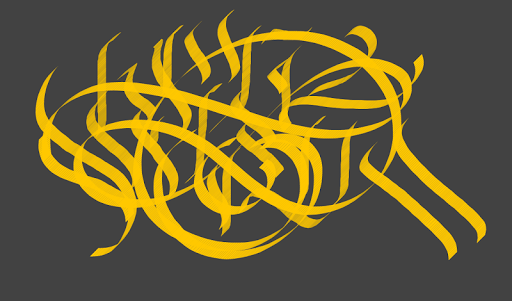
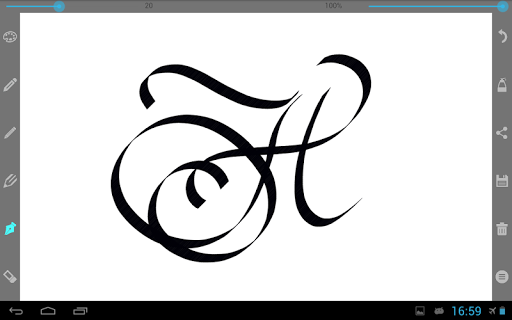
Calligrapher is a app you can use to create calligraphic prints and drawings
4 sorts of pencil:
- A simple pen (line thickness remains constant)
- Pen (line thickness depends on the movement speed)
- Thin pencil (line thickness depends on the movement direction – press simulation)
- Wide pencil
There are settings such as color, line thickness, and transparency for each tool.
Slope angle settings of the wide pencil are from 0 up to 90 degrees.
For the thin pencil up to 360 degrees.
You can open your image and photo.
Your drawings can be saved for the further processing.
Version Information
- Version
- -
- Downloads
- 1M+
- Updated on
- -
- Released
- Oct 15, 2015
- Requires
- Android Varies with device
Statistics
Google Play Rating History
Rating Distribution
Downloads Over Time
Calligrapher has been downloaded times. Over the past 30 days, it averaged downloads per day.
Shaded area shows 30-day prediction based on historical trends
Historical data collection started recently. More data points will be available over time.
Calligrapher users say on Google Play
 Donna Kelly
It downloaded really fast so you can do it in like 5 minutes or so and it's a really good app from another one that you have to pay in all but this 1 is offering so you should get if you're looking at my review thanks
 Felicia Trujillo
love every bit of this app, the downside is the Incorporated ads and it bothersome how much it interrupts my focus, so I find myself exiting the app rather than perfecting my calligraphy art. it would be better if one could preserve the moment and save before bombarding every time ones need to undo. let's be real we can't get back time and merely a waste of time showing ads i rarely pay attention to, I'm not saying cut out the ads I'm saying it deserves 5 stars could I get for because of the ads
 Alalade Oyinloluwa
While the app gives allows to write freely, you have to save at regular intervals to not lose your progress completely when tyhge app stops suddenly. Bug needs to be fixed
 The ajaira Brothers
This good apps 💗
 Sonny Tassone
I installed this app, uninstalled a day later, within 5 days I started getting my email hacked with a calligraphy heading stating it was McAfee which there was no doubt where it didn't originate from.
ApkTrusted Ratings & Reviews
More from Mark Tushkevich
See more apps

Similar Apps

Evite: Email & SMS Invitations
Free

ArtFlow: Paint Draw Sketchbook
Free

Invitation Maker & Card Design
Free

Artlette
Free

ChatMind: Therapy Anytime
Free

Learn Emotional Intelligence
Paid

Geulgram - Text on Photo
Free

Noteshelf - Notes, Annotations
Paid

touchnotes
Free

Writer Journal - Text,Note
Free

Functional Groups
Free

Healthy Dose of Gratitude
Paid

Notes, Journal, Diary: PenCake
Free

HapiBrain
Free

Set List Maker
Paid

IMSLP
Free
Scan this QR code to download

Forwarding you to the page at Google Play market in seconds...
Open Google Play market now