
Flip Clock vVARY
MikichBlaz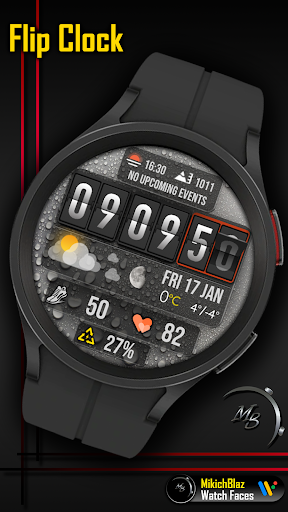


About this app
Developer Description
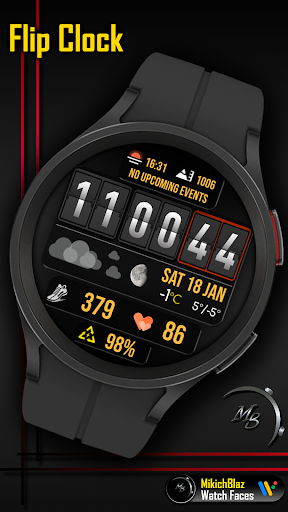
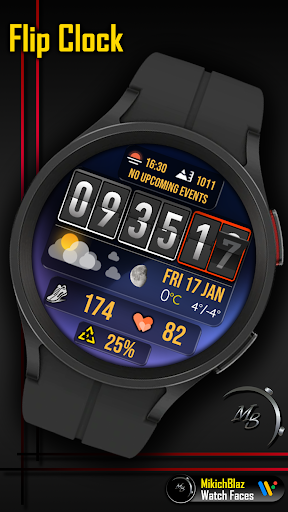
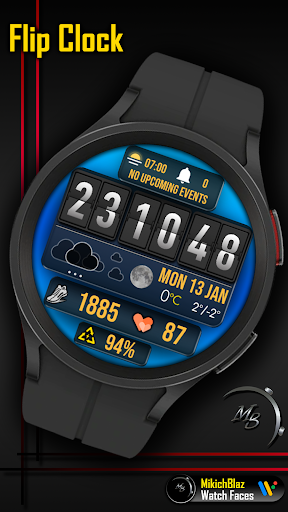
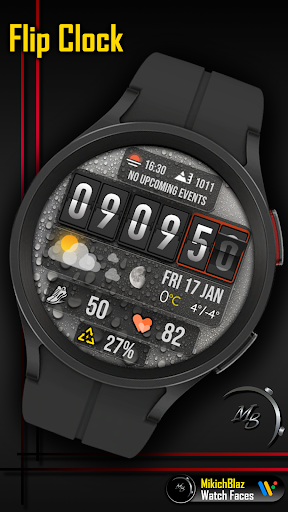
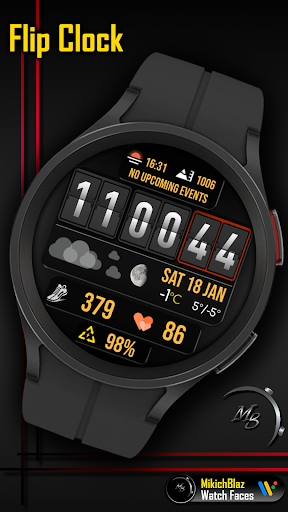
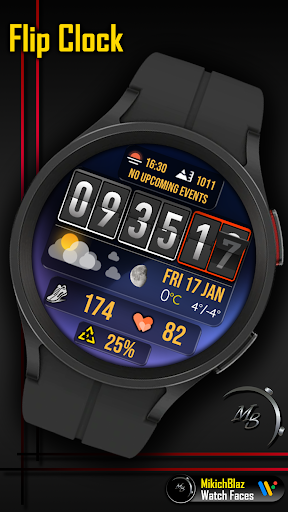
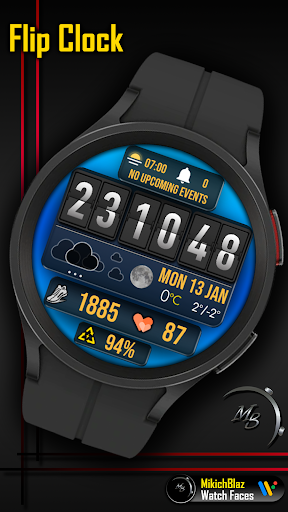
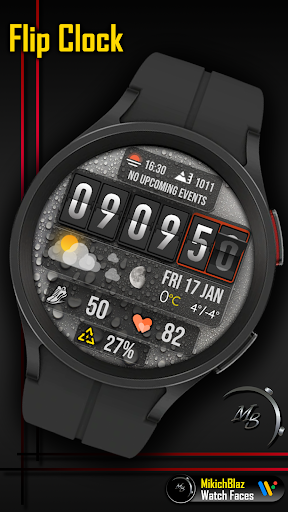
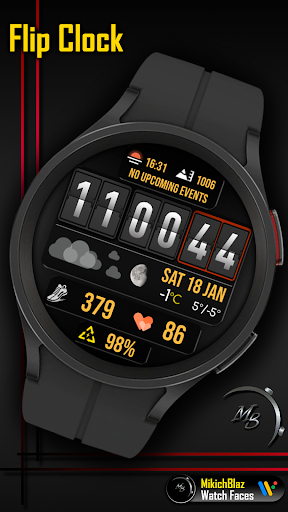
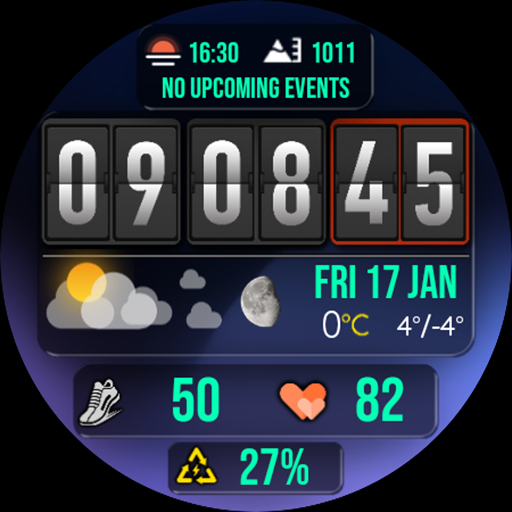
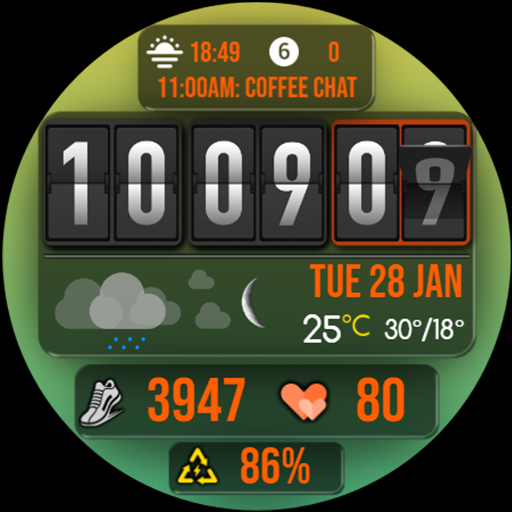
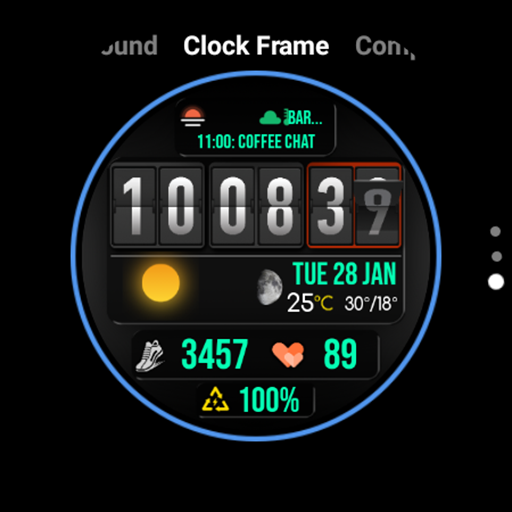
Flip Clock Watch Face for Wear OS
Note:
The weather complication on this watch face is not a weather app; it is an interface that displays weather data provided by the weather app installed on your watch!
This watch face is compatible only with Wear OS 5 or higher.
Features:
Styles:
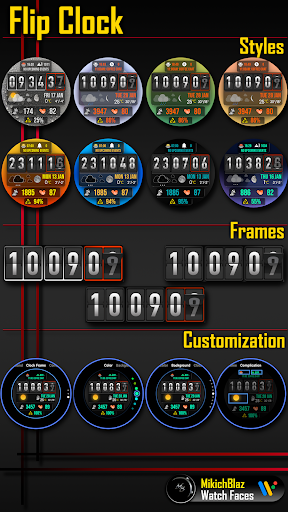
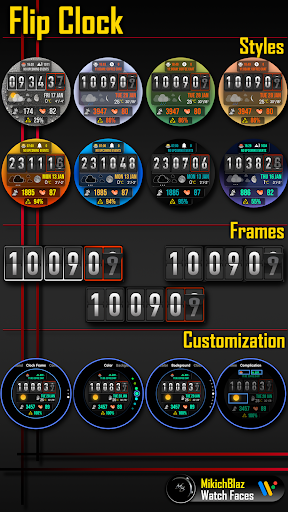
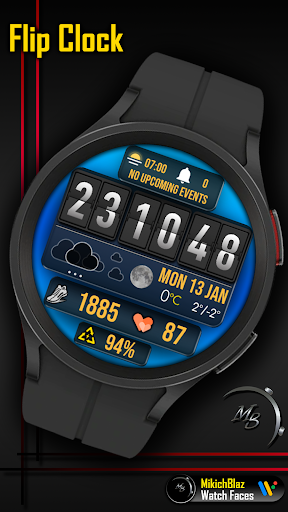
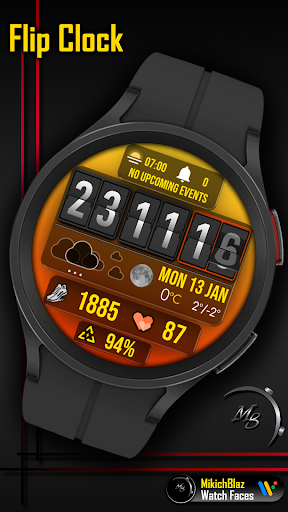
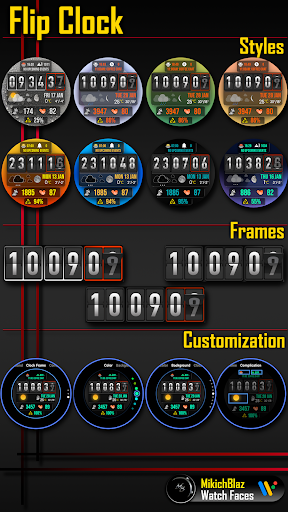
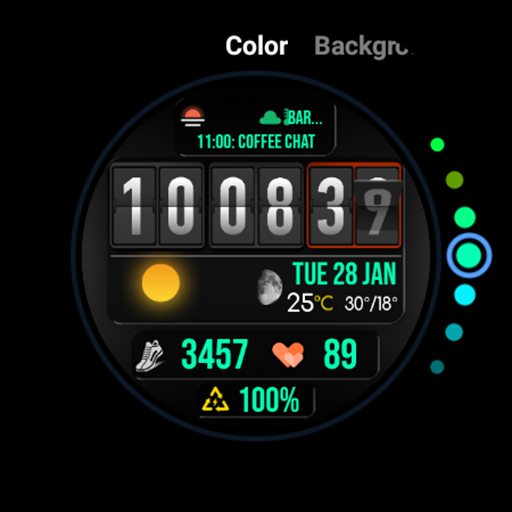
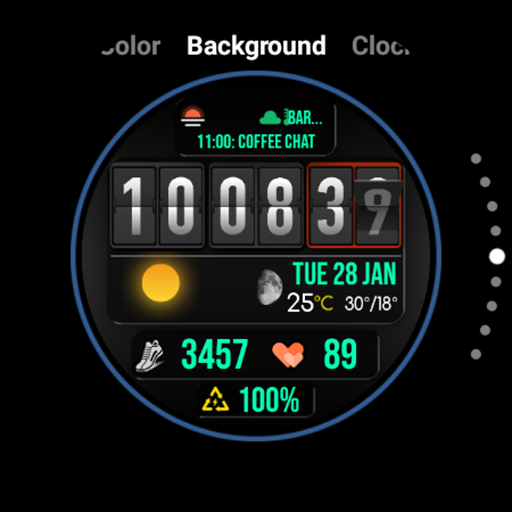
10 different backgrounds to chose from, and many color combinations for the fonts (temperature color can not be changed)
Time:
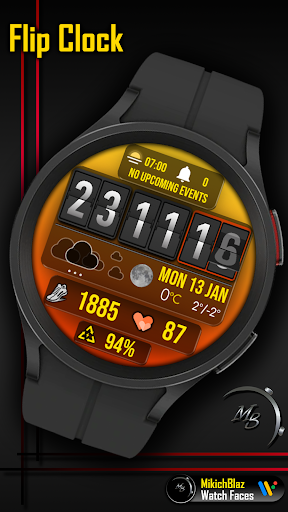
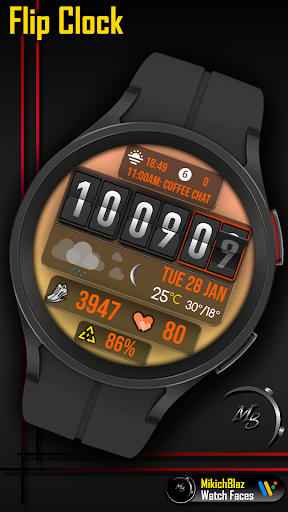
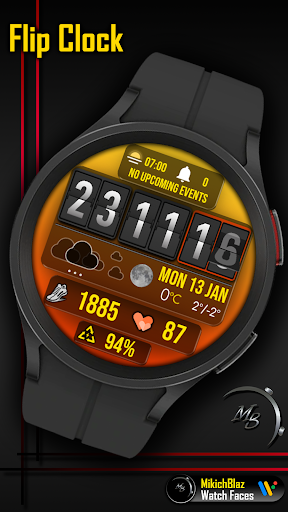
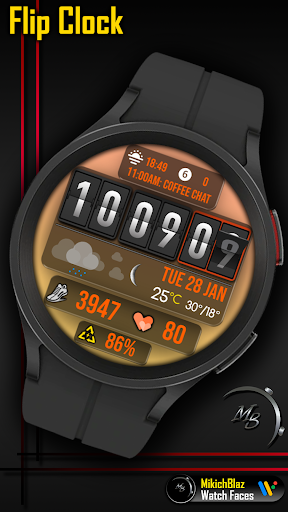
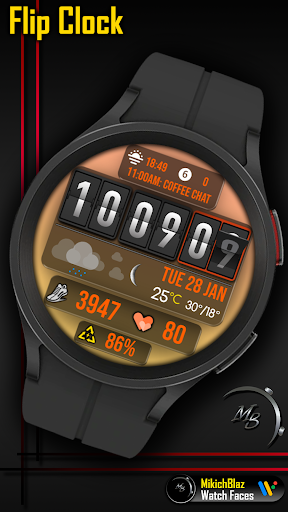
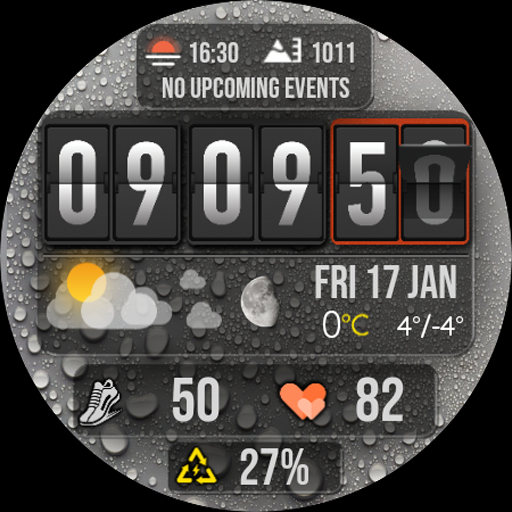
Big flipping numbers, 12/24h format (depends on your phone system time setting). The frame around the time can be changed, and you have 3 styles available to chose from.
Weather data:
Separate icon set for day and night, current temperature and daily high/low temperature. The temperature unit is displayed in C or F depending on your setup in your weather app or in watch system settings.
Moon phase:
Realistic moon icons
Date:
Short Week, day and month
Fitness data:
Steps and HR (tap in HR opens the watches built-in HR monitor)
Battery:
Battery percentage (on tap opens battery monitor)
Complications:
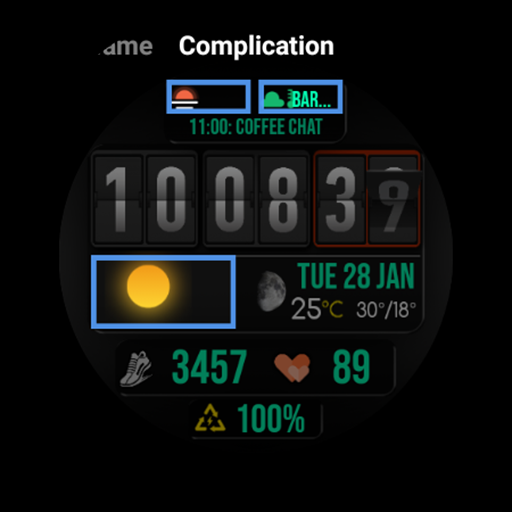
2 custom complications, icon + text, and one fixed complication - next event
AOD:
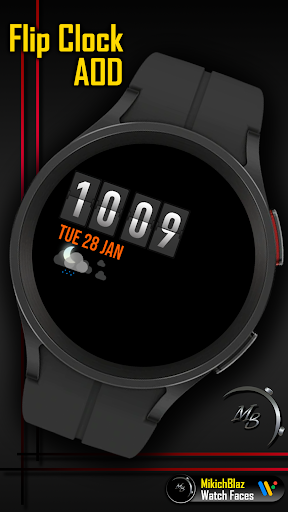
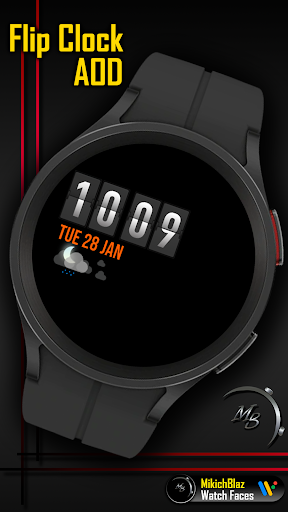
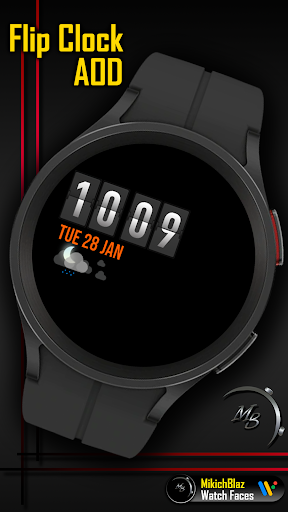
Minimal, yet informative screen - displays time, date and weather condition.
Privacy policy:
https://mikichblaz.blogspot.com/2024/07/privacy-policy.html
Version Information
- Version
- -
- Downloads
- 100+
- Updated on
- -
- Released
- Feb 1, 2025
- Requires
- Android Varies with device
Statistics
Google Play Rating History
Rating Distribution
Downloads Over Time
Flip Clock has been downloaded times. Over the past 30 days, it averaged downloads per day.
Shaded area shows 30-day prediction based on historical trends
Historical data collection started recently. More data points will be available over time.
Flip Clock users say on Google Play
 Daniel Chan
awesome watchface ٩(๑^o^๑)۶
ApkTrusted Ratings & Reviews
More from MikichBlaz
See more apps
Digital Watch face MB397
Paid

Digital Watch MB427
Paid

Analog Watch Face MB377
Paid

Christmas Magic
Paid

Digital Watch Face MB373
Paid

Analog Watch Face MB375
Paid

Analog Watch Face MB378
Paid

Analog Watch Face MB374
Paid

LCD Watch MB426
Paid
Digital Watch Face MB376
Paid

Digital Watch Face MB380
Paid

Digital Watch Face MB381
Paid

Digital Watch Face MB390
Paid

Digital Watch Face MB391
Paid
Digital Watch Face MB392
Paid

Digital Watch MB430
Paid
Similar Apps

JND0067
Paid

DIGI FLIPNOUR CTS35 Watch face
Paid
Digital Watchface M19
Paid

N-SPORT742 SuperDial Weather
Paid

ZKin Watch Page Turning Digit
Paid

N-SPORT684 FlipDigital Weather
Paid

G.eography / 3D watchface
Paid

Merge Labs SPR
Paid

N-SPORT704 Weather Time Watch
Paid

Bold Horizon SMA Watch Face-42
Paid

MD332 Digital watch face
Paid

NTV520 - Digital watch face
Paid
Weather Flip Animated
Paid

OT | Digital Watch Face 4
Paid

JND0005U
Paid

TSD30 Watch Face for Wear OS
Paid
Scan this QR code to download

Forwarding you to the page at Google Play market in seconds...
Open Google Play market now