
Terminal Watch Face MB406 vVARY
MikichBlaz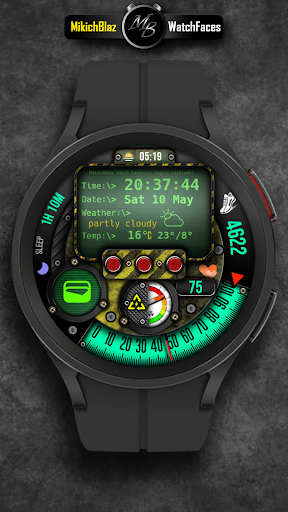







About this app
Developer Description
Digital Watch Face for Wear OS
Note!
This watch face is compatible only with Wear OS 5 or higher.
Main features:
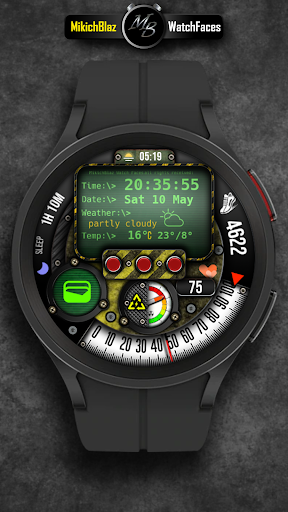
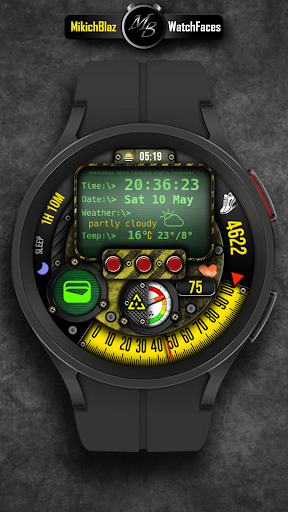
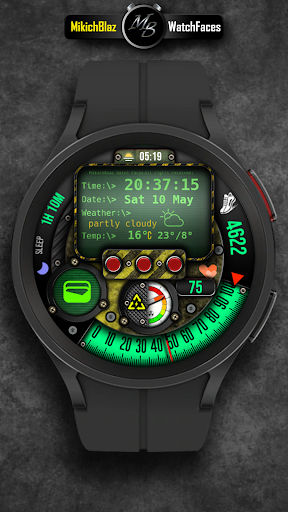
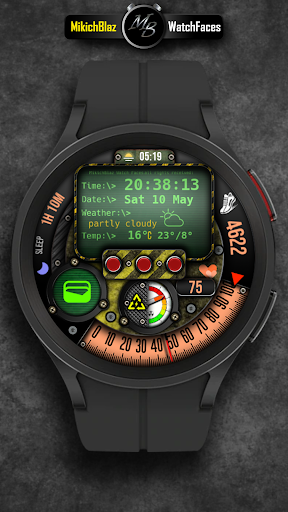
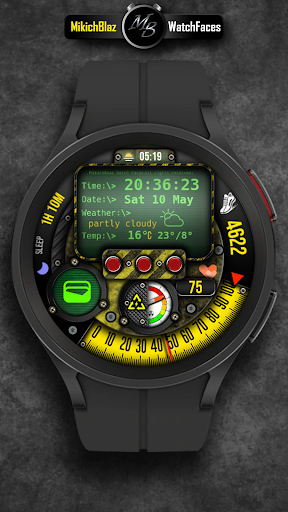
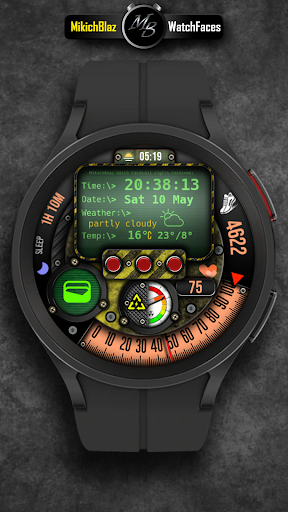
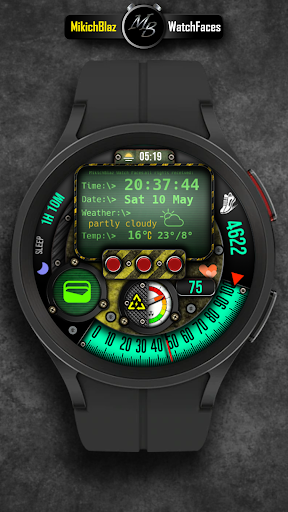
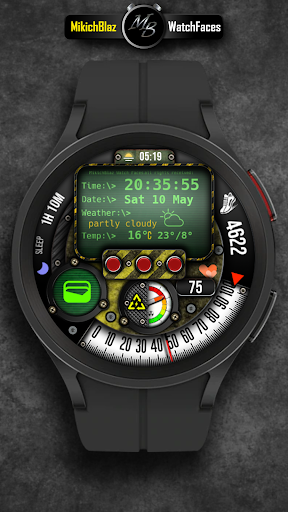
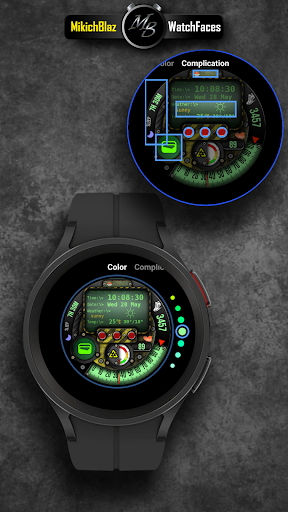
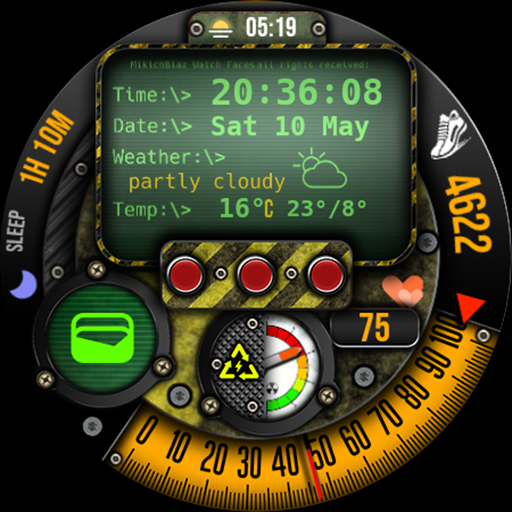
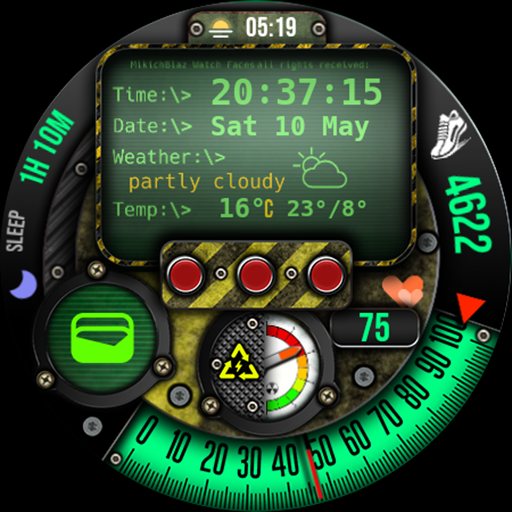
Terminal themed watch face displaying time, date, and weather as terminal features.
Time: 12/24h format depends on your phone system time settings.
Date: Week, day and month
Weather: Note! - This watch face is not a weather app, it is an interface that displays weather data provided by the weather app installed on your watch!
Weather icons and text, current temperature and daily high/low temperature. C/F temperature unis (depends on your weather app settings on the watch and phone). You can set shortcut behavior when tap on the weather field.
Other features:
Battery: Analog battery gauge with shortcut on tap - opens battery system info in the watch,
Heart rate: Digital heart rate with shortcut on tap - opens your watch's heart rate monitor
Steps: Digital steps and analog gauge for daily step goal.
3 buttons under the terminal window, you can set your own shortcuts.
Customization:
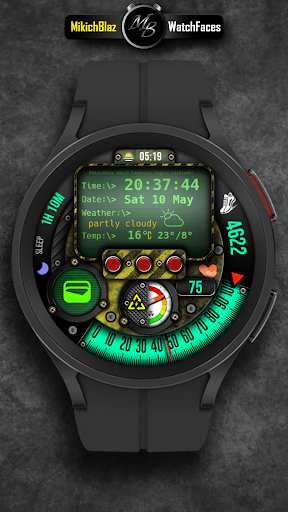
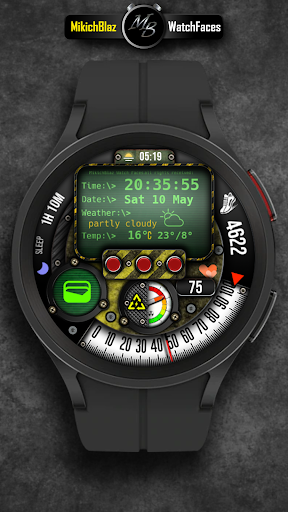
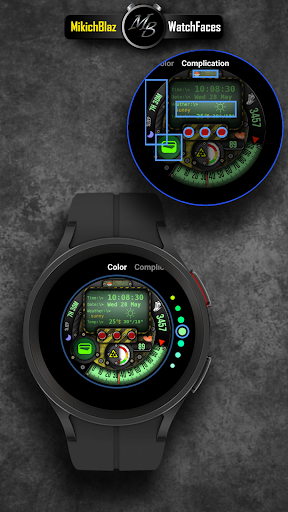
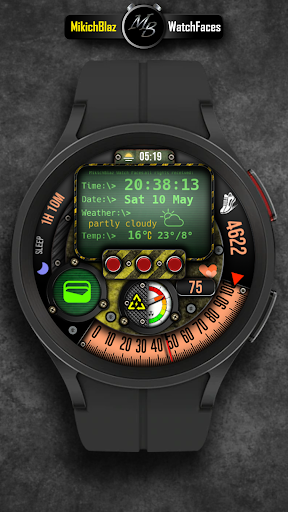
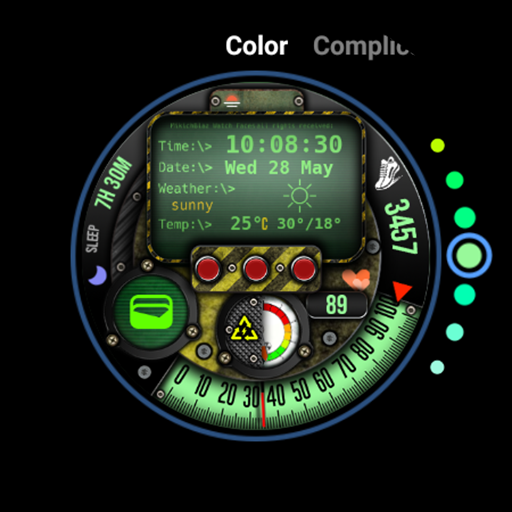
Color change for step goal gauge, steps and HR,
Custom complications.
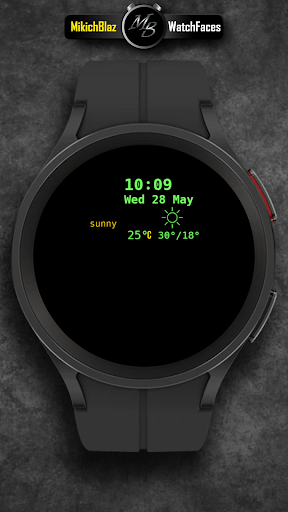
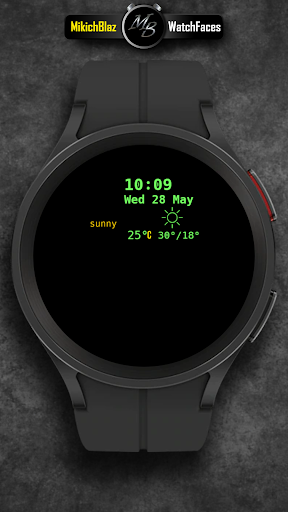
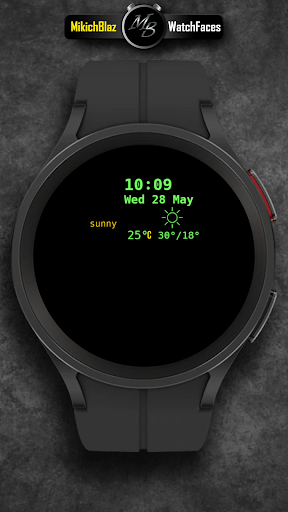
AOD mode - displays time, date and weather
Privacy Policy:
https://mikichblaz.blogspot.com/2024/07/privacy-policy.html
Version Information
- Version
- -
- Downloads
- 100+
- Updated on
- -
- Released
- May 11, 2025
- Requires
- Android Varies with device
Statistics
Google Play Rating History
Rating Distribution
Downloads Over Time
Terminal Watch Face MB406 has been downloaded times. Over the past 30 days, it averaged downloads per day.
Shaded area shows 30-day prediction based on historical trends
Historical data collection started recently. More data points will be available over time.
Terminal Watch Face MB406 users say on Google Play
 Luke
Luke
Really cool! Love this designers work.
 Weeping Somnambulist
I like the look, a few suggestions though would be add secondary media controls to left bezel complication so and add favorite contact to the big green circle complication. I do like the complications on the red buttons, but it would be nice if there were an option to show an icon instead of the red buttons. Also, multiple AOD levels would be great too. Nice watchface though! Just needs a bit more customization and functionality options
 Jonathan McClatchey
The store said it was compatible I purchased it and it says on my watch that it's not compatible
ApkTrusted Ratings & Reviews
More from MikichBlaz
See more apps
Digital Watch face MB397
Paid

Digital Watch MB427
Paid

Analog Watch Face MB377
Paid

Christmas Magic
Paid
Digital Watch Face MB376
Paid

Analog Watch Face MB378
Paid

Analog Watch Face MB375
Paid

Digital Watch Face MB373
Paid

Analog Watch Face MB374
Paid

Digital Watch Face MB380
Paid

Digital Watch Face MB381
Paid

Digital Watch Face MB390
Paid

Digital Watch Face MB391
Paid
Digital Watch Face MB392
Paid

LCD Watch MB426
Paid

Digital Watch Face MB399
Paid
Similar Apps

Chester Nuclear watch face
Paid

SY24 Watch Face for Wear OS
Free

WIN Nuclear Classic PRO 2
Free

Hybrid DINO URX09 Watch face
Paid

Nuclear Dynamite MOD WatchFace
Paid

ML2U 266 Watch Face
Paid

Digital DUBAS URX22 Watch face
Paid

WIN Nuclear Steampunk
Free

SD105
Free

WIN Nuclear PRO Watch face
Paid

SD90
Free

SD85
Free

Ilusion aura: Watch Face
Paid
DIGITAL NIXIE URX43 Watch face
Paid

NTV153 - Digital Sport Weather
Free

DIGI WINUMA URX29 Watch face
Paid
Scan this QR code to download

Forwarding you to the page at Google Play market in seconds...
Open Google Play market now