
Weather Widget Watch Face vVARY
MikichBlaz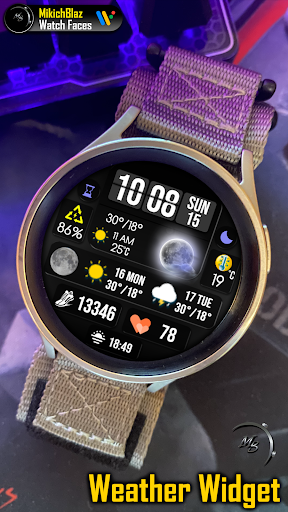




About this app
Developer Description
Weather Widget Watch Face for Wear OS
Note:
This watch face is not a weather app; it is an interface that displays weather data provided by the weather app installed on your watch!
This watch face is compatible only with Wear OS 5 or higher.
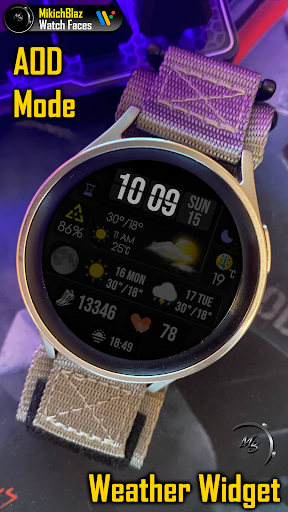
Stay updated with the latest weather forecast directly on your Wear OS watch face.
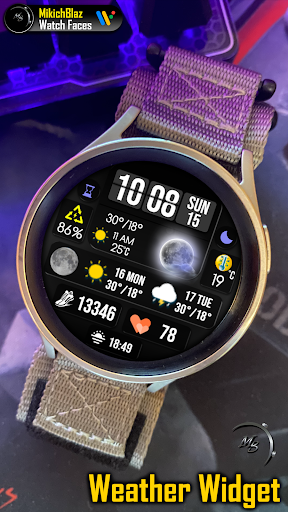
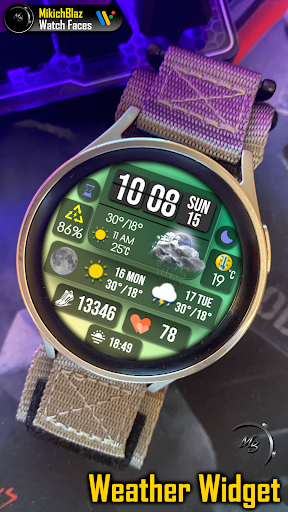
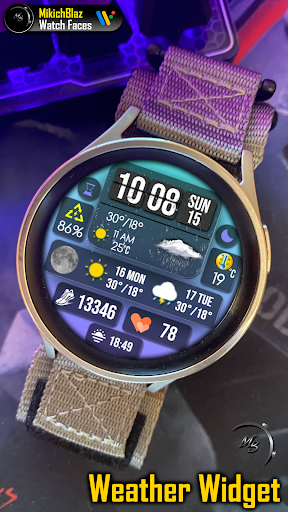
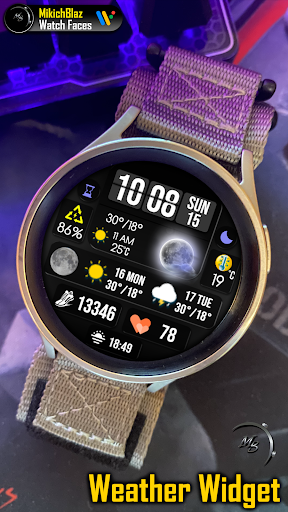
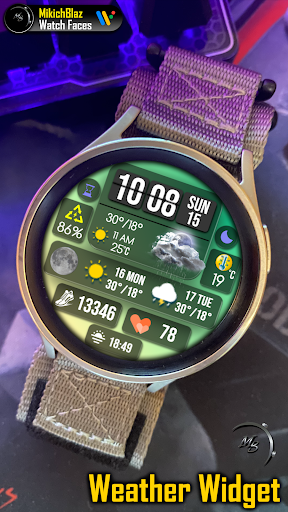
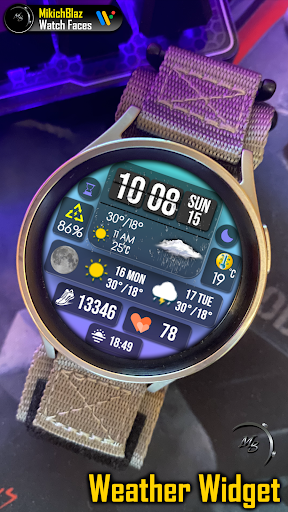
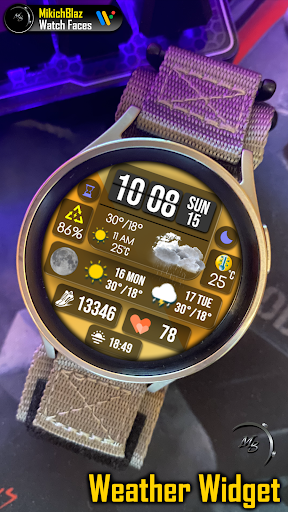
Realistic Weather Icons: Experience day and night weather icons with dynamic styles based on the forecast.
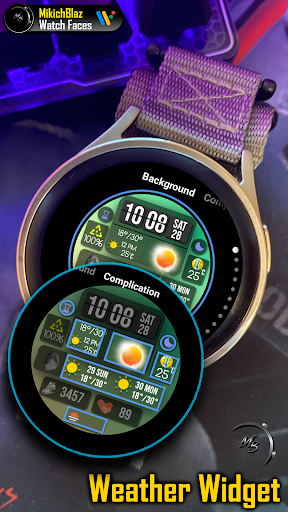
App shortcuts complications on weather widgets on tap, ( you can set to open your proffered weather app, or other apps on tap on different fields )
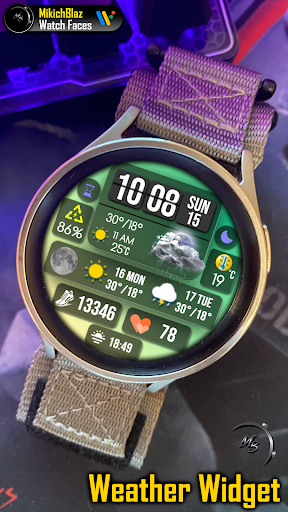
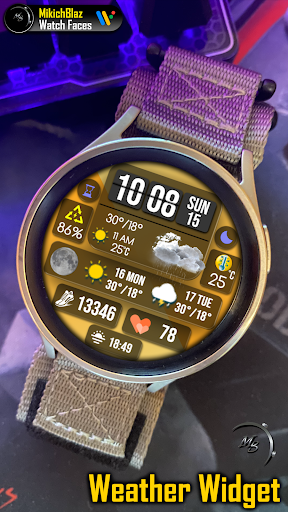
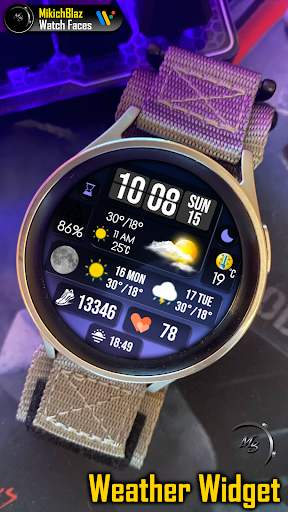
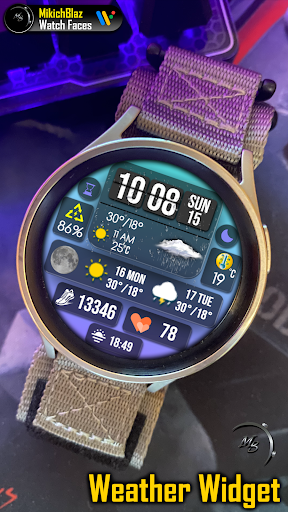
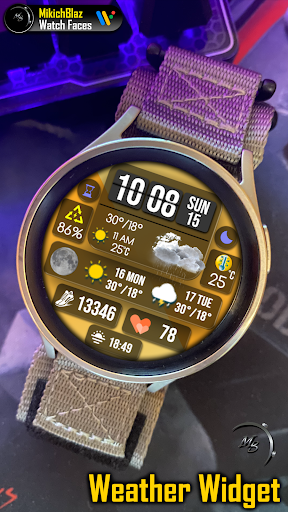
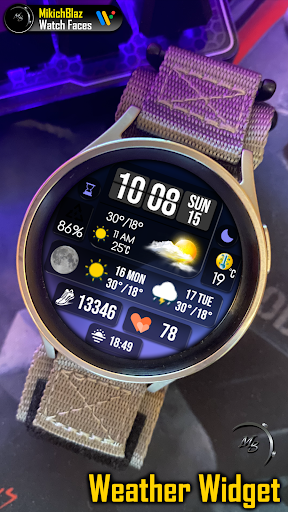
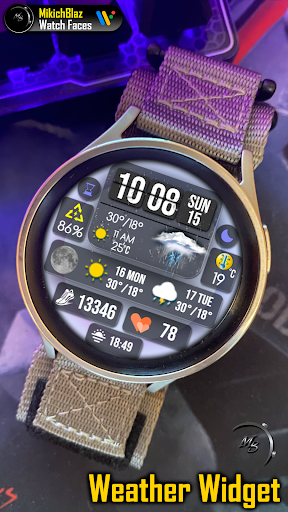
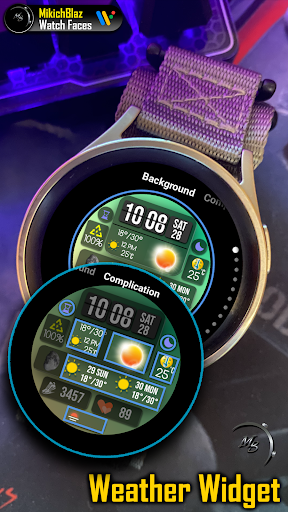
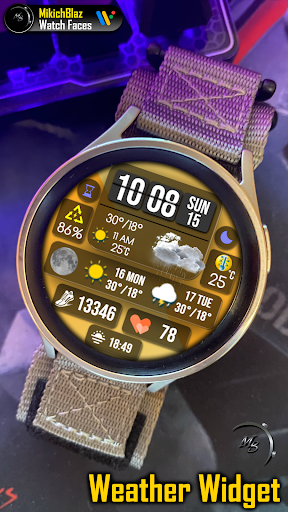
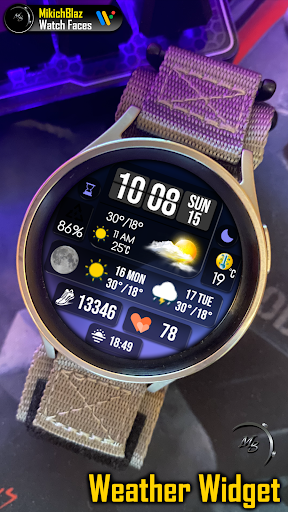
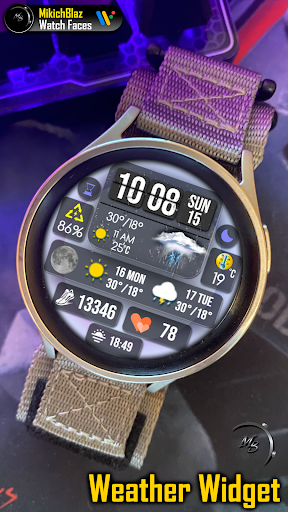
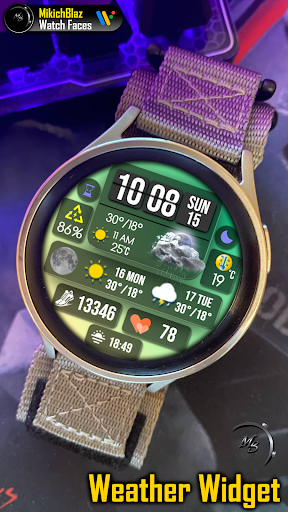
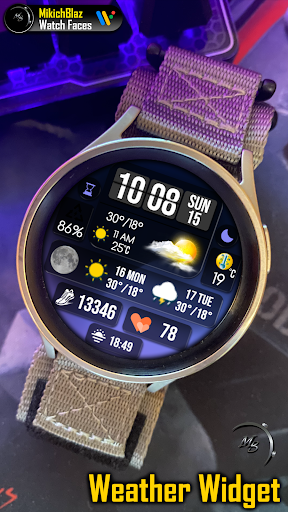
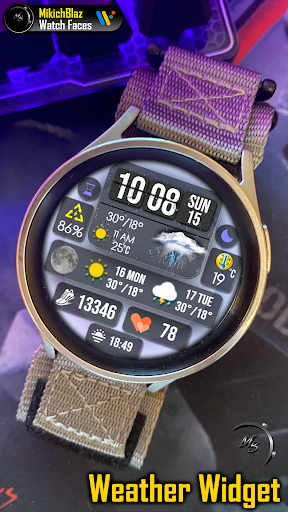
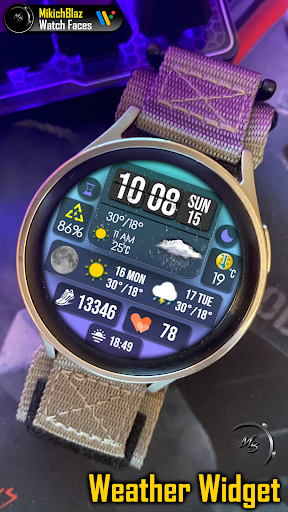
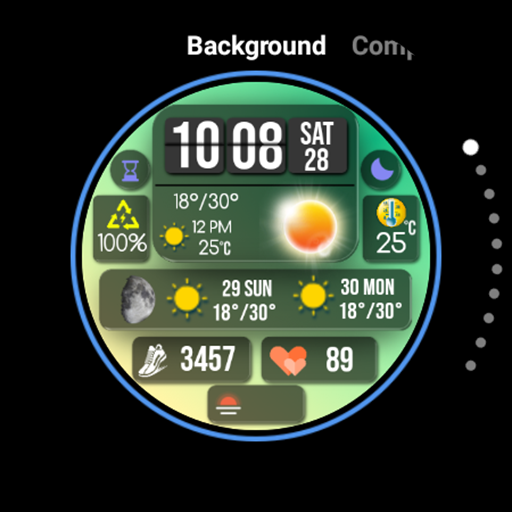
Customizable Backgrounds: Choose from 10 backgrounds
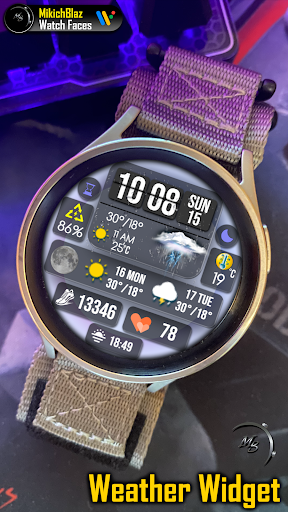
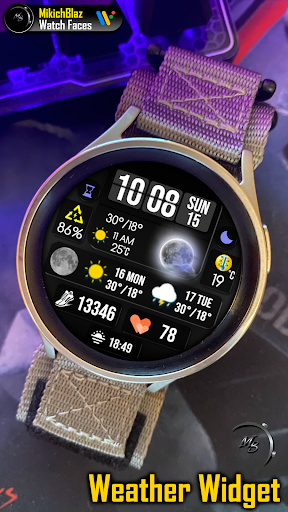
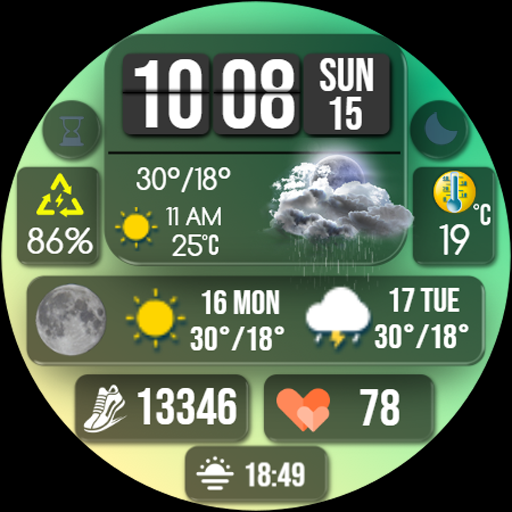
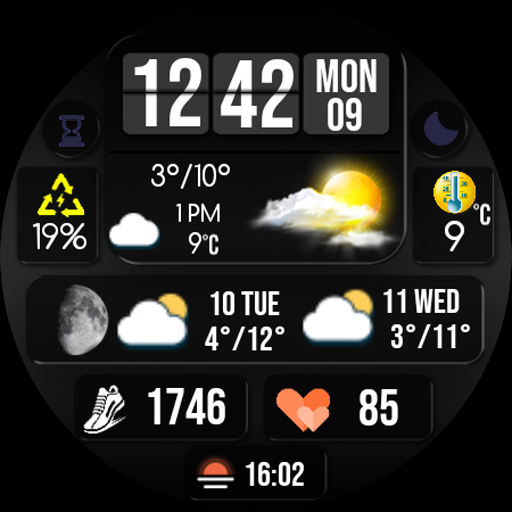
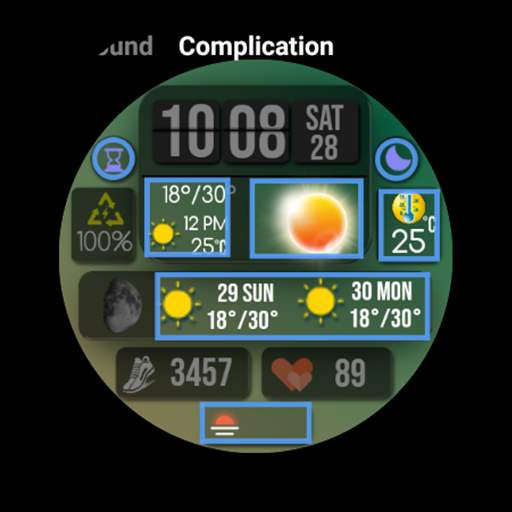
The first main widget shows:
Time and date - flip clock style, easily readable big numbers with 12/24-hour format support (based on your phone's system settings)
Main weather icon ( different sets of realistic icons for day and night )
Hight Low temperature for the current day,
One hour ahead forecast for the current day.
Small widget on the right side shows current temperature in °C/°F ( you can set shortcut on tap )
Small widget on the left side shows power percentage with shortcut on tap - opens system battery status menu
Next widget - moon phase,
Weather - get weather, date, and temperature updates (in °C/°F) for every day, 2 days ahead
Step Counter: Keep track of your steps displayed on the right side.
heart rate: Monitor your HR directly on screen, with shortcut on tap - opens HR monitor
3 custom complications.
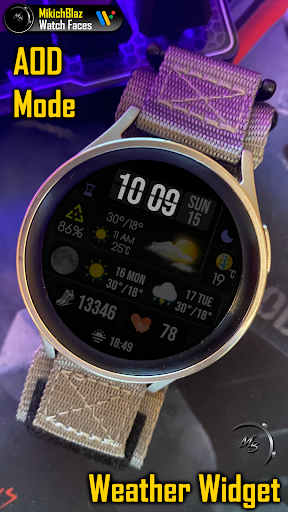
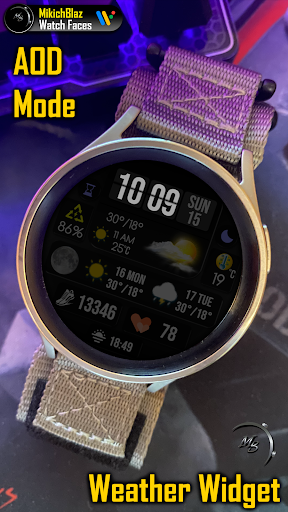
AOD,
Full dimmed AOD mode
Privacy policy:
https://mikichblaz.blogspot.com/2024/07/privacy-policy.html
Version Information
- Version
- -
- Downloads
- 500+
- Updated on
- -
- Released
- Jan 4, 2025
- Requires
- Android Varies with device
Statistics
Google Play Rating History
Rating Distribution
Downloads Over Time
Weather Widget Watch Face has been downloaded times. Over the past 30 days, it averaged downloads per day.
Shaded area shows 30-day prediction based on historical trends
Historical data collection started recently. More data points will be available over time.
Weather Widget Watch Face users say on Google Play
 Don F Goodwin
Sharp layout and great graphics
ApkTrusted Ratings & Reviews
More from MikichBlaz
See more apps
Digital Watch face MB397
Paid

Digital Watch MB427
Paid

Analog Watch Face MB377
Paid

Christmas Magic
Paid
Digital Watch Face MB376
Paid

Analog Watch Face MB378
Paid

Analog Watch Face MB375
Paid

Digital Watch Face MB373
Paid

Analog Watch Face MB374
Paid

Digital Watch Face MB380
Paid

Digital Watch Face MB381
Paid

Digital Watch Face MB390
Paid

Digital Watch Face MB391
Paid
Digital Watch Face MB392
Paid

LCD Watch MB426
Paid

Digital Watch Face MB399
Paid
Scan this QR code to download

Forwarding you to the page at Google Play market in seconds...
Open Google Play market now