
Chroma - Icon Pack v3.6.7
Nate Wren Design


About this app
Developer Description
A colorful theme with simplicity in mind. Wallpapers and widgets included.
QUICK TIPS
You can manually edit icons in most launchers by long-pressing the icon you'd like to edit.
Widgets: If your widget stops updating, check your system or battery settings to make sure the app is exempt from battery optimization. More info at https://dontkillmyapp.com/
DISCLAIMER
You may need a 3rd party launcher to apply the icon pack.
HOW-TO GUIDE
http://natewren.com/apply
FEATURES
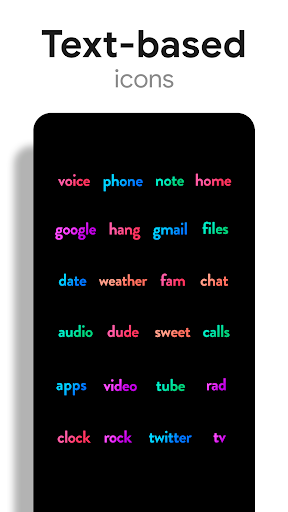
• 4,500+ hand crafted flat, clean & simple colorful flat HD icons with many variations of default icons such as phone, contacts, camera, etc.
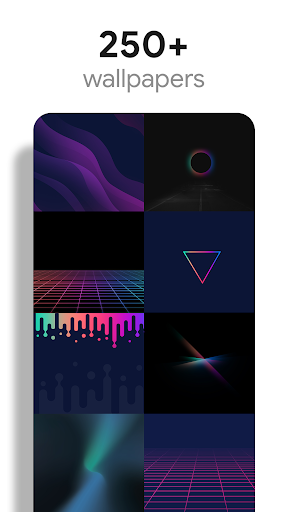
• 300+ Customized wallpapers. Wallpapers include abstract designs & illustrations, 3D renders inspired by the theme, and landscape photos. All wallpapers shown are included!
• XXXHDPI high definition colorful icons included for super large HD screens. All Icons are 288x288
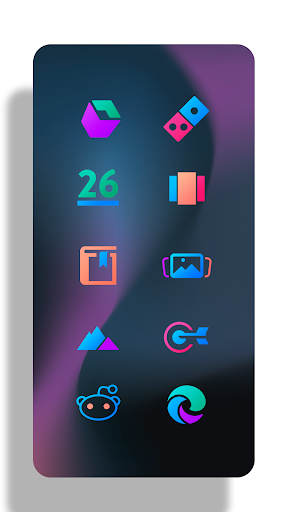
• Some parts of the flat icons are transparent letting each show the provided sky/landscape backgrounds or to your own backgrounds
• Wallpaper chooser comes installed
• Request icons via "Request" tab
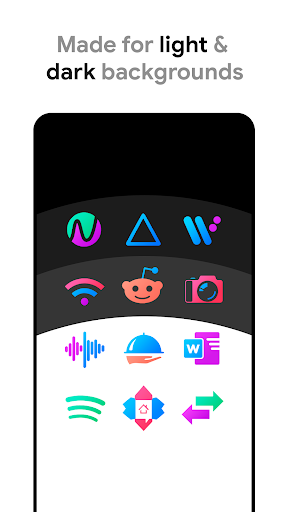
• Clean icons go with any background but work best with minimalist dark/light backgrounds.
• Muzei support for rotating wallpapers
• New icons added regularly
WIDGETS
System widgets as well as editable KWGT widgets are included.
• Battery widgets
• Digital clock widgets
• Analog clock widget
• Weather widgets
COLOR HEX CODES
Red: #eb3488
Purple: #8751a1
Orange: #f48075
Green: #24b89d
Blue: #4186c6
HOW TO APPLY ICONS VIA ICON PACK
1. Open the app after installing
2. Navigate to "Apply" tab
3. Select your Launcher
HOW TO APPLY ICONS VIA LAUNCHER
1. Open Launcher settings by tapping + holding on an empty area of home screen
2. Select personalization options
3. Select icon pack
FOLLOW ME
Twitter: https://twitter.com/natewren
QUESTIONS/COMMENTS
natewren@gmail.com
http://www.natewren.com
What's New
Added 20 Icons to Free Version
Now Targeting SDK version 35
Updated Appfilter - fixes to un-themed icons
Current Pro Version Icon Count: 5,470
Current Pro Version Icon Count: 2,637
If you've purchased an Icon Pack, thanks for your support!
For Updates: @natewren on bluesky | @natewrendesign on insta
Version Information
- Version
- 3.6.7
- Downloads
- 5K+
- Updated on
- May 22, 2025
- Released
- Jun 17, 2020
- Requires
- Android 4.4
Statistics
Google Play Rating History
Rating Distribution
Downloads Over Time
Chroma - Icon Pack has been downloaded times. Over the past 30 days, it averaged downloads per day.
Shaded area shows 30-day prediction based on historical trends
Historical data collection started recently. More data points will be available over time.
Chroma - Icon Pack users say on Google Play
 Marc Williams
Very nice icon pack. I was getting bored with most of my packs and was notified of this one via email. Good looking, colorful, with an almost 3Dish look. Starting off with a good number of icons is also cool. Couldn't find this or the Lines version in Play Store so had to get to it via the web. Looking forward to more.
 Tobie Buckle
Its beautiful icon pack. Really. There is just one issue I have. They are quite small. Even at max scale in Nova they are still small and limits your customisation. Other than that I live this icon pack.
 Tia Green
I love the theme and colors, but I just wish there was a bit more consistency between icons. Some of the line weights next to each other make it feel like certain icons are from totally different sets. In addition, I was really excited for a few of the wallpapers only to find that they're landscape orientation, which definitely doesn't work considering most phones are used in portrait orientation.
 Kmn Kmn
very very small icons. no refund option.
 nana noo
WHERE UR UPDATE ?
ApkTrusted Ratings & Reviews
More from Nate Wren Design
See more apps
Lines Chroma - Icon Pack
Paid
Glass Pack Pro - Clear Icons
Free
Flight Dark Pro - Icon Pack
Paid
Flight Pro - Icon Pack
Paid
Light Void Pro - White Icons
Paid
Dark Void Pro - Black Icons
Paid

Light Void - Flat White Icons
Free

Lines Pro - Icon Pack
Paid

Flight Dark - Icon Pack
Free
Flight Lite - Minimalist Icons
Free
Gold Leaf - Icon Pack
Free

Custom Search Bar Widget CSBW
Free

Dark Void - Black Circle Icons
Free

Glass Pack - Transparent Theme
Free
Gold Leaf Pro - Icon Pack
Free
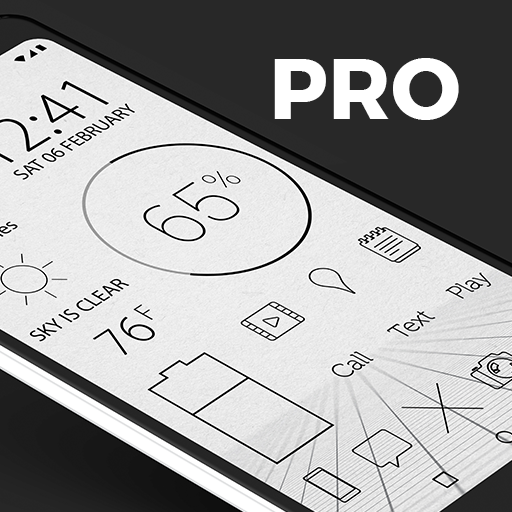
Lines Dark Pro - Icon Pack
Free
Scan this QR code to download

Forwarding you to the page at Google Play market in seconds...
Open Google Play market now