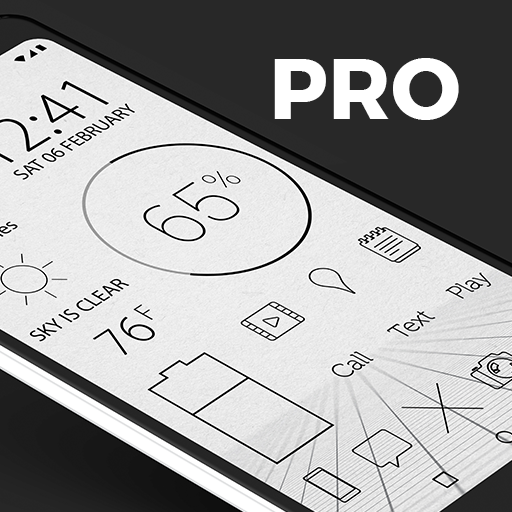
Lines Dark Pro - Icon Pack v3.6.7
Nate Wren Design



About this app
Developer Description
Lines is a flat, modern, and minimalist icon pack with clean black outlines.
QUICK TIPS
You can manually edit icons in most launchers by long-pressing the icon you'd like to edit.
Widgets: If your widget stops updating, check your system or battery settings to make sure the app is exempt from battery optimization. More info at https://dontkillmyapp.com/
PRO VERSION
This is the pro version of the app. Get the free version here: https://play.google.com/store/apps/details?id=com.natewren.linesdarkfree
DISCLAIMER
You may need a 3rd party launcher to apply the icon pack. Please download a launcher (Nova, Evie, Microsoft, etc.) before installing.
COMPATIBLE LAUNCHERS
• Nova Launcher (Recommended)
• Microsoft Launcher (Apply via launcher settings)
• Evie Launcher (Apply via launcher settings)
• Poco Launcher
• ADW Launcher
• Yandex Launcher (Apply via launcher settings)
• Action Launcher
• Apex Launcher
• Atom Launcher
• Aviate Launcher
• Go Launcher
• Holo Launcher
• Inspire Launcher
• KK Launcher
• Lucid Launcher
• Next Launcher
• Nine Launcher
• Solo Launcher
• Smart Launcher
• Themer
• TSF
Nova is recommended for the best experience and supports icon name search when manually applying icons. For more info on searching while manually applying icons please visit https://natewren.com/manually-edit-icons/.
HOW-TO GUIDE
http://natewren.com/apply
FEATURES
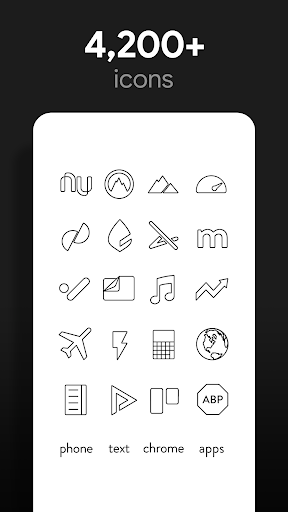
• 4,200+ hand crafted flat, clean & dark flat HD Icons with many variations of default lined icons such as phone, contacts, camera, etc.
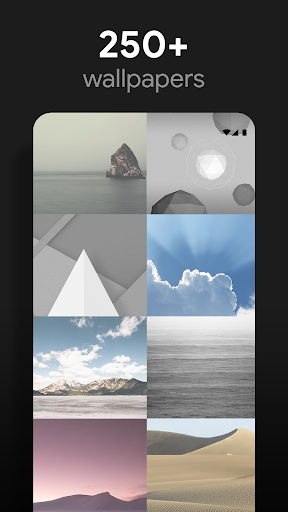
• 200+ wallpapers included. Downloadable from the cloud. Browse and save the ones you want. All wallpapers shown are included!
• XXXHDPI high definition modern, outlined transparent icons included for super large HD screens. All Icons are 192x192.
• 200+ modern scenic/landscape/Classical art wallpapers that show off the lined icons nicely
• Most of the icons are transparent letting each show the provided scenic/landscape backgrounds or to your own backgrounds.
• Wallpaper chooser comes installed
• Request more line icons via "Request" tab
• Icons work best with light wallpapers
• Muzei support for rotating wallpapers
• New icons added regularly
WIDGETS
System widgets as well as editable KWGT widgets are included.
• Battery widgets
• Digital clock widgets
• Analog clock widget
• Weather widgets
HOW TO APPLY ICONS VIA ICON PACK
1. Open the app after installing
2. Navigate to "Apply" tab
3. Select your Launcher
HOW TO APPLY ICONS VIA LAUNCHER
1. Open Launcher settings by tapping + holding on an empty area of home screen
2. Select personalization options
3. Select icon pack
FOLLOW ME
Twitter: https://twitter.com/natewren
QUESTIONS/COMMENTS
natewren@gmail.com
http://www.natewren.com
What's New
Added 20 Icons to Free Version
Now Targeting SDK version 35
Updated Appfilter - fixes to un-themed icons
Current Pro Version Icon Count: 5,470
Current Pro Version Icon Count: 2,637
If you've purchased an Icon Pack, thanks for your support!
For Updates: @natewren on bluesky | @natewrendesign on insta
Version Information
- Version
- 3.6.7
- Downloads
- 10K+
- Updated on
- May 26, 2025
- Released
- Mar 23, 2016
- Requires
- Android 4.4
Statistics
Google Play Rating History
Rating Distribution
Downloads Over Time
Lines Dark Pro - Icon Pack has been downloaded times. Over the past 30 days, it averaged downloads per day.
Shaded area shows 30-day prediction based on historical trends
Historical data collection started recently. More data points will be available over time.
Lines Dark Pro - Icon Pack users say on Google Play
 A Google user
Perfect for E-Ink devices. Would love to see more of those bookish apps in this collection, despite it being a very large set already. I plan to, anyway, as additions seem to come more regularly than most icon sets. This is a common sense, truly useful graphic set, and the upgrade from free to paid is definitely worth it.
 Shireen Seif
I love it but it's missing major icons with the light versions: Ana vodafone, souq, Jumia, cleaner for Android, and many fitness apps, wordweb, online banking apps
A Google user
Sleek icon pack but the clock widget stops updating time after a while. Only way to refresh it is to remove it and then re-add. Any suggestions? Edit: turned off battery optimization and it still stopped updating. Actually seems like it froze specifically when I plugged the phone in to charge.
A Google user
Still waiting on certain icons to be changed to dark theme hmmm been months
A Google user
The time widget literally stops working?? How is that even possible
ApkTrusted Ratings & Reviews
More from Nate Wren Design
See more apps
Lines Chroma - Icon Pack
Paid
Glass Pack Pro - Clear Icons
Free
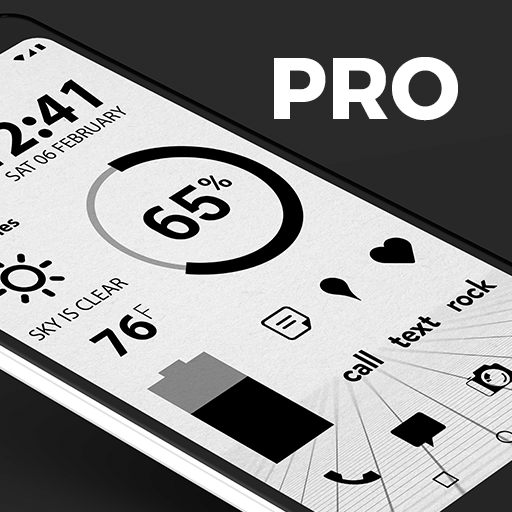
Flight Dark Pro - Icon Pack
Paid
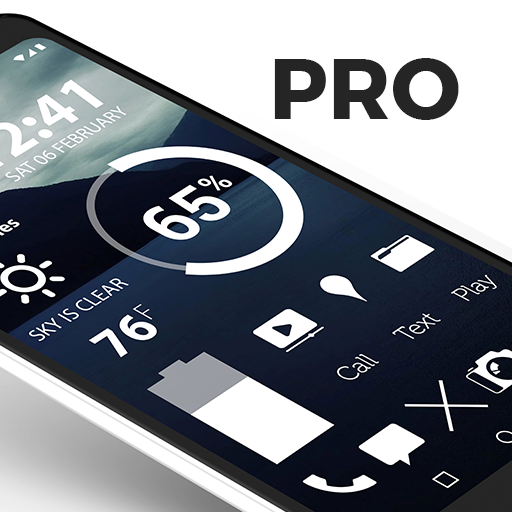
Flight Pro - Icon Pack
Paid

Chroma - Icon Pack
Paid
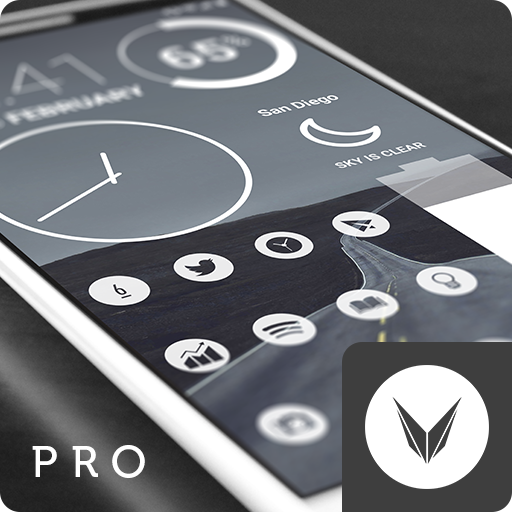
Light Void Pro - White Icons
Paid
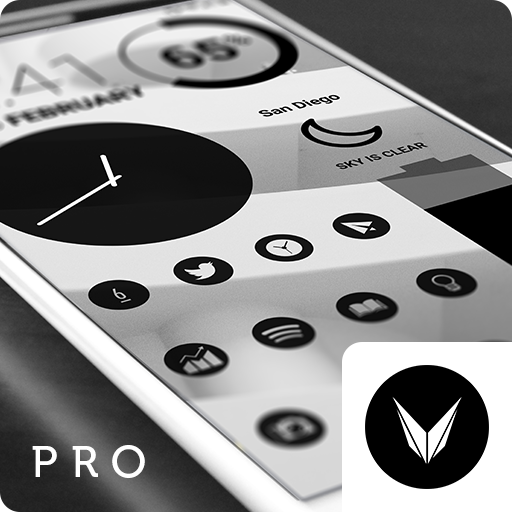
Dark Void Pro - Black Icons
Paid

Light Void - Flat White Icons
Free

Lines Pro - Icon Pack
Paid

Flight Dark - Icon Pack
Free
Flight Lite - Minimalist Icons
Free
Gold Leaf - Icon Pack
Free

Custom Search Bar Widget CSBW
Free

Dark Void - Black Circle Icons
Free

Glass Pack - Transparent Theme
Free
Gold Leaf Pro - Icon Pack
Free
Scan this QR code to download

Forwarding you to the page at Google Play market in seconds...
Open Google Play market now