
AirPlayMirror2 (Demo) vVARY
NeoYantra

About this app
Developer Description
AirPlayMirror2 is Receiver for AirPlay Mirroring and Casting from Apple Devices.
***** It is a15 minutes limited Trial/Demo App*****
***** This is latest version of the popular app https://play.google.com/store/apps/details?id=com.neoyantra.airplaymirror.airplaymirrorappdemo which cannot be updated due to App signing issues *****
Features:
-------------
o Mirroring of Screen of Apple Devices (iOS version 9 to 15).
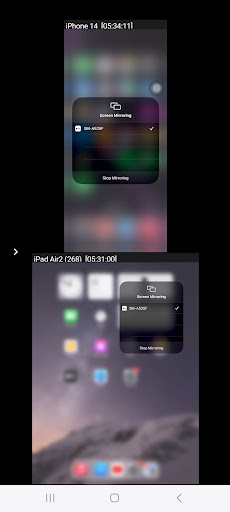
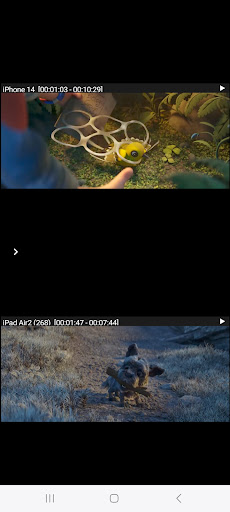
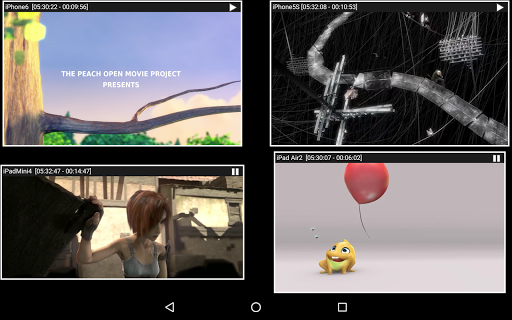
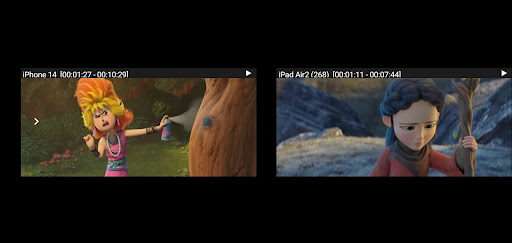
o Mirror/cast from up to 4 Apple devices simultaneously.
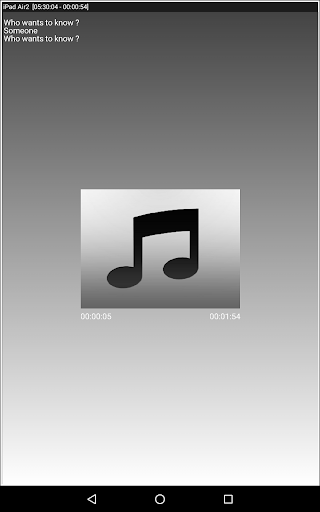
o Playback of Apple device’s media content.
o Slideshow of photos, images and videos of Apple device.
o Restrict unauthorized user from sharing his Apple device using passcode feature.
o Playback of YouTube free content from Apple device to AirPlayMirror receiver.
o Resize and move the mirroring/casting window in the App view.
o Share game screen while playing game on Apple device.
o Bluetooth Low Energy based Airplay advertising to mirror devices across different subnets.
Instructions of using AirPlayMirror (Demo) App:
1. Launch AirPlayMirror (Demo) App on Android Device. The App will start advertising Android Device as an AirPlayMirror Receiver. The default name of the Receiver is Android Device’s name.
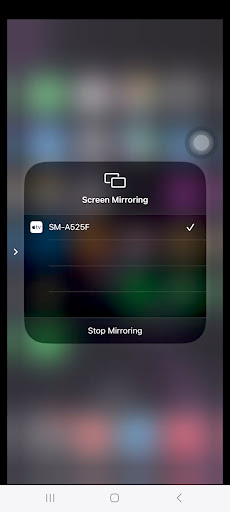
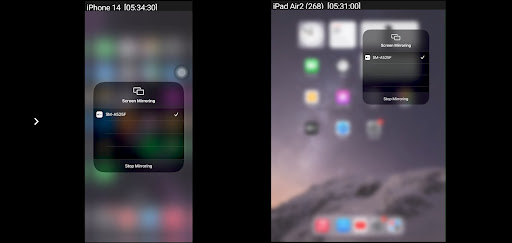
2. On Apple Device, enable AirPlay and select AirPlayMirror Receiver's name from the list. Enable Mirroring using the slider. The Apple device should be in the same network as the Android Device.
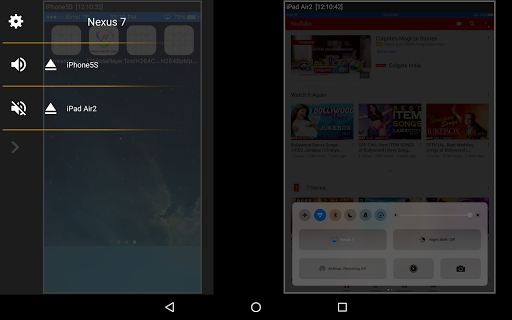
3. On AirPlayMirror App, the list of Apple devices connected to the App are shown in semi transparent control-screen which slides out on touching ">". For unhindered mirroring, slide control -screen to left by swiping it to left or by touching outside the control-screen.
4. One can disconnect Apple device and mute/unmute the mirroring/casting by touching mirroring window in the App for about two seconds, or by going to control screen and perform disconnect and mute/unmute.
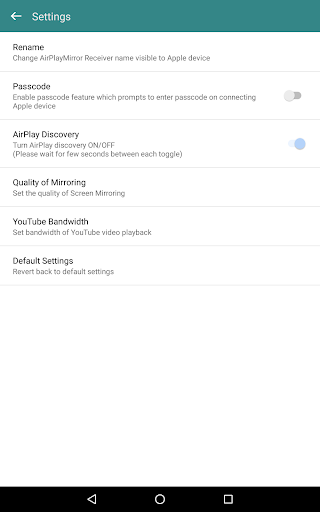
5. Touching Settings icon on the control-screen, the user can navigate to Settings, where user can rename AirPlayMirror Receiver's name, enable/disable password for authentication, toggle AirPlay Receiver discovery to on/off, change quality of mirroring, set YouTube bandwidth, or reset to default settings.
You may reach us at sales@neoyantra.com.
Version Information
- Version
- -
- Downloads
- 1K+
- Updated on
- -
- Released
- May 28, 2024
- Requires
- Android Varies with device
Statistics
Google Play Rating History
Rating Distribution
Downloads Over Time
AirPlayMirror2 (Demo) has been downloaded times. Over the past 30 days, it averaged downloads per day.
Shaded area shows 30-day prediction based on historical trends
Historical data collection started recently. More data points will be available over time.
ApkTrusted Ratings & Reviews
More from NeoYantra
See more apps


Similar Apps




Scan this QR code to download

Forwarding you to the page at Google Play market in seconds...
Open Google Play market now