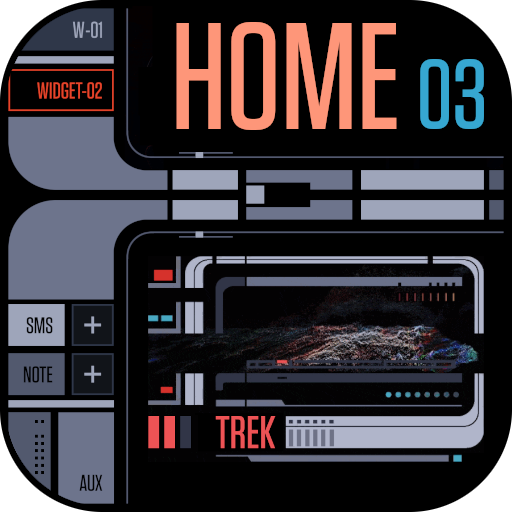
TREK: 25th Century Interface v6.0
NSTEnterprises


About this app
Developer Description
TREK: complete interface for your home screen with animation and sounds.
Its button sizes are between the Regular and Large versions of the Total Interfaces.
This app's interface is meant to parody the way sci-fi designers keep updating old sci-fi interfaces in a way that makes them nowhere closer to actually functional-looking, but rather just add lots of little lines and make it fewer colors. Still topped with tiny text that was meaningless and buttons with completely indecipherable function or layout.
I stayed true to that style, but for my artistic expression, I took something so ridiculous, counter-intuitive, and nonsensical, and transformed it into something smart. I gave everything actual meaning and function to give you a fully usable interface for all functions.
This is a generic interface that uses only public domain simple curves, colors, rectangles, etc. and contains no trademarked material from any old - games, computer programs, shows or movies. I respect copyrights, so please don't ask me to update to include them in reviews or by mail. If you want, you can download images off the internet and add them yourself for personal use.
Please use the free theme I developed for the fan film Star Trek: Renegades (in my list of apps) if you would like a limited test of the features before purchase.
This is set up for easy, intuitive, common use right from launch. Please be advised, there are 10 layouts included for Android (standard 16:9) (medium 18:9) (long screen 18.9:5) (long medium 19:9) (long screen + 19.5:9) (extra long screen 20:9) (super long *Flip 22:9) (*Fold 25:9 and 22.5:18) and (tablet 16:10 or 8:5). If your device is a different aspect ratio, it's easy enough to edit to fill empty gaps at the bottom or change the margins - more info on that in the 'Screen Sizing' section of the FAQ.
☆TUTORIAL INCLUDED
・There's info in the FAQ about the weather and how to get it back after the
Total Launcher app update (and another weather service). https://sites.google.com/view/tl-theme-faq/home
↑ ★ ★ ★ ★ ★ ↑
Light up the stars :-) It helps me.
Like and follow my Facebook page for the latest releases and updates. https://www.facebook.com/Not.Star.Trek.LCARS.Apps/
Also click on my developer name "NSTEnterprises" at the top to see my other offerings.
What's New
Version Information
- Version
- 6.0
- Downloads
- 1K+
- Updated on
- Jul 14, 2025
- Released
- Aug 27, 2022
- Requires
- Android 4.0
Statistics
Google Play Rating History
Rating Distribution
Downloads Over Time
TREK: 25th Century Interface has been downloaded times. Over the past 30 days, it averaged downloads per day.
Shaded area shows 30-day prediction based on historical trends
Historical data collection started recently. More data points will be available over time.
TREK: 25th Century Interface users say on Google Play
 D. Grimes
Recently had to replace a phone I've had for years. It ran the first of NST's Trek. It was functional, reliable, besides making my phone look so cool. I had not seen the stock Samsung Droid in years. I ran it on the new phone for exactly 1 day before ripping out the garbage and replacing the front end with another trek interface, this time I went with the 25th Century. It has transformed my phone into a logical, easy to configure interface! Did I mention, it looks even cooler than my old one?
 Amir Nezamzadeh
I love the fact that this is a functional piece where you can use your phone's apps through it. It is annoying that I have to select the aspect ratio every single time; wish there was a way of select and set. The other bit, I thought once it turned on, it was remain on until you turned it off, not that it'll close when you turn off the screen
 R G O 2 (BaelRathLian)
SGS20FE-UW-5G: FOUND A FEW BUGS. 01 - minor- Some buttons are not working. No big just reprogram. 02 - My screen is 20:9 and some text items are under the camera and can not be read. - Again annoying, but minor. 03 A MAJOR problem is trying to add new stuff to a screen it goes all weird with the new piece not being allowed where I want it to go. 04 PHONE GLITCHES WHEN RESTARTING OR POWER DOWN AND BACK ON. 05 - This app was great at first until I found the problems.
 Mike Pizzo
Frustrating! This theme (launcher) does not stay set. Have to relaunch manually every time, does not keep any settings, is not easy to customize, can't change text on buttons. Anything I change is lost next time phone is locked/unlocked! The design is very aesthetic and has great potential. Lots of serious bugs, should not have been released yet, especially having paid for it. Do not recommend at this time!
 Andrew Kerr
Always shutting down.
ApkTrusted Ratings & Reviews
More from NSTEnterprises
See more apps
TREK: 24th Century Watch v2
Paid
TREK: 23rd Century Interface
Paid
TREK: Total Interface (Large)
Paid
TREK: T.I. Communicator
Paid

TREK: Total Interface
Paid
TREK: T.I. Notes
Free
Sci-Fi Keyboard
Paid
TREK: Lock Screen
Paid

Sci-Fi Messenger
Paid
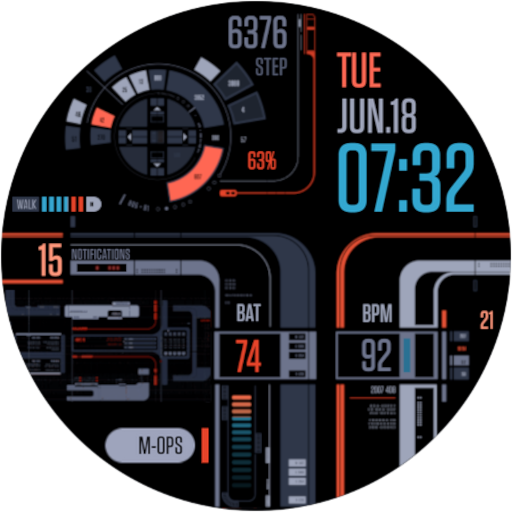
TREK: 25th Century Watch v3
Paid
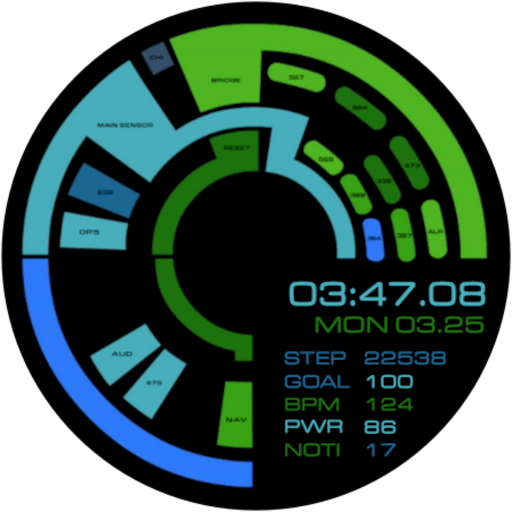
TREK: 23rd Century Watch
Paid
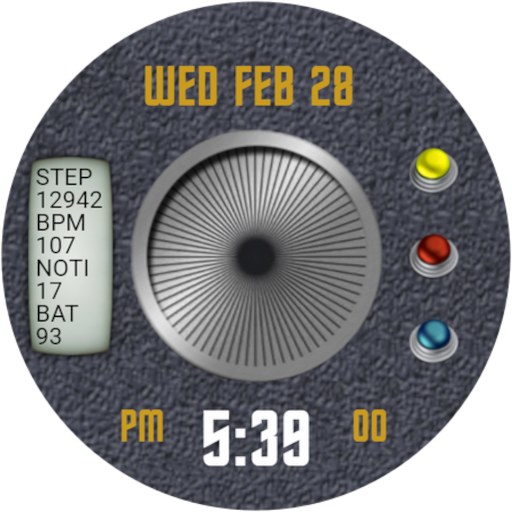
TREK: Classic Watch
Paid
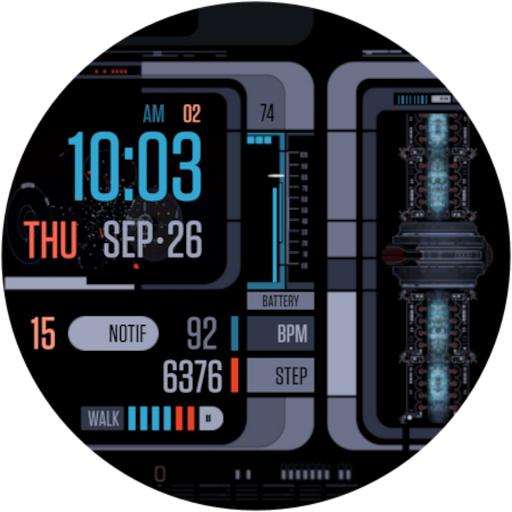
TREK: 25th Century Watch v2
Paid
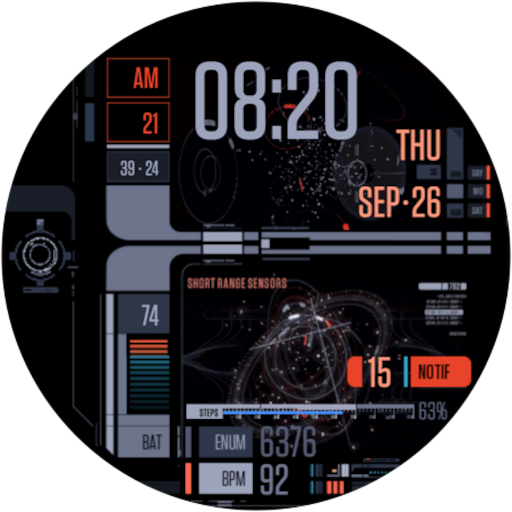
TREK: 25th Century Watch v1
Paid

TREK: 24th Century Watch v1
Paid
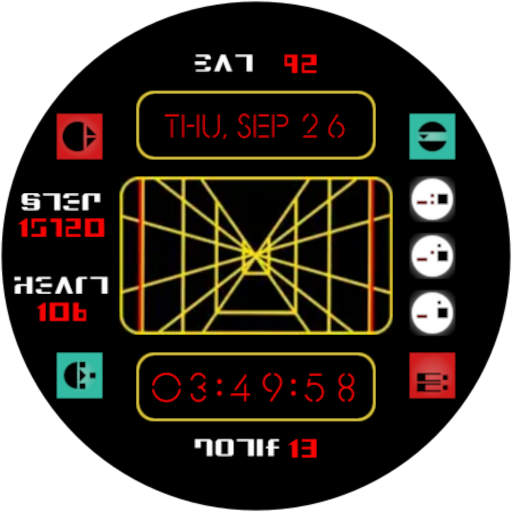
Sci-Fi Wars Watch
Paid
Similar Apps

Regence
Free

PurpleLine Icon Pack : LineX
Paid

ADW Launcher 2
Free
Retro Mode - Icon Pack (Neon)
Paid

Retro Mode - Icon Pack (Light)
Paid

Next Spaceflight
Free

BOLT Icon Pack
Paid

AIO Launcher
Free
Solar Walk 2: Planetarium 3D
Paid
IFSTA Company Officer 6
Free

Area 51 Fireworks
Free

OrderBoard Display
Paid

Dollywood Parks & Resorts
Free

Ellwood City Ledger
Free
GranPlayer
Free

Ares Dark Icon Pack
Paid
Scan this QR code to download

Forwarding you to the page at Google Play market in seconds...
Open Google Play market now