
Video Player - OPlayer v5.00.43
OLIMSOFT
About this app
Developer Description
All format media Player, no need video converter any more!
★ ★ ★DTS & DivX officially supported ★ ★ ★
OPlayer is a professional media playback tool. It supports almost all media formats, It is one of the best HD video player for android tablet and android phone.
KEY FEATURES:
● Support MOST video formats, including MKV, MP4, M4V, AVI, MOV, 3GP, FLV, WMV, RMVB, TS etc.
● Ultra HD video player, support 4K.
● Hardware acceleration.
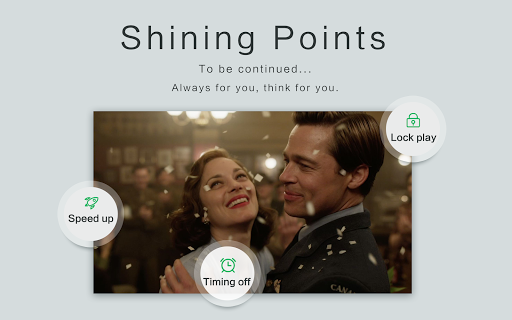
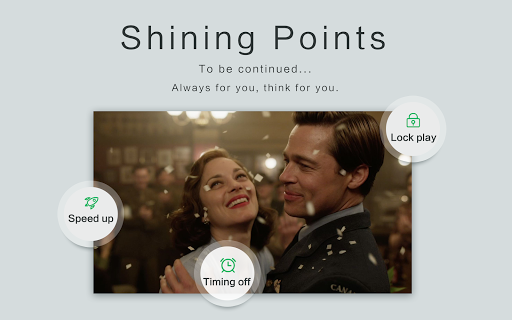
● Keep your video safe with gesture unlock.
● Cast videos to TV with Chromecast.
● Support subtitle downloader and more.
● Play video in pop-up window, split screen or back-ground.
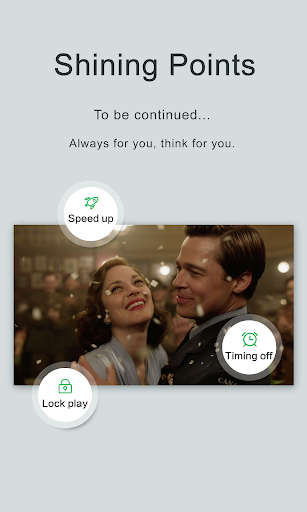
● Night Mode, Quick Mute & Playback Speed.
● Identify ALL video files on your device and SD Card automatically.
● Full featured file manager, including move/cut/paste ...
● Manage or share videos easily.
● Easy to control volume, brightness and playing progress.
● Multi playback option: auto-rotation, aspect-ratio, screen-lock etc.
● Video player hd for both android tablet and android phone.
Video Player
OPlayer is a MKV Player, DVD Player, AVI player, FLV Player, and supports almost all video formats, such as MP4, M4V, MOV, 3GP, FLV, WMV, RMVB, TS etc.
Music Player
OPlayer supports almost all audio formats, including WMA, FLAC, MP3, OGG, MIDI, AMR, AAC, DTS, M4A etc.
HD Video Player
Play HD, full HD & 4k video smoothly with HW decoding.
Floating Video Player
Video popup enables multitasking. The floating video player overrides other apps and it can be moved and resized easily. Enjoy video on the split-screen and use other apps as usual.
Background Video Player
Enjoy video on the background just like a music playback. Now you can watch a video in the way of listening to books.
Video Player for android tablet
Support all devices, watch videos on both android tablet and android phone.
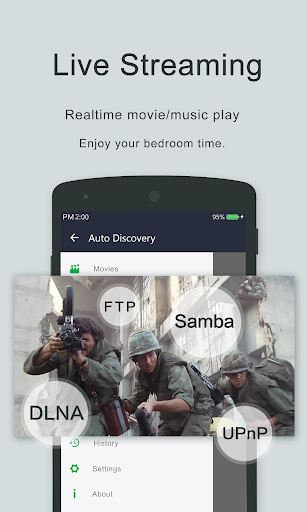
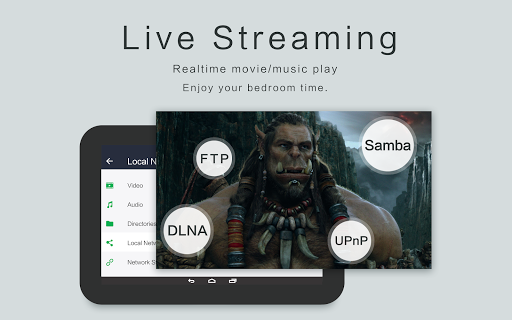
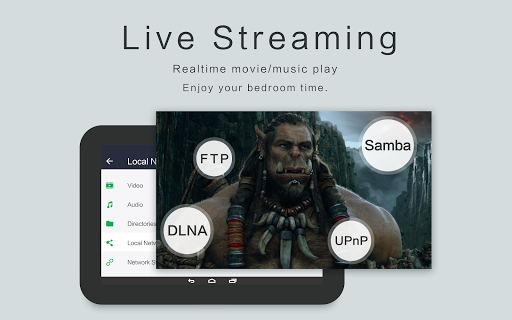
Video player with casting to TV
Video player for Chromecast. Cast videos to android TV with Chromecast easily. It’s the best chromecast apps for android free.
Easy to use
Easy to control volume, brightness and playing progress by sliding on playback screen.
Files manager
Identify ALL video files on your device and SD Card automatically. In addition, manage or share videos easily.
We are open to any suggestions for better user experience. Please feel free to contact us at olimsoft@gmail.com.
What's New
In-app purchases
$0.99 - $2.99 per item
Version Information
- Version
- 5.00.43
- Downloads
- 100K+
- Updated on
- Aug 17, 2025
- Released
- Apr 16, 2013
- Requires
- Android 6.0
Statistics
Google Play Rating History
Rating Distribution
Downloads Over Time
Video Player - OPlayer has been downloaded times. Over the past 30 days, it averaged downloads per day.
Shaded area shows 30-day prediction based on historical trends
Historical data collection started recently. More data points will be available over time.
Video Player - OPlayer - Google Play Rankings
Top Rankings
| Rank | Country | Category | List | Change |
|---|---|---|---|---|
| — |
Ranking History in
No ranking data available yet. Rankings are updated daily.
#7 in Top Paid Video Players in Japan


#26 in Top Paid Video Players in Poland


#27 in Top Paid Video Players in Pakistan
#27 in Top Paid Video Players in Indonesia
Video Player - OPlayer users say on Google Play
 Matiur Rahman
At present, Oplayer is crashing at the time of playing audio.
 Shoaib Akhter
It's best now 👌
 Frank Ukadike
I don't know why there are two versions of the same app with literally the same features and functions. The worst part is that the "free" version is better made and less buggy compared to the "paid" version. Also please fix the sort by name. This is the first app I'm seeing that cannot do a proper sort by name 😞
 Albin Benny
Promising. cannot download subtitles. Always says error, try again later. EDIT : Already shared email, please check
 T.S. Lynch
Well I tried it and hated it for the same reason I hate VLC. No legit Settings menu and bogus icons that don't mean anything. edit: 7 years later and they still have those lame icons. some people never learn. still a bad player.
ApkTrusted Ratings & Reviews
More from OLIMSOFT
See more apps
Similar Apps

KMPlayer - All Video Player
Free
Visha-Video Player All Formats
Free

IPTV Player: Watch 8K Live Tv
Paid

Video player
Free

Dr. Dish Player
Free

HQ Video Player & Casting
Paid

Video Player All Format
Free
Qello Concerts
Free

Smart Video Downloader
Paid

Focus Video - Video Compressor
Free

Video Downloader Stream Saver
Paid

IZZY - Stream Israel
Free
RTÉ Player
Free

Video Player All Format
Free
Video Player for Android
Free

YESOUL FITNESS
Free
Scan this QR code to download

Forwarding you to the page at Google Play market in seconds...
Open Google Play market now