
Digital Clock Pro v3.1
Panagola Private Limited
About this app
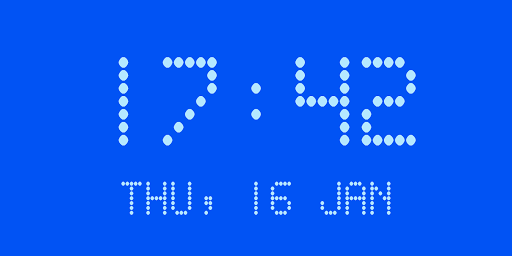
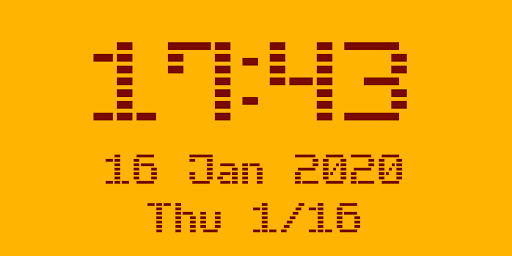
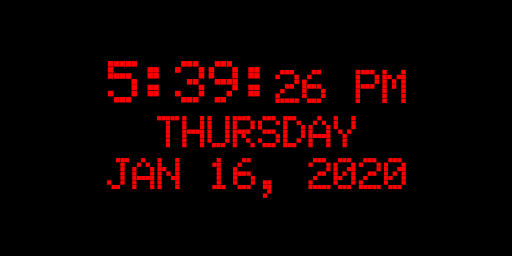
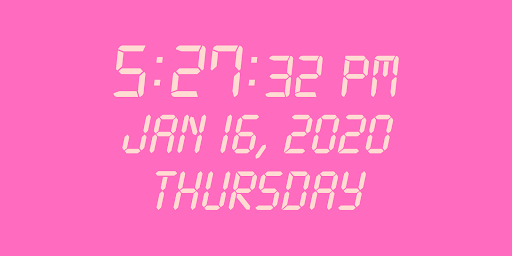
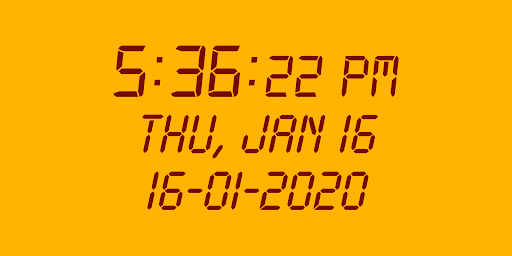
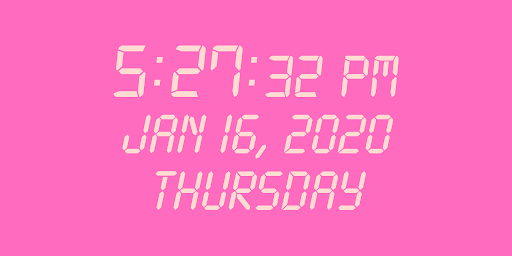
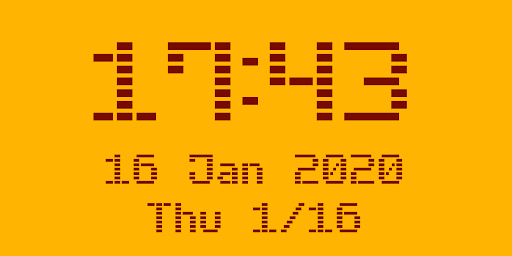
Digital Clock Pro solves the problem of providing a customizable and feature-rich digital clock experience for users, benefiting those who value a high degree of personalization and flexibility in their home screen or desk clocks. Compared to alternatives in the Lifestyle category, Digital Clock Pro stands out with its LED brightness adjust and custom colors/faces, making it a top-tier choice for users seeking a premium clock experience. However, its relatively low download numbers and limited user feedback may raise concerns about its long-term support and community engagement. Overall, Digital Clock Pro's unique features and excellent user rating make it a compelling option for users seeking a high-quality digital clock app.
Pros
- Digital Clock Pro's excellent user rating of 4.5/5 indicates a high level of user satisfaction with the app's performance and feature set, suggesting that it meets the needs of its target audience.
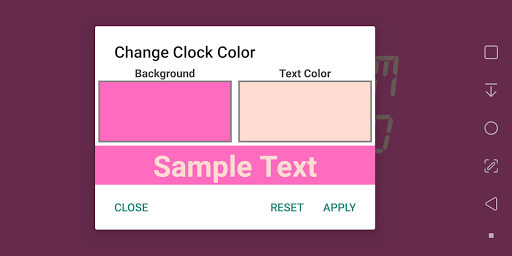
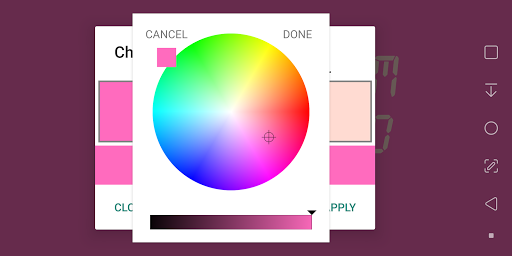
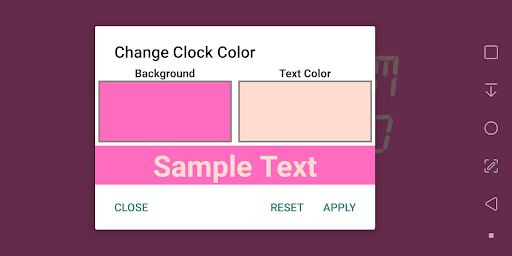
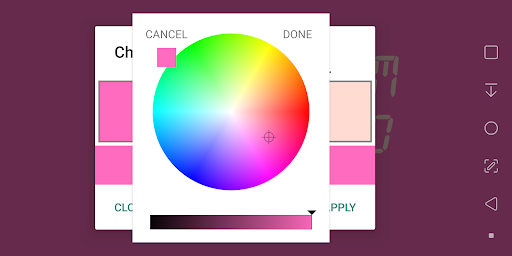
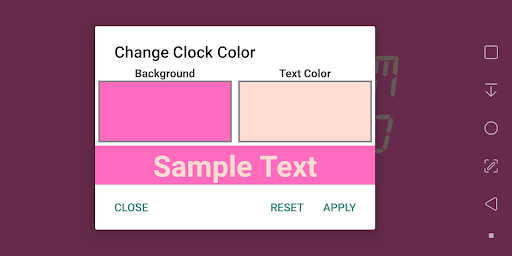
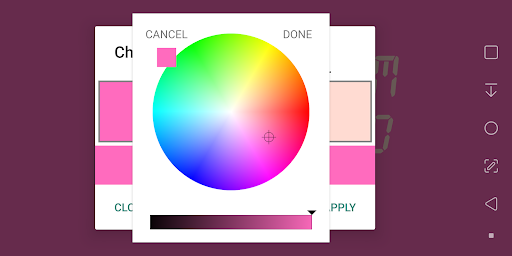
- The app's custom colors and faces, along with its LED brightness adjust feature, provide a high degree of personalization and flexibility, making it a great choice for users who value a tailored experience.
- The developer's reputation, as evidenced by their professional website and support email, suggests a commitment to supporting and updating the app, which is reassuring for users who invest in a paid app.
- The absence of ads and in-app purchases ensures a seamless and distraction-free user experience, aligning with the app's premium pricing model.
- The app's offline capability, combined with its small size and low system requirements, makes it an attractive option for users with limited storage or connectivity.
Cons
- The app's relatively low download numbers, despite its excellent user rating, may raise concerns about its long-term support and community engagement, potentially impacting its ability to attract new features and updates.
- The paid monetization model, while justifiable given the app's feature set and quality, may deter some users who are accustomed to free or ad-supported alternatives, potentially limiting the app's appeal to budget-conscious users.
- The lack of transparency about the app's data collection and usage policies, despite its zero-permission policy, may still raise some privacy concerns, particularly for users who are highly sensitive about their personal data.
- The app's limited platform compatibility, requiring Android 4.0 or later, may exclude some older devices or users who have not upgraded their operating system, potentially limiting its reach and adoption.
Best for: The ideal user for Digital Clock Pro is a tech-savvy individual who values customization, flexibility, and a premium user experience, and is willing to invest in a high-quality digital clock app that meets their specific needs, such as a homeowner seeking a stylish and functional clock for their living room or a student looking for a reliable and feature-rich clock for their desk.
Developer Description
Digital Desk Clock with LED Brightness adjust, custom colors/faces & time offset
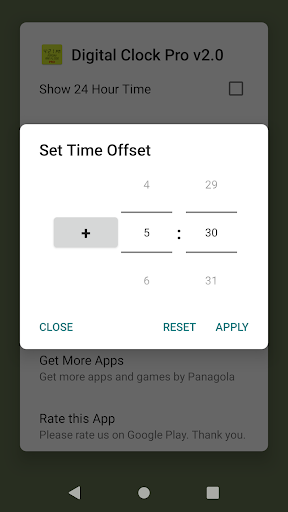
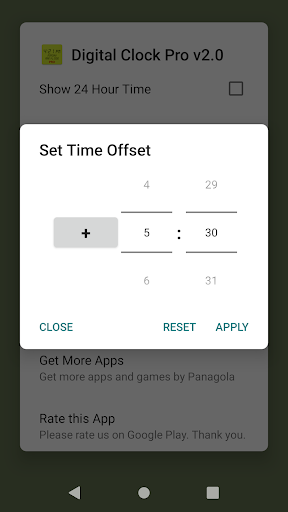
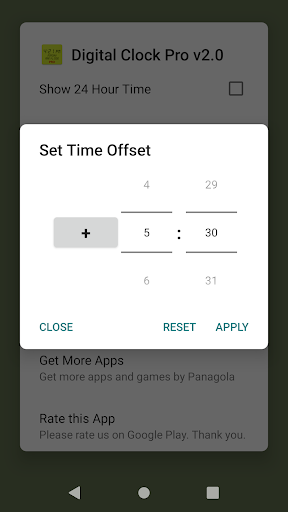
It also supports setting a time offset to show time a little after or before the local time. You could even show clock of a different country/time zone.
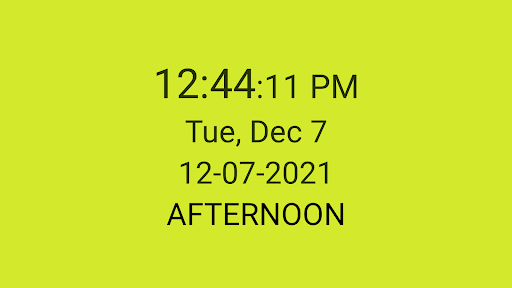
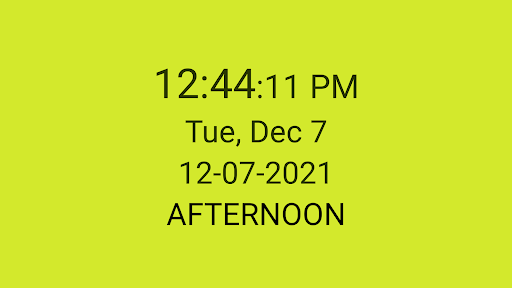
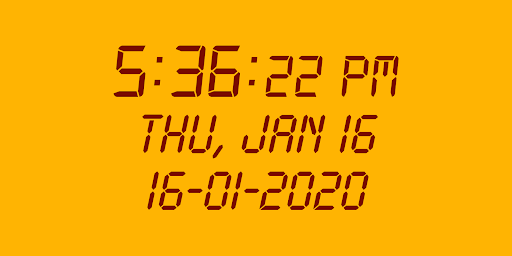
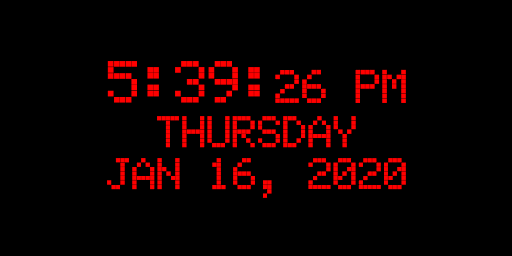
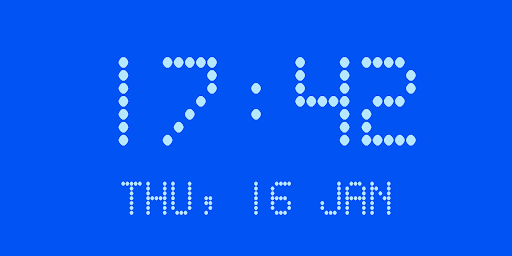
It supports all features of the free version including clocks with multiple faces and several date formats. It also can help with those suffering from dementia or memory loss by showing the time of the day (morning, afternoon etc.).
If you are yet to try the ad-free, tiny free version, you can get it here:
https://play.google.com/store/apps/details?id=com.panagola.app.digitalclock
Privacy
Given the app's zero-permission policy, users can be reassured that their personal data is not being collected or shared, and the app's functionality is not dependent on any sensitive permissions. However, users should still be cautious when installing any new app, and review the developer's website and support resources to ensure they are transparent about their data collection and usage policies. To further minimize potential risks, users can consider installing the app from a trusted source, such as the Google Play Store.
Tips
To get the most out of Digital Clock Pro, users should explore the app's customization options, including the LED brightness adjust and custom colors/faces, to create a personalized clock experience that suits their needs. Additionally, users can optimize the app's performance by ensuring their device is running the latest version of the operating system and closing any unnecessary background apps. By doing so, users can enjoy a seamless and distraction-free experience with Digital Clock Pro.
What's New
Set a time offset to show clock of another timezone.
Version Information
- Version
- 3.1
- Downloads
- 1K+
- Updated on
- Aug 6, 2025
- Released
- Jan 16, 2020
- Requires
- Android 4.0
Statistics
Google Play Rating History
Rating Distribution
Downloads Over Time
Digital Clock Pro has been downloaded times. Over the past 30 days, it averaged downloads per day.
Shaded area shows 30-day prediction based on historical trends
Historical data collection started recently. More data points will be available over time.
Digital Clock Pro users say on Google Play
 A Google user
I have liked the app so much that have purchased the pro version. Very simple and perfect app.. atleast for my needs.
 T 25
T 25
I love this app. Only think which I didn't like is font cannot be changed even in pro version. I will buy pro version again if they provide change font functionality.
 Jaquess Schitt
I paid for Pro to get more colors etc but so far no way to change any options except the standard ones. EDIT: 04-02-2022. The colors work after receiving advice from the developer. They responded quickly. Many Thanks. EDIT: 04-02-2022. I would like to give this app a 5 star rating but have a problem that I believe is not due to my ignorance. When I try to open the alarm clock I get a popup that says "Unable to open Alarm Clock"
 Andrew
Not a widget
 Sangar Madan
Locks the phone and requestrefund
ApkTrusted Ratings & Reviews
More from Panagola Private Limited
See more apps
Meditate ॐ OM Pro
Paid

Chakra Meditation
Free
Safe Notes Pro
Paid

Meditate Om: Mantra Meditation
Free
Notepad Pro
Paid

Shop Calc Pro : Shopping List
Paid

NOTEPAD
Free

Cash Counter Count Note & Coin
Free

Safe Notes : Notepad Password
Free

Digital Clock : Bed/Desk Clock
Free

iPlayVR Pro
Paid

iPhotoVR : SBS VR Photo Viewer
Free

iWebVR Pro
Paid

iPlay VR Player SBS 3D Video
Free

Tiny Browser : Light Mini Web
Free

iWebVR Trial
Free
Similar Apps

The Salt Lake Tribune
Free

Nothing Pomodoro Timer
Paid
Windfinder Pro: Wind & Weather
Paid

Local 10 - WPLG Miami
Free

Gothic Forest Green Icons
Free
Alarm Clock
Free

Altered Brilliance: Gaming AI
Paid

MyLindenwood
Free
Weather Forecast Accurate Info
Paid
Digital Clock Widget
Free
Weather for Wear OS
Free

FOX10 Weather Mobile Alabama
Free
Sunrise and Sunset Times
Free

Hamster News
Paid
Scan this QR code to download

Forwarding you to the page at Google Play market in seconds...
Open Google Play market now