
Evil Halloween - Wear OS vVARY
RECREATIVE Watch Faces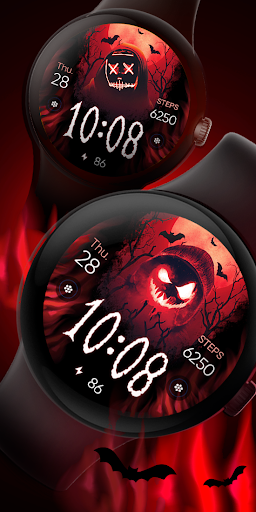


About this app
Developer Description
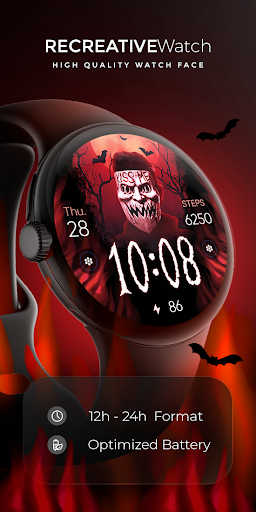
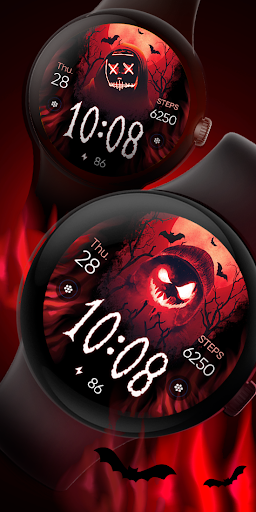
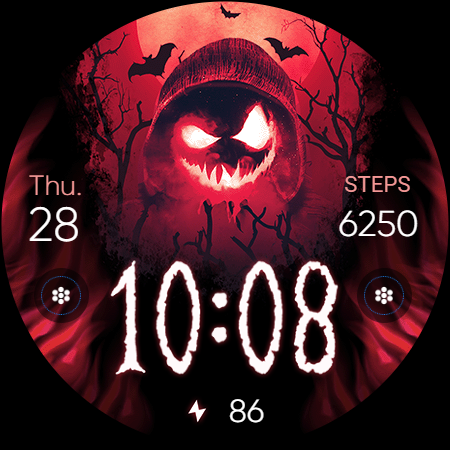
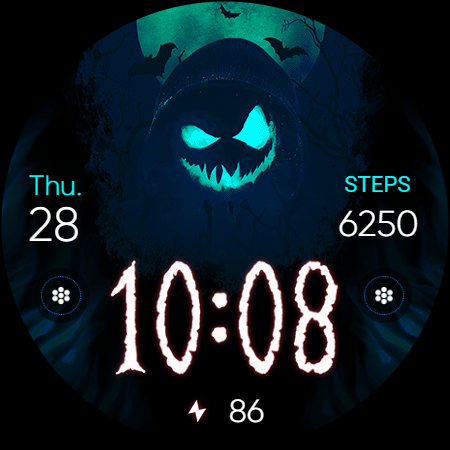
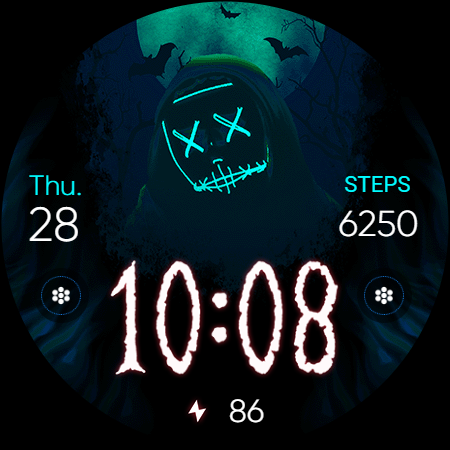
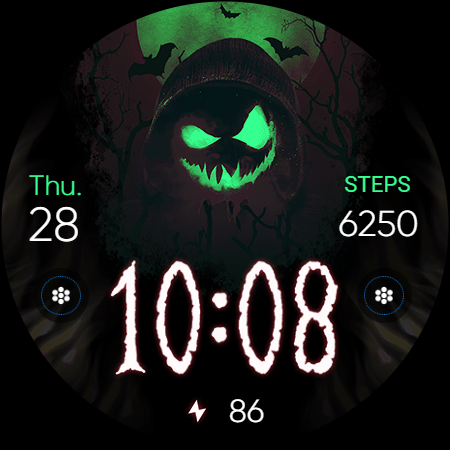
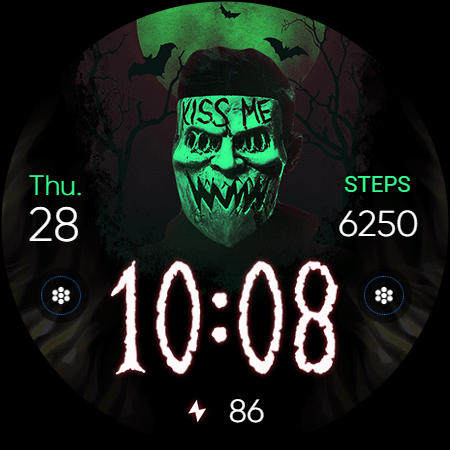
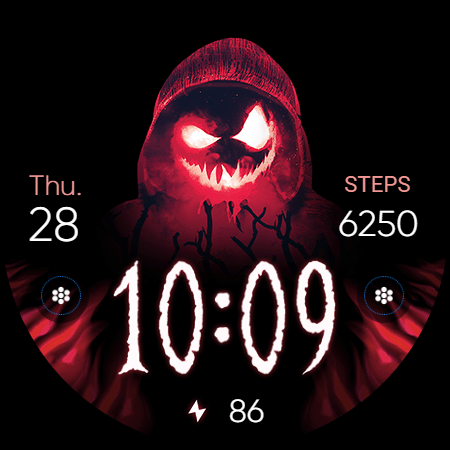
Dive into the eerie Halloween spirit with our Haunting Mask Watch Face
Powered by Watch Face Format
⚙️ Phone App Features
The phone app is simply a tool to facilitate installation and locating the watch face on your Wear OS watch. Only the mobile app contains ads.
⚙️ Watch Face Features
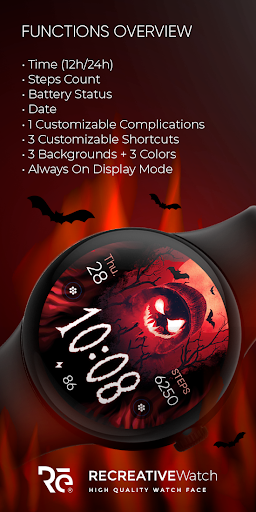
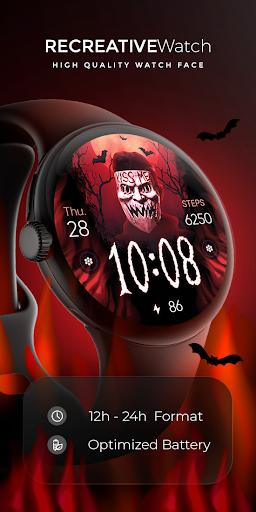
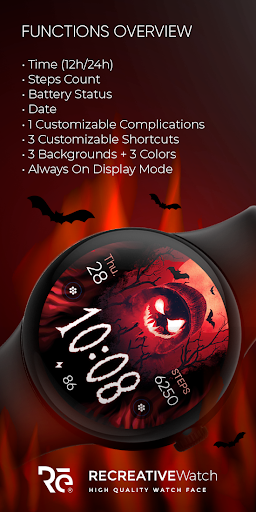
• 12/24h Digital Time
• Date
• Battery
• Steps Count
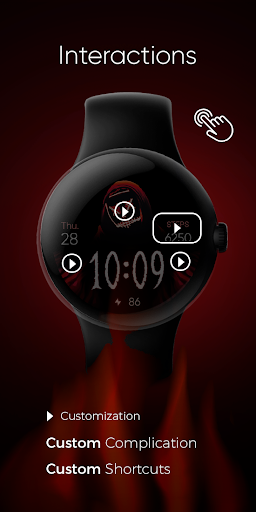
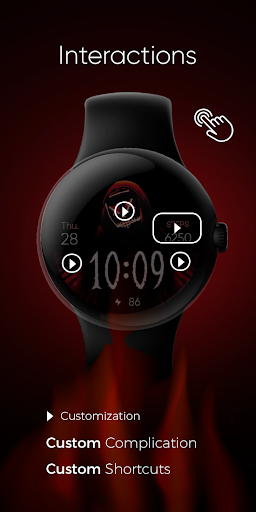
• 1 customizable Complications
• 3 customizable Shortcuts
• 3 Backgrounds
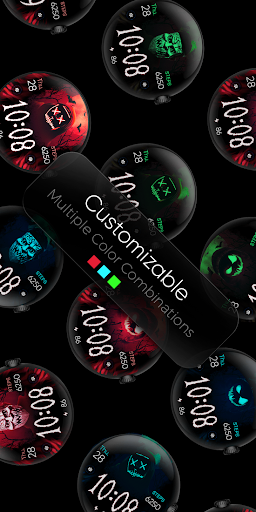
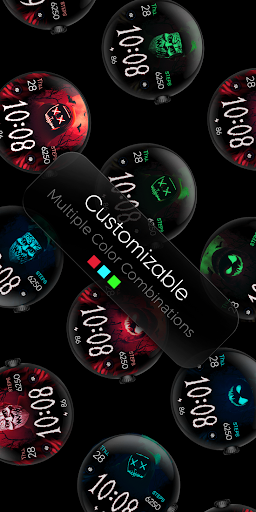
• 3 Color Variations
• Always ON Display supported with changeable colors and changeable modes
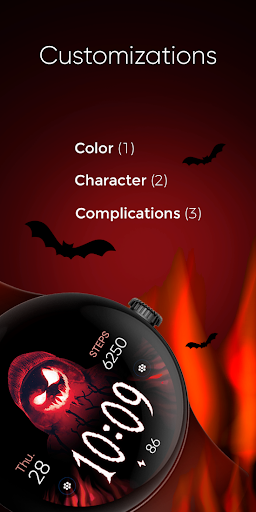
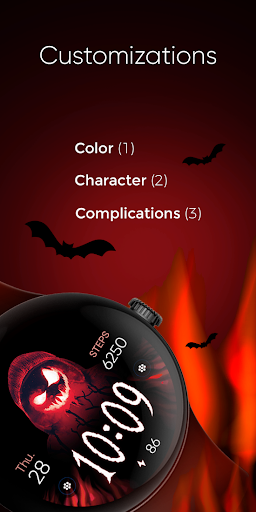
🎨 Customization
1 - Touch and hold display
2 - Tap on Customize option
🎨 Complications
Touch and hold display to open customization mode. You can customize the field with any data you want.
🔋 Battery
For better battery performance of the watch, we recommend disabling the "Always On Display" mode.
✅ Compatible devices include API level 33+ Google Pixel, Galaxy Watch 4, 5, 6, and other Wear OS models.
Installation and troubleshooting
Follow this link: https://www.recreative-watch.com/help/#installation-methodes
Watch faces don't automatically apply on your watch screen after the installation. That's why you must set it on your watch's screen.
💌 Write to support@recreative-watch.com for assistance.
Version Information
- Version
- -
- Downloads
- 1K+
- Updated on
- Aug 26, 2025
- Released
- Sep 14, 2023
- Requires
- Android Varies with device
Statistics
Google Play Rating History
Rating Distribution
Downloads Over Time
Evil Halloween - Wear OS has been downloaded times. Over the past 30 days, it averaged downloads per day.
Shaded area shows 30-day prediction based on historical trends
Historical data collection started recently. More data points will be available over time.
Evil Halloween - Wear OS users say on Google Play
 Ding Dong
very good 👍
 bandjo
It's a cool watchface. The battery level on the display was initially stuck at 100%. However, by switching to an older watchface, then switching back, the battery level reset and is now accurate.
 Dana Ogle
Does not work. No reply from support email. Unable to request refund
ApkTrusted Ratings & Reviews
More from RECREATIVE Watch Faces
See more apps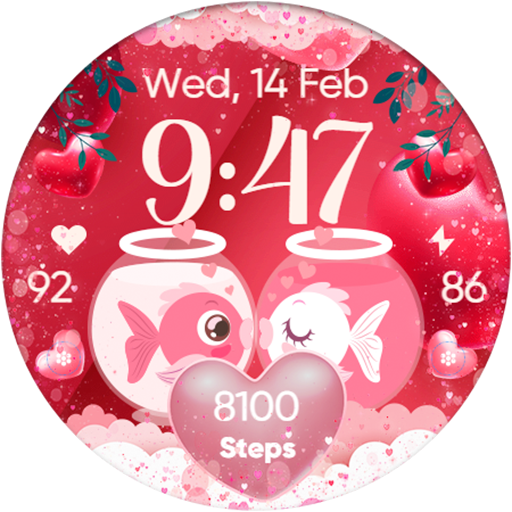
Cute Valentine's Day - Watch
Paid

Día de Muertos - Wear Os
Paid

Christmas Frame - Characters
Paid
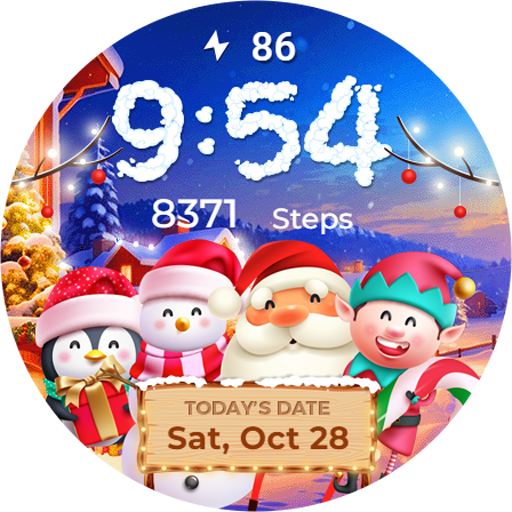
Winter & Christmas Friends
Paid

Seasonal Nature - Wear OS
Paid
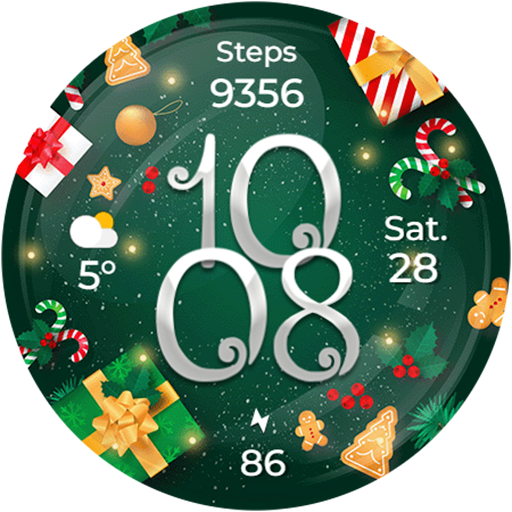
Christmas Globes & Decorations
Paid
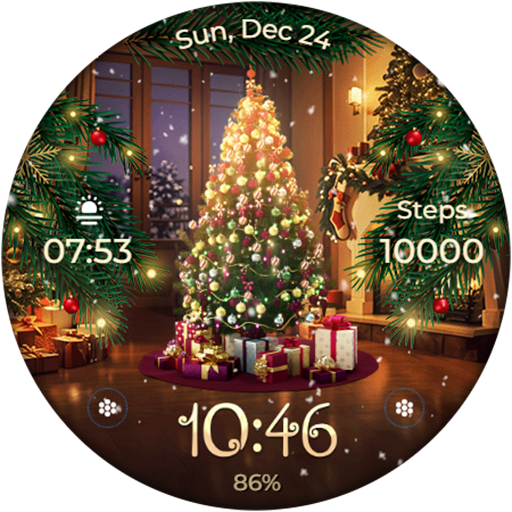
Animated - Christmas Tree
Paid

Santa's Christmas Village
Paid
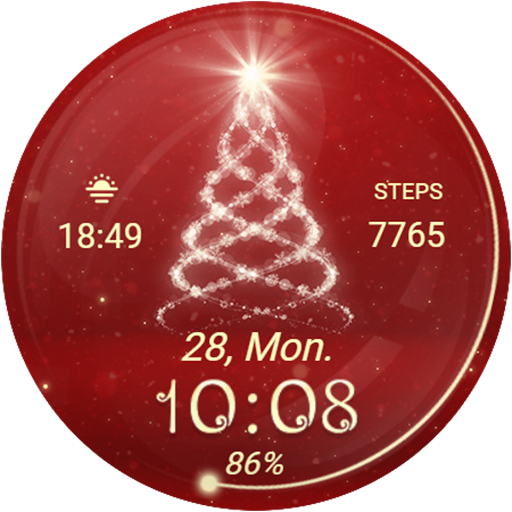
Christmas Spirit - Animated
Paid
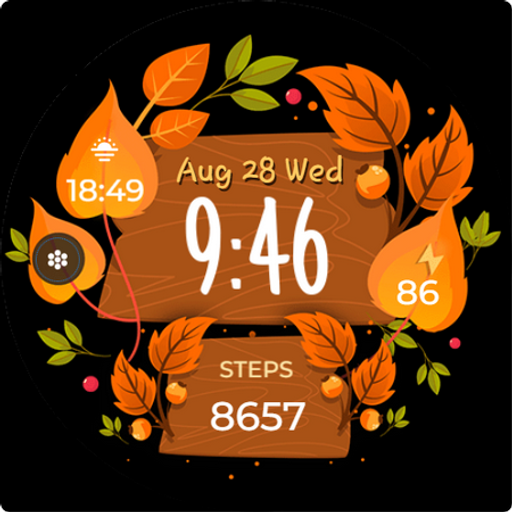
Seasonal Vibes - Wear Os Watch
Paid

Autumn: Animals & Nature
Paid

Christmas - Gingerbread
Paid
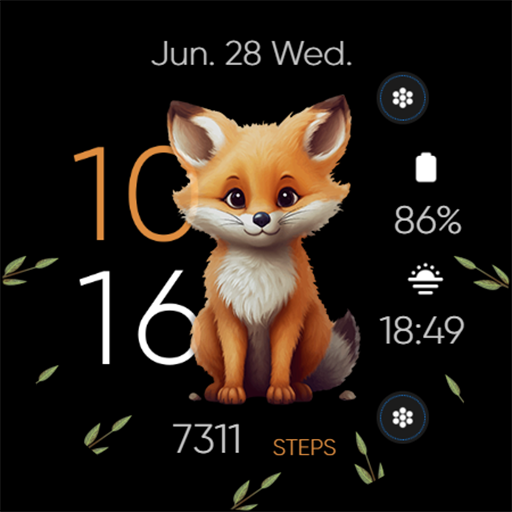
Seasonal Cute Animals & Pets
Free
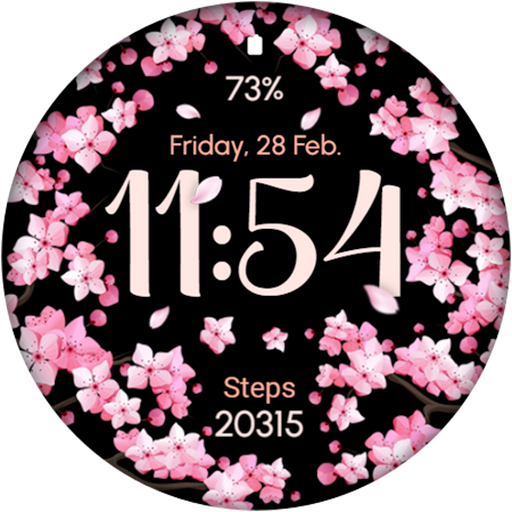
AR02 - Blooming Flowers
Free

Christmas Gifts & Lights
Paid
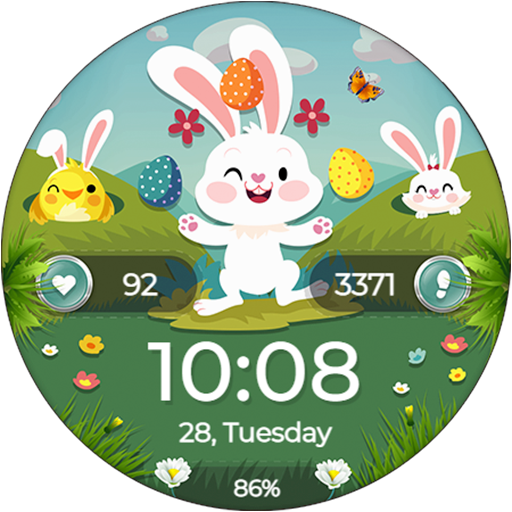
Easter Bunny - Watch Face
Free
Similar Apps

Scary Halloween Skull Ghosts
Free
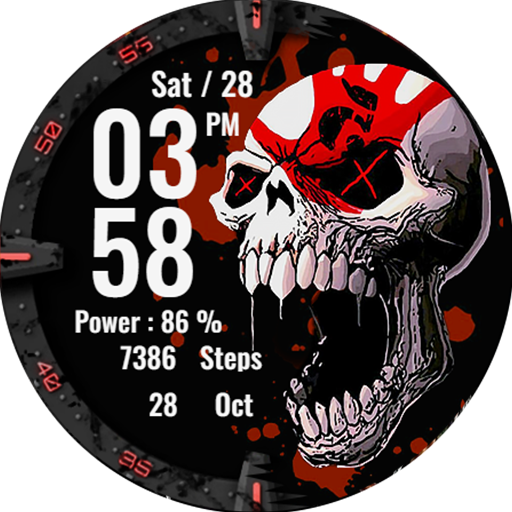
Skull Red Watchface Wear Os
Free
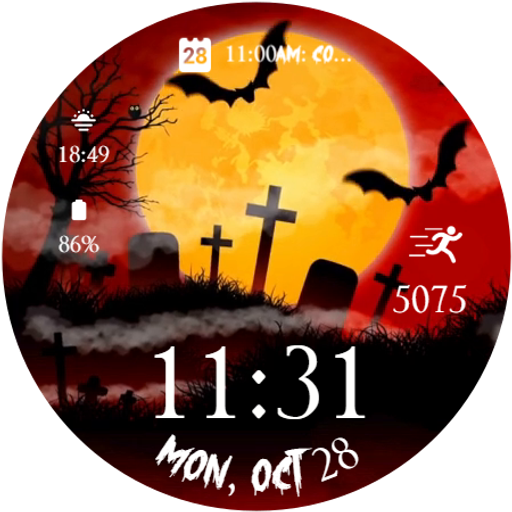
Spooky Halloween Animated Face
Free

Halloween Zombie
Free

DM130 Halloween Watch Face
Paid

BAD SANTA Christmas Watch Face
Paid
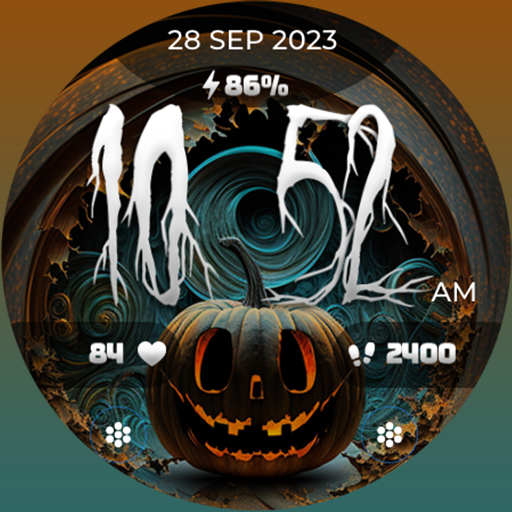
FLW057 Halloween
Paid

CELEST5469 Halloween Watch
Paid

Halloween Pumpkin Watch
Free

artifun.halloween3.watchface
Paid

Halloween Grave Animated Face
Free
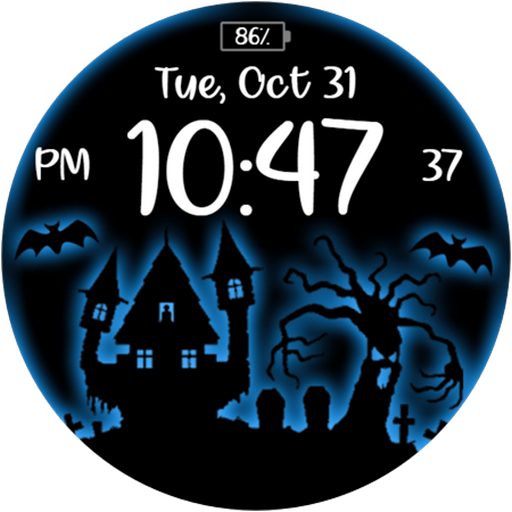
ACD167 Halloween 9
Free

WIN - Halloween MOD
Paid

DM021 Classy Digital Face
Paid
Reddice Skullshade Analog DH1
Free

Happy Halloween Watch
Free
Scan this QR code to download

Forwarding you to the page at Google Play market in seconds...
Open Google Play market now