
Seasonal Watch - Animated vVARY
RECREATIVE Watch Faces


About this app
Seasonal Watch - Animated solves the problem of static watch faces by offering a dynamic and themed experience for Wear OS users, particularly those who enjoy seasonal decorations and animations. This app benefits users who value personalization and are willing to pay a small fee for unique watch faces. Compared to alternatives in the Personalization category, Seasonal Watch stands out with its animated features, but may fall short in terms of the variety of themes and customization options. The app's simplicity and lack of permissions required are notable advantages, but the presence of ads may detract from the user experience.
Pros
- With over 10,000 downloads and a good user rating of 3.6/5, Seasonal Watch - Animated has demonstrated social proof and a generally positive reception from its user base.
- The app's developer, RECREATIVE Watch Faces, has a dedicated website and email support, indicating a commitment to customer service and potential for future updates and improvements.
- The app's small size and lack of required permissions make it a lightweight and secure option for users concerned about data privacy and storage space.
- The paid model of $1.49 provides a one-time fee for access to the app's features, without the need for in-app purchases or subscriptions.
- The app's animated watch faces offer a unique and visually appealing way to personalize Wear OS devices, setting it apart from more static watch face options.
Cons
- The presence of ads in a paid app may be seen as aggressive monetization, potentially detracting from the user experience and undermining the value of the initial purchase.
- The limited number of themes and seasons available (currently Spring, Autumn, and Christmas) may not be sufficient for users seeking more variety in their watch faces.
- The app's compatibility with varying Android devices and Wear OS versions may be a concern, as the 'Varies with device' specification could indicate potential issues with certain devices or software versions.
- The lack of information on update frequency and future development plans may leave users uncertain about the app's long-term support and potential for new features.
Best for: The ideal user for Seasonal Watch - Animated is a tech-savvy individual, likely between the ages of 18 and 45, who values personalization and unique features on their Wear OS device, and is willing to pay a small fee for a high-quality, animated watch face that reflects their personality and interests.
Developer Description
Animated Seasonal Wear OS Watch Face for Spring, Autumn & Christmas
⚙️ Phone App Features
The phone app is simply a tool to facilitate installation and locating the watch face on your Wear OS watch. Only the mobile app contains ads.
⚙️ Watch Face Features
• 12/24h Digital Time
• Date
• Battery
• Steps Count
• 2 customizable Shortcut
• 2 customizable Complications
• Animated Petals, Snow Flakes, Leaves
• Always ON Display
🎨 Customization
1 - Touch and hold display
2 - Tap on Customize option
🎨 Complications
Touch and hold display to open customization mode. You can customize the field with any data you want.
🔋 Battery
For better battery performance of the watch, we recommend disabling the "Always On Display" mode.
✅ Compatible devices include API level 28+ Google Pixel, Galaxy Watch 4, 5, 6, and other Wear OS models.
Installation and troubleshooting
Follow this link: https://www.recreative-watch.com/help/#installation-methodes
Watch faces don't automatically apply on your watch screen after the installation. That's why you must set it on your watch's screen.
💌 Write to support@recreative-watch.com for assistance.
Privacy
Given that Seasonal Watch - Animated requires no permissions, the risk of data collection or privacy breaches appears to be minimal. However, users should still be cautious of the ads displayed within the app, as they may collect anonymous usage data or track user interactions. To minimize potential risks, users can review the app's terms of service and consider using a tracker-blocking browser or ad-blocking software.
Tips
To get the most out of Seasonal Watch - Animated, users should first ensure their Wear OS device is compatible with the app and that they have the latest software version installed. Additionally, users can optimize performance by closing unnecessary apps and background processes, and by adjusting their device's screen brightness and animation settings to minimize battery drain. Users can also explore the app's settings to customize the watch face to their preferences.
Version Information
- Version
- -
- Downloads
- 10K+
- Updated on
- Dec 5, 2025
- Released
- Jun 19, 2023
- Requires
- Android Varies with device
Statistics
Google Play Rating History
Rating Distribution
Downloads Over Time
Seasonal Watch - Animated has been downloaded times. Over the past 30 days, it averaged downloads per day.
Shaded area shows 30-day prediction based on historical trends
Historical data collection started recently. More data points will be available over time.
Seasonal Watch - Animated - Google Play Rankings
Top Rankings
| Rank | Country | Category | List | Change |
|---|---|---|---|---|
| — |
Ranking History in
No ranking data available yet. Rankings are updated daily.
#41 in Top Paid Personalization in Poland


#43 in Top Paid Personalization in France

#54 in Top Paid Personalization in Japan


Seasonal Watch - Animated users say on Google Play
 Cheri N.
Pretty cool! With the lack of animated, fun watch faces for the newer galaxy watches it's nice to see 1 like this that also gives options to change it a bit. Works smoothly and doesn't kill battery on my watch 5.... Although I'd love to see some faces with more animation like there are for the galaxy3 and below watches!
 Jessica Foughty
Easy install... It has step by step instructions... Beautiful but limited on slot options... The biggest downer is that it drains my Pixel watch battery... Update battery saver helped quite a bit Thank you for responding back.
 Matthew Moore
Edit: Sorry I didn't make it completely clear, I went to all the forums I could and I still- Can't install, followed instructions to a T on all three install options and Everytime it says that it cannot be installed. Love the look of it, but it's just a tease for me. I should also specify that when installing it said "Could not Install on all devices" it just doesn't like my watch. Sorry Devs!
 Mrs. Lexy D
Nice cute faces but cannot download. Which I have the latest version of Samsung watch. Please refund. Thanks
 Lisa Jimerson
This app sucks! Wish I could get my money back! I downloaded it only for the Christmas scene not realizing it came with several different others but every time I said it to the Christmas scene It defaults back to Pink flowers. It is hard to customize and changes don't stay!
ApkTrusted Ratings & Reviews
More from RECREATIVE Watch Faces
See more apps
Outdoor - Mountain & Sea
Free

Autumn & Winter Watch - ReS45
Paid

Christmas Frame - Characters
Paid
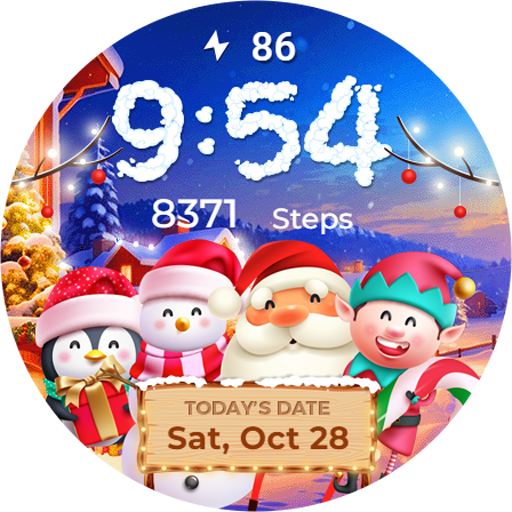
Winter & Christmas Friends
Paid
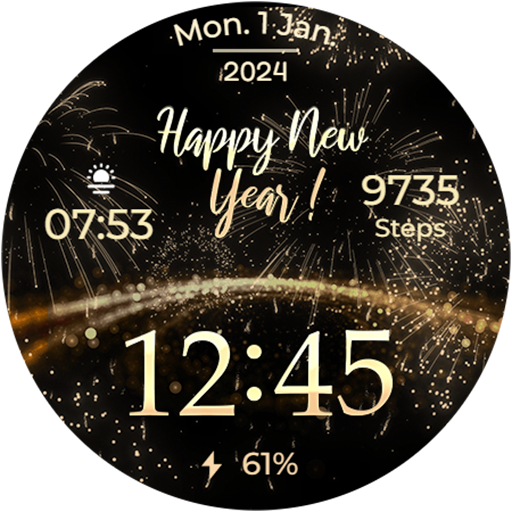
New Year's Eve - Animated
Paid

Seasonal Nature - Wear OS
Paid
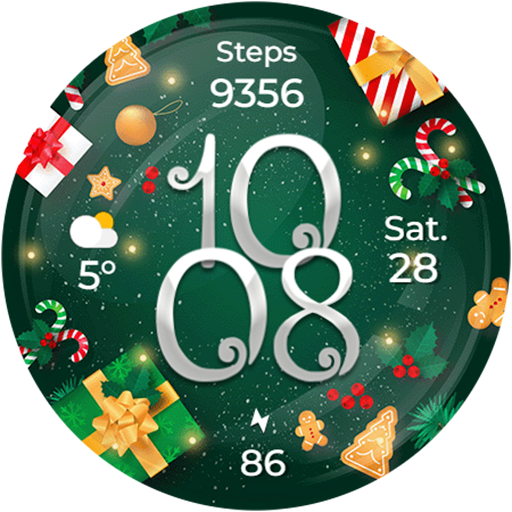
Christmas Globes & Decorations
Paid
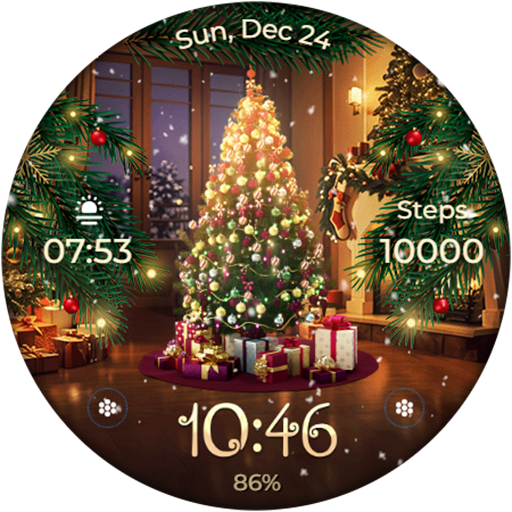
Animated - Christmas Tree
Paid
Animated - Christmas Tree
Paid
Animated - Christmas Tree
Paid
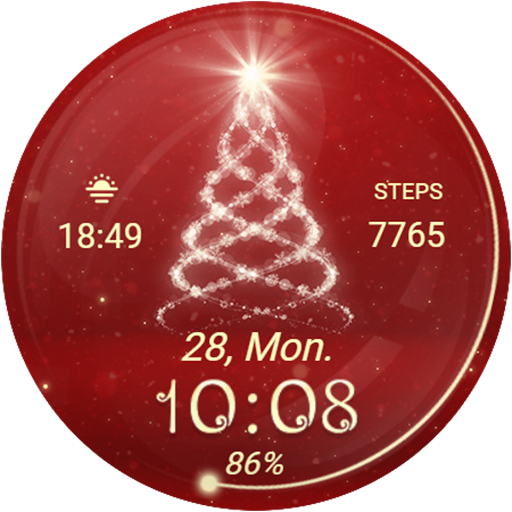
Christmas Spirit - Animated
Paid
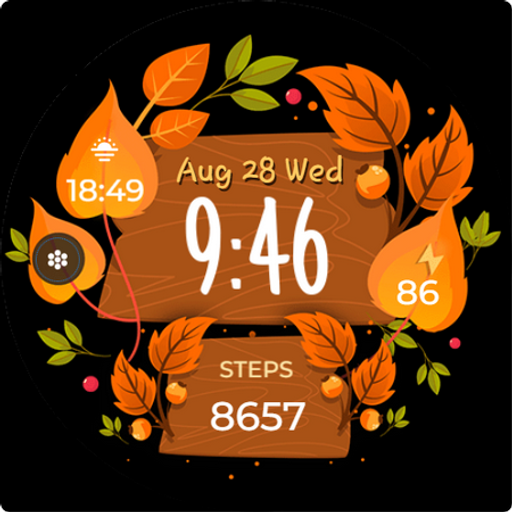
Seasonal Vibes - Wear Os Watch
Paid

Autumn: Animals & Nature
Paid

Christmas - Gingerbread
Paid

Christmas Gifts & Lights
Paid
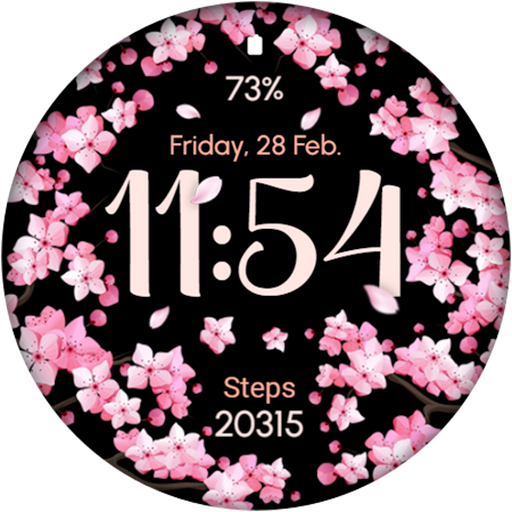
AR02 - Blooming Flowers
Paid
Similar Apps
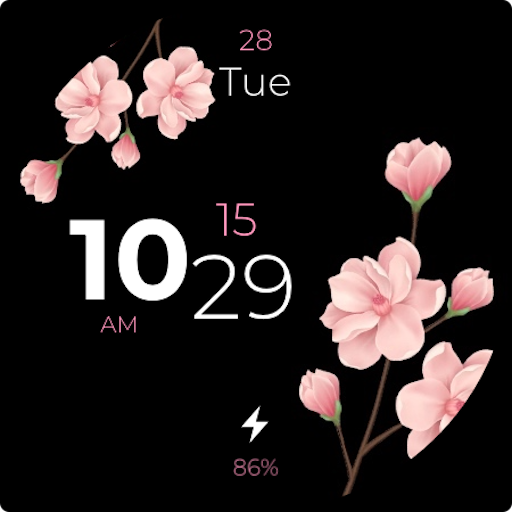
Flower Digital - Watch Face
Paid
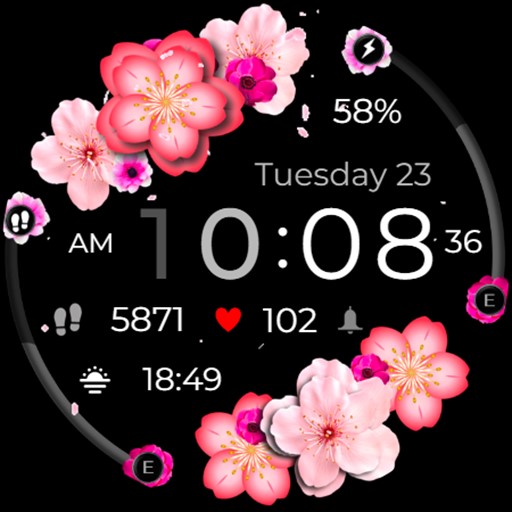
Flower Animated Cherry Blossom
Paid

Animated Cherry Blossom 2
Paid

Cherry Blossom Watch Face
Paid

Spring Vibes
Free
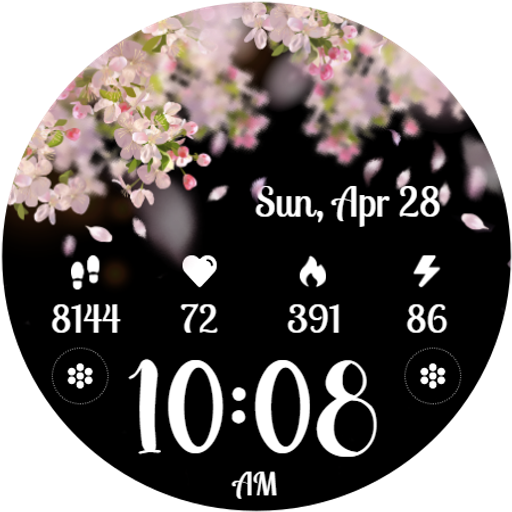
Cherry Petals
Paid
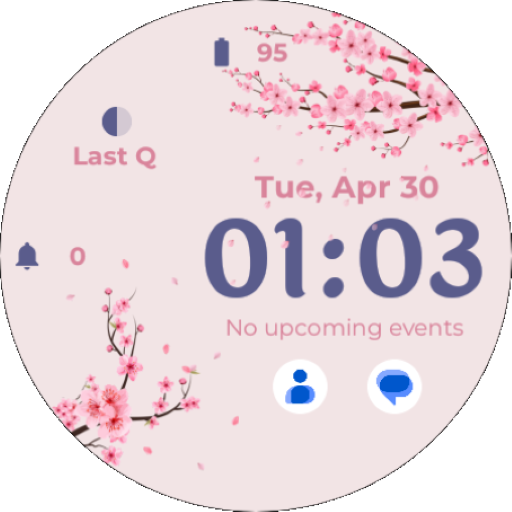
EXD041: Spring Watch Face
Paid

Rose Flower Digital Watch Face
Paid

NXV19 Flower Watch Face
Paid

SamWatch Flower 2022 C.B
Paid

Cherry Blossom pink watch face
Paid

AI SPRING 01
Paid

Blossom Elegance WatchFace
Free

Sakura Animated
Paid

SamWatch Flower 2024 C.B
Paid
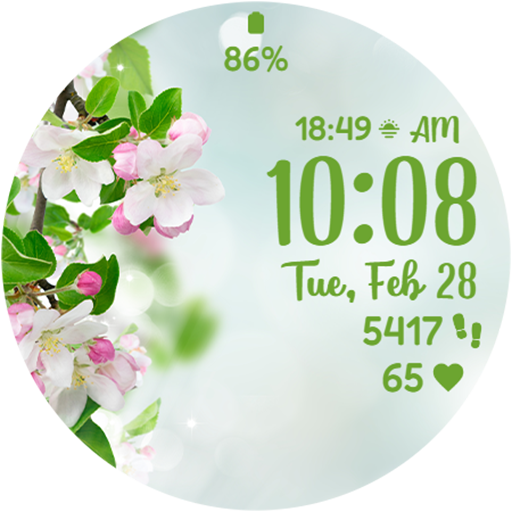
Spring Magic
Paid
Scan this QR code to download

Forwarding you to the page at Google Play market in seconds...
Open Google Play market now