
RE Plus+ Minimal & Simple v1.0.4
RECREATIVE Watch Faces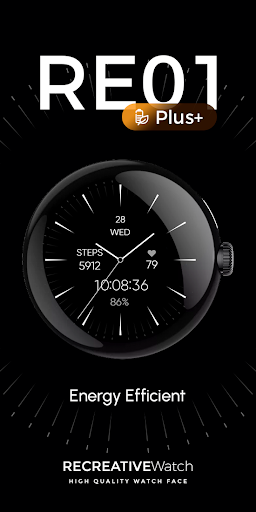


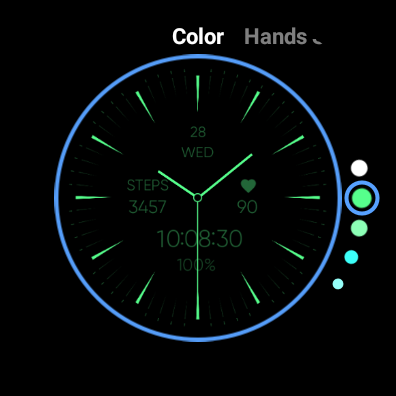
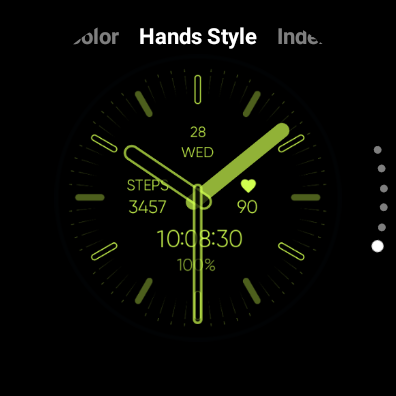
About this app
Developer Description
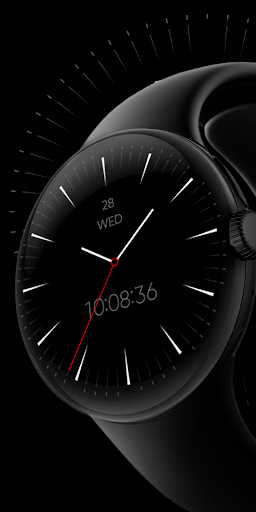
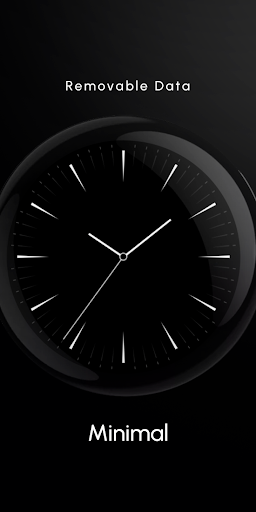
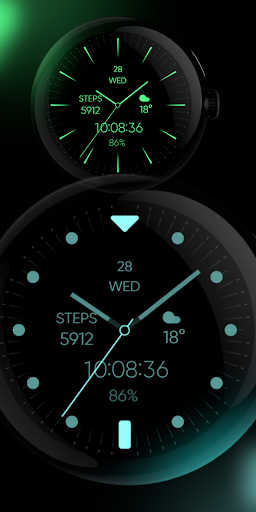
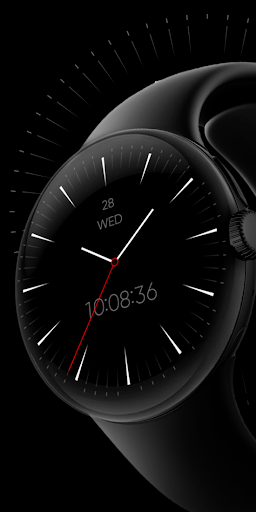
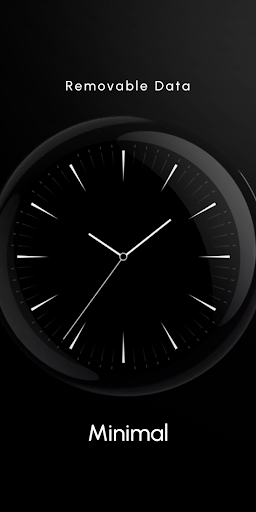
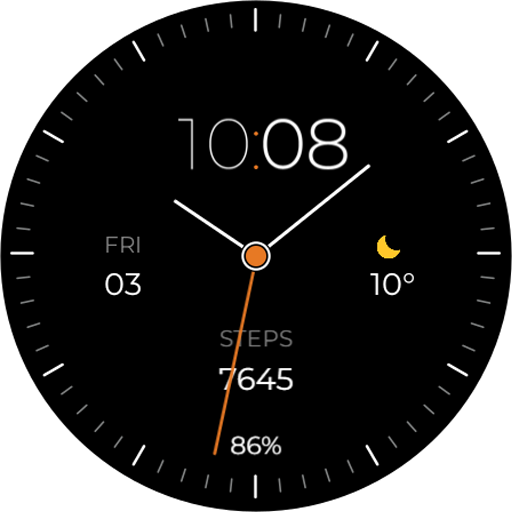
Simple Hybrid & Analog - Power Efficient - Wear Os Watch Face
It's the Plus+ version of Minimal & Simple Watch.
Powered by Watch Face Format
⚙️ Watch Face Features
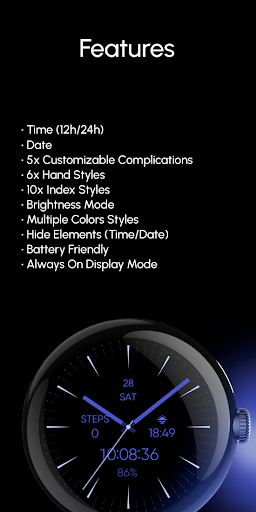
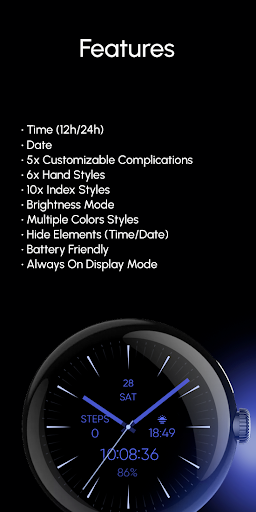
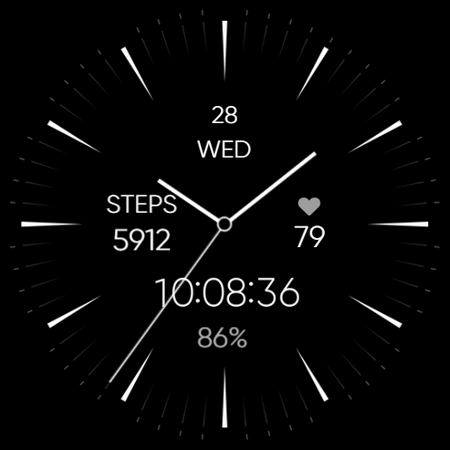
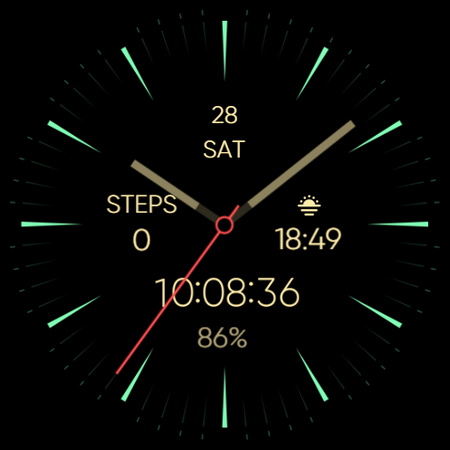
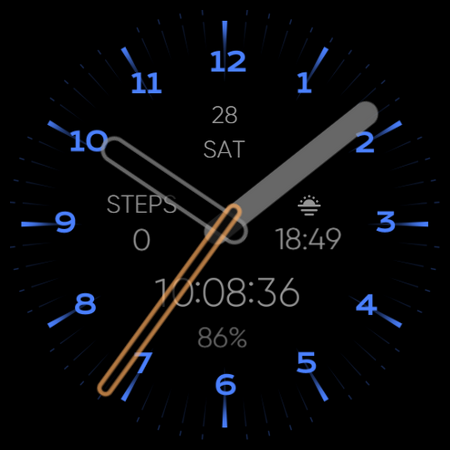
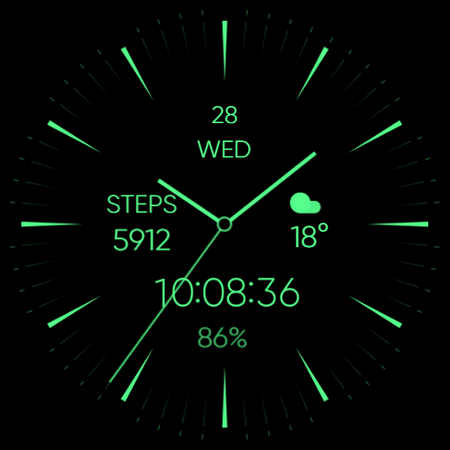
• 12/24h Digital Time (Hideable)
• Date (Hideable)
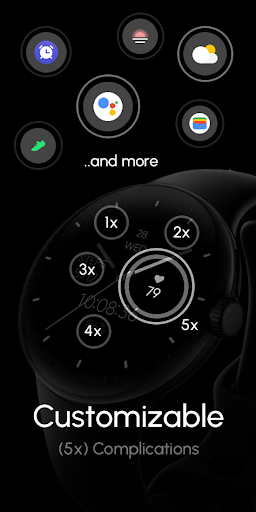
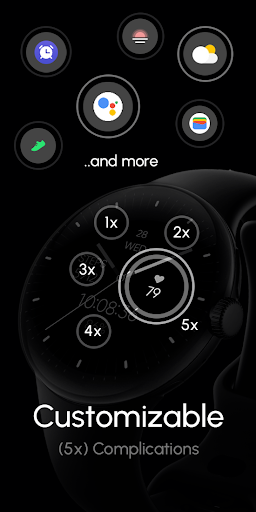
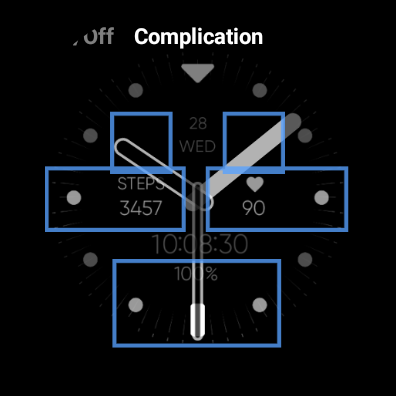
• 5 Customizable Complications (Removable)
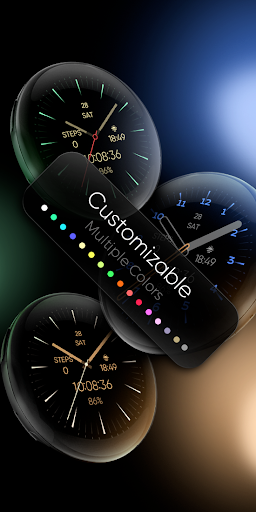
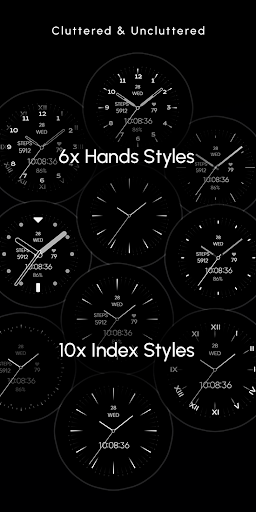
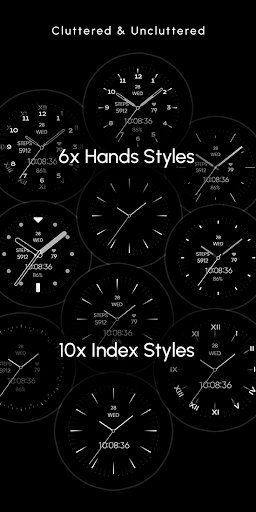
• 7 Hands Style
• 10 Index Styles
• Brightness Mode ( 0%/20%/40%/60%/100%)
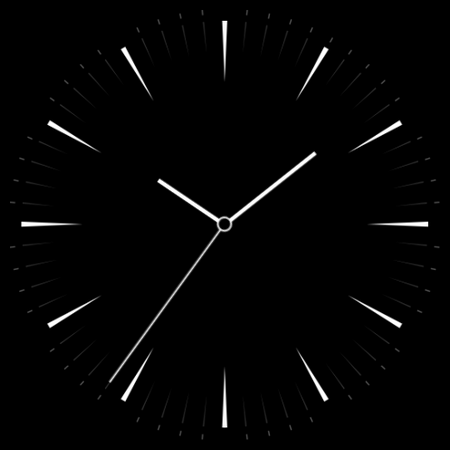
• Hide Elements (Time/Date)
• Always on Display
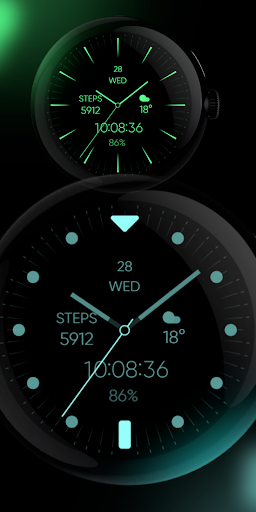
• Color Variations
🎨 Customization
1 - Touch and hold display
2 - Tap on Customize option
🎨 Complications
Touch and hold display to open customization mode. You can customize the field with any data you want.
🔋 Battery
For better battery performance of the watch, we recommend disabling the "Always On Display" mode.
✅ Compatible devices include API level 33+ Google Pixel, Galaxy Watch 4, 5, 6, 7 and other Wear OS models.
Installation and troubleshooting
Follow this link: https://www.recreative-watch.com/help/#installation-methodes
Watch faces don't automatically apply on your watch screen after the installation. That's why you must set it on your watch's screen.
💌 Write to support@recreative-watch.com for assistance.
Version Information
- Version
- 1.0.4
- Downloads
- 1K+
- Updated on
- Aug 25, 2025
- Released
- Aug 30, 2024
- Requires
- Android Varies with device
Statistics
Google Play Rating History
Rating Distribution
Downloads Over Time
RE Plus+ Minimal & Simple has been downloaded times. Over the past 30 days, it averaged downloads per day.
Shaded area shows 30-day prediction based on historical trends
Historical data collection started recently. More data points will be available over time.
RE Plus+ Minimal & Simple users say on Google Play
 Shiv shankar Choudhary
Nice
 Jesper Holmberg
Great watch face. I would like the configuration option to not include the seconds in the digital clock complication.
 Kameron Thompson
Personally, this has been the best minimal analog face from Recreative. It has the most granular customization, many choices, and a modular layout. But, it still has some pitfalls. The color options are restrictive: you can only choose solid colors or predefined palettes. This could be fixed by allowing the hands, index, and complications to be colored separately. Also, there are no pointed hands, which is an extreme oversight in user preference. I still enjoy it, but it could use improvement.
 Eric Knott
I really liked the original lite version of this watch so i decided to buy the plus in hopes i could change the colours of the hands. Turns out you can only change the hand colour based on preset colour layouts. I wish you could change the hand colour separately from the numbers. Also on the original lite version, the heart rate monitor was displayed on the watch face. On the plus version you have to click the annoying bright red heart to see your heart rate. Just use the free version!
 Mitch Schwartz
Complications dissappear. They show when editing but disappear on actual screen. Frustrating because perfect otherwise. Now useless.
ApkTrusted Ratings & Reviews
More from RECREATIVE Watch Faces
See more apps
Cute Valentine's Day - Watch
Paid

Día de Muertos - Wear Os
Paid

Christmas Frame - Characters
Paid
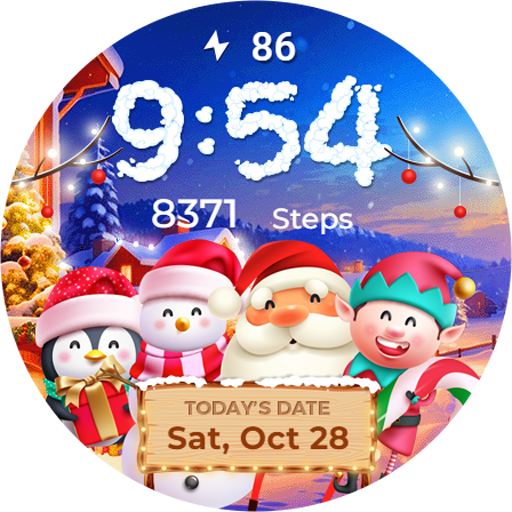
Winter & Christmas Friends
Paid

Seasonal Nature - Wear OS
Paid
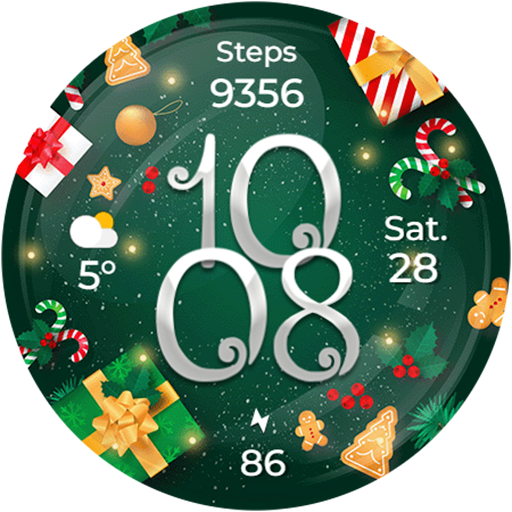
Christmas Globes & Decorations
Paid
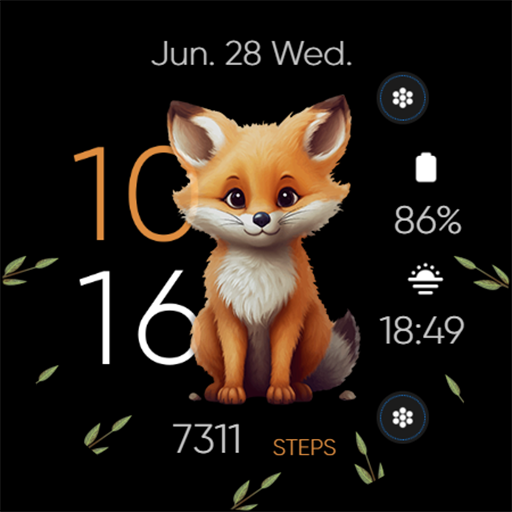
Seasonal Cute Animals & Pets
Paid
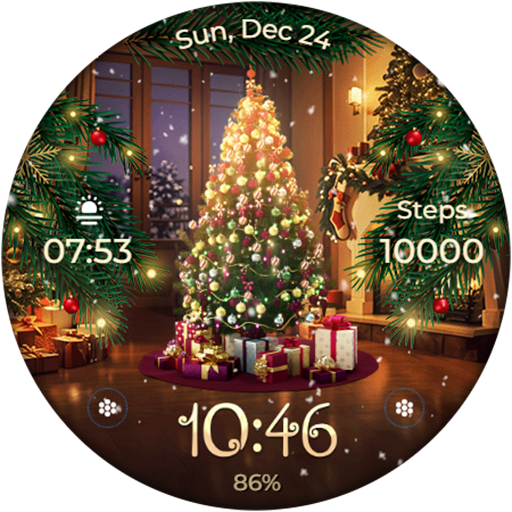
Animated - Christmas Tree
Paid

Santa's Christmas Village
Paid
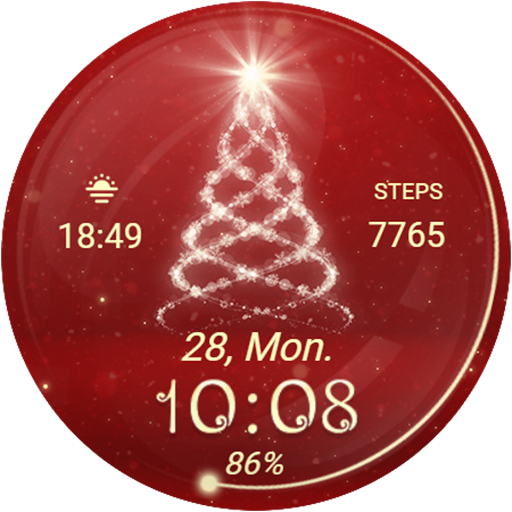
Christmas Spirit - Animated
Paid
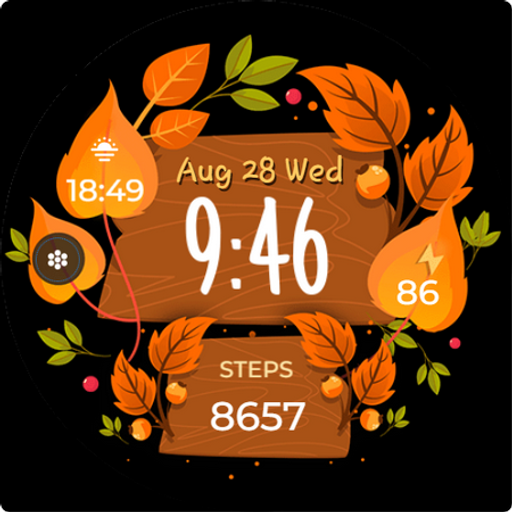
Seasonal Vibes - Wear Os Watch
Paid

Autumn: Animals & Nature
Paid
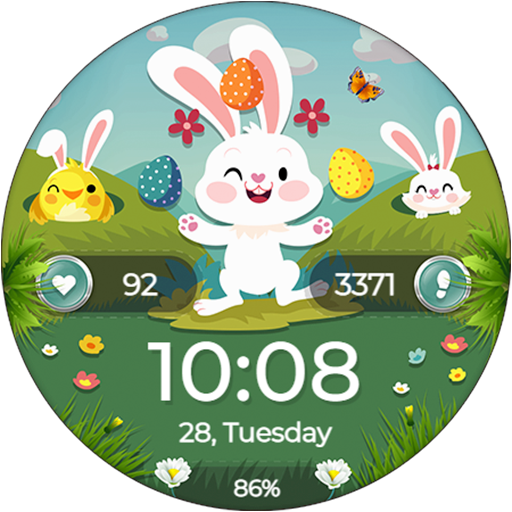
Easter Bunny - Watch Face
Paid

Christmas - Gingerbread
Paid

Christmas Gifts & Lights
Paid
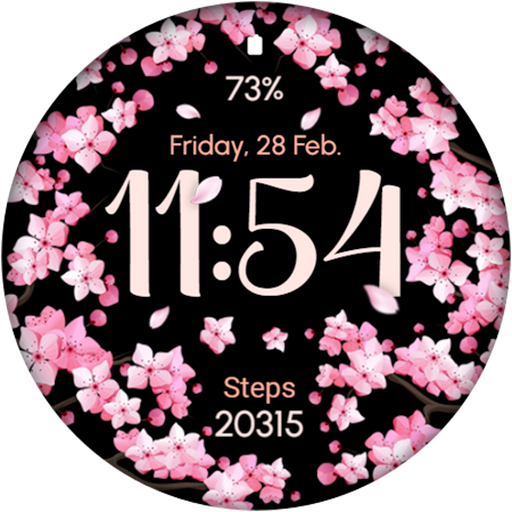
AR02 - Blooming Flowers
Free
Similar Apps
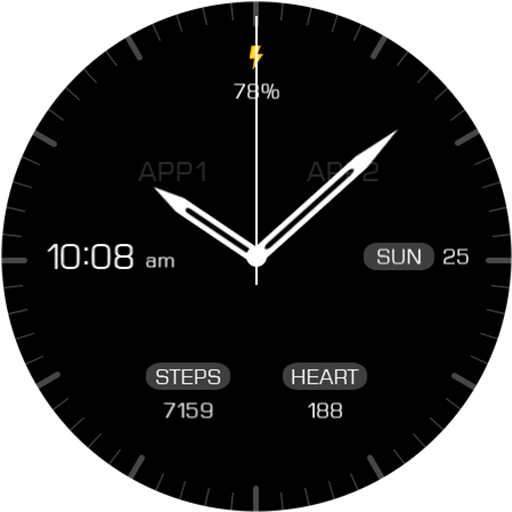
Key068 Analog Watch Face
Paid
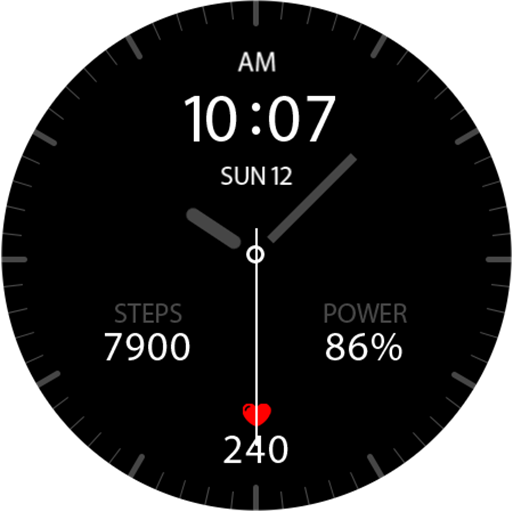
Key041 Analog Watch Face
Free
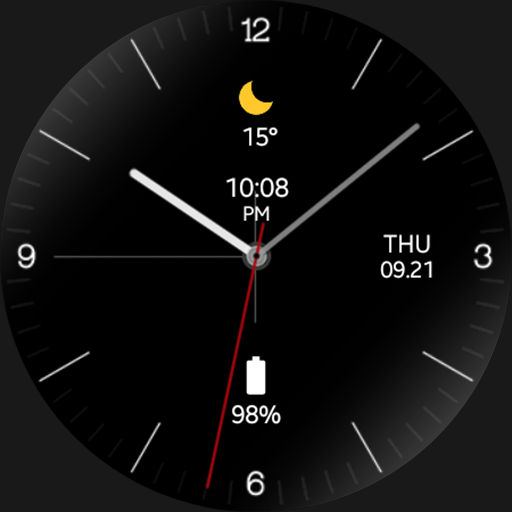
Virtuous Night - watch face
Paid
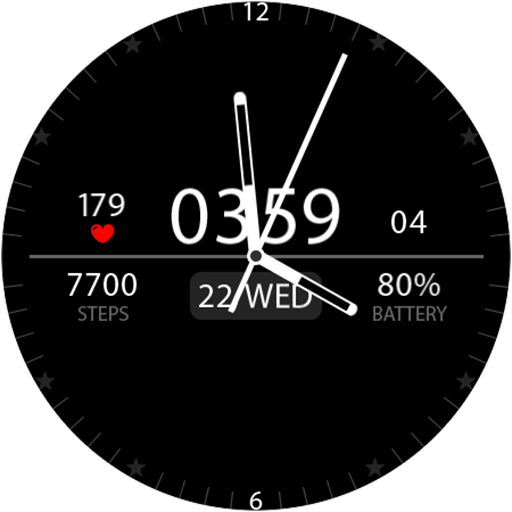
Key039 Analog Watch Face
Paid

LOWBIT URX128 Watch face
Free
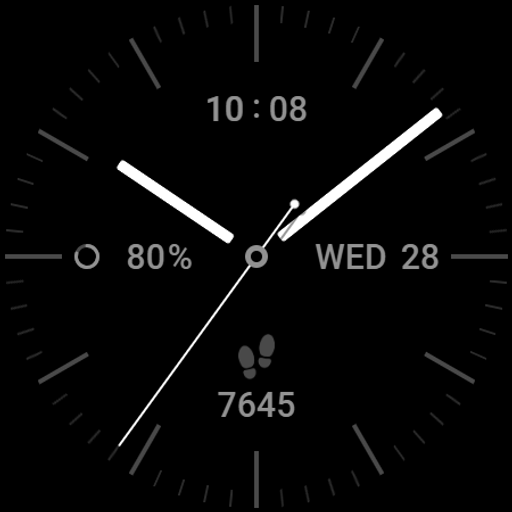
Watch face Vintage CNW0011
Free

Regarder Minimal 2 Watch Face
Paid
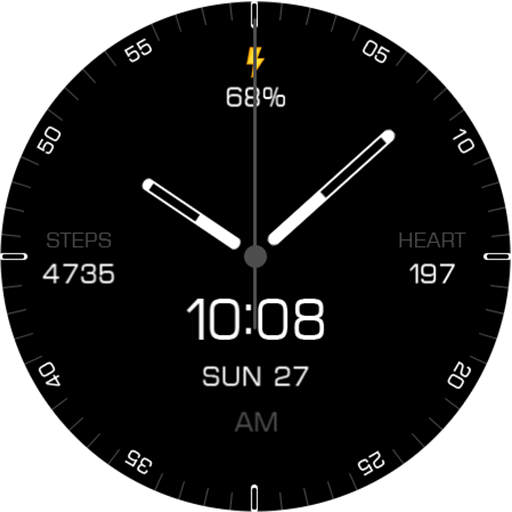
Key087 Classic Watch Face
Paid

Regarder Minimal 60 Watch Face
Paid
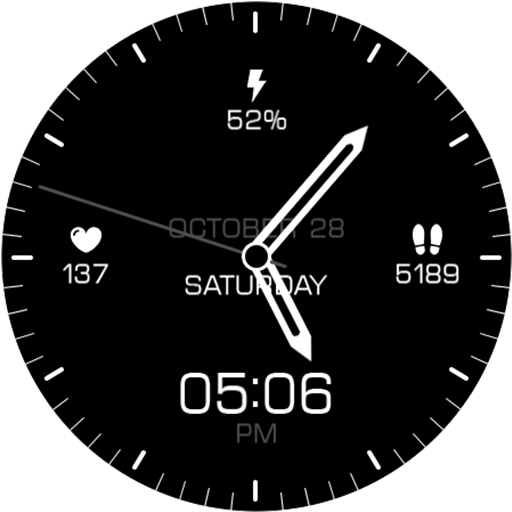
Key106 Classic Watch Face
Paid

Minimal Hybrid Watch Face
Free

Key082 Analogue Watch Face
Paid

Elegant IV Watch Face
Free

W-Design WOS006 - Watch Face
Paid
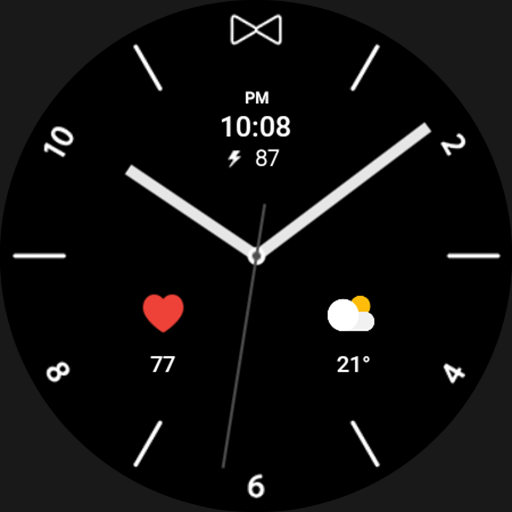
Flash Night - watch face
Paid
TVV Minimal Analog Watch Face
Paid
Scan this QR code to download

Forwarding you to the page at Google Play market in seconds...
Open Google Play market now