
Perfect Viewer v5.0.4.4
Rookie001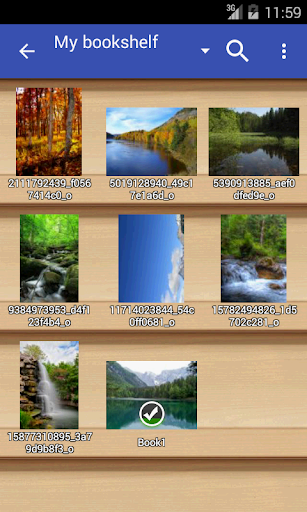



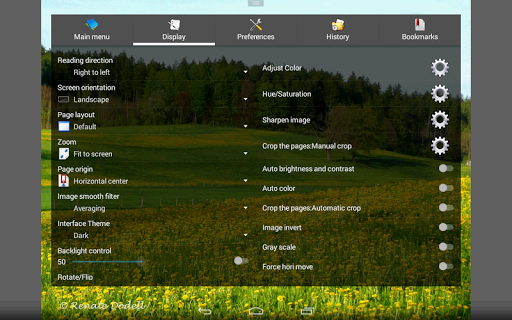
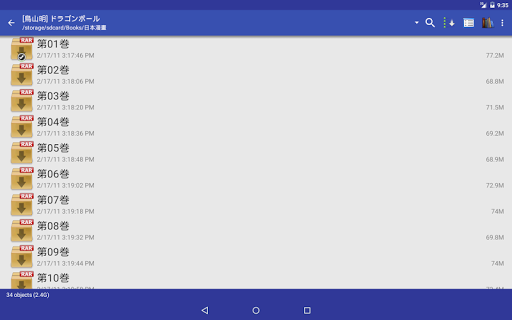
About this app
Developer Description
The most powerful and fast image/comics viewer.
*Turn black/white image into 4 colorize image(Only available for donated users. Need install Perfect Viewer donation application).
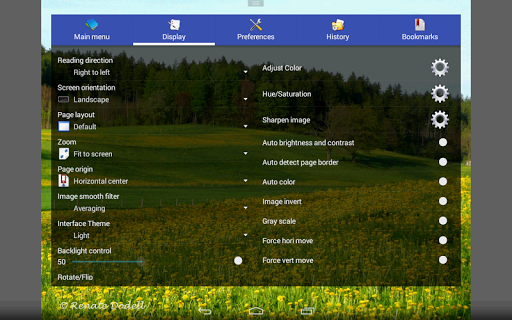
*Page layout: Auto single page, Auto dual page, Auto switch by screen orientation
*Support eEook file format: EPUB, HTML, TXT
*Support image file format: JPEG, PNG, GIF, BMP, WebP, TIFF
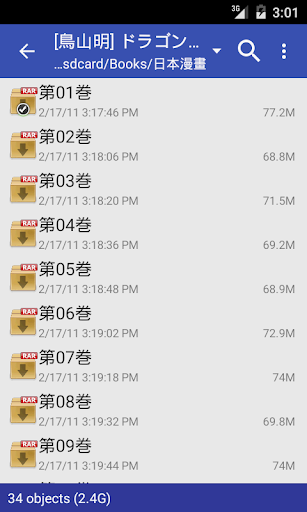
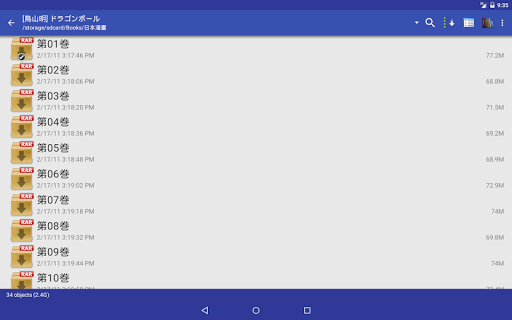
*Support archive file format: CBZ/ZIP, CBR/RAR, 7Z/CB7, LZH, CBT/TAR
*Support PDF, XPS & DJVU file after install the PDF plugin
*Open file from network file sharing(CIFS/SAMBA), FTP, SFTP, FTPS, OPDS
*Require internet permission for CIFS/SAMBA support.
*Support open files from Google Drive, Dropbox, OneDrive after install the source plugin
*Require "GET_ACCOUNTS" and "USE_CREDENTIALS" permission for Google Drive support
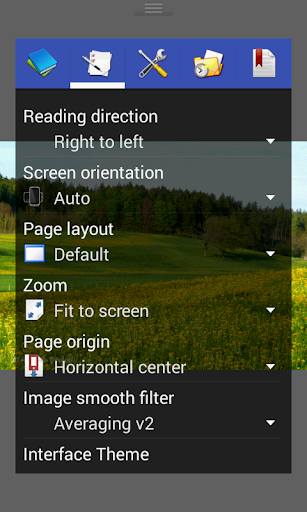
*Support 3 viewer mode: Page mode, Vertical scroll mode (PDF viewer,webtoon like) and Horizontal scroll mode.
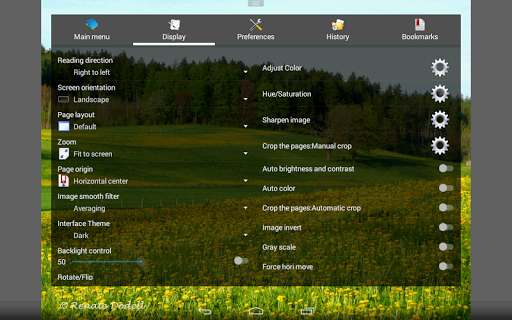
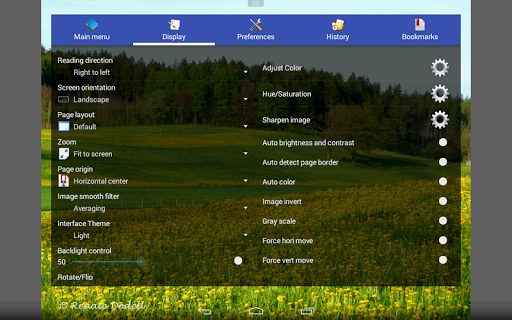
*Smooth filters: Averaging, Bilinear, Bicubic, Lanczos3;
*Five view mode: Full size, Fit Screen, Fit Width, Fit Height, Fixed size, Stretch;
*Support Left-to-right & right-to-left reading
*Set image as wallpaper
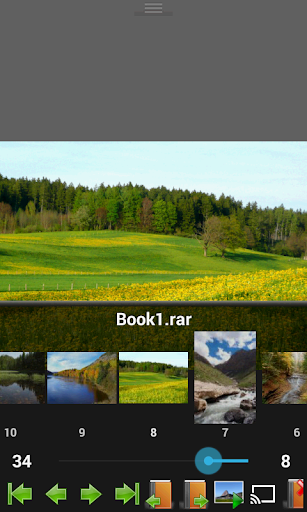
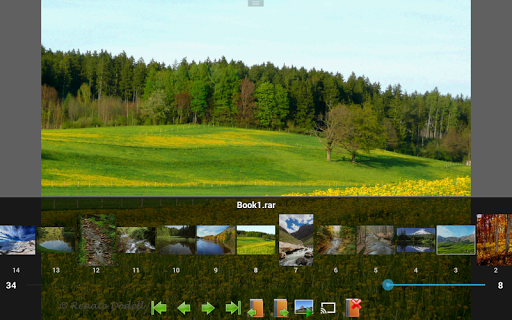
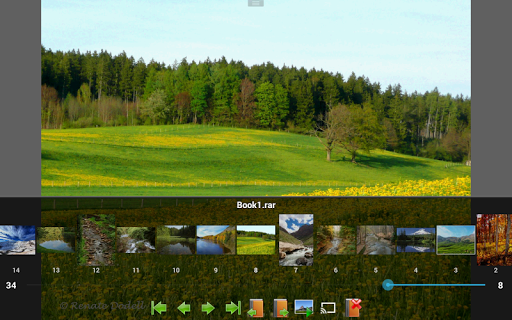
*Browse image in folder/archive as thumbnail
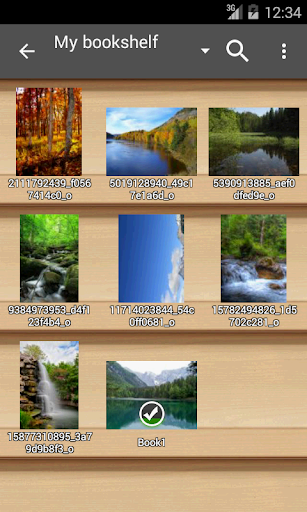
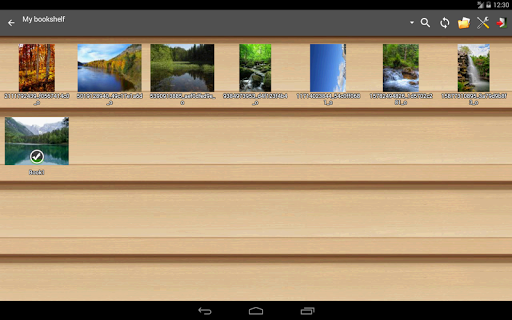
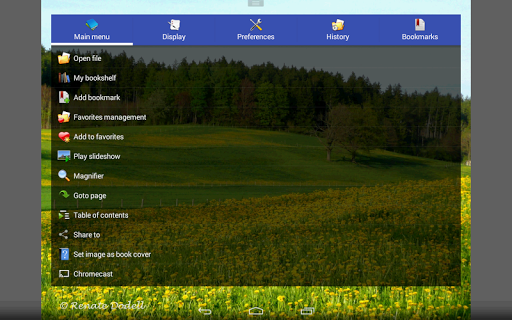
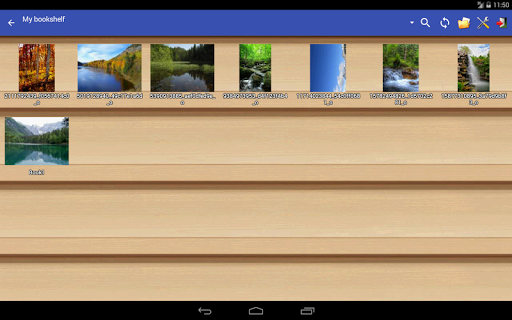
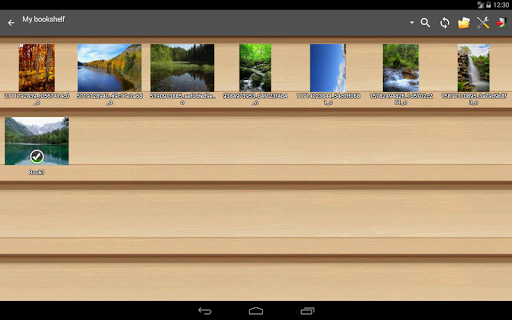
*Bookshelf function
*Support pinch to zoom & fling gesture
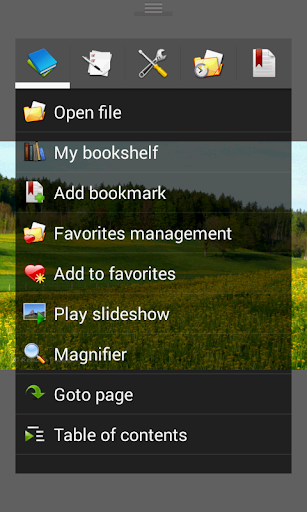
*Simple bookmark function
*My favorites management
*Cache next and previous page
*Simple file management(delete, rename)
*Slideshow
*Support extract files from archive
*Adjust image brightness,contrast & gamma
*Auto cut off white border.
*Support Google Chromecast
*Balloon magnifier
What's New
-Fixed : Crash on Android 15+ devices.
Version Information
- Version
- 5.0.4.4
- Downloads
- 5M+
- Updated on
- Jun 9, 2025
- Released
- Oct 2, 2010
- Requires
- Android 4.0
Statistics
Google Play Rating History
Rating Distribution
Downloads Over Time
Perfect Viewer has been downloaded times. Over the past 30 days, it averaged downloads per day.
Shaded area shows 30-day prediction based on historical trends
Historical data collection started recently. More data points will be available over time.
Perfect Viewer - Google Play Rankings
Top Rankings
| Rank | Country | Category | List | Change |
|---|---|---|---|---|
| — |
Ranking History in
No ranking data available yet. Rankings are updated daily.
#50 in Top Free Comics in United States


#18 in Top Free Comics in South Korea

#22 in Top Free Comics in Spain

#28 in Top Free Comics in Russia
Perfect Viewer users say on Google Play
 Flos Abyss
the best app I've used for manga reading. I've tried mihon, tachiyomi, mangareader, and another. However, they have issues such as slow checking (I have around 50 GB of downloaded manga), an inconvenient interface, a lack of folder and file management options, and limited customization options. Additionally, I've noticed a minor drawback. Sometimes, when flipping through the manga, the image doesn't load properly. I have to scroll down and then return to the previous page.
 tuna arda ergüven
Its a good app but there is bug that annoys me soo much. Whenever I open the app, front page is a subfolder under my bookshelf folder even if I am not reading that in that subfoldet. There seems to be no option to set the opening page to the root bookshelf. so I have manually go back to the root folder and navigate to the comic I want to read. Its a minor issue but over the time gets excessively annoying. Other than that this is a good app
 MORGAN DALTON
the back button now exits the app instead of taking me back to file list. so now im stuck how do i choose a new comic !?!
 Rabbit Tank
This was a reluctant action on my part since I've been using this app for like half a decade now. But I just got a new phone last week and installed this app on it until I noticed one feature that keeps on bugging out on me. I wanted the fling gesture off in the preferences option but it seems to recheck itself every time I open an image. I really prefer flipping through pages on a tap rather than a fling because I can't zoom/see an image properly without it going to the next page. Pls fix
 Abhishek Arun
It's crashing more after update.
ApkTrusted Ratings & Reviews
More from Rookie001
See more apps






Similar Apps

FBReader: Favorite Book Reader
Free

Cantook by Aldiko
Free
Readwise Reader
Free
ReadEra Premium – ebook reader
Paid

Bookshelf
Free

Falcon PDF Viewer Lite Editor
Free

VoyceMe: Manga and Webtoons
Free

eBoox: ePub PDF e-book Reader
Free
Toomics - Read Premium Comics
Free

File Manager - File Explorer
Paid

eReader Prestigio: Book Reader
Free

Inoreader: News & RSS reader
Free

FanFiction.Net
Free

ePlatform Digital Libraries
Free
Thunderbird Beta for Testers
Free

Novelsago
Free
Scan this QR code to download

Forwarding you to the page at Google Play market in seconds...
Open Google Play market now