
Walking Boy Watch Face vVARY
Rzrshrp Analog and Digital Design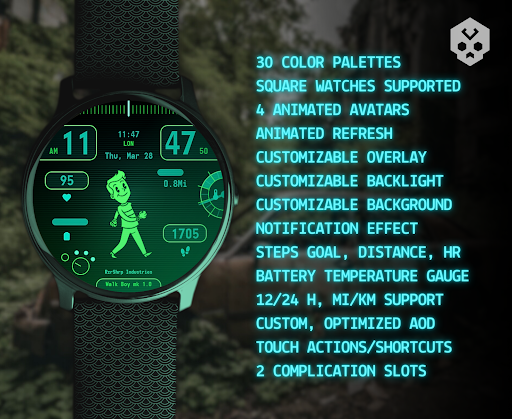
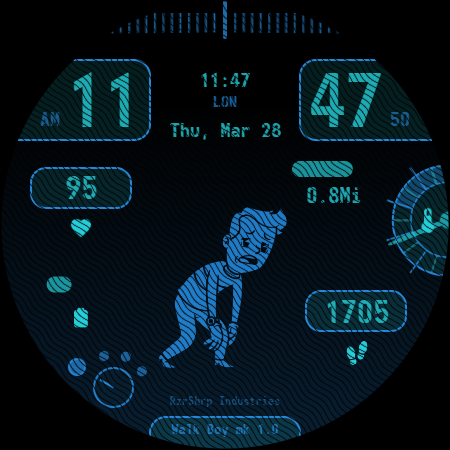
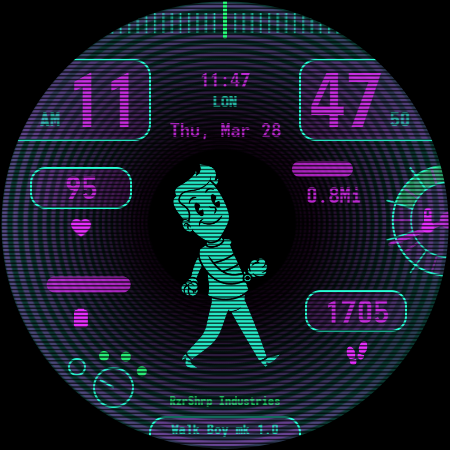
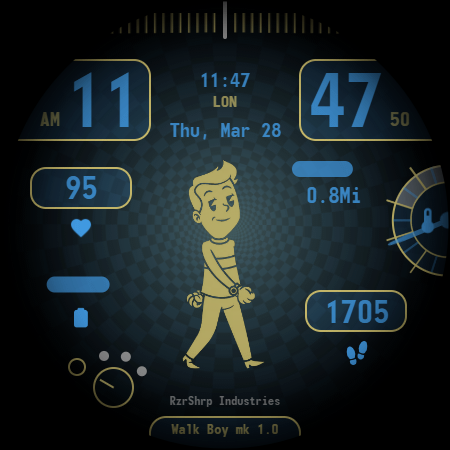
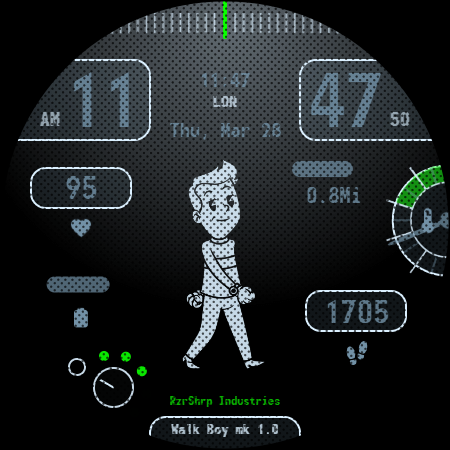
About this app
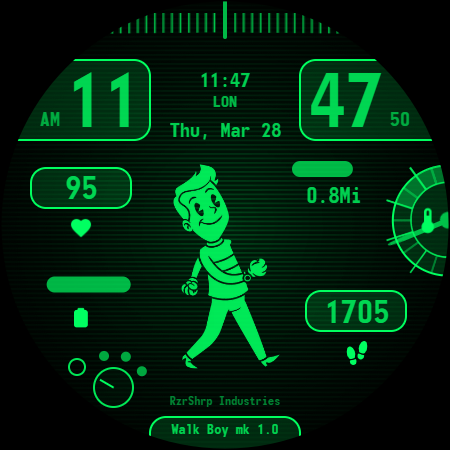
The Walking Boy Watch Face app solves the problem of bland and uninspiring watch faces by offering a unique 'Rubber hose' style tiny computer with many customization options and animations, making it a great choice for those who value personalization and visual appeal. This app benefits users who are looking for a distinctive and engaging watch face that reflects their personality. Compared to other personalization apps, Walking Boy Watch Face stands out with its unique design and animations, but may fall short in terms of complexity and depth of customization. Overall, it's a well-received app with a 4.0/5 rating, indicating a positive user experience.
Pros
- The app has a high user rating of 4.0/5, indicating a well-designed and functional product that meets user expectations.
- With no ads and no in-app purchases, the paid model of $2.99 provides a clean and uninterrupted user experience, free from monetization distractions.
- The app requires zero permissions, which is a significant advantage in terms of privacy and security, as it minimizes the risk of data collection and misuse.
- The developer's email is provided, allowing users to easily contact them with feedback or issues, which can be beneficial for troubleshooting and support.
- The unique 'Rubber hose' style design and animations offer a distinctive and engaging visual experience that sets the app apart from more generic watch faces.
Cons
- The app's limited download numbers of 1,000+ may indicate a smaller user base and potentially less community support or feedback, which could impact future updates and development.
- The lack of a developer website may make it more difficult for users to find information about the app, its development, or the developer's other projects.
- The app's simplicity and limited customization options may not appeal to users who prefer more complex or feature-rich watch faces.
- The 'VARY' version number and 'Varies with device' Android requirement may indicate a lack of transparency or consistency in the app's development and compatibility.
Best for: The ideal user for the Walking Boy Watch Face app is a tech-savvy individual, likely between the ages of 18 and 45, who values unique and personalized visual experiences, has a basic understanding of smartwatch functionality, and is looking for a distinctive and engaging watch face that reflects their personality and style.
Developer Description
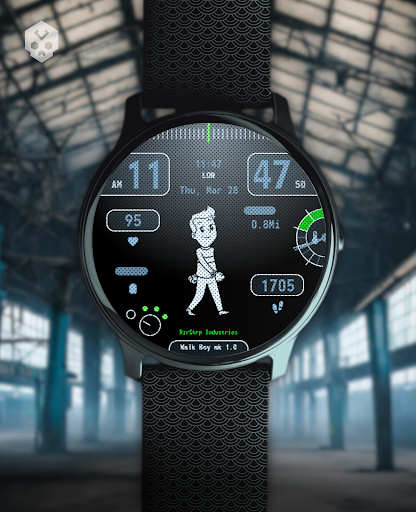
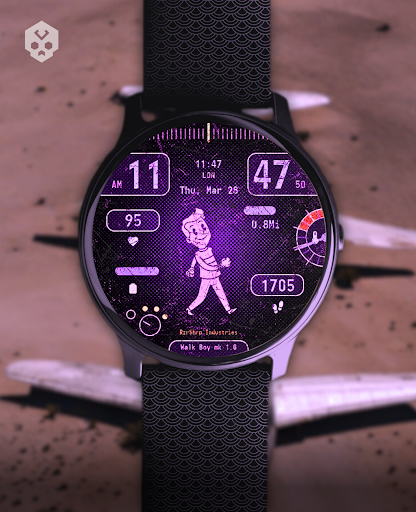
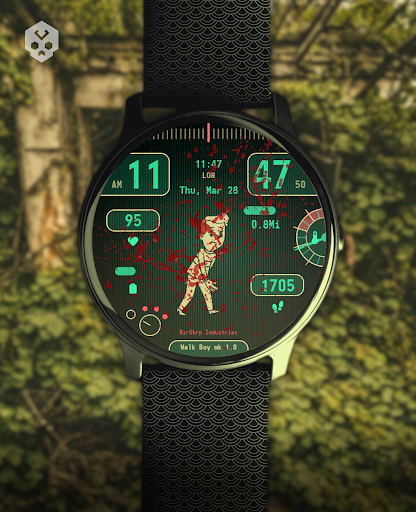
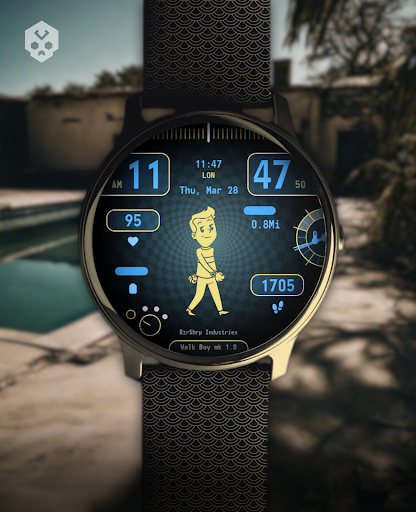
A "Rubber hose" style tiny computer, many customization and unique animations!
Introduction
This is a native, standalone Wear OS watch face. This means that it can be installed on many smartwatches running this OS (like Samsung, Mobvoi Ticwatch, Fossil, Oppo, the latest Xiaomi and more).
It is completely handcrafted, to be unique.
Features
The watch face includes:
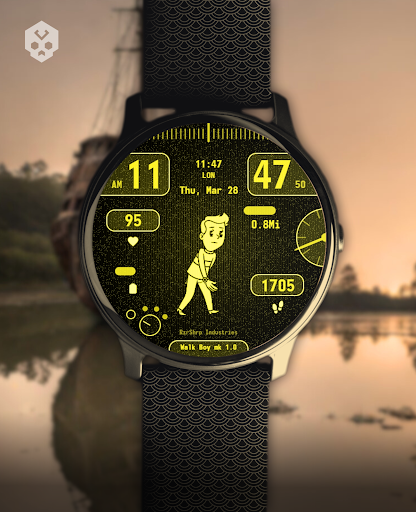
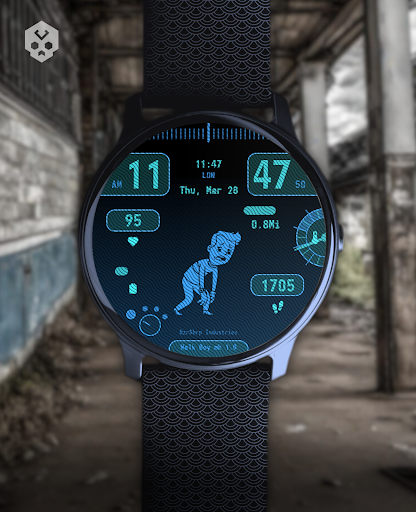
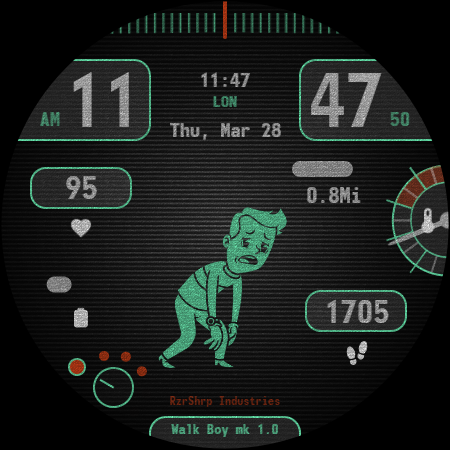
◉ 30 color schemes
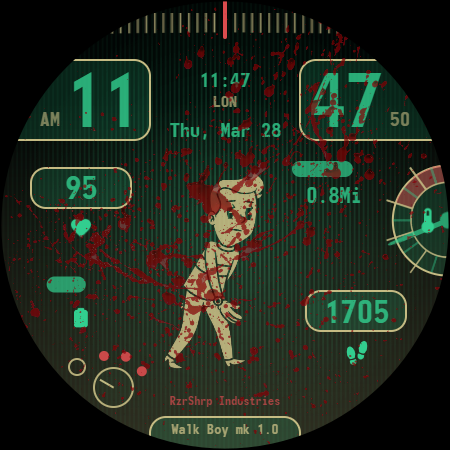
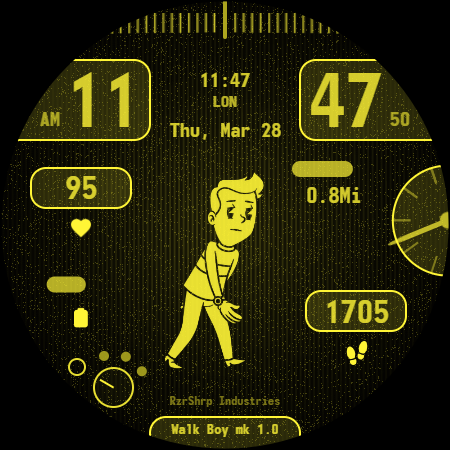
◉ 4 walking avatars animations + static AOD avatar
◉ Many different customizations (50.000+ combinations)
◉ Battery temperature gauge (customizable)
◉ Customizable Overlay, backlight and background
◉ Amoled mode, custom and optimized AOD
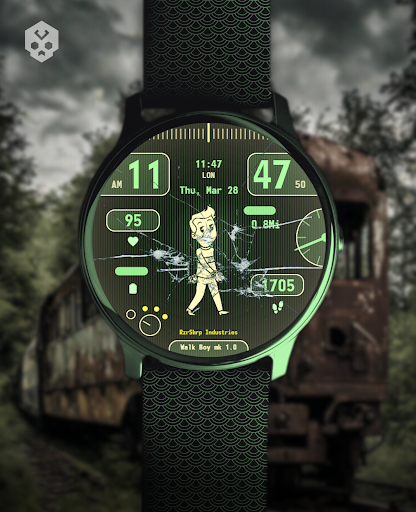
◉ Reacts to low battery and notifications, nuclear fallout not included
◉ 2 customizable complications, many touch actions
◉ Round and square watches supported!
◉ 12/24h format, Mi/Km support, automatic date format
◉ Easy to use (and uninstallable) companion app
Installation
The installation is straightforward, don't worry!
Here's the procedure and a quick Q&A:
◉ Install this app in your smartphone
◉ Open it, and connect your Wear OS smartwatch to your device
◉ If the watch is connected, you will be able to tap the "view and install on smartwatch" button. (if not, refer to the Q&A below)
◉ Check your watch, you should see my watch face and the install button (if you see the price instead, refer to the Q&A below)
◉ Install it in your smartwatch
◉ Long press on your current watch face
◉ Swipe left until you see a "+" button, tap on it
◉ Look for the new watch face, tap on it
◉ Done. If you want, you can uninstall the companion app now!
Q&A
Q - I'm being charged twice! / The watch is asking me to pay again / you're a [derogatory adjective]
A - Keep calm. This happens when the account you’re using on the smartphone is different from the account used on the smartwatch. You have to use the same account (else, Google has no way to know that you already bought the watch face).
Q - I can't press the button in the companion app but my smartwatch is connected, why?
A - Most probably, you're using an incompatible device, like an old Samsung smartwatch, a Pipboy or any other non-Wear OS smartwatch/smartband. You can easily check on Google if your device runs Wear OS before installling any watch face. If you're sure you have a Wear OS device and still you can't press the button, open the Play Store on your watch and search for my watch face manually!
Q - I have a Wear OS device, but it's not working! I'm gonna leave a one star review 😏
A - Stop right there! Most definitely there's an issue on your side while following the procedure, so please just send me an email (i usually reply during the weekends) and don't damage me with a bad and misleading review!
Q - The [name of a feature] is not working!
A - Try setting another watch face and then set mine again, or try allowing the permissions manually (on the watch obviously). If it still doesn't work, there's an handy "email button" in the companion app!
Support
If you need help or you have a suggestion, feel free to send me an email, I'll do my best to help.
I usually reply during the weekend because I'm just one person (not a company) and I have a job, so be patient!
This app is supported and updated to fix bugs and add new features. The overall design won't change, but it will surely be improved over time!
I know that the price isn't the lowest, but I worked a lot of hours on each watch face and the price also includes the support and the updates, if you think about it. And i assure you, I'll invest any earning on useful things and to help my family. Oh, and thanks for reading the full description! Nobody does it!
Privacy
Given that the app requires zero permissions, the risk of data collection or misuse is minimal, and users can feel relatively secure in their privacy. However, as with any app, it's essential to monitor the app's performance and watch for any unexpected behavior or updates that may change its permission requirements. Users should also be cautious when contacting the developer via email, as they should with any online communication.
Tips
To get the most out of the Walking Boy Watch Face app, users should explore the various customization options to personalize their watch face according to their preferences. Additionally, users can optimize the app's performance by ensuring their device meets the minimum Android requirements and by closing other resource-intensive apps while using the watch face. For first-time setup, users should follow the in-app instructions carefully to ensure proper installation and configuration.
What's New
- Some minor improvements
Version Information
- Version
- -
- Downloads
- 1K+
- Updated on
- Aug 29, 2025
- Released
- Mar 14, 2024
- Requires
- Android Varies with device
Statistics
Google Play Rating History
Rating Distribution
Downloads Over Time
Walking Boy Watch Face has been downloaded times. Over the past 30 days, it averaged downloads per day.
Shaded area shows 30-day prediction based on historical trends
Historical data collection started recently. More data points will be available over time.
Walking Boy Watch Face users say on Google Play
 Dan Van Cleave
I just switched to this new OS that uses play store and was bummed as I couldn't find a pip boy replacement and the reviews for the facer ones scared me off. This one is pretty cool. I have a Samsung S21 Ultra and customizing does freeze when I try and open it on my phone somtimes. I just close and try again and it eventually opens up. I wouldn't let that stop you from purchasing. Just be patient and close/re-open if you have to. I wish the battery temp thing was different.
 Dustin McQueary
Love the color customization my only real complaints are that I don't know what I am customizing because it just says "option" and I'm scrolling though trying to see what is changing, it took more than a few attempts to get the customization to open on my phone, and this last one is just my opinion but I wish there was a static avatar, but that would just alleviate my anxiety about the battery life. Overall it's a great watch face. For reference I'm on a pixel 8 pro and the pixel watch 2.
 Michael Biggerstaff
I've already purchaSed this, why is it wanting me to pay again?
 Daryl Robertson
Worked at first now won't load
 Danielle Korosac
Cannot customize, watch now lags like crazy. Emailed developer for help with no response. Save your money, skip this one.
ApkTrusted Ratings & Reviews
More from Rzrshrp Analog and Digital Design
See more apps
Secret Service Watch Face
Paid

Infinity Parallax Watch Face
Free

Moving Evanescence Watch Face
Paid

Dark Metal Saber Watch Face
Paid

Scanner Watch Face
Paid
Planet in stars Watch Face
Paid

Scrolling Cyberdeck Watch Face
Paid

Christmas Snow Watch Face
Paid

Dragon Radar Watch Face
Free

Big Ben Watch Face
Free

Football Watch Face
Paid

Poly Skull Watch Face
Free

Car Watch Face
Free

Cosmo Phase Watch Face
Free

Blue Screen Watch Face
Free

Liquid Glass Watch Face
Free
Similar Apps
FitPip
Free

FacePipBoy01
Paid
ARS Pip Walk
Paid
Wasteland Gear 12H/24H
Paid
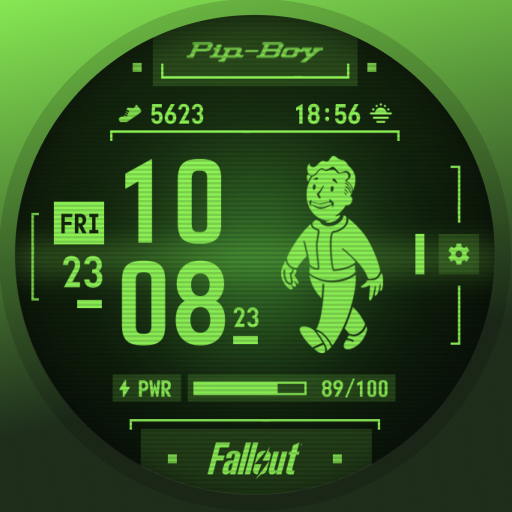
Fallout Pip-Boy SE Watch Face
Paid
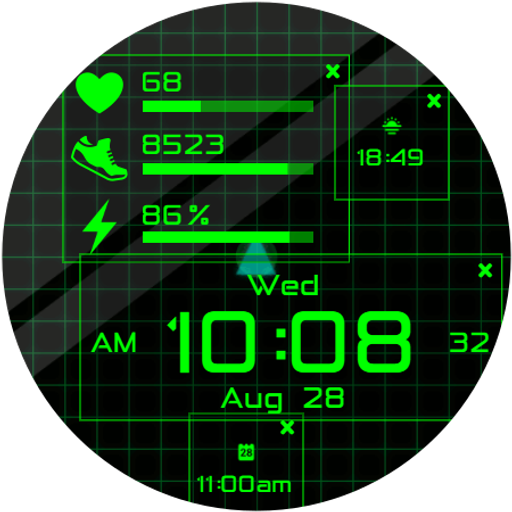
Dragon Radar Animated Face
Paid

TVV Digital 9 Watch Face
Paid

SH075 Watch Face, WearOS watch
Free

Sci-Fi Digital Pro Watch Face
Paid

IWF V III SE | ISACWATCH
Paid

JW104 jwstudio
Paid

Futuristic Design Watch Face
Free
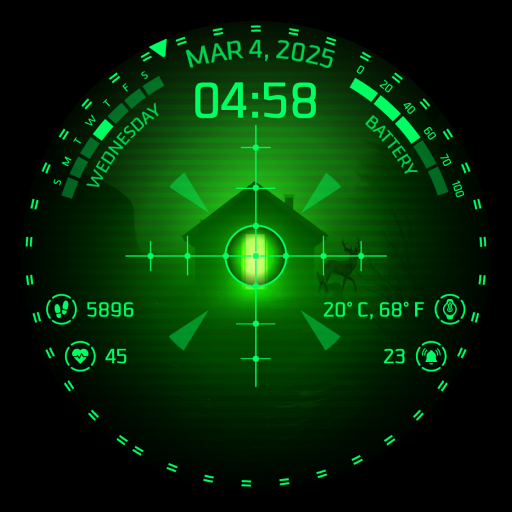
WF4U Gun Scope Theme Watchface
Paid
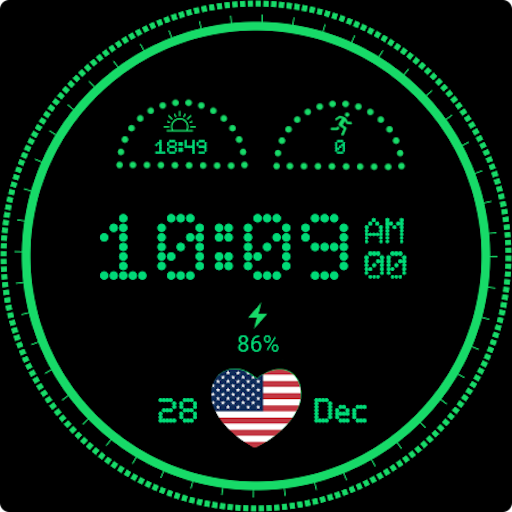
Dotted Digital Watch Face
Paid

Hacker Watch Face
Paid

Digital+ Matrix Watch Face
Paid
Scan this QR code to download

Forwarding you to the page at Google Play market in seconds...
Open Google Play market now