
Auto Click - Automatic Clicker v2.2.73
gc auto clicker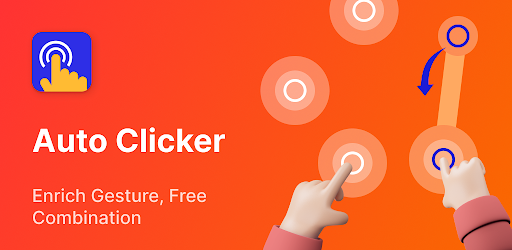
About this app
The Auto Click - Automatic Clicker app solves the problem of repetitive tapping for users who need to automate tasks on their Android devices, benefiting gamers, testers, and individuals with disabilities the most. Compared to alternatives in the Tools category, this app stands out with its extreme speed auto clicker feature, allowing for up to 15,000 clicks per minute. However, its simplicity and lack of customization options might fall short for power users. With over 10 million downloads and a 4.2-star rating, it has established a strong reputation among its user base.
Pros
- The app's high download numbers and positive user rating indicate a well-received and reliable tool, making it a trustworthy choice for those seeking an auto clicker solution.
- The developer's website and email provide a clear channel for support and feedback, which is a significant advantage for users who may encounter issues or have suggestions for improvement.
- The app's lightweight nature and lack of permissions required make it a secure option for users concerned about data privacy and security.
- The in-app purchases offer a range of options for users to upgrade their experience, from affordable to premium, catering to different budgets and needs.
- The app's offline capability allows users to automate tasks without requiring an internet connection, making it a versatile tool for various use cases.
Cons
- The presence of ads may disrupt the user experience, particularly for those who plan to use the app extensively, and the option to remove ads through in-app purchases might not be appealing to all users.
- The limited customization options and lack of advanced features might not meet the expectations of power users who require more sophisticated automation capabilities.
- The app's simplicity, while beneficial for ease of use, might also limit its appeal to users seeking a more comprehensive automation tool.
- The wide range of in-app purchase prices, from $0.49 to $226.00, may raise concerns about the app's monetization strategy and the value provided to users.
Best for: The ideal user for the Auto Click - Automatic Clicker app is an individual who frequently engages in activities that require repetitive tapping, such as gamers, app testers, or individuals with disabilities, and is seeking a simple, reliable, and efficient automation solution to streamline their workflow, with a moderate level of technical skill and familiarity with Android devices.
Developer Description
Download 1 minute 15000 times extreme speed auto clicker
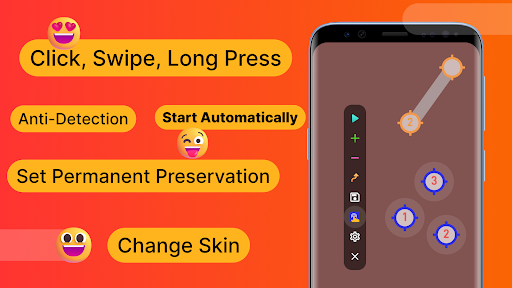
It can help you with tasks that require repeated clicks or swipes and is suitable for users who want to use click assistant for playing games, auto-like, and Automatically accept tasks.
Key features:
✓Delayed timed start
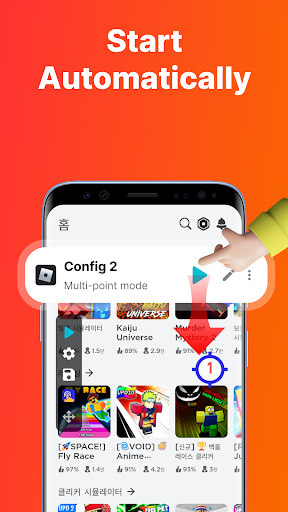
Not using your phone when you need to fast touch? Whether it is an already saved configuration or a new one, you can choose the time to start happy tapping.
✓Synchronous click pattern
Is one click on a target not enough for your task? If you need to tap fast on more than one target at the same time, then you can choose the Synchronous click mode.
✓Multi-touch click mode
The multi-point mode supports taping multiple target points successively. In particular, you can set the first target point to click 10 times in a loop before auto play on the second target point. The number of cycles can be set individually for each target point.
✓Combined click mode
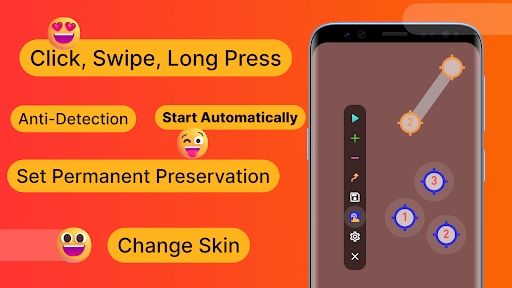
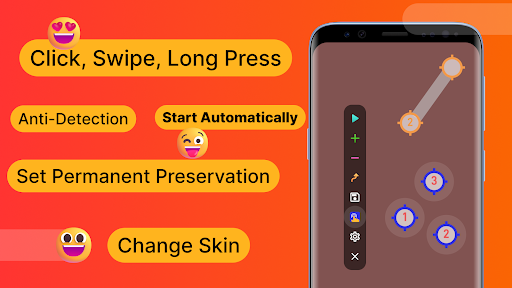
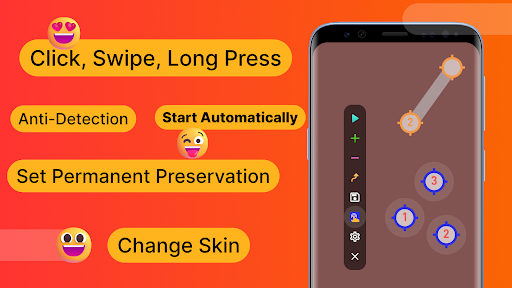
Combined click mode supports simultaneous tap, swipe and long press. When using the mobile phone auto clicker app to play games, you may not only need to automatically click certain points on the screen but also need to automatically swipe and long press to help you perform other operations.
✓Edge click mode
Use our clicker whenever you need to one tap the edges of your phone. You can 1 click on areas that other clickers do not support since the edge click mode enables you to happily tap on the top, bottom, left, and right screen edges of the phone.
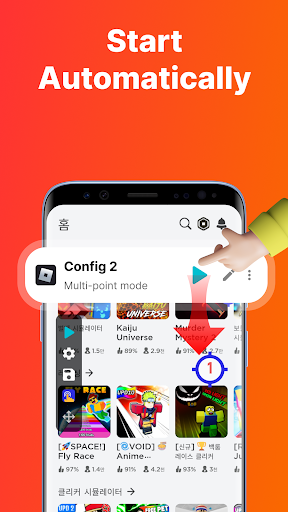
✓App self-start
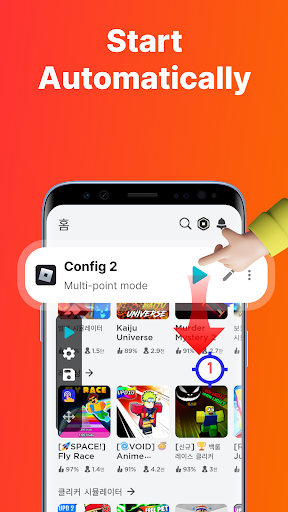
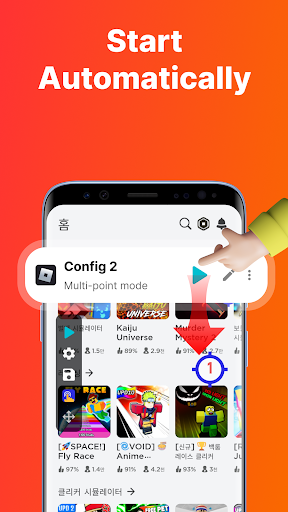
If you frequently use the auto clicker automatic tap in an app and find it troublesome to have to open the clicker each time, the auto-launch feature can be helpful. When you start Auto Clicker for the first time, you only need to select the app you want to launch and the click mode. The configuration will automatically show when you launch the self-starting application, so there is no need to activate the automated clicker the next time you screen tap.
✓Game anti-detection
Are you concerned that you will be detected utilizing an automatic clicker in a game? You can overcome this issue with the use of the anti-detection feature. Because you can set up clicks to happen at random intervals and within a random coordinate range.
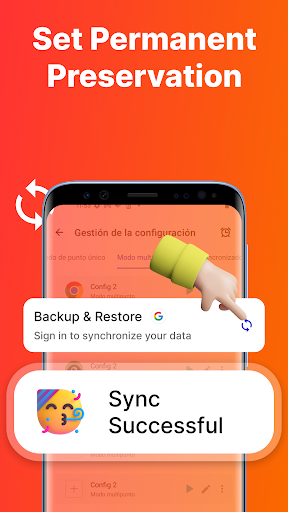
✓Import and export saved configurations
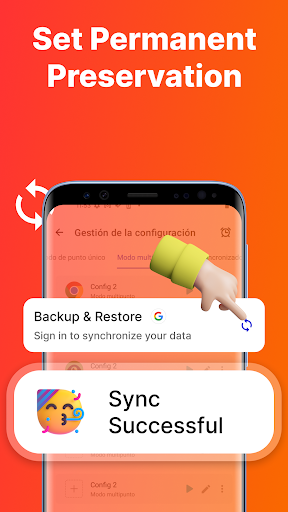
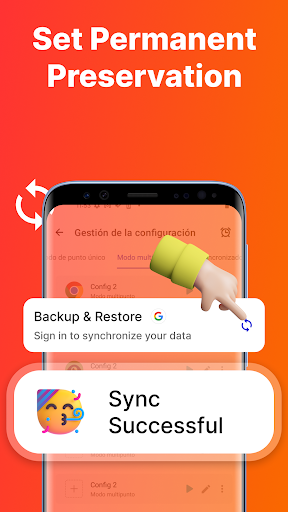
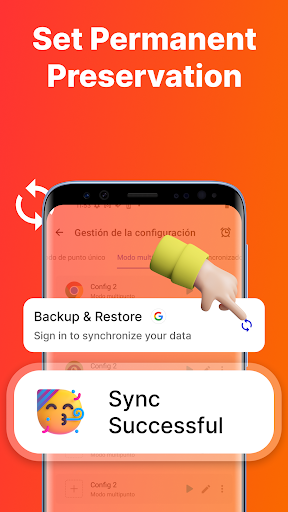
If there are too many configurations and you don't want to reset them, what should you do? Our auto clicker allows for the import and export of saved configurations with one-click.
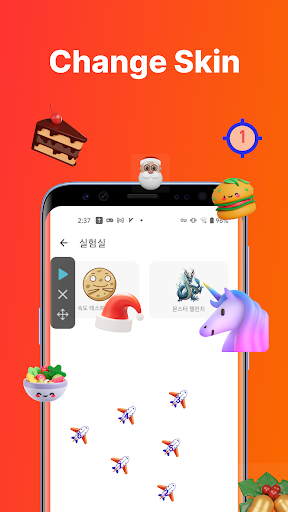
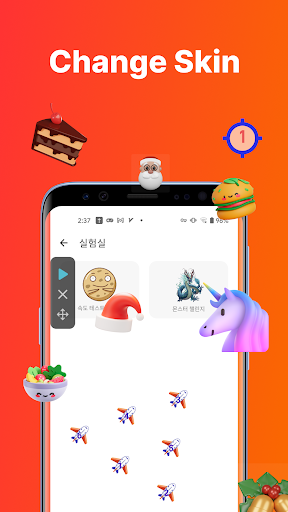
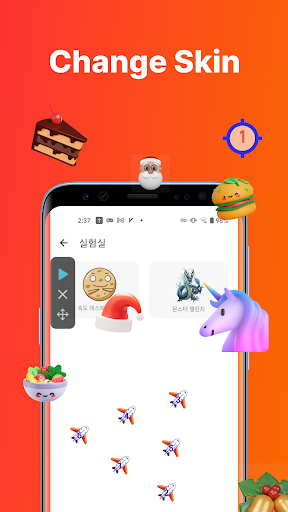
✓ Change the skin of the click target
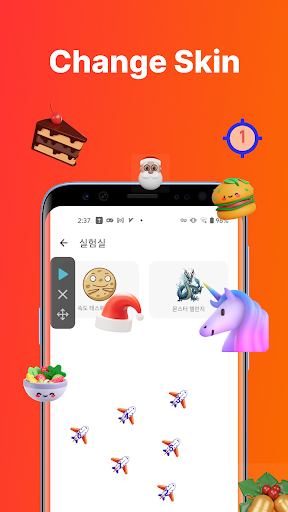
We provide a variety of styles of click icons for you to choose from. Personalized clicking icons can add interest to your boring taping process.
✓Transparency adjustment of floating controls
Our auto clicker supports the transparency of the floating control, which is convenient for you to double click and set without hindering your other operations.
How to use Auto Clicker
We publish many Auto Clicker guides on the auto clicker website. These include the use of auto clicker games.
Website address: https://www.gcautoclicker.com/
Auto Clicker YouTube Channel: gc auto clicker
Important Note: Auto Clicker uses the AccessibilityService API for the core functionality of the program.
1.Why use the AccessibilityService API service?
2.✓A: The program uses the AccessibilityService API service to realize core functions such as automatic clicking, sliding, synchronous clicking, and long pressing.
2. Do we collect personal data?
✓A: We will not collect any private information through the interface of AccessibilityService API.
3.Only support Android 7.0 and above
4.No ROOT permission is required
Feedback
- If you have any suggestions or usage questions, please email drinkinggamesforparty@gmail.com.
Privacy policy: https://www.gcautoclicker.com/privacypolicy/
Terms: https://www.gcautoclicker.com/recoverdeleted_terms.html
Privacy
Given that the app requires no permissions, it poses minimal risk to user data and privacy. However, users should still be cautious when using automation tools, as they can potentially interact with other apps or system functions in unintended ways. To ensure safe usage, users should review the app's terms of service and understand the implications of automated actions on their device.
Tips
To get the most out of this app, users should start by familiarizing themselves with the app's settings and options, such as the click speed and duration. Additionally, users can optimize performance by closing unnecessary background apps and ensuring their device has sufficient storage space. For advanced use cases, users may explore combining this app with other automation tools to create complex workflows.
In-app purchases
$0.49 - $226.00 per item
Version Information
- Version
- 2.2.73
- Downloads
- 10M+
- Updated on
- Oct 16, 2025
- Released
- Dec 20, 2021
- Requires
- Android 7.0
Statistics
Google Play Rating History
Rating Distribution
Downloads Over Time
Auto Click - Automatic Clicker has been downloaded times. Over the past 30 days, it averaged downloads per day.
Shaded area shows 30-day prediction based on historical trends
Historical data collection started recently. More data points will be available over time.
Auto Click - Automatic Clicker - Google Play Rankings
Top Rankings
| Rank | Country | Category | List | Change |
|---|---|---|---|---|
| — |
Ranking History in
No ranking data available yet. Rankings are updated daily.
#38 in Top Grossing Tools in South Korea


#45 in Top Grossing Tools in Japan


Auto Click - Automatic Clicker users say on Google Play
 Nate Larsen
Love the App. So happy to have won VIP. I just wish I knew how to make it transfer across devices better. the rest of the features rule.
 Leo Cabalonga
too much ads
 Baraa Husini
I want my money back because if I buy VIP, nothing will change. The VIP settings are ordinary and not worth the purchase.
 विष्णु सैनी गंगापुर सिटी
phone heng krta h apne ap auto hat jata h
 Jobael Haque
Too much Advertisements but in game performance Zero
ApkTrusted Ratings & Reviews
More from gc auto clicker
See more apps
Similar Apps

Auto Clicker-Auto Tap & Swipe
Free

Auto Clicker: Auto Tapper
Free

Auto Clicker - Automatic tap
Free
Macrorify - Image Auto Clicker
Free

GearUP: Lower Lag Game Booster
Free
Automatic Scroll
Free

Parallel App - Dual App Cloner
Free

Clone App-Parallel Dual Space
Free

MacroDroid - Device Automation
Free

Warzone Meta & Loadout - BO7
Free

Multiple Accounts: Dual Space
Free

Starlink
Free

Automate
Free

ExitLag: Lower your Ping
Free

LagoFast Game Booster: Low Lag
Free

Screen Recorder - AX Recorder
Free
Scan this QR code to download

Forwarding you to the page at Google Play market in seconds...
Open Google Play market now