
Text to Speech - Text Reader v3.0.1
Travel Maps Tech







About this app
Developer Description
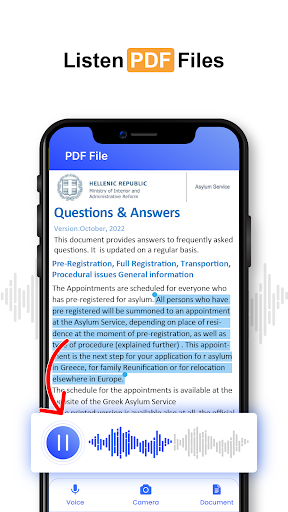
Convert text to MP3 audio change written text, and text files to speech & audio
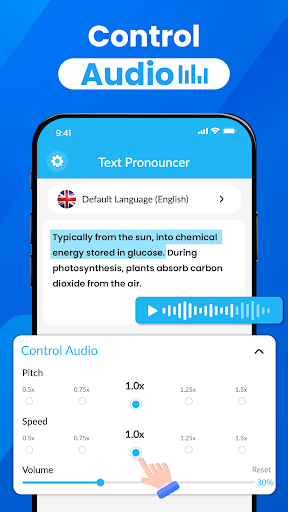
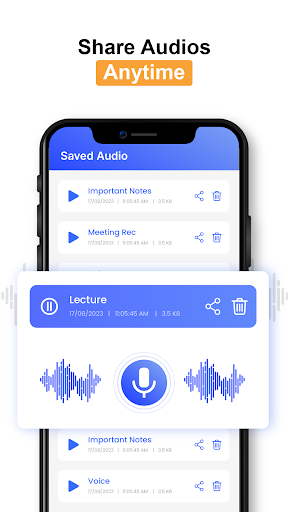
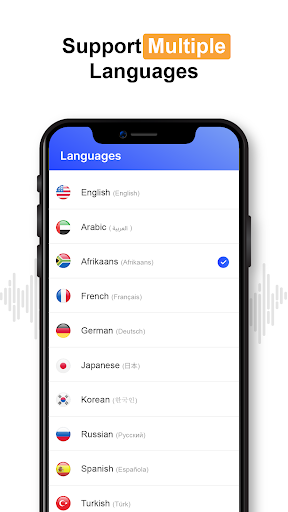
You learn and listen to the voice reader speech central in 60+ languages. Control the audio(speed, pitch, and volume) and save the Playback audio, and listen at any time. Copy the text and paste the required data press the voice button now you listen on the required data. The text pronouncer is used to make content more accessible to people who are visually impaired or for language learning purposes.
Features of Text to Speech Services
Accessibility:
Text pronouncers make the written text more accessible to individuals who are visually impaired, as they can have the text read out loud to them.
Language Learning:
Text pronouncers can help language learners to improve their pronunciation and comprehension by hearing the text spoken in a native-like voice.
Ease of use text reader:
Text pronouncers are user-friendly and do not require any special skills to use, making them accessible to a wider range of individuals.
Time-saving:
Text pronouncers can save time by allowing users to have large amounts of text read to them quickly, without having to read it themselves.
Improved Engagement:
By adding an auditory element to written text, text reader help keep users engaged and focused, especially for people who struggle to focus when reading.
Multitasking:
Text pronouncers allow users to listen to the text while doing other tasks, such as driving or exercising.
Control the Audio Speech Assistant:
Set the pitch, speed, and Volume of sound.
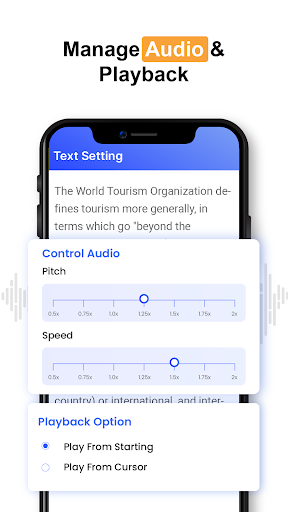
Playback settings:
Play from starting or Play from the current cursor, its settings depend on you,
Overall, text pronouncers provide a convenient and efficient way to access written information and can improve the experience of reading for a variety of users.
How to Use Text to speech tts engine:
•Tap the icon of the text pronouncers application.
•Copy and paste or type the text that you want to have pronounced into the text field provided by the text pronouncer.
•Choose the language and voice in which you want the text to be pronounced. Some text pronouncers offer a variety of voices and languages to choose from.
•Press the "Play" or "Speak" button so that the text is pronounced.
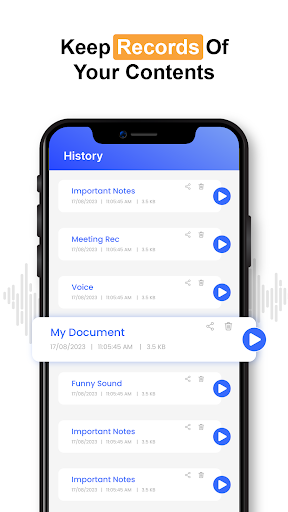
•Text pronouncer supports saving audio files, you can also save the pronounced text as an audio file for future use.
What's New
Minor Bugs Fixed
In-app purchases
$2.49 per item
Version Information
- Version
- 3.0.1
- Downloads
- 100K+
- Updated on
- Oct 9, 2025
- Released
- Apr 11, 2023
- Requires
- Android 6.0
Statistics
Google Play Rating History
Rating Distribution
Downloads Over Time
Text to Speech - Text Reader has been downloaded times. Over the past 30 days, it averaged downloads per day.
Shaded area shows 30-day prediction based on historical trends
Historical data collection started recently. More data points will be available over time.
Text to Speech - Text Reader users say on Google Play
 anita khayle loto
Very unique and easy to deliver to other.. Classic and very interesteting
 Lee Peck Li
Too many ads, the rest ok
 Shahid Shamsi
I think is good but not fulfill My need completely that's why i want to search and explore more app. My requirements is to more voice in urdu for my channel specially for poetry, for. Islamic hadees for reading in good. Man voice in urdu. This app have too much ads on clicking back button any time any sec this irritated me
 Ishimweyvesjulio
please don't force people to save audio that should optional and you may increase on stoping time you should stop where there is comma or dot not in-between the words
 Riaan Joubert
Too many ads. Each action is interrupted by an ad. Not worth the download.
ApkTrusted Ratings & Reviews
More from Travel Maps Tech
See more apps



Similar Apps

Translate: Screen Translator
Free

Listening: Text to Speech
Free

Dolphin EasyReader
Free

Ava: Transcribe Voice to Text
Free
Recorder AI:Voice&Meeting Note
Free

Talk & Translate AI Translator
Free

Voice Memos: Braindump
Free

Letterly: Write by Voice & AI
Free

AR Drawing: Learn & Sketch Art
Free

Text & Image to Video AI Gen
Paid
Voice & Face Cloning: Clony AI
Free

Unmutify
Free

ZenAlarm: Smart Wake Up
Paid

Andy English Language Learning
Free

TicNote: AI Recorder & Agent
Free

Earth Map App - Live Cam View
Paid
Scan this QR code to download

Forwarding you to the page at Google Play market in seconds...
Open Google Play market now