
Ava: Transcribe Voice to Text v2.2.5
Ava Accessibility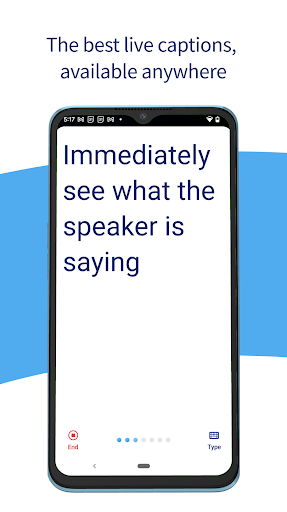

About this app
Developer Description
Live captions: caption calls, live videos, podcasts, & more!
Ava’s speech-to-text app provides 24/7 real-time audio transcription with 90% accuracy based on AI with up to 99% accuracy with Ava Scribe.
Use Ava to transcribe or live caption voice-to-text for classrooms, business meetings, doctor’s appointments, shopping, events, and more. Ava’s speech-to-text app makes transcribing any live communication easy for friends, family, and organizations to be inclusive, accessible, and ADA-compliant!
Why Ava?
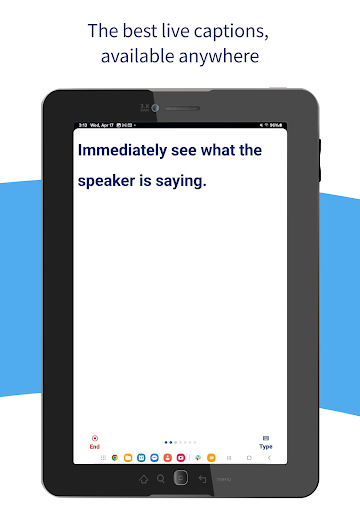
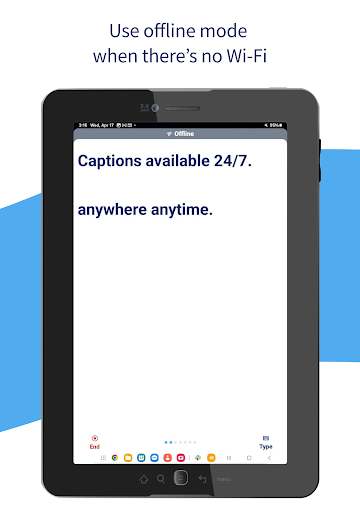
• Live Captions, 24/7 🗯️ Ava uses your smartphone’s mic to transcribe voice-to-text so you have live captions, in your pocket – it’s always available, anytime, anywhere.
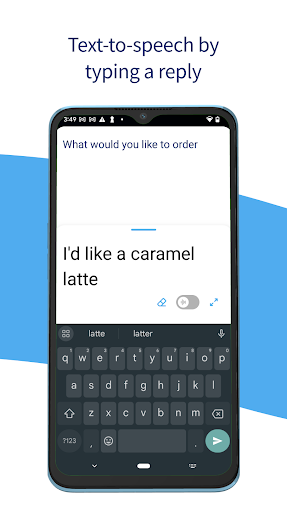
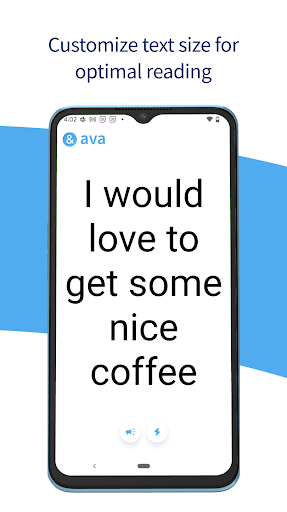
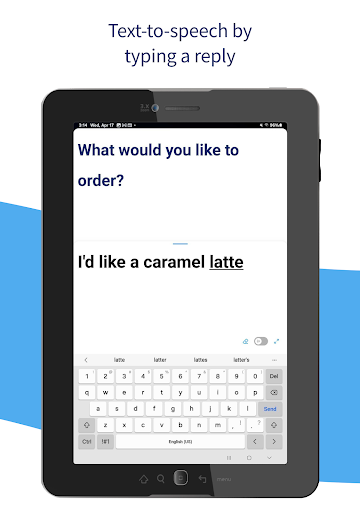
• Use voice to text 📣 Simply type what you want to say, and have Ava read it out loud for you.
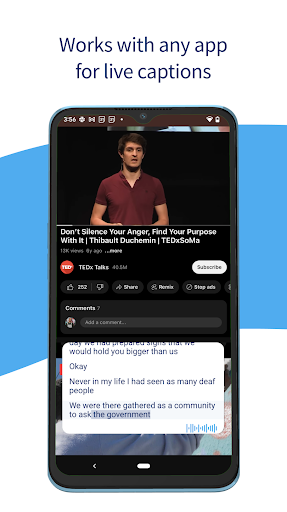
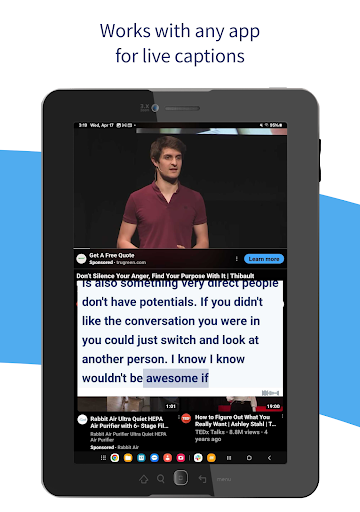
• Works with any app 📱Never miss out on podcasts or live videos with the ability to have Ava’s captions overlay any app.
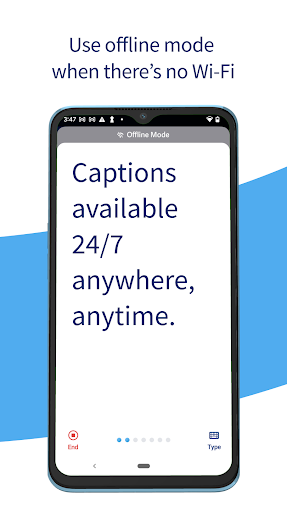
• No Wi-Fi? No Problem 🛜 Your captions are always available, with our without phone service or WiFi - Ava works on airplane mode.
• Available on Mobile & Desktop 💻 Paired with Ava for Web, you can use Ava on your phone or computer, which is perfect for online meetings or hybrid classes using any videoconferencing service including Zoom, Microsoft Teams, and Google Meet.
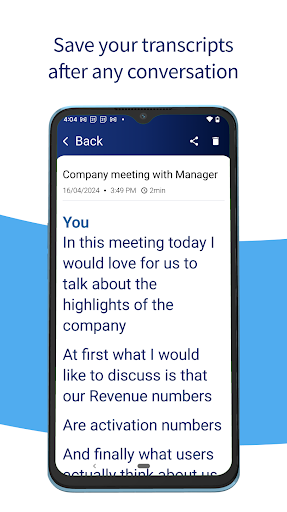
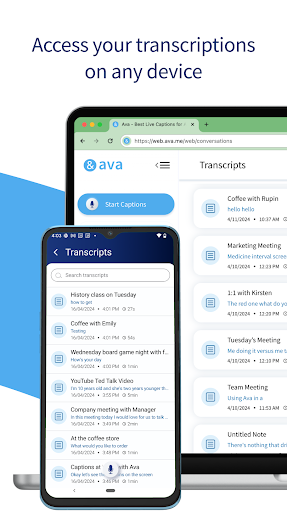
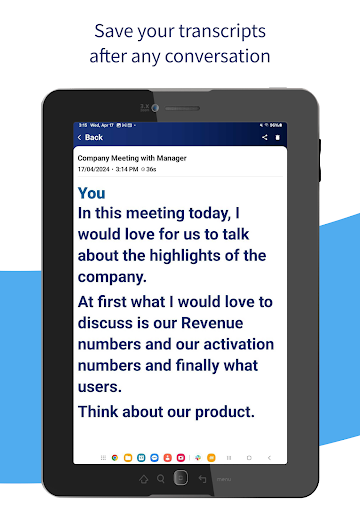
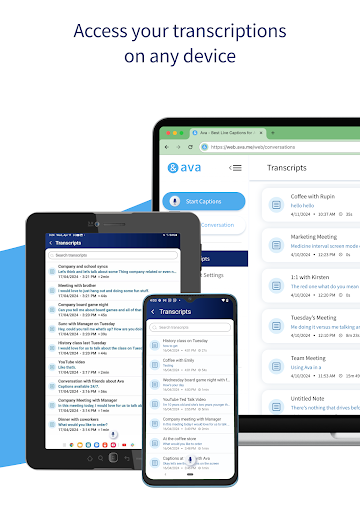
• Transcripts are saved in the cloud ☁️ Use this Ava mobile app along with Ava Web and Desktop App where all your transcriptions are available on any device.
How Ava works:
• Download Ava on your phone to instantly transcribe voice-to-text from up to a meter away.
• Teach Ava to improve and learn your vocabulary as it transcribes voice to text by tapping on words to correct them or adding your custom vocabulary.
• Need accessibility for people who are hard-of-hearing or Deaf in more complex situations? Use the ‘Discover’ menu to learn how to set up Ava to live caption voice-to-text in any situation!
Questions? Contact us!
Chat with our trusty customer support team through email at help@ava.me!
Use Ava on the web at ava.me
ava.me/privacy
ava.me/terms
What's New
In-app purchases
$14.99 - $119.88 per item
Version Information
- Version
- 2.2.5
- Downloads
- 10K+
- Updated on
- Jan 12, 2026
- Released
- Jun 18, 2024
- Requires
- Android 9
Statistics
Google Play Rating History
Rating Distribution
Downloads Over Time
Ava: Transcribe Voice to Text has been downloaded times. Over the past 30 days, it averaged downloads per day.
Shaded area shows 30-day prediction based on historical trends
Historical data collection started recently. More data points will be available over time.
Ava: Transcribe Voice to Text users say on Google Play
 mike roberts
I am totally deaf so I use the app for my ears. I found it excellent so far. Good speed with transcripts and very accurate even in a restaurant situation. very impressive.
 Richard Traverso
Lost my hearing need a fairly accurate speech to text to understand others. Of three apps tried AVA is best
 Hiblette Hibbard
Very good UI and features! except... the actual captioning isn't very accurate, especially for what I need captions for- teacher instructions in class above background noise also, the option to save transcripts isn't appearing in my settings, and the bot and customer service wa subpar when I asked for help- they just sent me the same list of instructions that did not work for me, because the option itself didn't appear :///
 John Jack
Does not pick up all the voices. I have closed caption on the monitor. Mine works a lot bettet than Ava. Ava miss too many i got lost on the conversations
 D POULIOT
This app doesn't have pricing nor options to subscribe. After the 20 min sample, this app becomes worthless. **Update** After doing separate research on the web. This app starts at 15$ USD a month for 120 minutes. It's a shame people with disabilities have to pay such a high price for accessibility. Google transcribe isn't as good, but it's free and works well.
ApkTrusted Ratings & Reviews
Similar Apps

Rogervoice Phone Call Captions
Free

TicNote: AI Recorder & Agent
Free
AI Transcribe. Speech to Text
Free

NaturalReader - Text to Speech
Free

OtterAI Transcribe Voice Notes
Free

Letterly: Write by Voice & AI
Free
Recorder AI:Voice&Meeting Note
Free

Autio - Travel Companion
Free

Dolphin EasyReader
Free
Listening: Text to Speech
Free

Plaud: AI Notetaker
Free

Avaz AAC
Free

Speechify – Voice AI Assistant
Free

Book summaries: Accelerated
Free

Riverside: Record podcasts
Free

YouMail: Block Spam on Android
Free
Scan this QR code to download

Forwarding you to the page at Google Play market in seconds...
Open Google Play market now