
TKS 06 Submarine Watch Face vVARY
Tiny Kitchen Studios



About this app
Developer Description
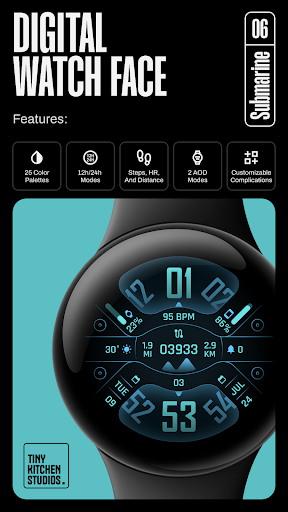
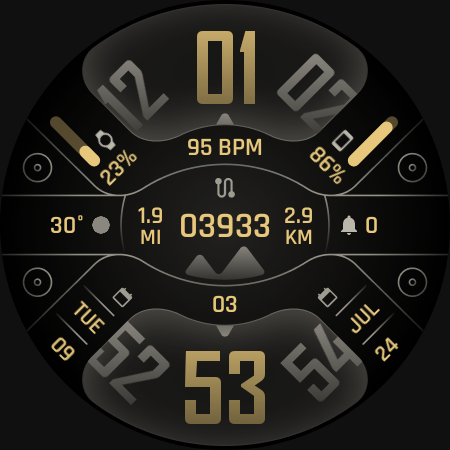
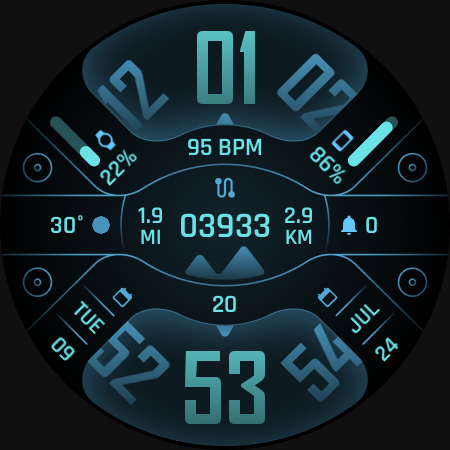
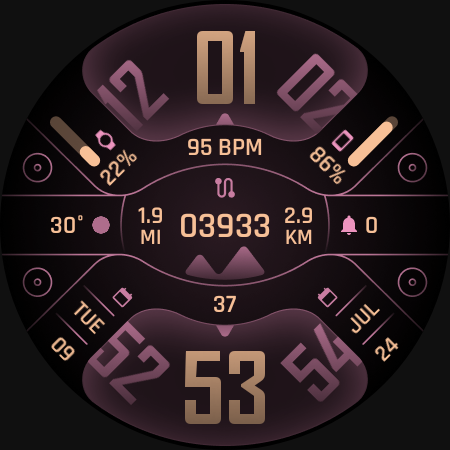
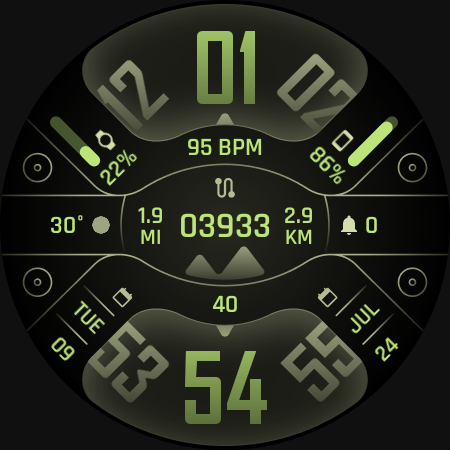
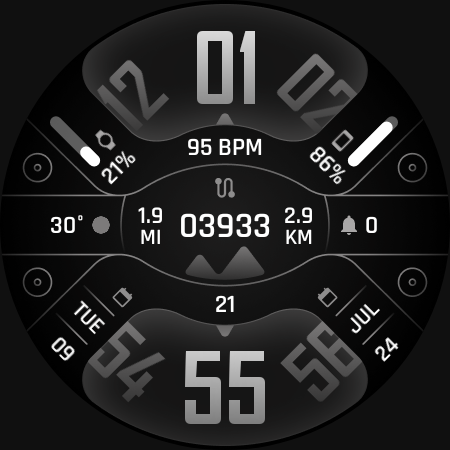
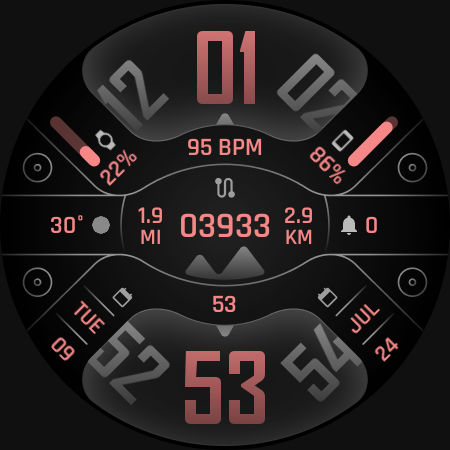
An Informative, customizable digital watch face for Wear OS devices
An Informative, customizable digital watch face for Wear OS devices
FEATURES:
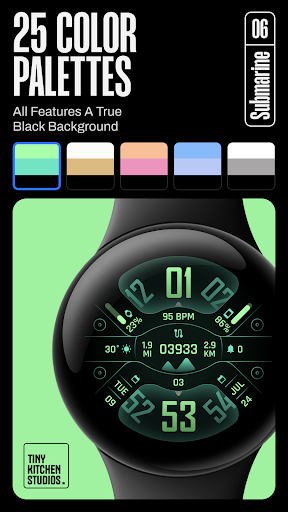
- 25 color options, all of which has true black background.
- Compatible with 12 Hours and 24 Hours modes.
- Steps, HR, and Distance counters.
- Simple and transparent AOD modes
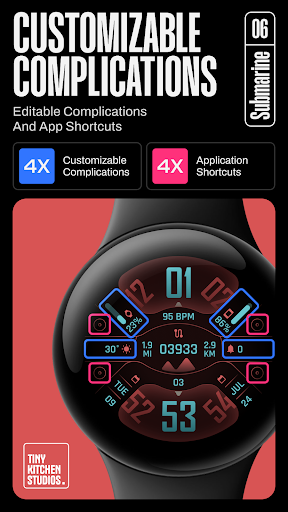
- 4 Customizable complications.
- 4 Customizable app shortcuts.
Purchasing and Installing the watch face:
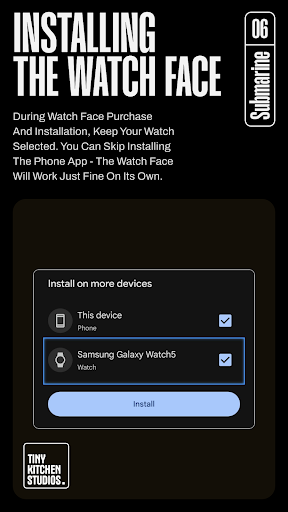
During watch face purchase and installation, keep your watch selected. You can skip installing the phone app - the watch face app on watch should work just fine on its own.
Using the watch face:
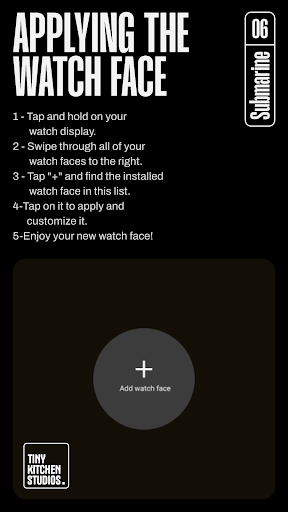
1- Tap and hold on your watch display.
2- Swipe all watch faces to the right
3- Tap "+" and find the installed watch face in this list.
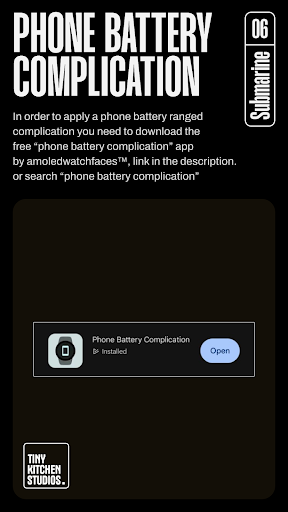
For phone battery complication setting: in order to apply a phone battery ranged complication you need to download the free “phone battery complication” app by amoledwatchfaces™.
link: https://shorturl.at/kpBES
or search the play store for “phone battery complication”.
*Important note for pixel watch users:
There's a pixel watch rendering issue that sometimes causes the steps, heart rate, and battery counters to freeze specifically after you customize the watch face on your pixel watch. this can be fixed by switching to a different watch face and then back to this one.
Run into any issues or need a hand? We're happy to help! Just send us an email at dev.tinykitchenstudios@gmail.com
What's New
Version Information
- Version
- -
- Downloads
- 100+
- Updated on
- Aug 11, 2025
- Released
- Jul 8, 2024
- Requires
- Android Varies with device
Statistics
Google Play Rating History
Rating Distribution
Downloads Over Time
TKS 06 Submarine Watch Face has been downloaded times. Over the past 30 days, it averaged downloads per day.
Shaded area shows 30-day prediction based on historical trends
Historical data collection started recently. More data points will be available over time.
TKS 06 Submarine Watch Face users say on Google Play
 Somdeth Souvanlasy
Nice unique design and concept. easy to read the time with other info available as needed. Just a suggestion on some other more contrasting colour palettes would be good.
 James R
Solid design and great color palette choices. Only gripe with it is the battery display. On the Watch 7 it'll only display the watch battery for both options. The pictures show it being able to display watch and phone.
ApkTrusted Ratings & Reviews
More from Tiny Kitchen Studios
See more apps
TKS 13 Cybernate Watch Face
Paid

TKS 15 Halo Watch face
Paid
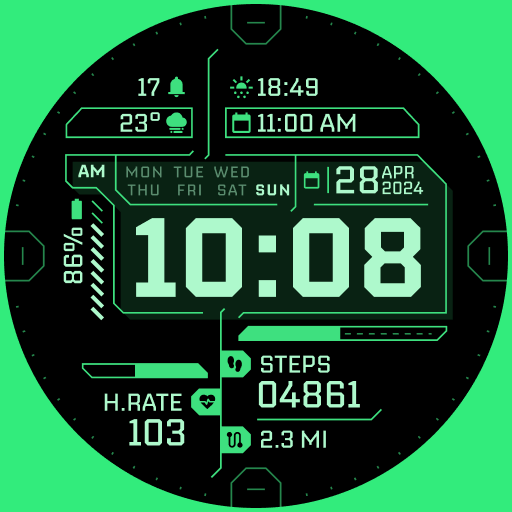
TKS 02 Fracture Watch Face
Paid

TKS 04 Dash Watch Face
Paid

TKS 29 Avant Watch Face
Paid

TKS 05 Borderline Watch Face
Paid
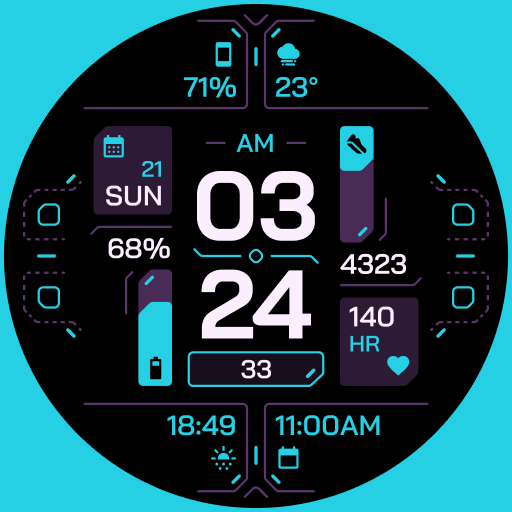
TKS 25 Circuit Watch Face
Paid

TKS 07 Astra Watch Face
Paid

drawverse: draw & guess game
Free

TKS 26 Digitro Watch Face
Paid
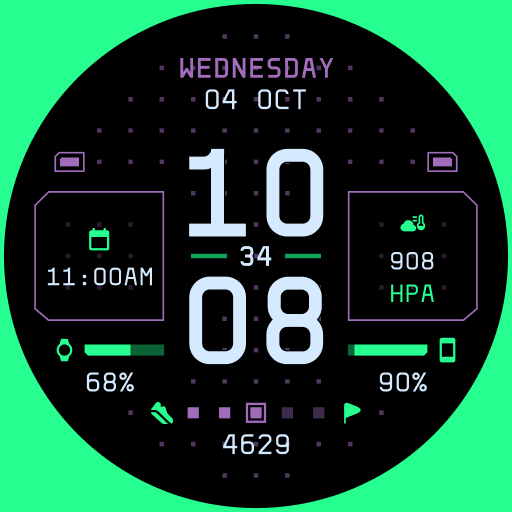
TKS 22 Dotrix Watch Face
Paid
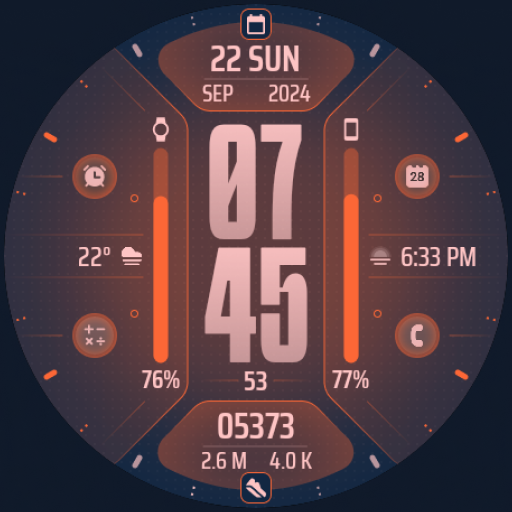
TKS 09 Flux Watch Face
Paid

TKS 14 Gauge Watch Face
Free
TKS 19 Arcadex Watch Face
Paid

TKS 28 Hex Watch Face
Free

TKS 16 Izo Watch Face
Paid
Similar Apps

Black Gold Info ZKin Watch
Paid

Pace Watch Face
Paid
W-Design WOS086 - Watch Face
Paid

HKR034
Free

Ballozi TRAGEN Digital
Paid

Big Time IW14
Paid
![[SSP] Clear Digital Watch Face icon](https://play-lh.googleusercontent.com/cQN7zQOIBqLIsPim8tqvdP8Xi78Fvz6AmP4HP62Cu1gn7N-BdNZHUePMGsrdYNBcDsE)
[SSP] Clear Digital Watch Face
Paid
Digital Vyzomyk Watch face
Paid

BASSO Watch Face
Free

KF156 WATCH FACE
Paid

Material Design Digital Clock
Free

Tancha S86 High-tech
Paid
KZY121
Paid

BRN171 - DIGIO
Free

ZKin Watch Face Texture Yellow
Paid

KF159 Watch face
Free
Scan this QR code to download

Forwarding you to the page at Google Play market in seconds...
Open Google Play market now