
Tile Shortcuts: Quick settings v1.7.0
Tom Bayley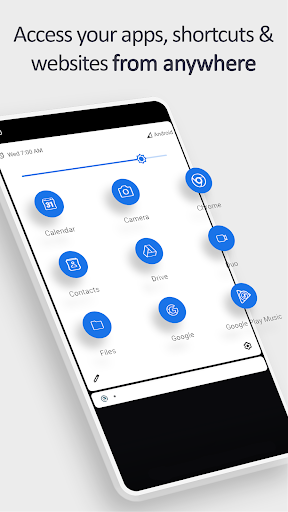

About this app
Developer Description
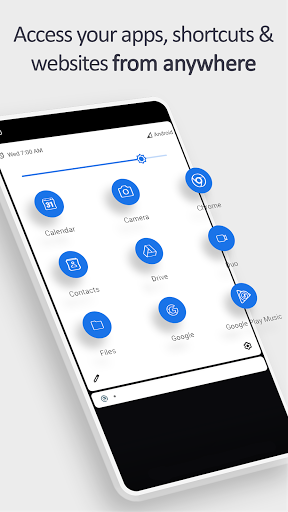
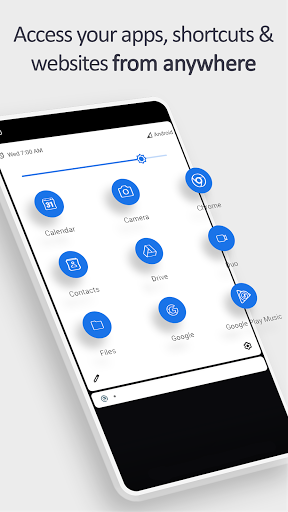
Quickly open apps, shortcuts & websites, directly from your notification shade!
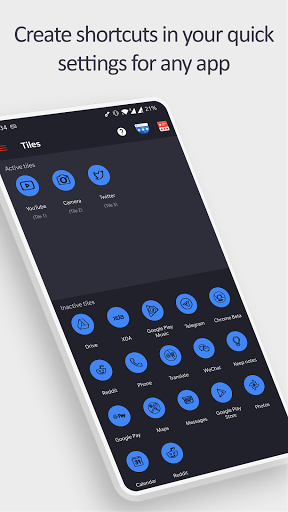
SHORTCUT TILES
- Apps
- App shortcuts
- Websites
- Intents
- Activities
- Shortcut Folders
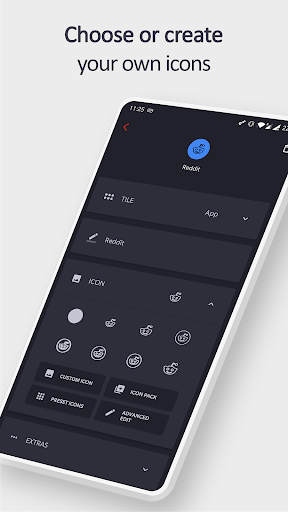
TILE CUSTOMIZATION
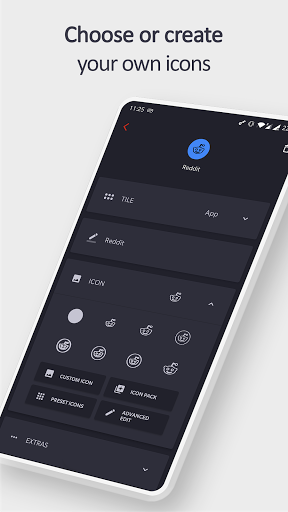
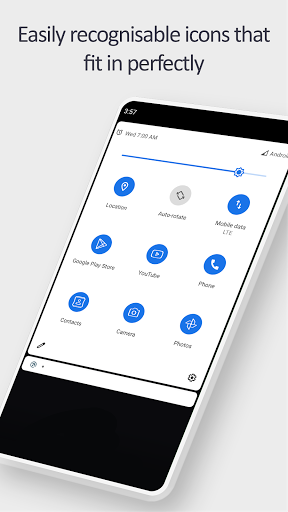
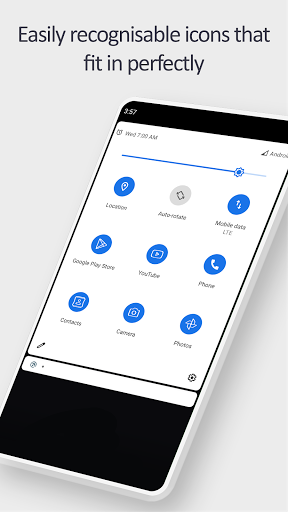
- Use the real app icon for the icon in the notification panel
- Choose your own icons
- Select an icon from an Icon Pack
- Use actual website icons for website tiles
- Name the Tile whatever you want
TUTORIAL
- youtu.be/420j_OsBLDw
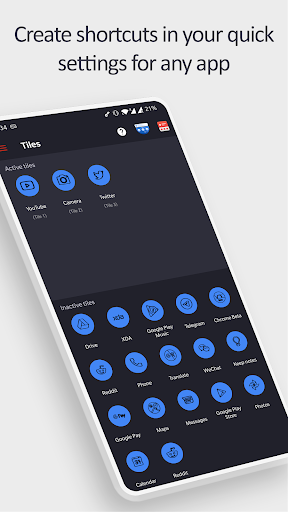
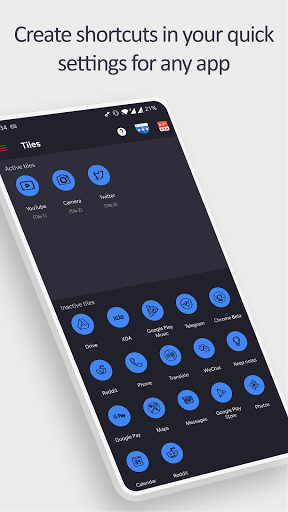
- Create a tile in the app (remember the number under the newly created tile name)
- Open your quick settings panel and tap the edit button
- Move the tile you just created (with the matching number) up into the active section of your quick settings panel
- You can now use the tile!
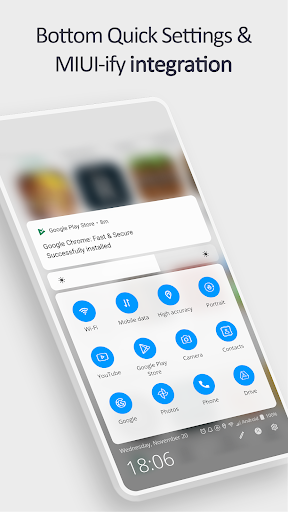
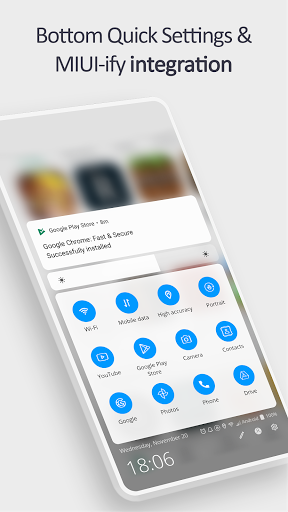
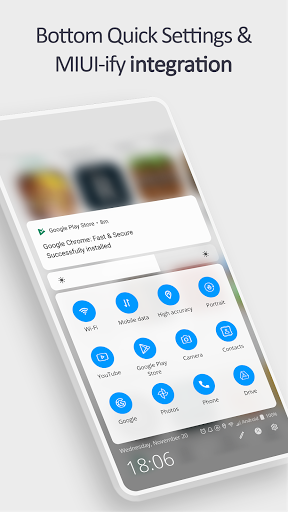
BOTTOM QUICK SETTINGS & MIUI-ify INTEGRATION
- Tiles created in this app are usable in Bottom Quick Settings and MIUI-ify, allowing you to create custom icons for shortcuts
- Tutorial: youtu.be/JPeDPeBB-9E
How is this app different to other similar apps?
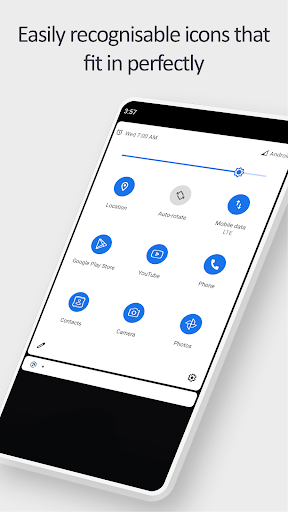
Other apps do not use the real app icon in the quick settings tile.
Instead, they replace the app icon with a letter or generic image.
This app uses the real app icon for the quick settings tile, making it easier for you to identify the apps & shortcuts you want to open.
LINKS
- Tutorial: youtu.be/420j_OsBLDw
- Twitter: twitter.com/tombayleyapps
- Telegram: t.me/TileShortcuts
- Email: support@tombayley.dev
What's New
Version 1.7.0
- Updated parts of the UI
- Bug fixes and improvements
In-app purchases
$0.99 - $12.99 per item
Version Information
- Version
- 1.7.0
- Downloads
- 500K+
- Updated on
- Aug 17, 2025
- Released
- Nov 24, 2019
- Requires
- Android 7.0
Statistics
Google Play Rating History
Rating Distribution
Downloads Over Time
Tile Shortcuts: Quick settings has been downloaded times. Over the past 30 days, it averaged downloads per day.
Shaded area shows 30-day prediction based on historical trends
Historical data collection started recently. More data points will be available over time.
Tile Shortcuts: Quick settings users say on Google Play
 J Simon
Works perfectly as described, you can have three tiles for free, you must subscribe to have more than three active at one time, but you can have more pre-configured but deselected and toggle between some on and off depending on usage and they repopulate in the drag down where last placed. Excellent app that will allow you to make some shortcuts that don't exist and even access some pages with no settings menu path such as notification log separate from and as well as history on my device.
 Jason Quinn
It does what it says, very customisable and versaTile (pun intended), but it definitely needs more shortcuts and options. For example, being able to add a tile that will bring up your keyboard would be extremely helpful as there are some apps where the keyboard doesn't automatically open, this would also allow me personally to access BingAI on my keyboard in any app. I love how customisable the app icons are and being able to import your own. Now I've added an Ask Alexa tile and it's very handy
 ابو جابر ر
جالكسي اس 20 اف اي : متوسط y .
 Brandon MacEachern
After 4 years I needed to reduce my 5 star to a 2 star. Unfortunately so much of this app is now a "premium" feature. Considering you're ad supported, no thanks. Uninstalled, I'll write my own tiles at this point and learn to do it myself, if being ad supported isn't enough to where everything I try is "premium".
 ShadowveilFox
creates a tile named tile 1 then does nothing else. tells me to add it to my shade which i already did. maybe it's because I'm using a custom shade and can no longer open built-in system shade but then it doesn't work for me.
ApkTrusted Ratings & Reviews
More from Tom Bayley
See more apps



Similar Apps
Shortcut Maker
Free

Quikshort: Shortcut Creator
Free

Ares Dark Icon Pack
Paid

AppDash: App Manager & Backup
Free

Retro Mode - Icon Pack (Light)
Paid

BOLT Icon Pack
Paid

AIO Launcher
Free
Square Home
Free

Action Launcher: Pixel Edition
Free

PurpleLine Icon Pack : LineX
Paid
ChargeNow
Free
Hermit — Lite Apps Browser
Free

Smart Tutor for SAMSUNG Mobile
Free

Vera Icon Pack: shapeless icon
Paid

Sesame Search & Shortcuts
Free

Jabra Sound+
Free
Scan this QR code to download

Forwarding you to the page at Google Play market in seconds...
Open Google Play market now