
Animated Minimal Watch Face vVARY
Turcu Radu




About this app
Developer Description
Upgrade your smartwatch with the Animated Minimal Watch Face
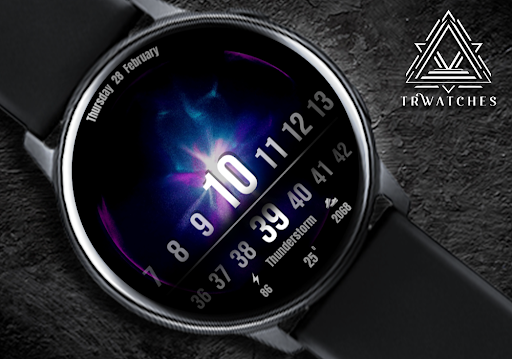
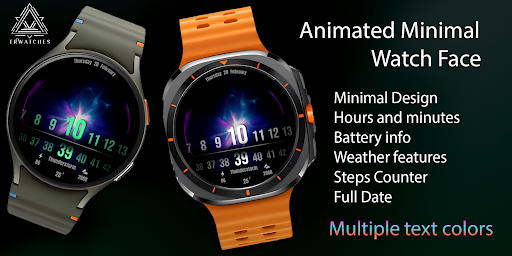
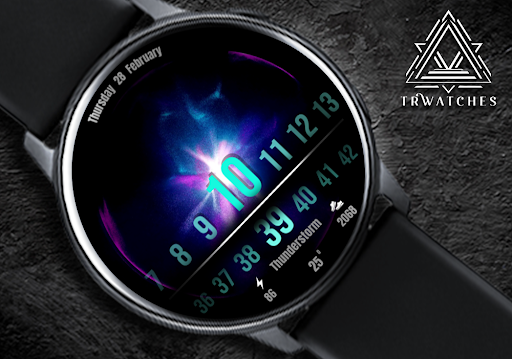
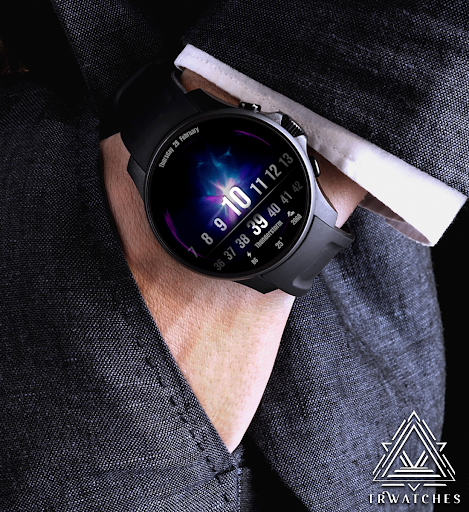
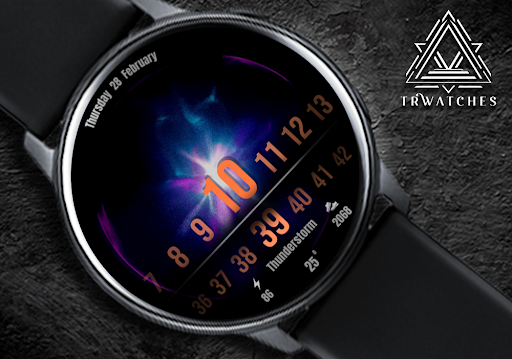
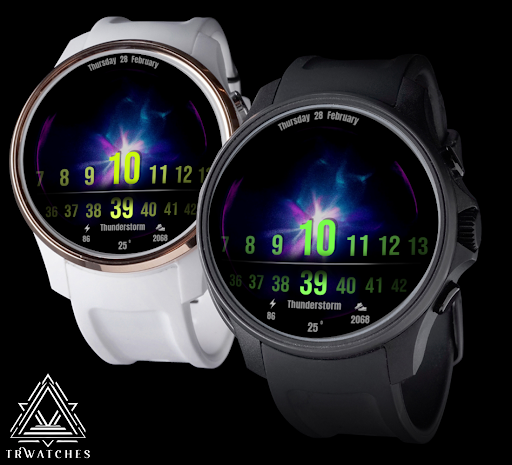
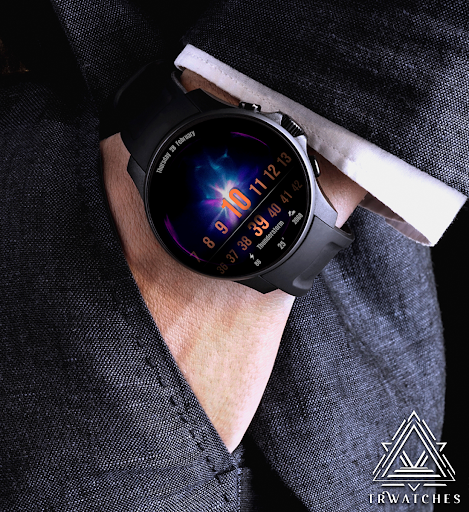
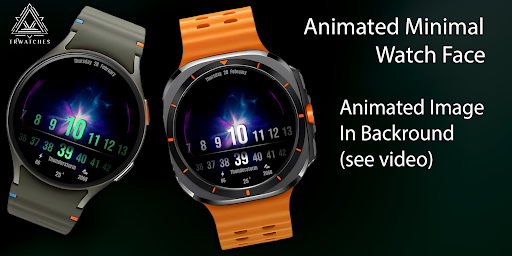
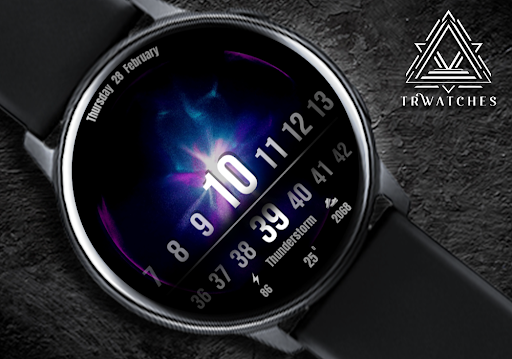
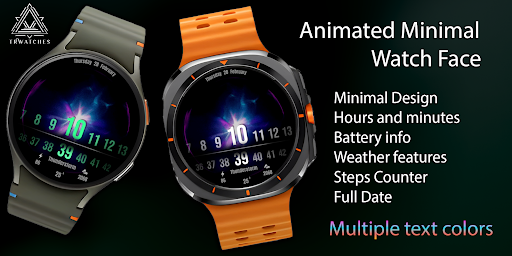
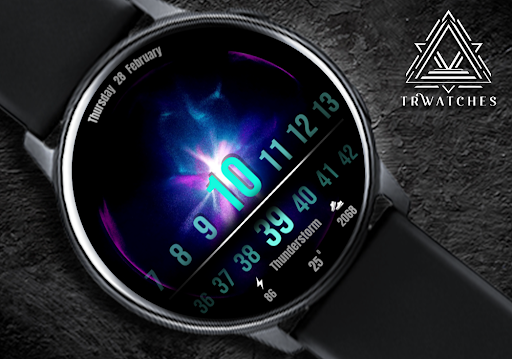
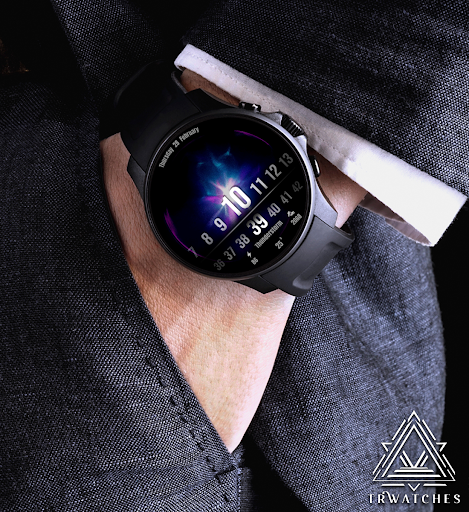
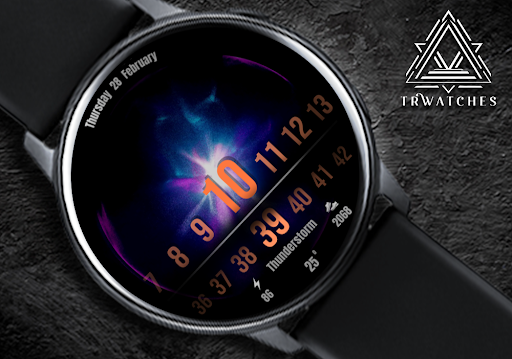
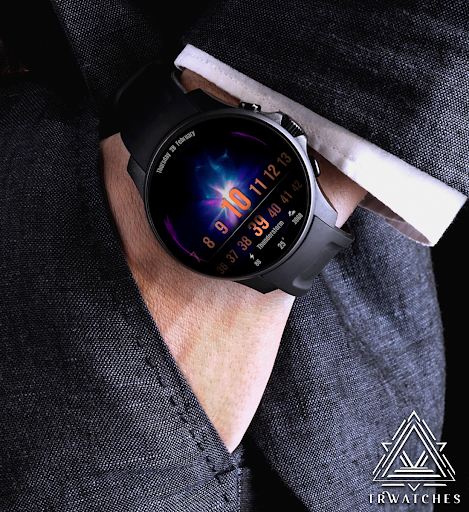
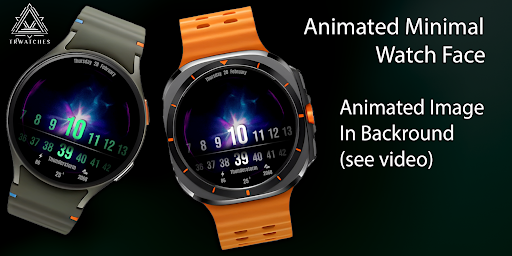
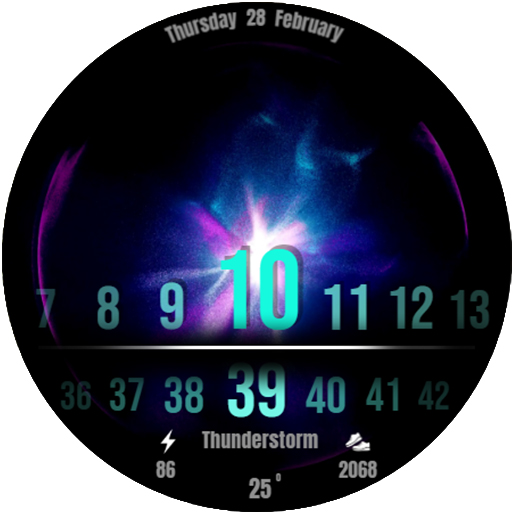
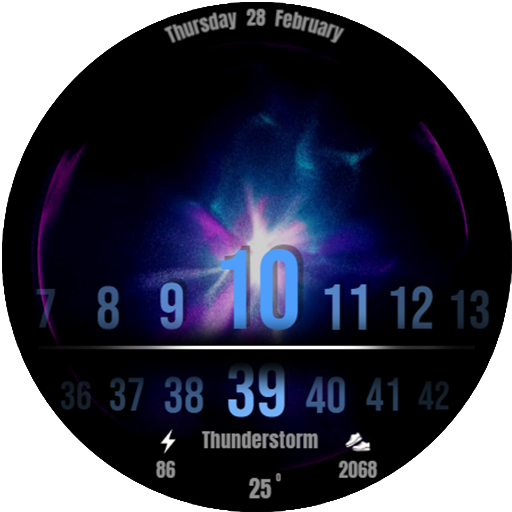
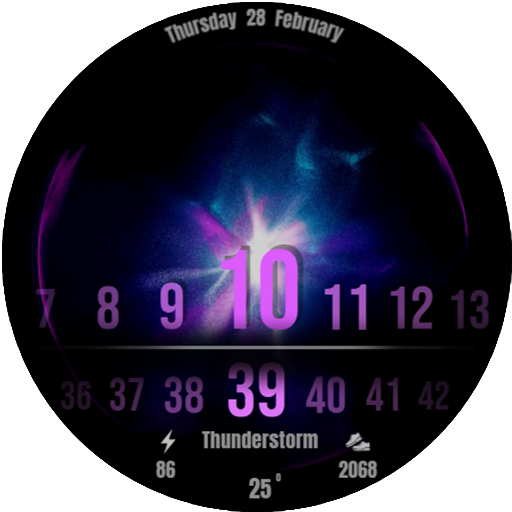
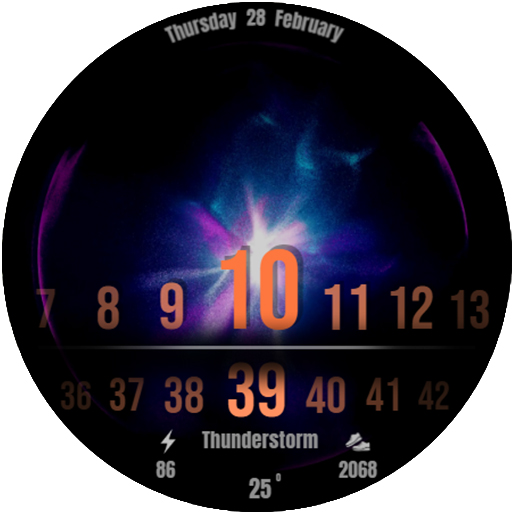
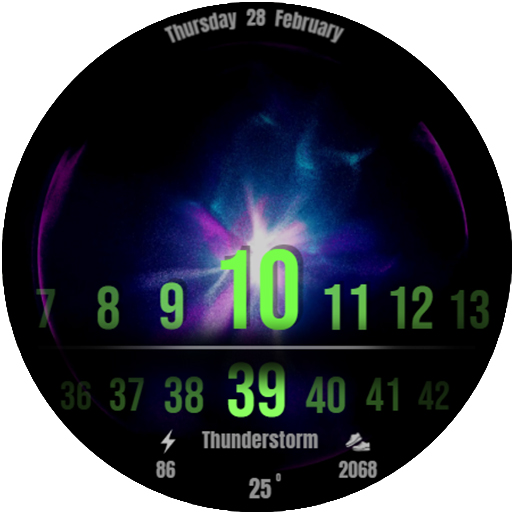
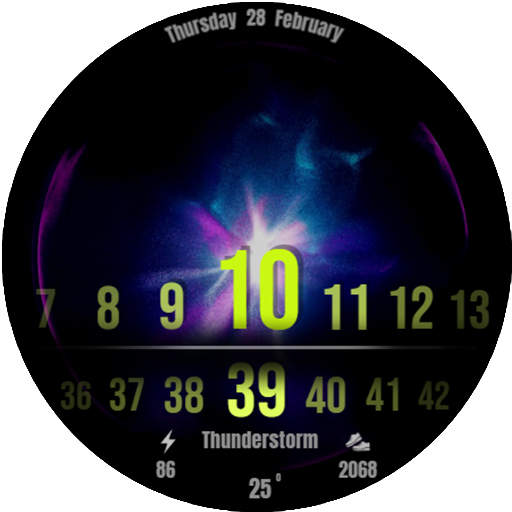
Upgrade your smartwatch with the Animated Minimal Watch Face – where sleek design meets dynamic visuals! 🎨⌚ Enjoy an animated background that brings your watch to life with vibrant motion and stunning colors. 🌌 Whether you're into bold hues or subtle tones, the multiple text color options let you customize the look to match your style.
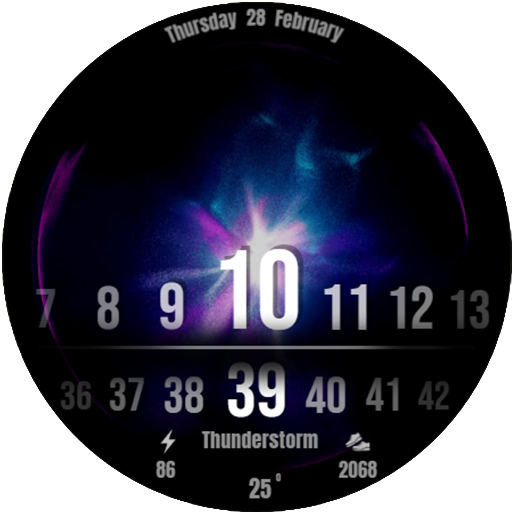
This cool clock isn't just about aesthetics – it's packed with essential features! Stay on top of your schedule with the full date display, track your activity with the steps counter 👟, monitor your device with battery information 🔋, and never miss a weather update thanks to the integrated weather feature ⛈️.
✨ Features:
Animated background for a dynamic, modern look 🎥
Multiple text colors to match your mood or outfit 🌈
Cool clock design with minimalist style ⏰
Displays full date at a glance 📅
Battery information to keep you charged 🔋
Steps counter to track your daily activity 👟
Integrated weather features for real-time updates 🌦️
Transform your smartwatch into the ultimate combination of style and function! 🚀
--------------------------------------------------------------------------------------------------------
Watch face installation notes on smart watch:
Phone app serves only as a placeholder to make it easier to install & find the watch face on your Wear OS watch. You have to select your watch device from the install dropdown menu.
If you download the helper directly with the phone , you need to open application and touch on the display or the download button. -> will start to install on the watch.
A wear os watch need to be connected.
If not working in that way , you can copy that link into your phone chrome browser and click on arrow down from right , and you choose the watch face to install.
..............................................
After installation you need to set that watch face to your screen , from wear OS app , go down at downloaded watch faces and you will find it.
If you have problems , please contact me on raduturcu03@gmail.com
xxxxxxxxxxxxxxxxxxxxxxxxxxxxxxxxxxxxxxxxxxxxxxxx
FOLLOW US AT TELEGRAM : https://t.me/TRWatchfaces
FOLLOW US WEBSITE TO GET FREE COUPONS : https://trwatches9.wordpress.com/
xxxxxxxxxxxxxxxxxxxxxxxxxxxxxxxxxxxxxxxxxxxxxxxxx
Try to see others designs in my google profile.
Version Information
- Version
- -
- Downloads
- 100+
- Updated on
- -
- Released
- Feb 5, 2025
- Requires
- Android Varies with device
Statistics
Google Play Rating History
Rating Distribution
Downloads Over Time
Animated Minimal Watch Face has been downloaded times. Over the past 30 days, it averaged downloads per day.
Shaded area shows 30-day prediction based on historical trends
Historical data collection started recently. More data points will be available over time.
Animated Minimal Watch Face users say on Google Play
 Rot Rose
Usually I don't prefer the animated WFs because they consume a lot of battery but at the same time I liked them specially this one it's superb exactly like your other WFs such as luxury WF, cyborg neon, fall numbers, and the realistic one... Etc thanks
ApkTrusted Ratings & Reviews
More from Turcu Radu
See more apps
Abstract Paint Watch Face
Paid

American Old Plate Watch Face
Paid

Ancient Swiss Watch Face
Paid
Animated Fireworks Watch Face
Paid

Big Casual Watch Face
Paid

Big Digital Clock Watch Face
Paid

Big Minimal Watch Face
Paid

Cartoon Animals Watch Face
Paid
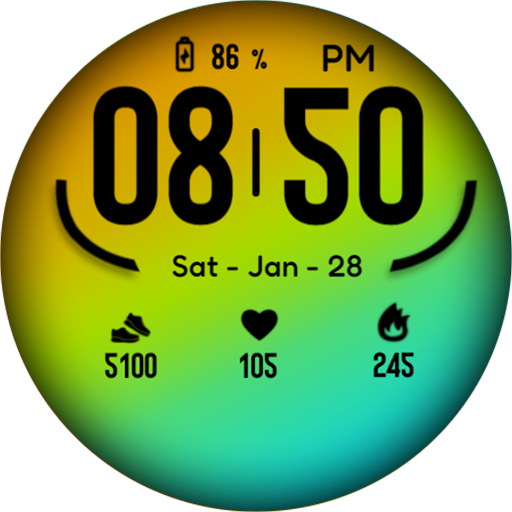
Casual Color Watch Face
Paid

Casual Complex Watch Face
Paid
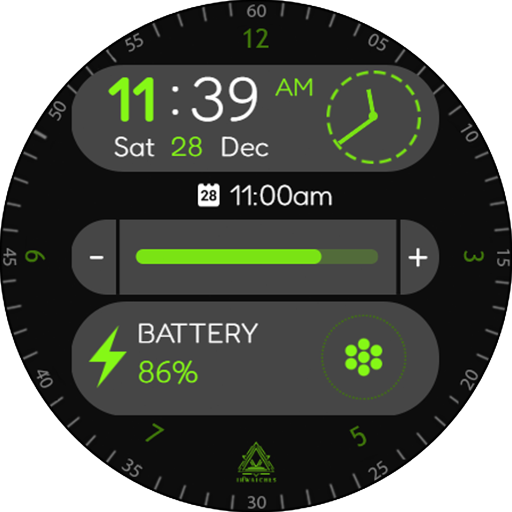
Casual Fit Watch Face
Paid

Christmas Holidays Watch Face
Paid

Christmas Numbers Watch Face
Paid

Christmas Tree Watch Face
Paid
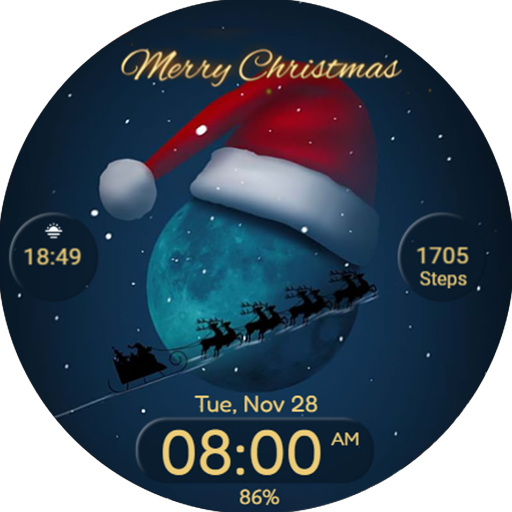
Christmas Watchface Wear Os
Paid

Circles Watchface Wear Os
Paid
Similar Apps

ZKin Watch Face Flip Clock
Paid

FLIP Rotary URX69 Watch face
Paid

NTV234B - Big Flip Style B
Paid

tgr flip clock watch face 1
Paid

Single Glance Watch Face
Paid

Day Watch Face by KYB
Free

Shadow Watch Face
Paid
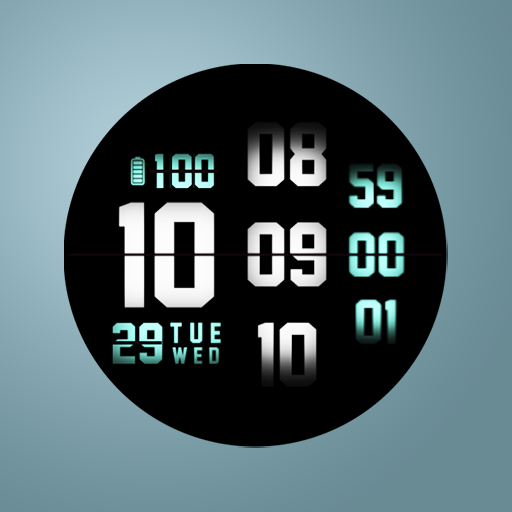
Tancha Digilife Watch Face
Paid
Army Watch Face Wear OS
Paid

Black Max Watch Face
Paid

DIGI FLIP v3 URX108 Watch face
Paid
Nightrob
Paid

Cave Club AVIATION Classic
Paid

Black X Watch Face
Paid
WES20 - TopBottom Watch Face
Paid

WR 018 Digital Watch Face
Paid
Scan this QR code to download

Forwarding you to the page at Google Play market in seconds...
Open Google Play market now