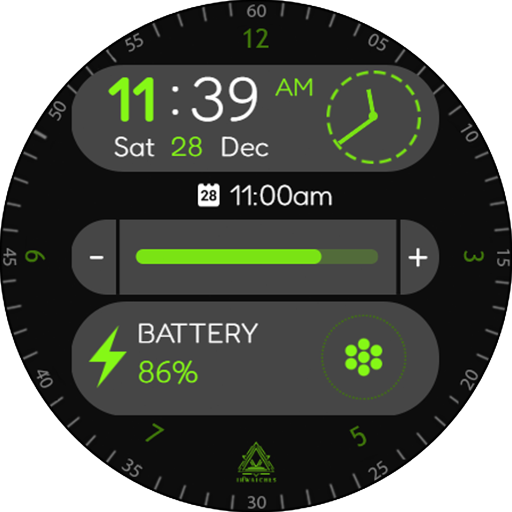
Casual Fit Watch Face vVARY
Turcu Radu



About this app
Developer Description
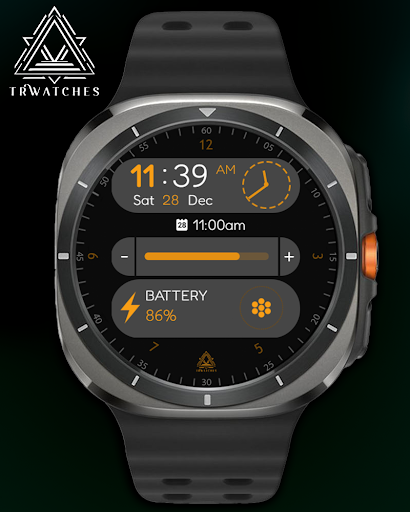
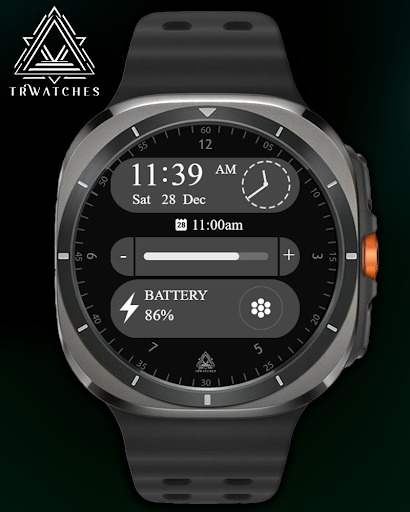
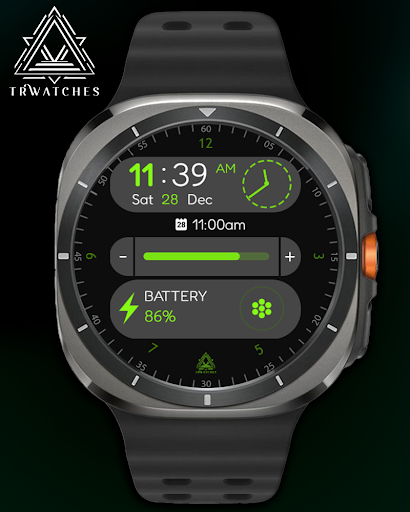
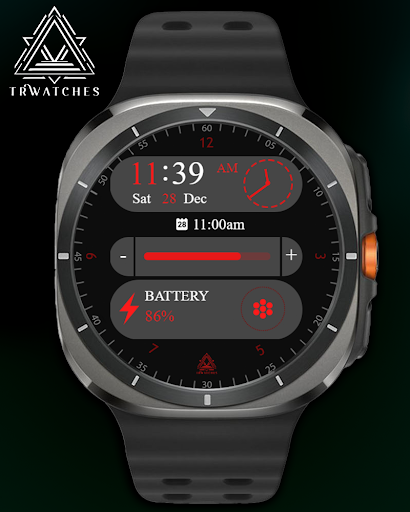
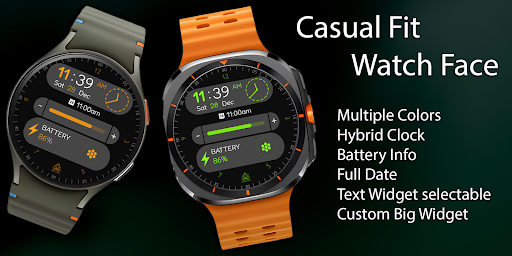
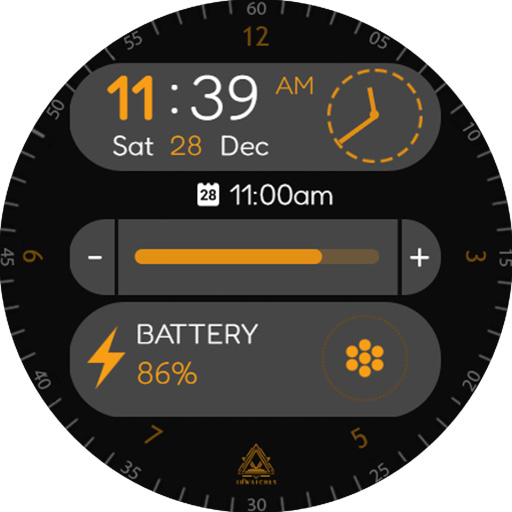
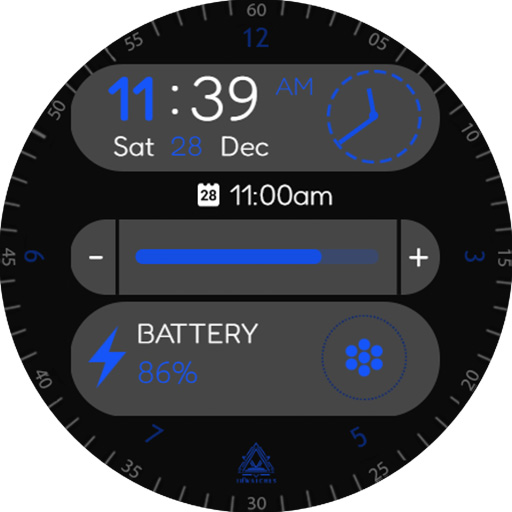
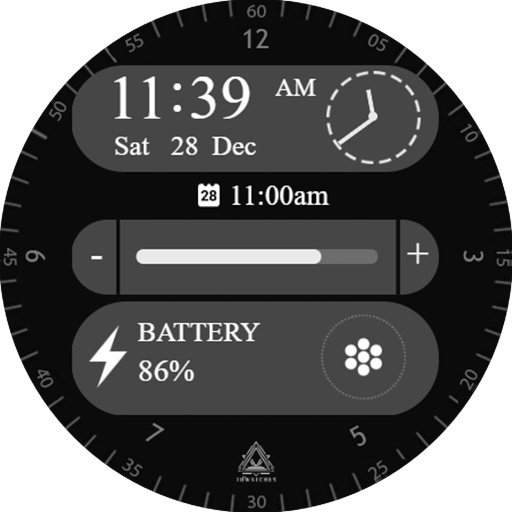
Compatible with all wear os devices! Multiple features and colors.
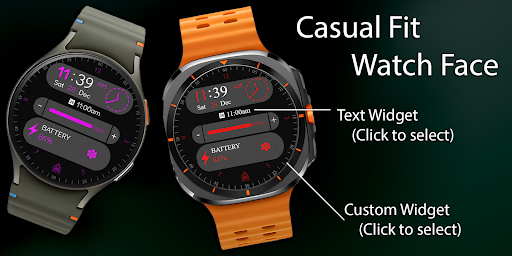
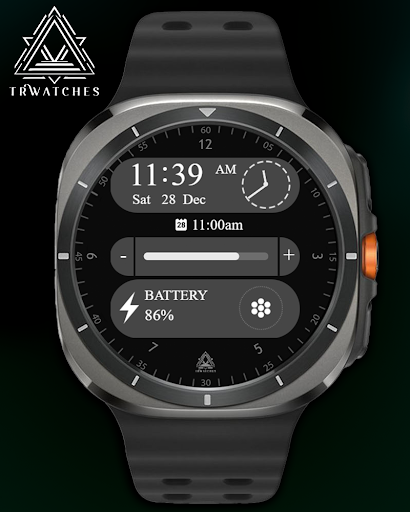
Enhance your smartwatch experience with Casual Fit, a versatile and modern watch face tailored for every occasion. Designed with a balance of simplicity and advanced features, Casual Fit brings effortless elegance to your wrist!
Key Features:
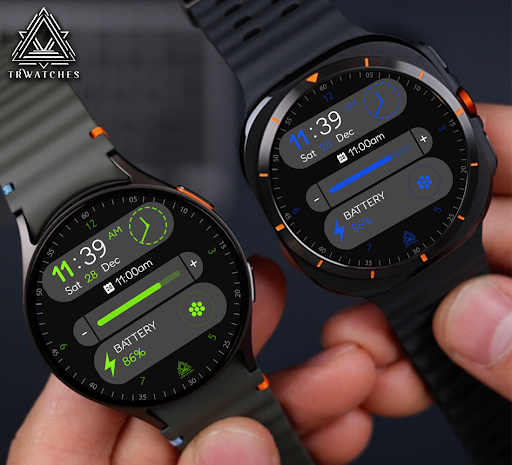
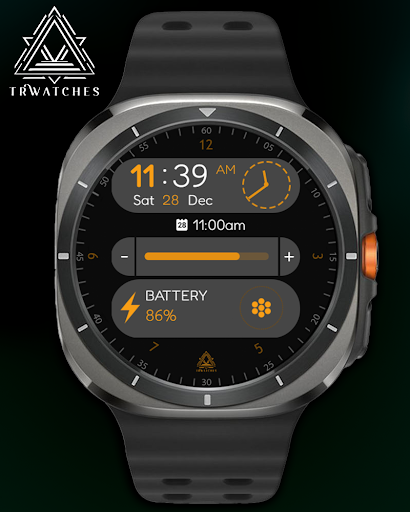
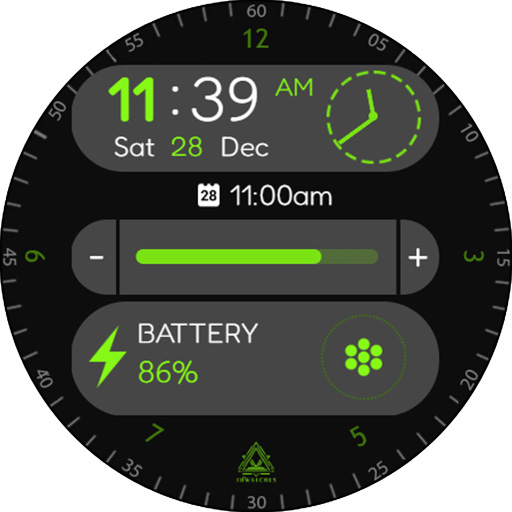
✅ Hybrid Clock: Combines analog and digital displays for a sleek, modern look.
✅ Full Date Display: Stay organized with the complete day, date, and month details.
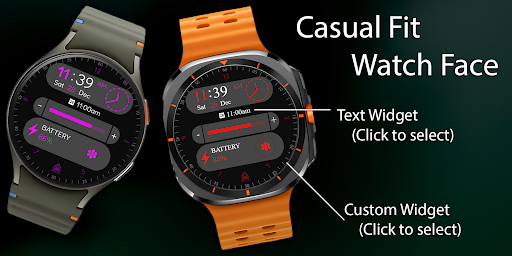
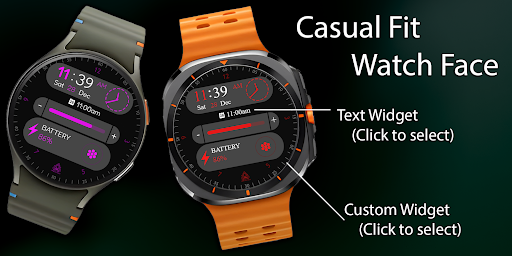
✅ Complicated Widgets: Access your most important info at a glance, including alarms and reminders.
✅ Battery Indicator: Keep track of your smartwatch's charge with a bold and clear display 🔋.
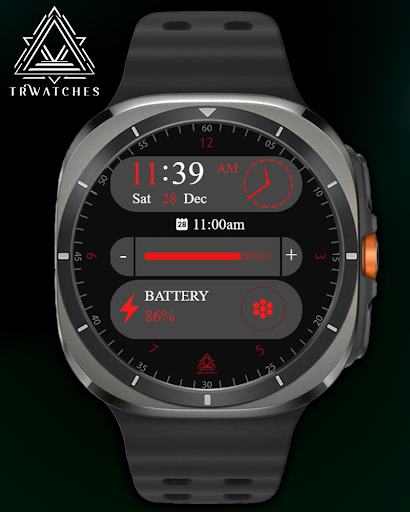
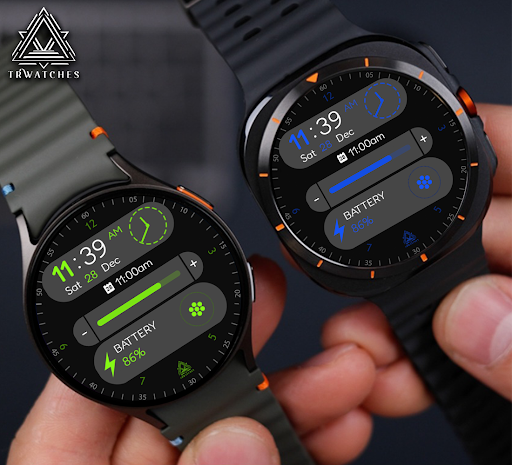
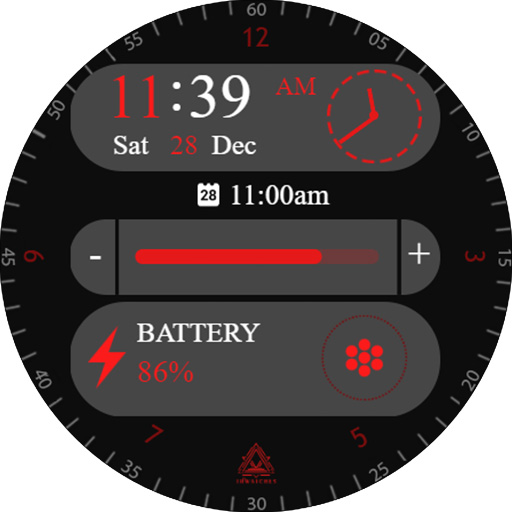
✅ Multiple Color Options: Customize your watch face to suit your mood or style.
Why Choose Casual Fit?
🎨 Stylish yet functional design for everyday use.
📅 All your essential information in one place.
⚡ Optimized for performance and battery life.
Get Casual Fit Today and transform the way you interact with your smartwatch!
--------------------------------------------------------------------------------------------------------
Watch face installation notes on smart watch:
Phone app serves only as a placeholder to make it easier to install & find the watch face on your Wear OS watch. You have to select your watch device from the install dropdown menu.
If you download the helper directly with the phone , you need to open application and touch on the display or the download button. -> will start to install on the watch.
A wear os watch need to be connected.
If not working in that way , you can copy that link into your phone chrome browser and click on arrow down from right , and you choose the watch face to install.
..............................................
After installation you need to set that watch face to your screen , from wear OS app , go down at downloaded watch faces and you will find it.
If you have problems , please contact me on raduturcu03@gmail.com
Try to see others designs in my google profile.
Version Information
- Version
- -
- Downloads
- 10+
- Updated on
- -
- Released
- Jan 7, 2025
- Requires
- Android Varies with device
Statistics
Google Play Rating History
Rating Distribution
Downloads Over Time
Casual Fit Watch Face has been downloaded times. Over the past 30 days, it averaged downloads per day.
Shaded area shows 30-day prediction based on historical trends
Historical data collection started recently. More data points will be available over time.
ApkTrusted Ratings & Reviews
More from Turcu Radu
See more apps
Abstract Paint Watch Face
Paid

American Old Plate Watch Face
Paid

Ancient Swiss Watch Face
Paid
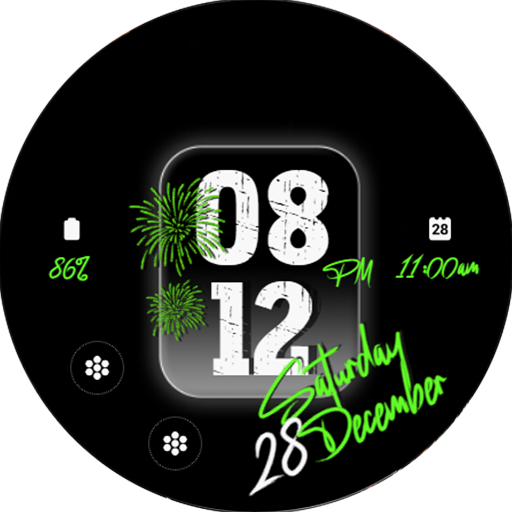
Animated Fireworks Watch Face
Paid

Animated Minimal Watch Face
Paid

Big Casual Watch Face
Paid

Big Digital Clock Watch Face
Paid

Big Minimal Watch Face
Paid

Cartoon Animals Watch Face
Paid
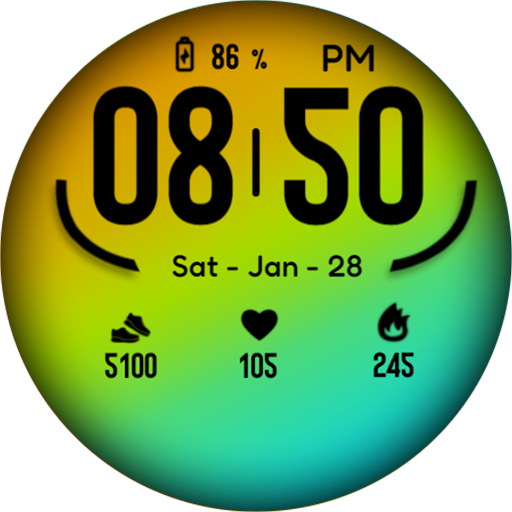
Casual Color Watch Face
Paid

Casual Complex Watch Face
Paid

Christmas Holidays Watch Face
Paid

Christmas Numbers Watch Face
Paid

Christmas Tree Watch Face
Paid
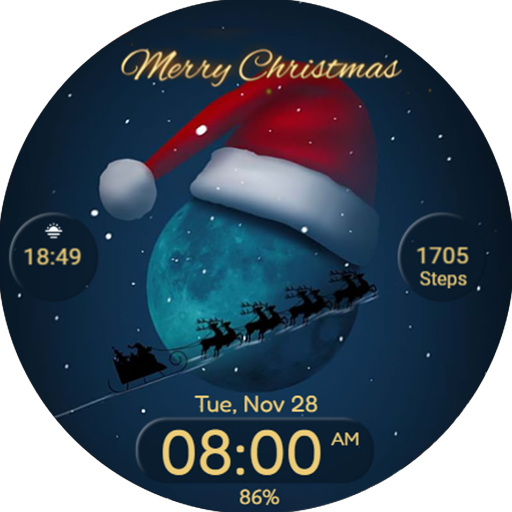
Christmas Watchface Wear Os
Paid

Circles Watchface Wear Os
Paid
Similar Apps

IA72 Digital Watchface
Paid
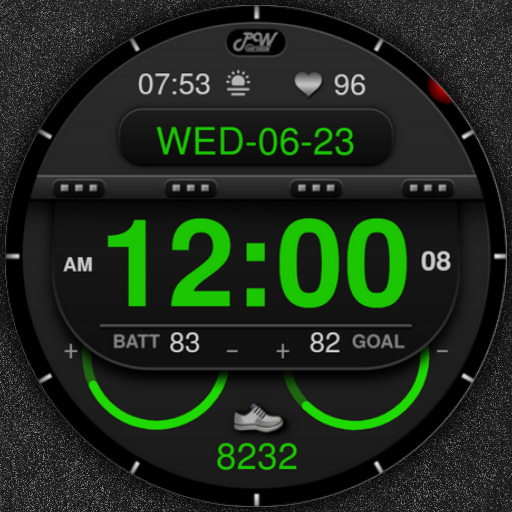
PW36 3D Digital Glow Watch
Free

Hybrid Epaloxy Watch Face
Paid

SamWatch Digital VI
Paid
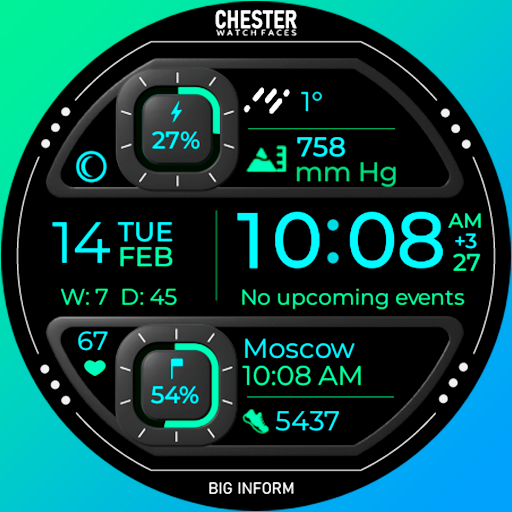
Chester Big inform watch face
Paid

TVV Digital 7 Watch Face
Free

Watchface M21
Free

DADAM55: Classic Watch Face
Paid

Key WF28 Digital Watch Face
Paid
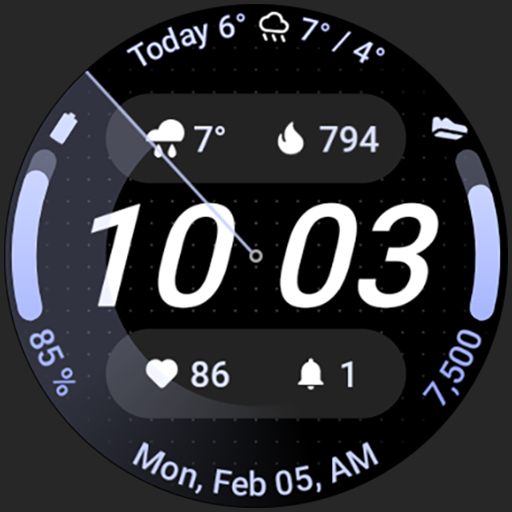
Nord SE: Watch face
Paid

Minimal - Classic - RE09
Paid
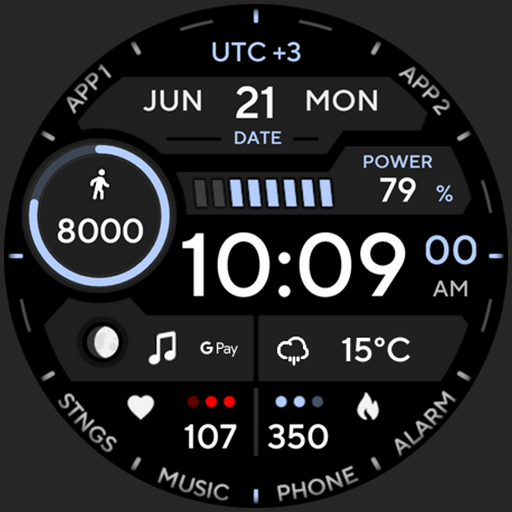
TACT ONE: Watch face
Paid

Minimal - Digital - RE11
Paid

Key103 Digital Watch Face
Free

Key WF41 Digital Watch Face
Paid
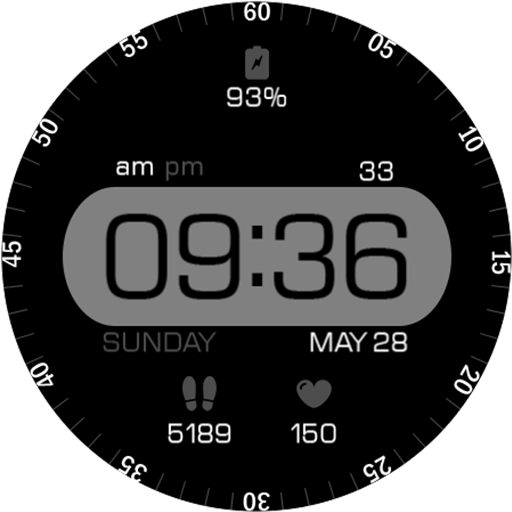
Key060 Digital Watch Face
Free
Scan this QR code to download

Forwarding you to the page at Google Play market in seconds...
Open Google Play market now