
Big Casual Watch Face vVARY
Turcu Radu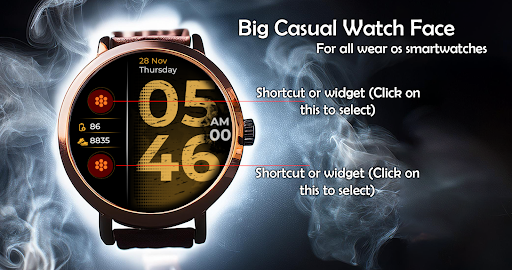



About this app
Developer Description
Unique design . Try it!
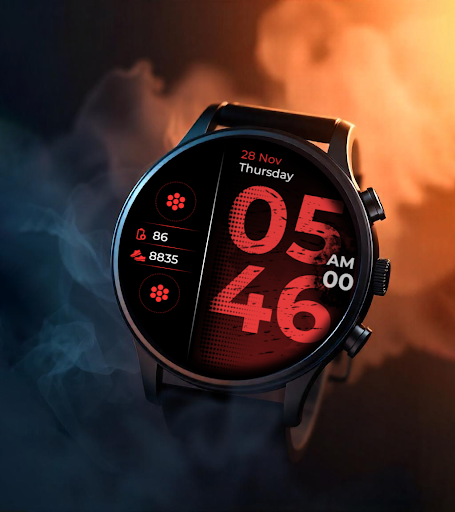
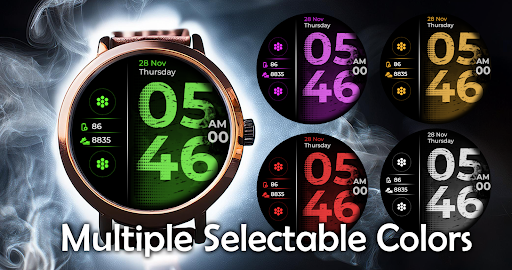
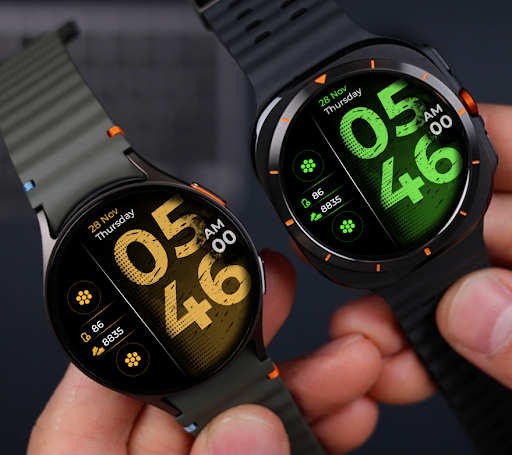
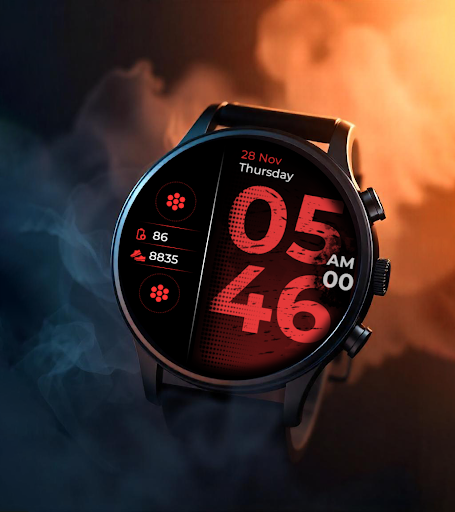
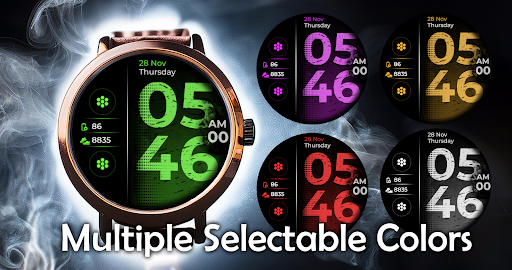
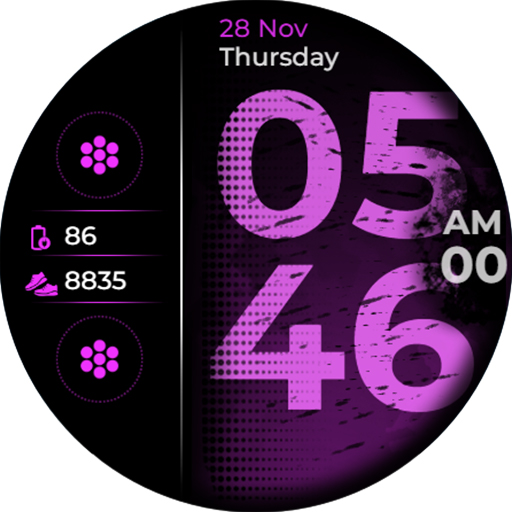
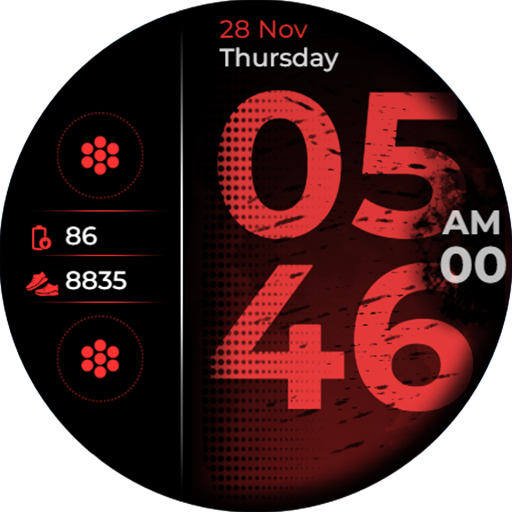
Get ready to simplify your smartwatch experience with the Big Casual Watch Face! Perfect for those who want a bold, easy-to-read display with all the essential information at a glance.
🕒 Key Features:
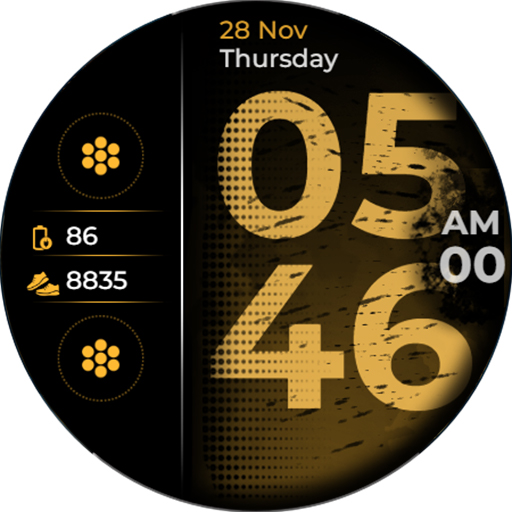
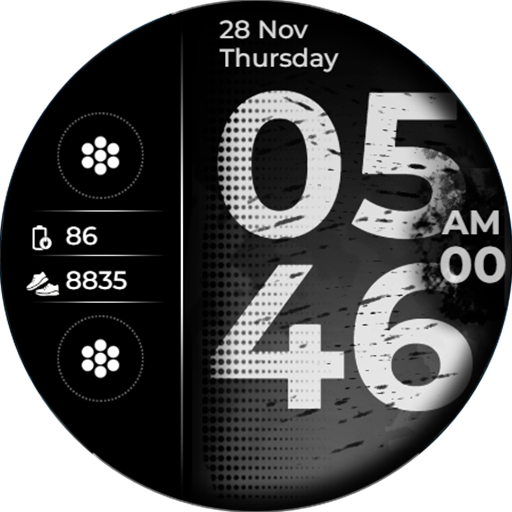
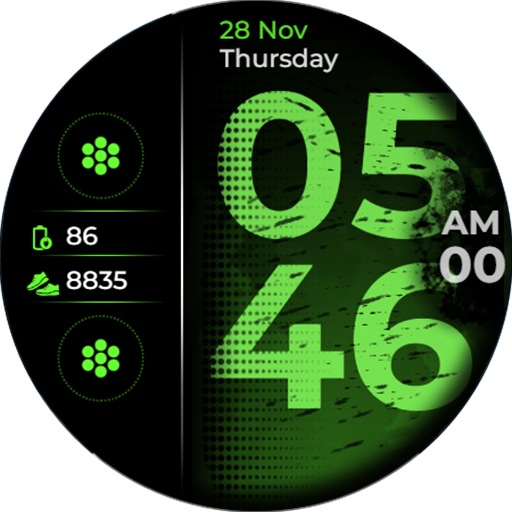
Big Digital Clock with AM/PM - see the time instantly, no squinting needed!
Full Date Display 📅 - day, month, and day of the week are right at the top for quick access.
Battery Indicator 🔋 - stay informed of your watch’s battery level without additional taps.
Step Counter 👟 - track your daily step progress and stay motivated on your fitness journey.
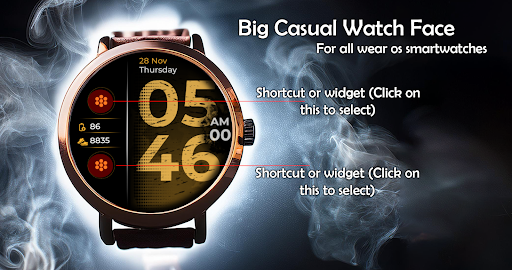
Two Customizable Widgets 🎛️ - add your favorite complications to make this watch face uniquely yours!
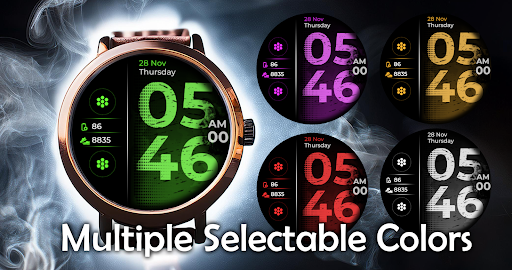
Multiple Color Options 🎨 - match your style with a variety of vibrant color themes.
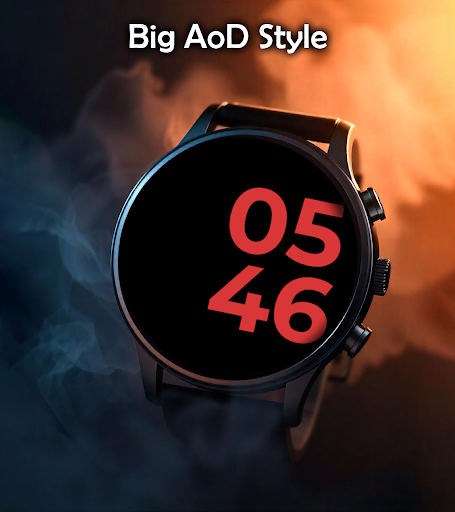
Always-On Display (AOD) - the time and essential info remain visible even when your watch is idle.
🔥 Why Choose Big Casual Watch Face?
This watch face is designed to be both functional and stylish, with large text that’s easy to read and a sleek layout that prioritizes essential info. It's perfect for those who want a minimalist, casual design without sacrificing features!
---------------------------------------------------------------
Watch face installation notes on smart watch:
Phone app serves only as a placeholder to make it easier to install & find the watch face on your Wear OS watch. You have to select your watch device from the install dropdown menu.
If you download the helper directly with the phone , you need to open application and touch on the display or the download button. -> will start to install on the watch.
A wear os watch need to be connected.
If not working in that way , you can copy that link into your phone chrome browser and click on arrow down from right , and you choose the watchface to install.
If you have problems , please contact me on raduturcu03@gmail.com
Try to see others designs in my google profile.
Version Information
- Version
- -
- Downloads
- 100+
- Updated on
- -
- Released
- Nov 15, 2024
- Requires
- Android Varies with device
Statistics
Google Play Rating History
Rating Distribution
Downloads Over Time
Big Casual Watch Face has been downloaded times. Over the past 30 days, it averaged downloads per day.
Shaded area shows 30-day prediction based on historical trends
Historical data collection started recently. More data points will be available over time.
Big Casual Watch Face users say on Google Play
 Rot Rose
So elegant watch face the digits are big and clear and colors are beautiful I liked it so much thanks
ApkTrusted Ratings & Reviews
More from Turcu Radu
See more apps
Abstract Paint Watch Face
Paid

American Old Plate Watch Face
Paid

Ancient Swiss Watch Face
Paid
Animated Fireworks Watch Face
Paid

Animated Minimal Watch Face
Paid

Big Digital Clock Watch Face
Paid

Big Minimal Watch Face
Paid

Cartoon Animals Watch Face
Paid
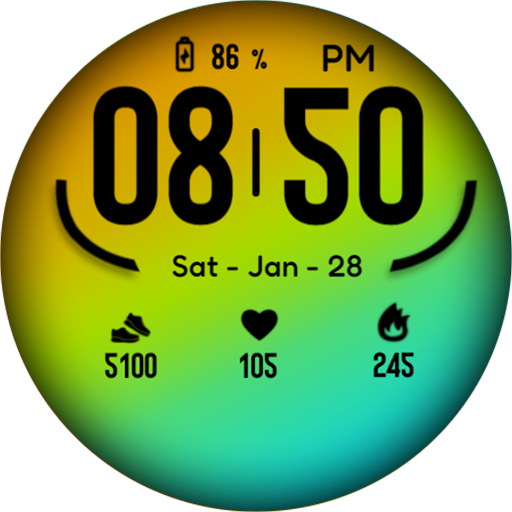
Casual Color Watch Face
Paid

Casual Complex Watch Face
Paid
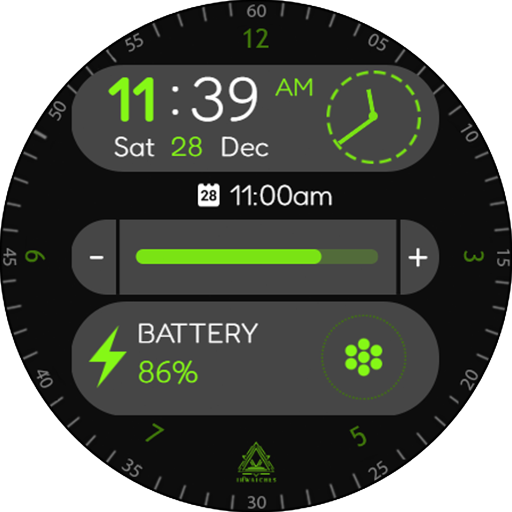
Casual Fit Watch Face
Paid

Christmas Holidays Watch Face
Paid

Christmas Numbers Watch Face
Paid

Christmas Tree Watch Face
Paid
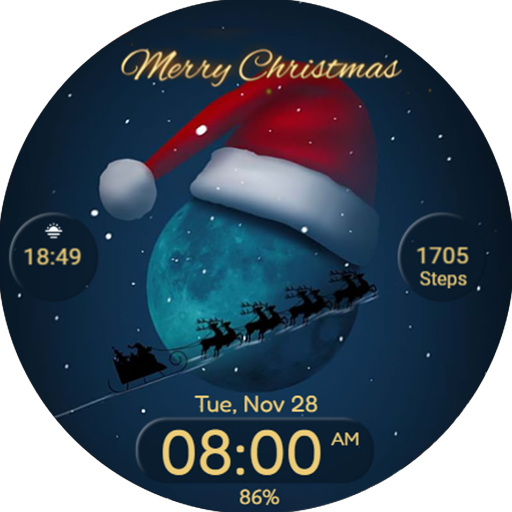
Christmas Watchface Wear Os
Paid

Circles Watchface Wear Os
Paid
Similar Apps

ML2U 400 Watch Face
Free
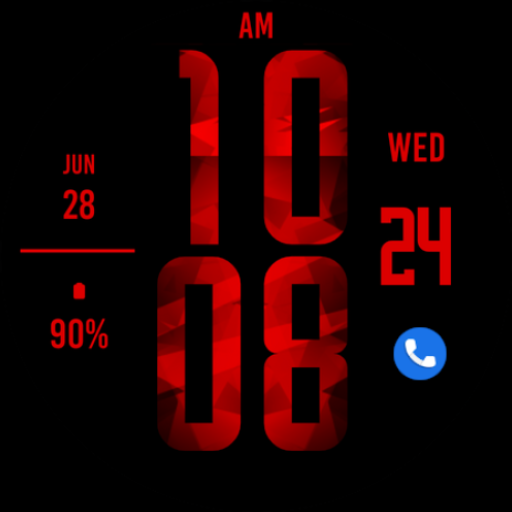
Red Digital XL Watch Face
Paid
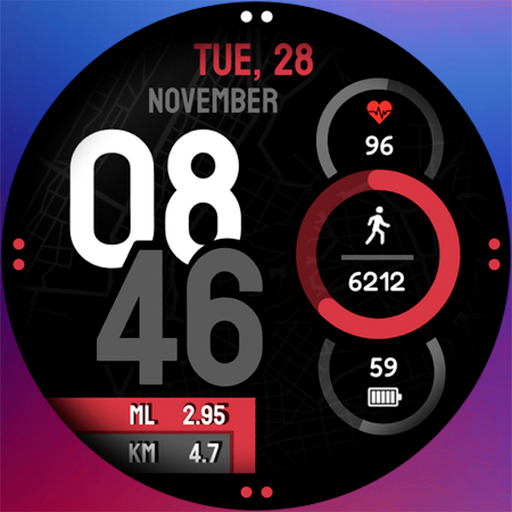
Sport watchface digital NY
Free

MW13 City Digital Watch
Free

Sport Digital NY City Wear OS
Free

ML2U 119 Watch Face
Paid

Key035 Digital Watch Face
Free

Minimal Watch Face 003
Free

PIXEL SPORT PRO Watch Face
Paid
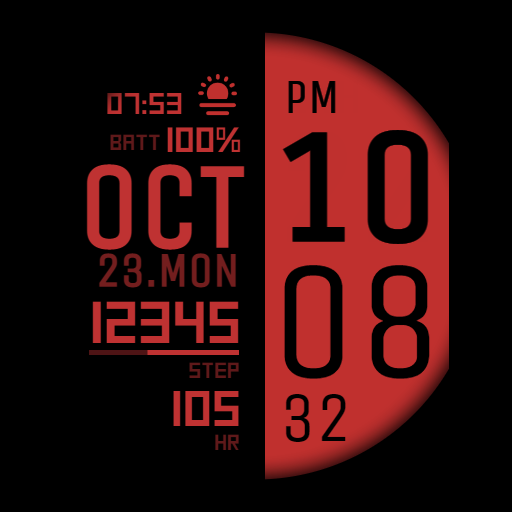
IWF R1 SE | ISACWATCH
Paid

Stylish Red Pro Watch Face
Paid
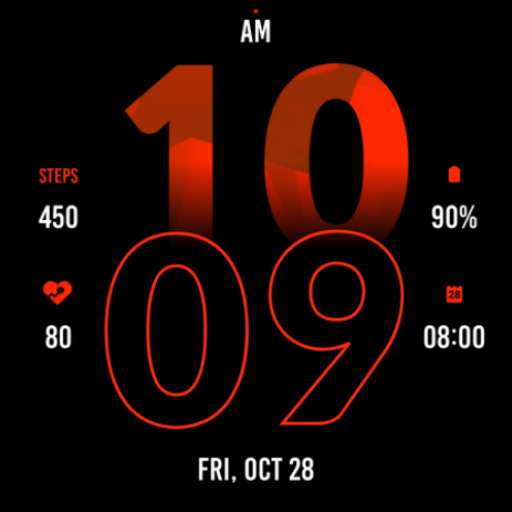
Active Red Watch Face
Paid

Stylish Maroon Watch Face
Paid
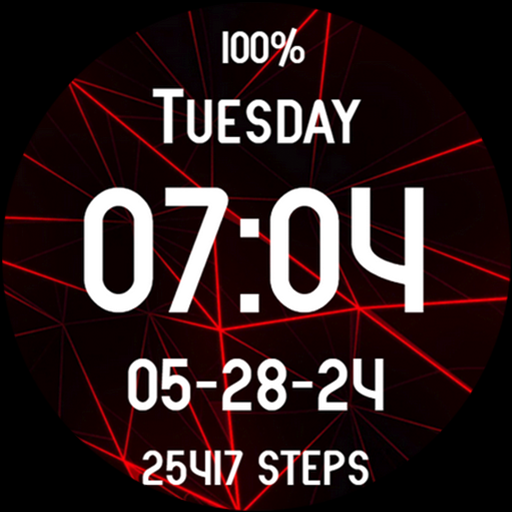
Red Neon Gamer Spider Web
Free
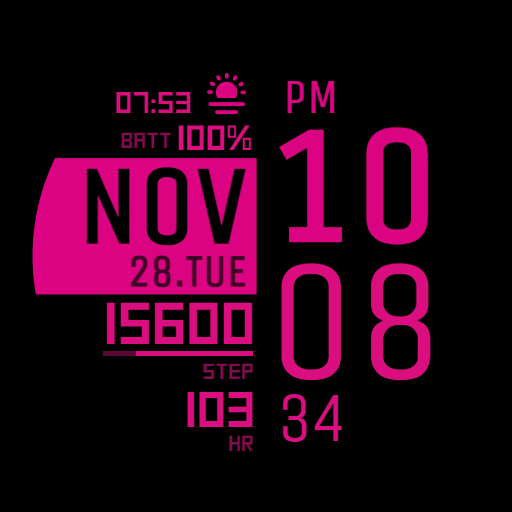
IWF DL1 watch face
Paid
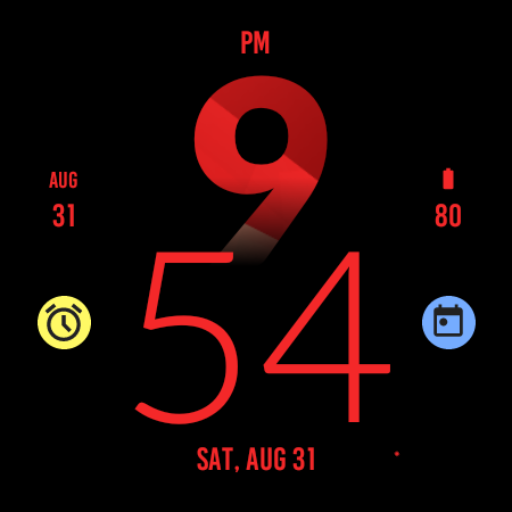
Active Red Fit Watch Face
Paid
Scan this QR code to download

Forwarding you to the page at Google Play market in seconds...
Open Google Play market now