
Analog Classic 16 Wear OS 4+ vVARY
OQ Watchfaces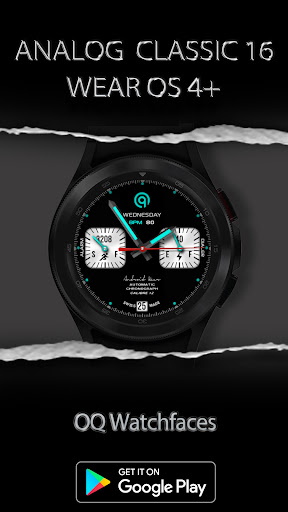



About this app
Developer Description
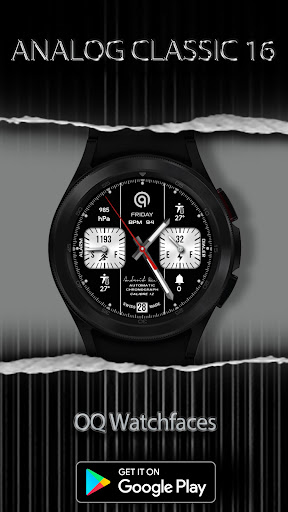
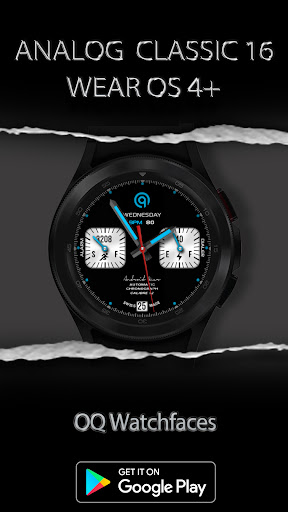
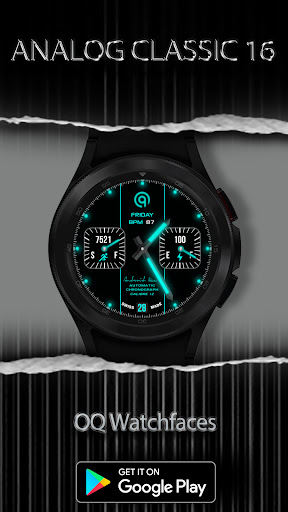
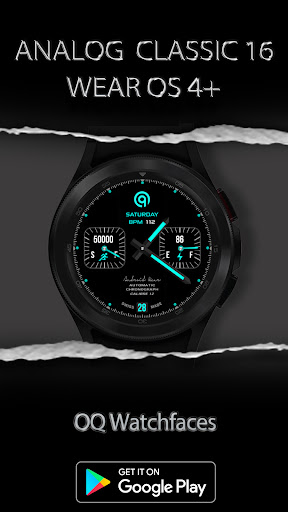
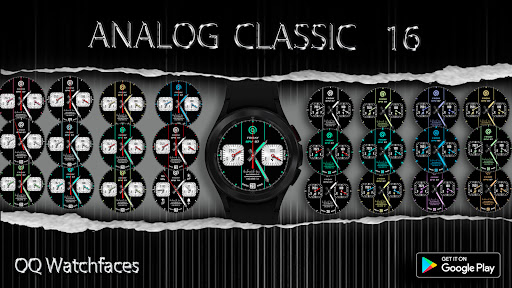
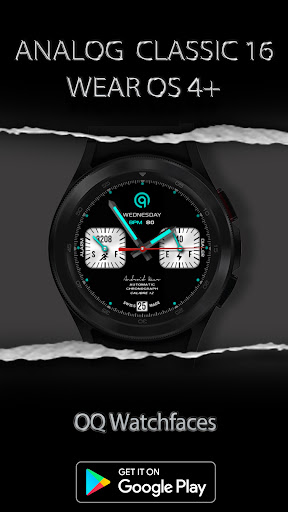
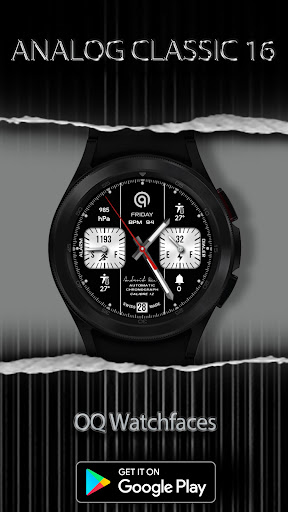
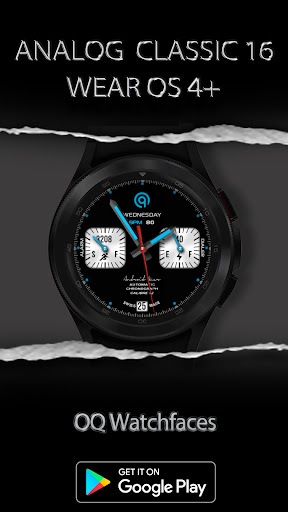
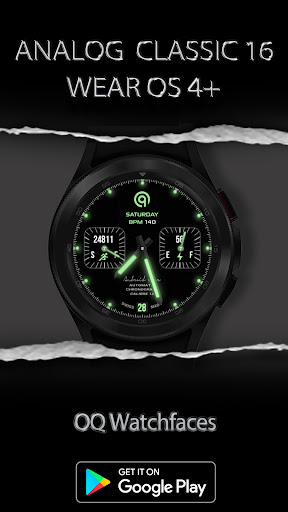
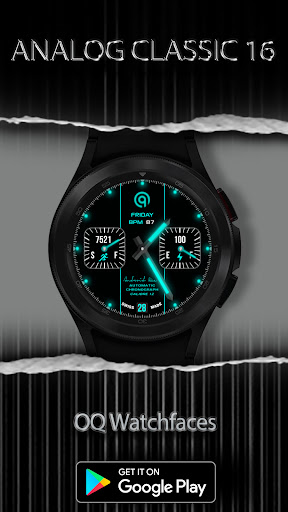
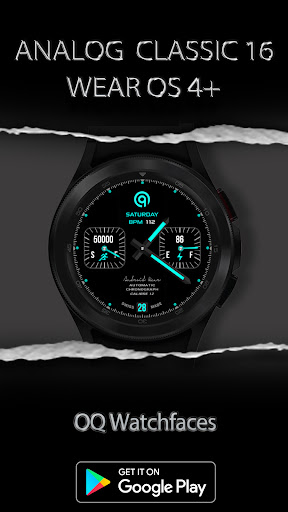
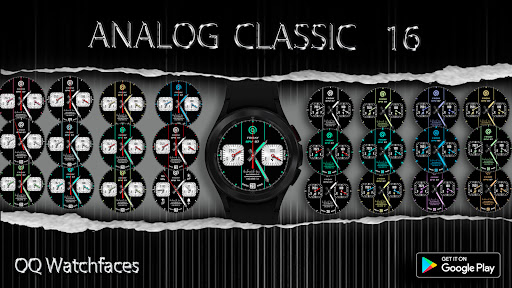
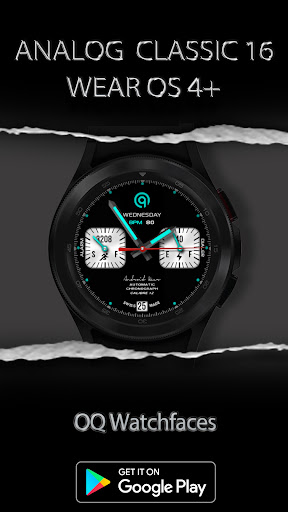
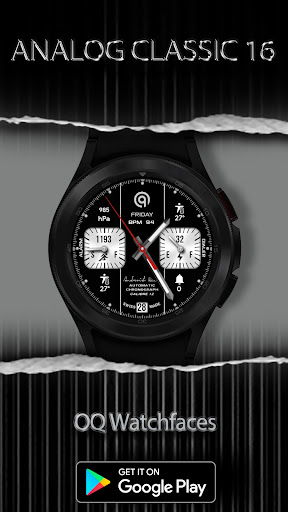
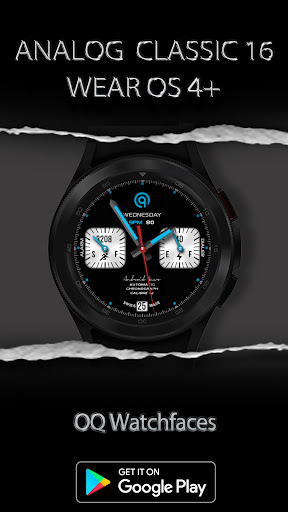
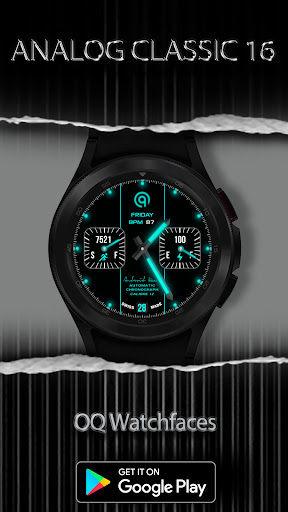
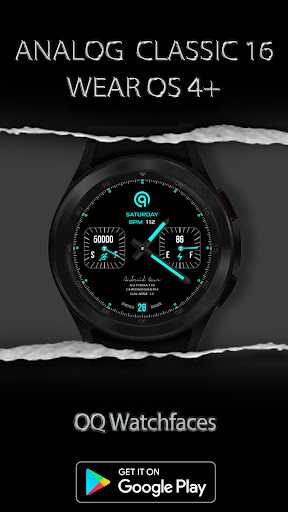
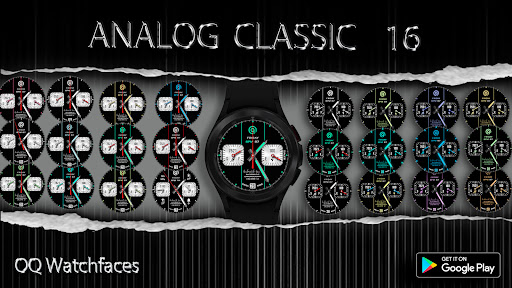
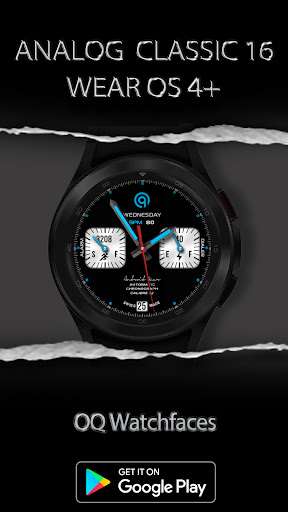
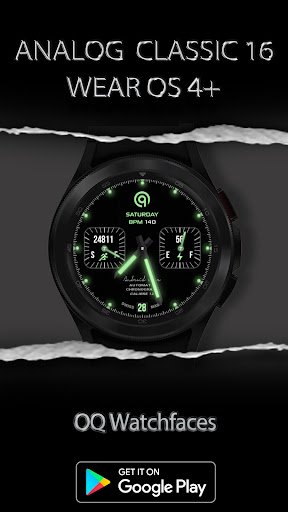
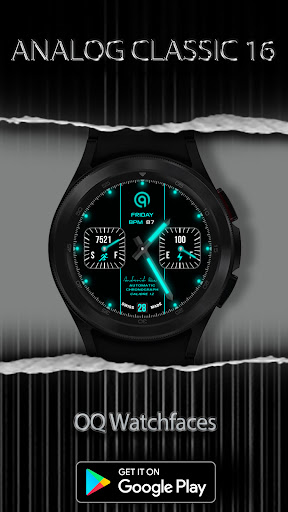
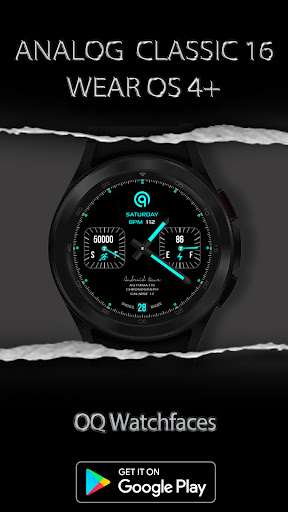
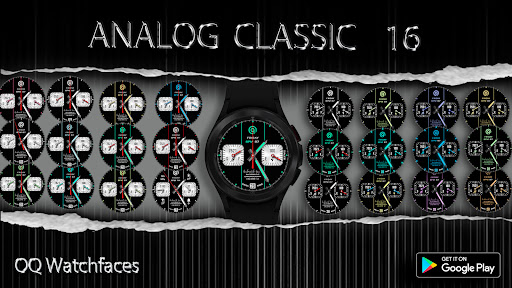
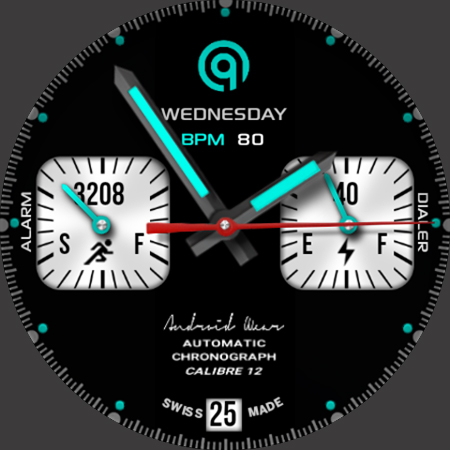
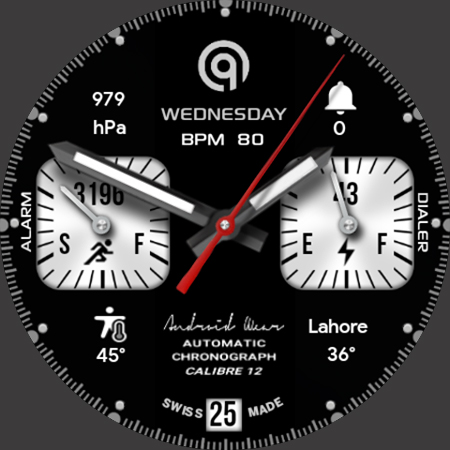
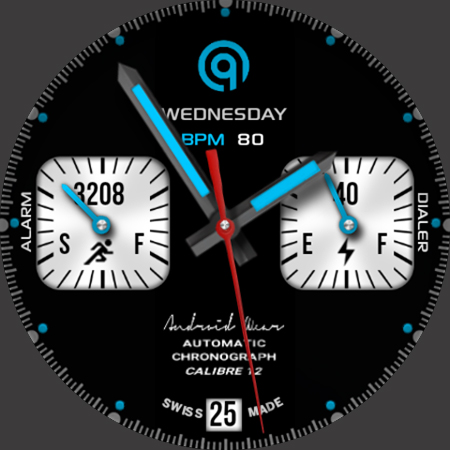
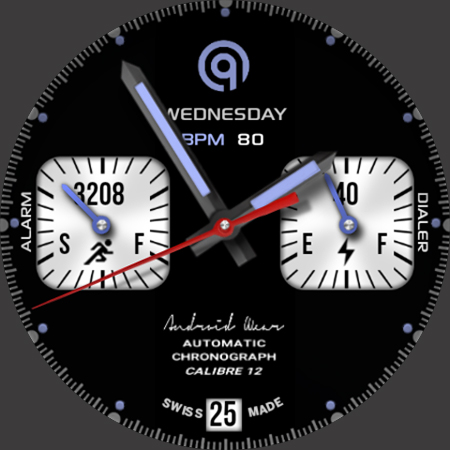
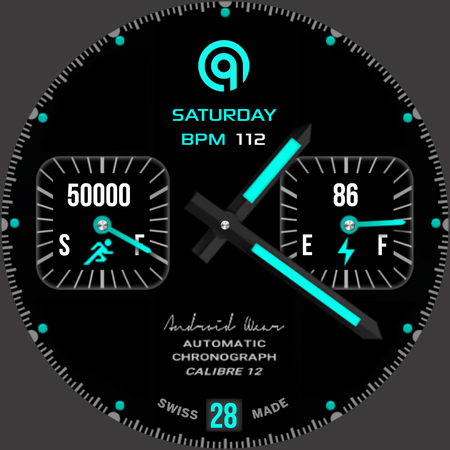
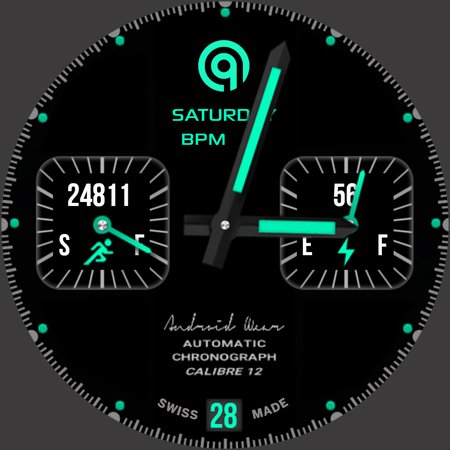
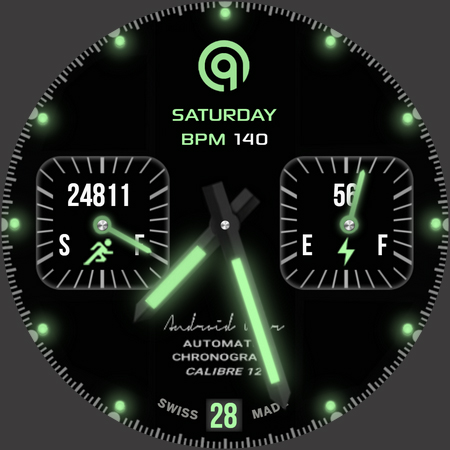
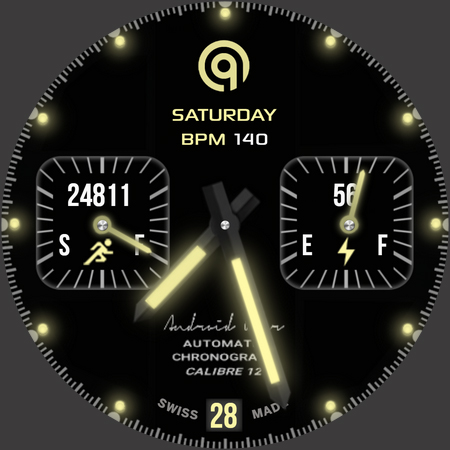
A classic Analog Watchface with lot of colors and customization options.
NOTICE: READ THIS ALWAYS BEFORE AND AFTER DOWNLOADING OUR WATCH FACE TO AVOID ANY SITUATION YOU DON'T LIKE.
=======================================================
a. This watch face contains a lot of options in customization menu.If for some reason it takes time to load customization options in Wearable app wait for at least 8 secs to let load up all customization menu options while opening on Galaxy wearable app.
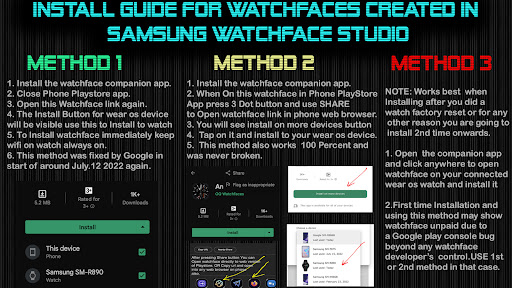
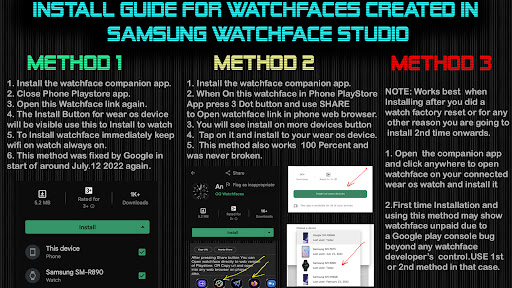
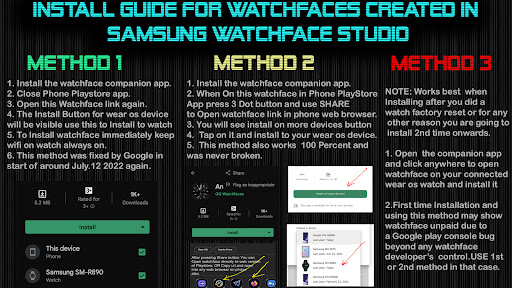
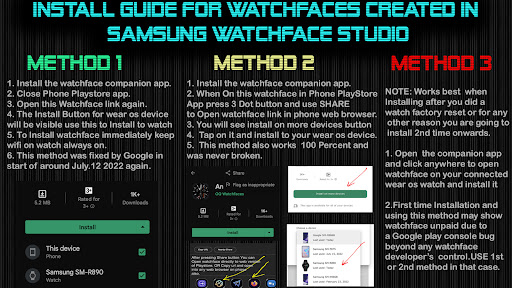
b. An Effort has be done to make a INSTALL GUIDE which is attached as an image with screen previews.It is the 1st image in previews for Newbie Android Wear OS Users or for those who do not know how to install the watch face to your connected device. So it is requested to users to read it before posting cannot install statements reviews.
c. DO NOT PAY TWICE FROM WATCH PLAY STORE . READ The Install Guide Image again. See 3 x methods 100 percent working to install both phone app and watch app . The install guide clearly says tap to open connected on connected watch is when you are installing it for the first time.
=======================================================
FEATURES AND FUNCTIONS
=======================================================
The watch face has following features:-
1. Tap at Date text to open watch calendar app.
2. Tap at 3 o clock dot of hour index to open Watch Dial App.
3. Tap at 9 o clock dot of hour index to open Watch Alarm App.
4. Tap on OQ logo to open watch settings menu.
5. Shadow On/Off option is available in customization menu.
6. Dim Mode For AoD and Main is available in customization menu.
7. Tap On BPM Text and it will open Heart Rate Counter in Watch Samsung Health App.
8. Bpm Text can be hidden for AoD Mode from customization menu.
9. By Default corner complications are hidden in AoD Mode. Option to turn on at AoD has also been added in customization menu. If you want to hide on main display as well you can use complication it self to switch them off .
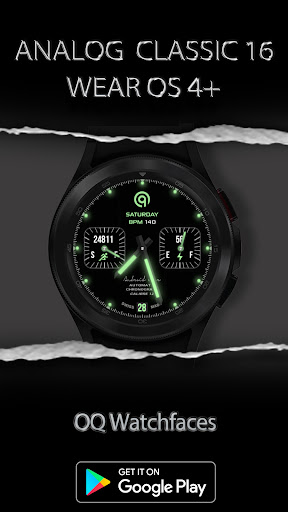
10. AoD Lume On/Off is available for AoD Hands , logo, and index in customization menu.
11. Center Lines Separator Can be turned On/Off from Customization menu as well.
What's New
1. Watch face updated with Samsung Latest Watch Studio V1.6.10 released on Jul-23-2024 as per Google New Policy To target Android 13 (API level 33) or higher.
2. Helper Companion app updated for phone play store app.
2. Step Chronometer needle rotation corrected now whatever step target is selected in Samsung Health App, The needle will auto adjust accordingly.
Version Information
- Version
- -
- Downloads
- 500+
- Updated on
- Sep 25, 2024
- Released
- Apr 28, 2023
- Requires
- Android Varies with device
Statistics
Google Play Rating History
Rating Distribution
Downloads Over Time
Analog Classic 16 Wear OS 4+ has been downloaded times. Over the past 30 days, it averaged downloads per day.
Shaded area shows 30-day prediction based on historical trends
Historical data collection started recently. More data points will be available over time.
Analog Classic 16 Wear OS 4+ users say on Google Play
 Daniel Chan
awesome
ApkTrusted Ratings & Reviews
More from OQ Watchfaces
See more apps
Digital Basic 7 Wear OS 5+
Paid
Digital Basic 3b Wear OS 4+
Paid

Digital Basic 4 Wear OS 5+
Paid

Diver Classic 2 Wear OS 4+
Paid

Analog Classic 5 Wear OS4
Free
Analog Basic 21 Wear OS 5+
Paid

Digital Basic 8 Wear OS 4+
Paid

Analog Basic 13 Wear OS 4+
Free
Analog Basic 12 Wear OS 4+
Free

Analog Basic 14 Wear OS 4+
Free

Analog Basic 16 Wear OS 4+
Free
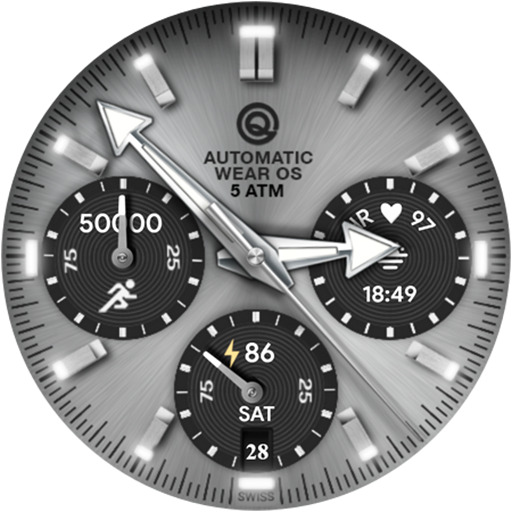
Analog Basic 16C Wear OS 4+
Paid

Analog Basic 20 Wear OS 4+
Paid
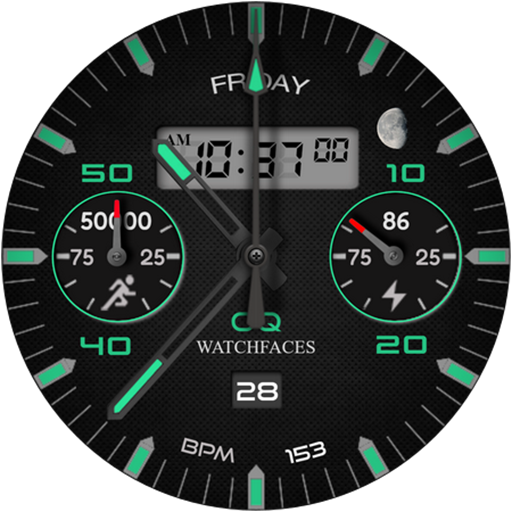
Analog Basic 11B Wear OS 5+
Free

Analog Basic 22 Wear OS 4+
Free

Analog Basic 23 WEAR OS 4+
Free
Scan this QR code to download

Forwarding you to the page at Google Play market in seconds...
Open Google Play market now