
Analog Basic WF Wear OS 5+ vVARY
OQ Watchfaces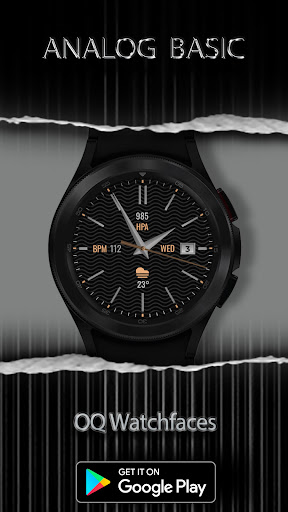




About this app
The Analog Basic WF Wear OS 5+ app solves the problem of limited watch face customization options for Wear OS 5+ users, benefiting those who value personalization and simplicity. With a 4.4/5 rating and 10,000+ downloads, it compares favorably to other Personalization category apps in terms of user satisfaction. What makes it stand out is its basic yet customizable design, which may appeal to users seeking a minimalistic look. However, it may fall short for users seeking more complex or feature-rich watch faces.
Pros
- The app's high user rating of 4.4/5 indicates a well-designed and functional product that meets user needs, with many reviewers praising its simplicity and customization options.
- With 10,000+ downloads, the app has demonstrated social proof and a level of popularity, suggesting that it is a viable choice for Wear OS 5+ users.
- The app's lack of permissions requests is a significant advantage, as it ensures user data privacy and security, which is a major concern for many users.
- The developer's reputation, as inferred from the app's quality and user reviews, suggests a commitment to creating useful and user-friendly software.
- The app's free and ad-free model ensures a seamless user experience without interruptions or monetization-related distractions.
Cons
- The app's limited feature set may not appeal to users seeking more complex or dynamic watch faces, potentially limiting its appeal to a broader user base.
- The lack of information about the developer's website and support channels may raise concerns about long-term support and updates for the app.
- Some users may find the app's customization options insufficient or too basic, which could lead to user dissatisfaction and negative reviews.
- The app's compatibility with various Wear OS 5+ devices may vary, potentially leading to issues with certain devices or configurations.
Best for: The ideal user for the Analog Basic WF Wear OS 5+ app is a tech-savvy individual, likely between the ages of 25 and 45, who values simplicity, customization, and data privacy, and is seeking a basic yet functional watch face for their Wear OS 5+ device, with a moderate level of technical expertise to navigate the app's features and settings.
Developer Description
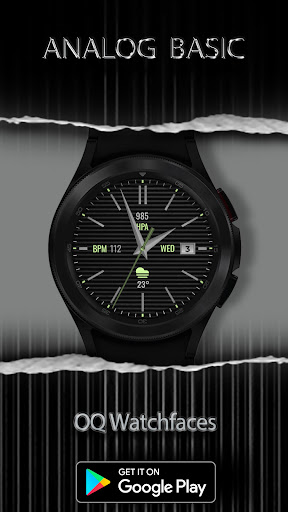
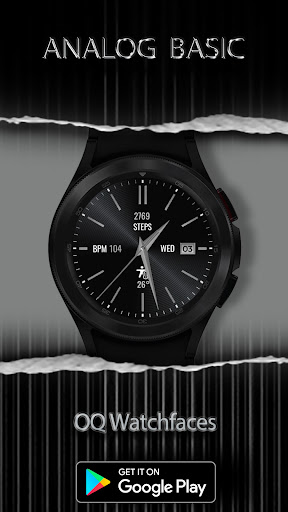
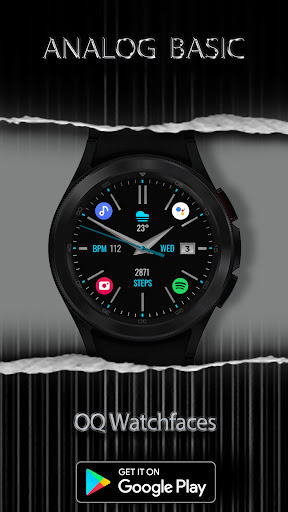
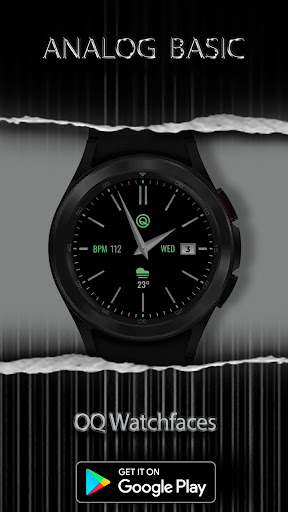
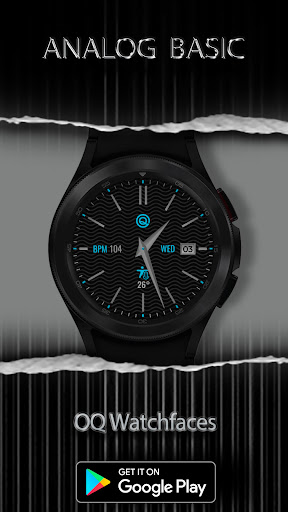
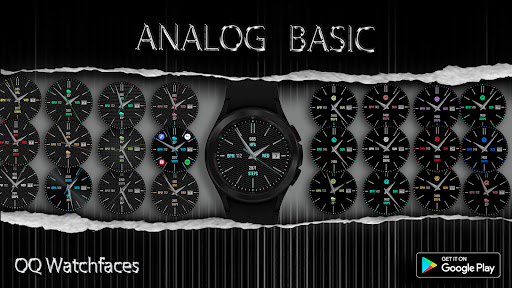
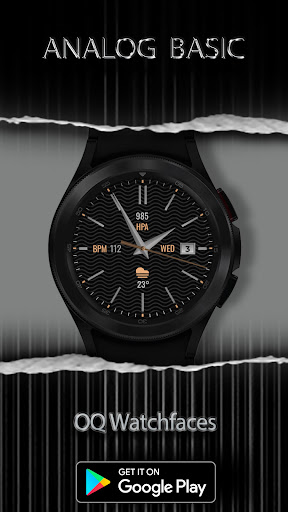
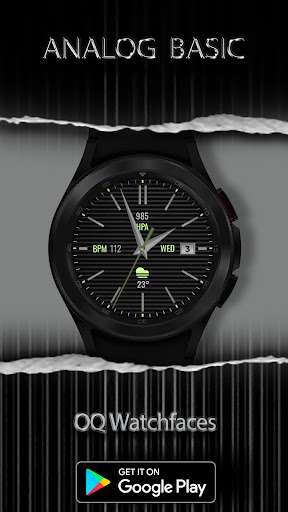
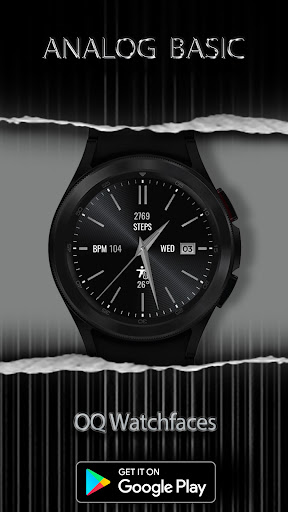
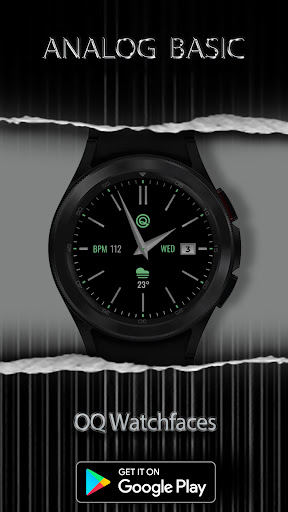
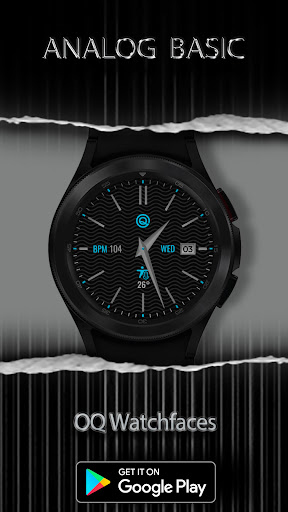
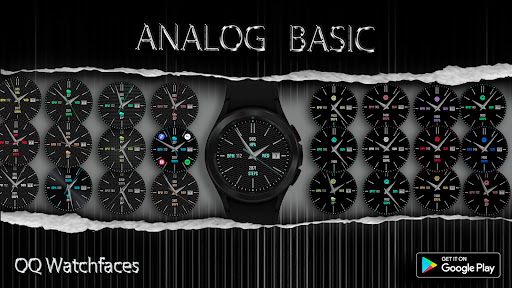
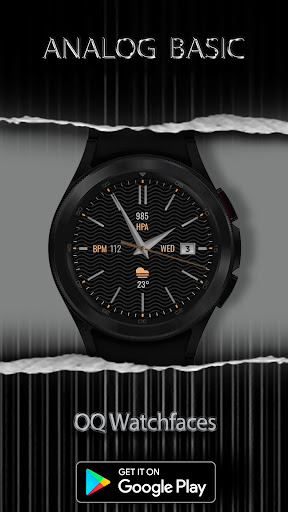
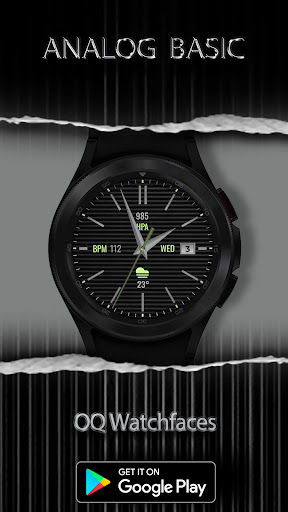
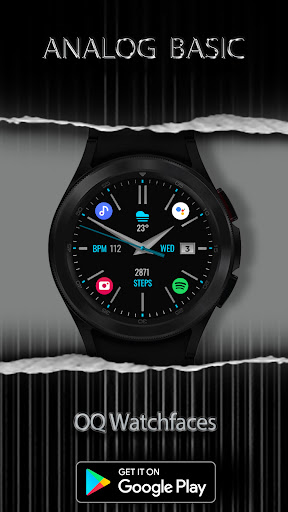
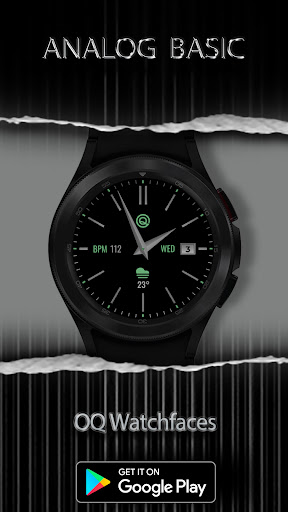
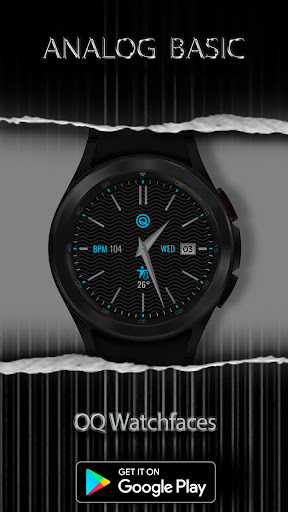
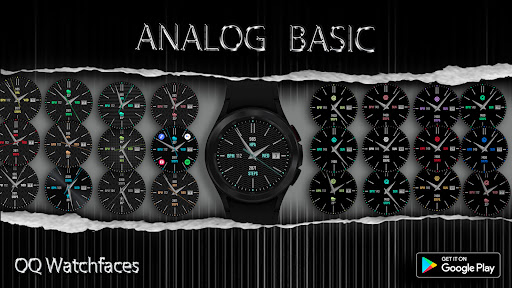
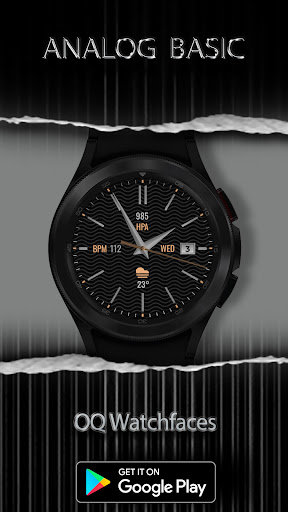
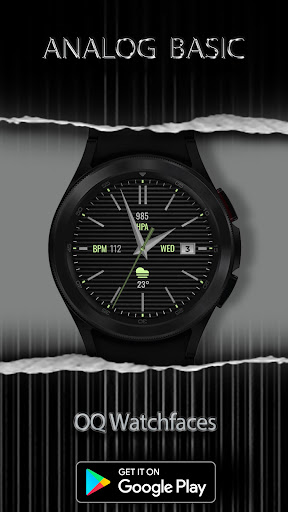
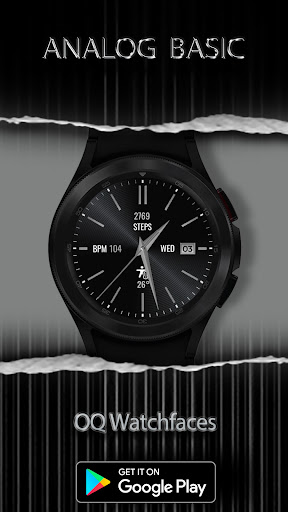
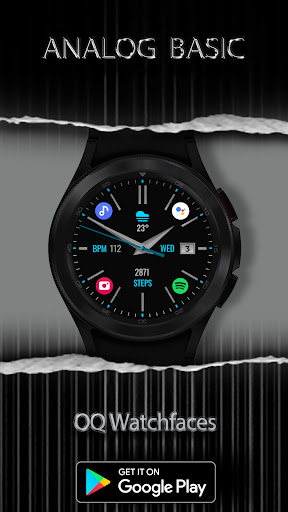
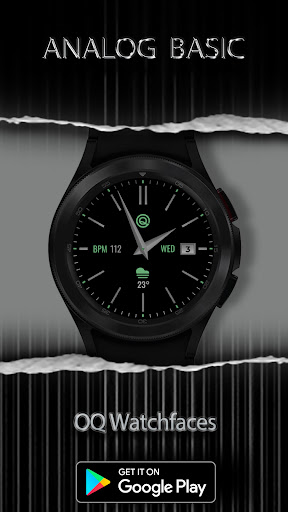
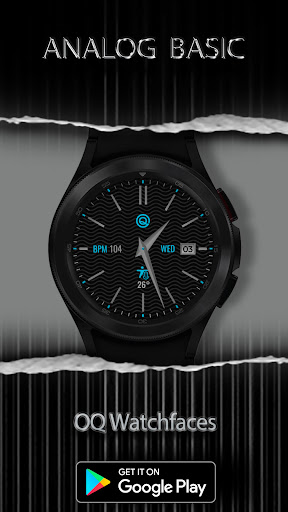
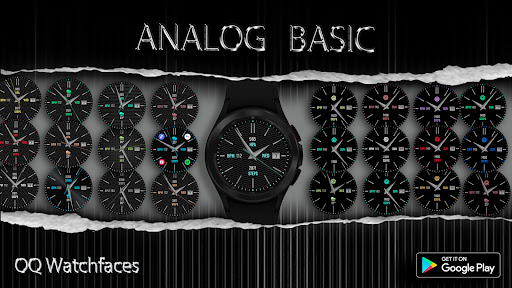
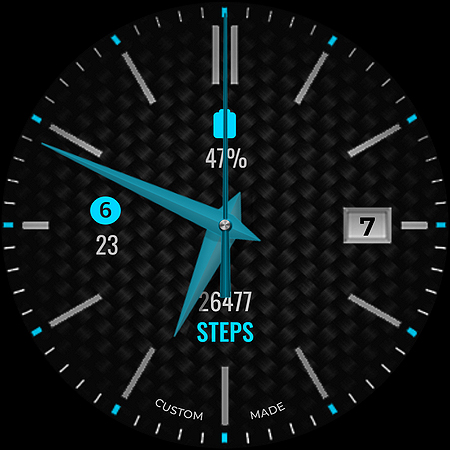
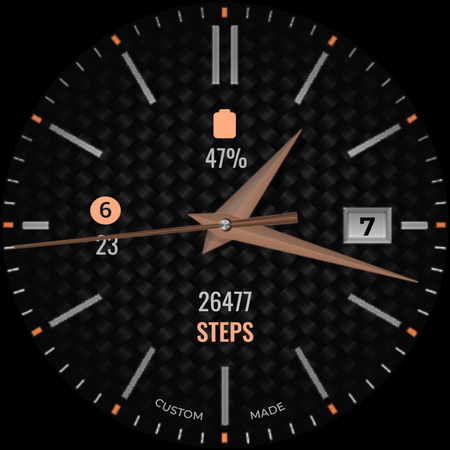
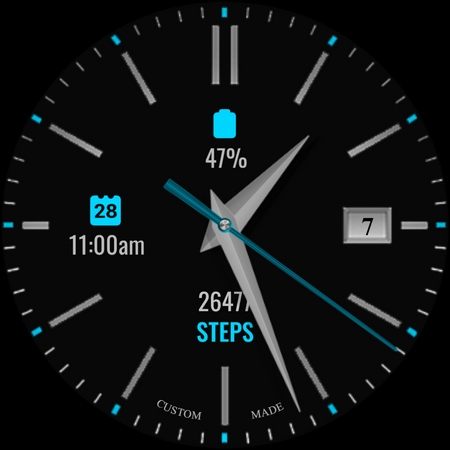
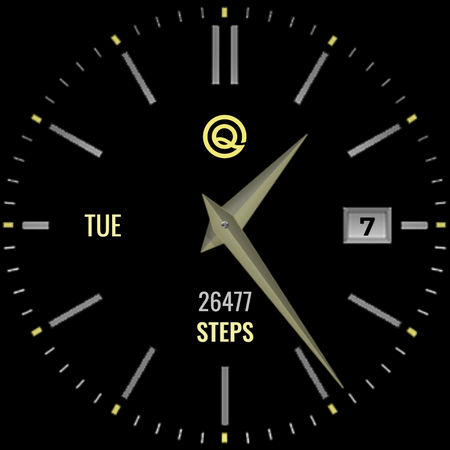
A basic watch face for Wear OS 5+ with many customization options.
NOTICE: READ THIS ALWAYS BEFORE AND AFTER DOWNLOADING OUR WATCH FACE TO AVOID ANY SITUATION YOU DON'T LIKE.
=======================================================
a. This watch face Wear OS 5+ contains a lot of options in customization menu.If for some reason it takes time to load customization options in Wearable app wait for at least 8 secs to let load up all customization menu options while opening on Galaxy wearable app.
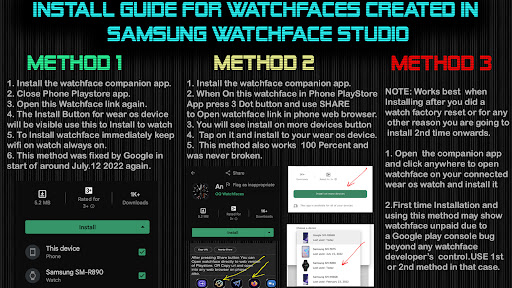
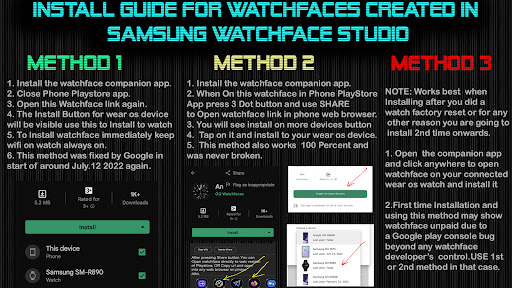
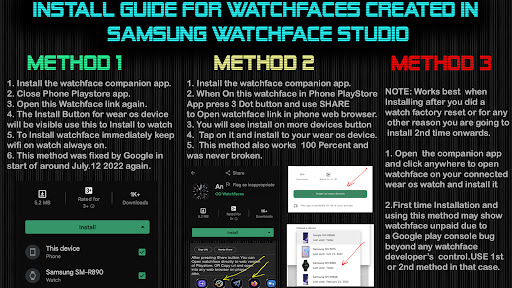
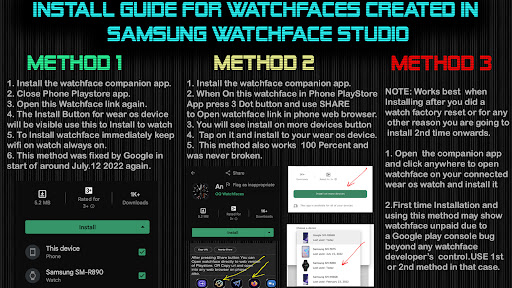
b. An Effort has be done to make a INSTALL GUIDE which is attached as an image with screen previews.It is the last image in previews for newbie android Wear OS Users or for those who do not know how to install the watch face to your connected device. So it is requested to users to read it before posting cannot install statements reviews.
=======================================================
FEATURES AND FUNCTIONS
=======================================================
This watch face for Wear OS 5+ has following features:-
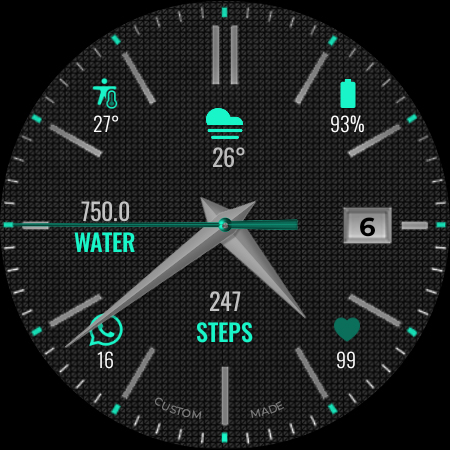
1. Tap on 12 o clock hour number to open watch Google Maps app.
2. Tap on 6 o clock hour number bar to open watch Google Play Store App.
3. Tap on 3 o clock hour index bar to open watch dial app.
4. Tap on 9 o clock hour index bar to open watch messages app.
5. Tap on Day Text to open watch Alarm app.
6. 1 x invisible complication customizable shortcut available via customization menu
7. 6 x customizable complications for main also available in customization menu.
8. You can turn Hands Color Off/On from customization menu now.
9. Seconds Needle movement style option can be selected from the customization menu.
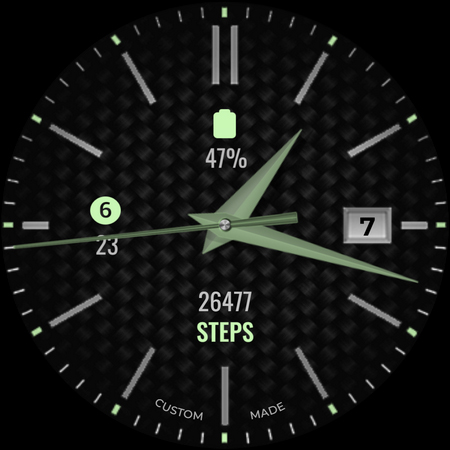
10. Background styles are available in customization menu default is pure black.
11. Background style for AoD by default is pure black.
12 Dim Modes For Main and AOD available separately from customization menu.
Privacy
Given the app's zero permissions, users can be confident that their data is not being collected or shared, and the risk of security breaches is minimal. However, users should still be cautious when downloading apps from unknown sources and ensure they are installing the correct package. To further protect their privacy, users can review the app's terms of service and privacy policy, if available.
Tips
To get the most out of the Analog Basic WF Wear OS 5+ app, users should explore the customization options to personalize their watch face according to their preferences. Additionally, users can optimize the app's performance by ensuring their Wear OS 5+ device is updated to the latest software version and by closing unnecessary apps to conserve battery life. Users can also consider combining the app with other Wear OS 5+ customization tools to enhance their overall user experience.
What's New
1.Watch face bundle updated to Target min SDK 34 as required by Google with latest Samsung Watch face Studio Version 1.9.5 Sep 2025 Release.
2.Watch face Companion App updated with latest Google Android Studio Otter 2025.2.2 release
Version Information
- Version
- -
- Downloads
- 10K+
- Updated on
- Dec 14, 2025
- Released
- Oct 13, 2021
- Requires
- Android Varies with device
Statistics
Google Play Rating History
Rating Distribution
Downloads Over Time
Analog Basic WF Wear OS 5+ has been downloaded times. Over the past 30 days, it averaged downloads per day.
Shaded area shows 30-day prediction based on historical trends
Historical data collection started recently. More data points will be available over time.
Analog Basic WF Wear OS 5+ users say on Google Play
 Rahul Sinha
Best watch face
 William Cheng
Basic watchface with a fairly sparse look. I like how you can change the appearance of the background. There are 3 customizable complications, but when dimmed, you can only see 2 of them. Battery usage is light -- on my Pixel Watch 2 with Always On Display, manual brightness at 4, it would go down to 50% after about 14-15 hours, which is great.
 AMYandARPIT MATHEW
Watch face is what I wanted but the heart rate is not working. Also everything is customisable except that unfortunately. Please fix it. Thanks
 Steven Atkinson
Classic look while staying simple. Couldn't find a way to remove details while date remains. If I try to remove them via complications settings I can only remove battery and sunrise, steps and heart rate remain, but when it goes into AOD they reappear and the day jumps to the other side of the face. I can dim all features out but then I lose date.
ApkTrusted Ratings & Reviews
More from OQ Watchfaces
See more apps
Digital Basic 7 Wear OS 5+
Paid
Digital Basic 3b Wear OS 4+
Paid

Digital Basic 4 Wear OS 5+
Paid

Diver Classic 2 Wear OS 4+
Paid

Analog Classic 5 Wear OS4
Free
Analog Basic 21 Wear OS 5+
Paid

Digital Basic 8 Wear OS 4+
Paid

Analog Basic 13 Wear OS 4+
Free
Analog Basic 12 Wear OS 4+
Free

Analog Basic 14 Wear OS 4+
Free

Analog Basic 16 Wear OS 4+
Free
Analog Basic 16C Wear OS 4+
Paid

Analog Basic 20 Wear OS 4+
Paid
Analog Basic 11B Wear OS 5+
Free

Analog Basic 22 Wear OS 4+
Free

Analog Basic 23 WEAR OS 4+
Free
Similar Apps
Minimal black v24 watch face
Paid

CELEST5465 Smart Watch
Paid

DAUPHINE (unicolor, random)
Free
KZY051
Free

CF_A1
Paid

Reddice LumeEdge Hybrid SH7
Paid

HKR059
Free
Banoffee Pie
Paid

ML2U 153 Watch Face
Paid

HKR024
Free

ML2U 124
Paid

H.eadhunter / WearOS watchface
Free
Classic Daylight Watch Face
Paid
Digalog - Wear OS watch face
Free
Colorful minimal watch face
Paid
![[69D] Retro WF4 DUAL icon](https://play-lh.googleusercontent.com/RG3YlKCbNaa-IZV8X4cWZxI0zPSf_ZdVnXqvnXmxan9jKU5t7Mxihnr3hwtoXXIqFoxk)
[69D] Retro WF4 DUAL
Paid
Scan this QR code to download

Forwarding you to the page at Google Play market in seconds...
Open Google Play market now