
Analog Basic 2 for WEAR OS 4 vVARY
OQ Watchfaces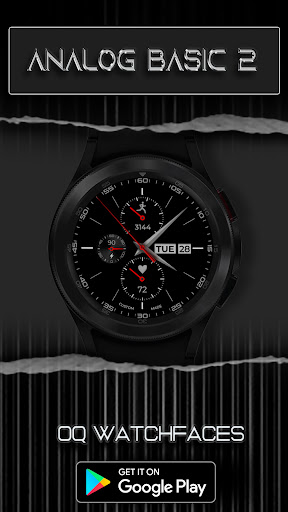


About this app
Developer Description
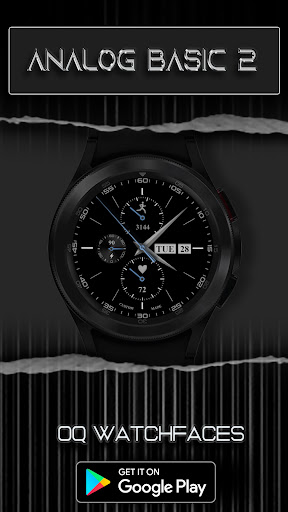
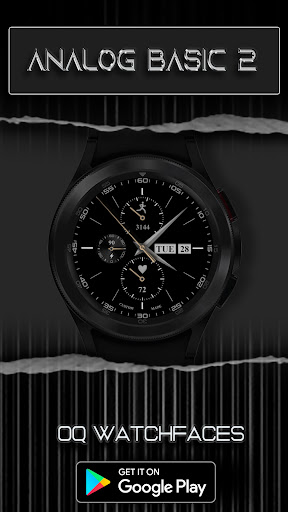
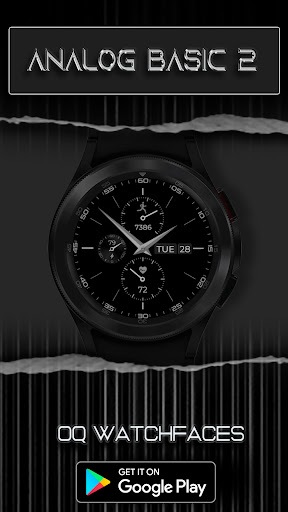
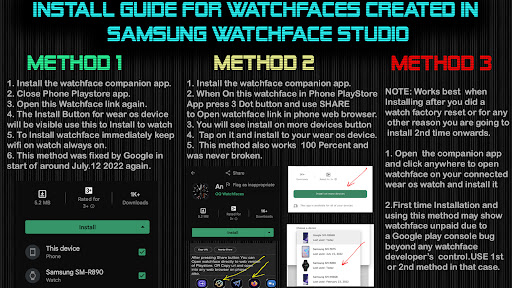
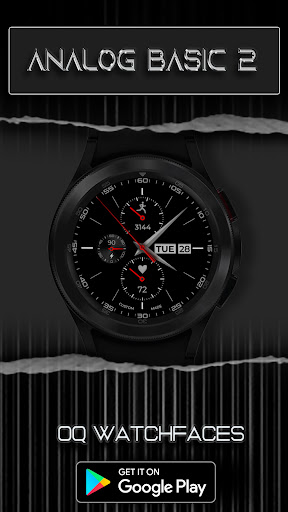
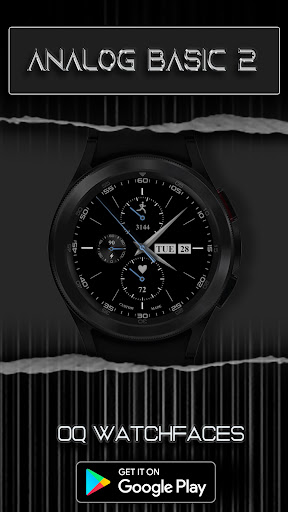
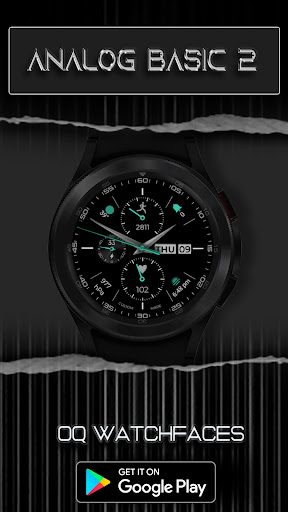
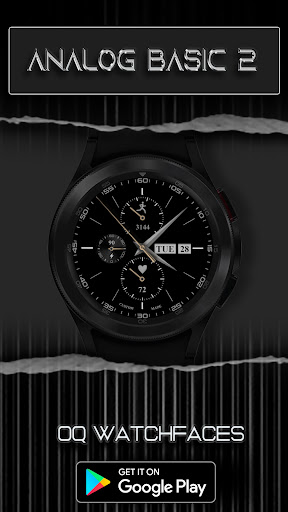
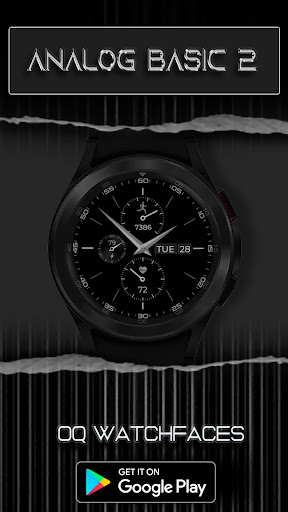
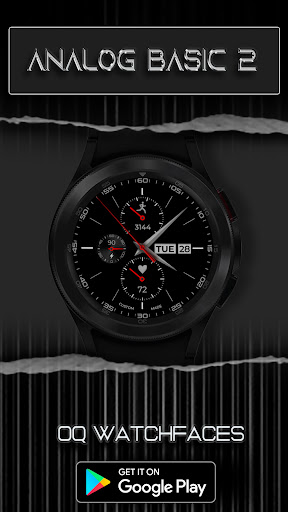
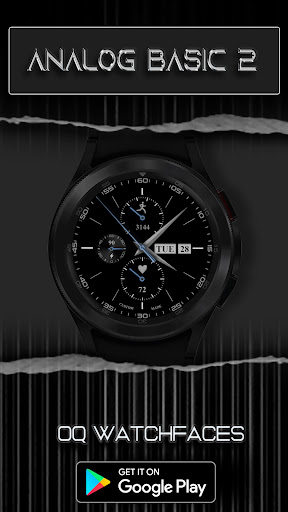
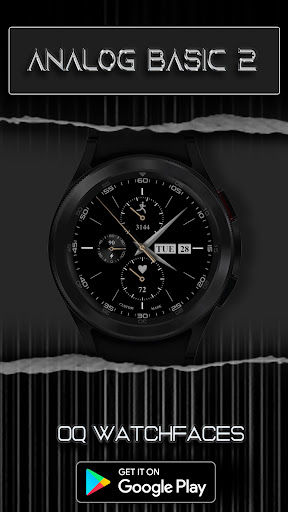
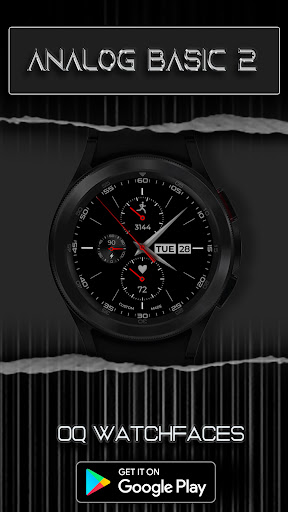
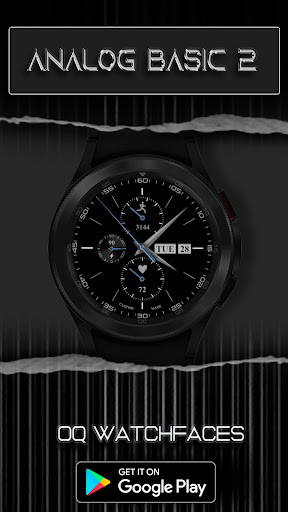
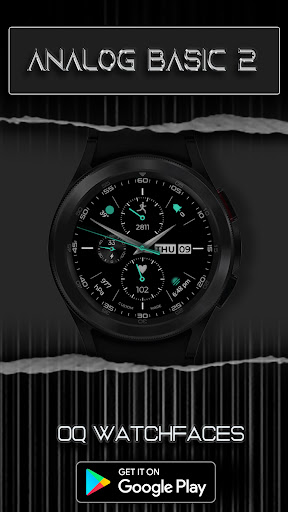
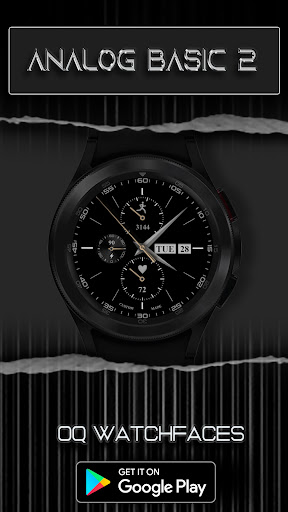
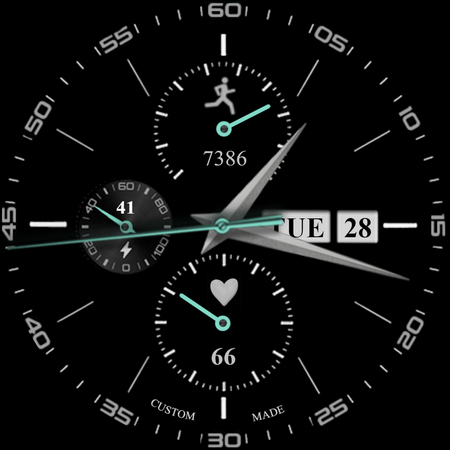
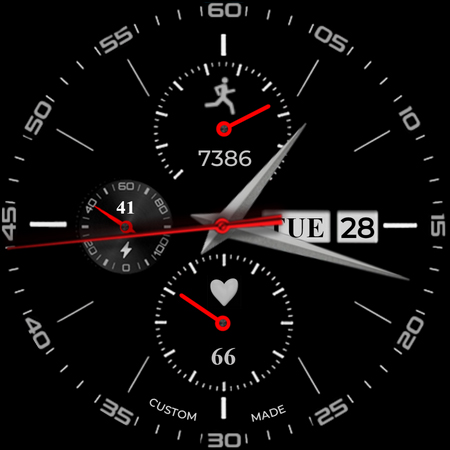
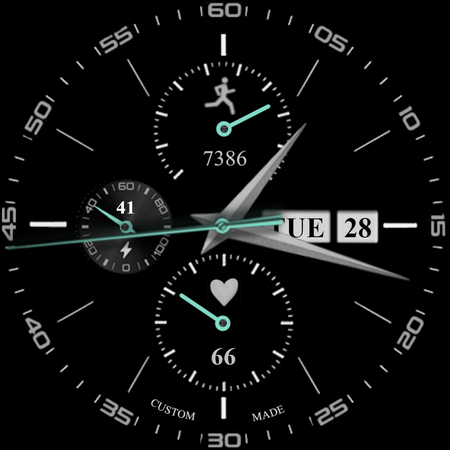
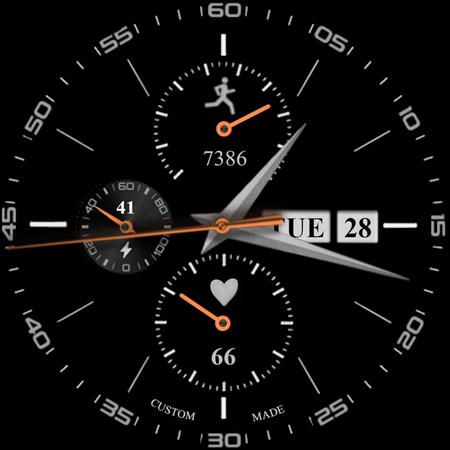
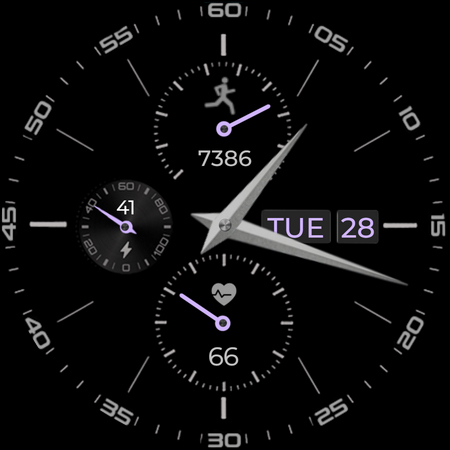
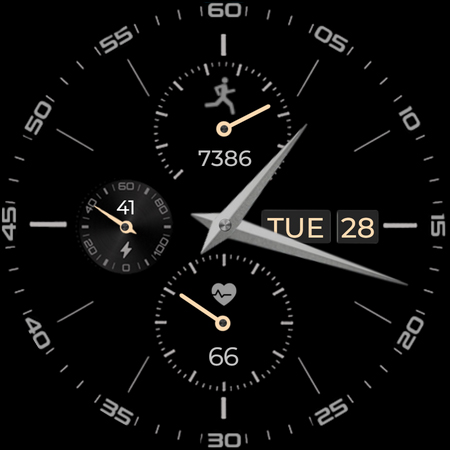
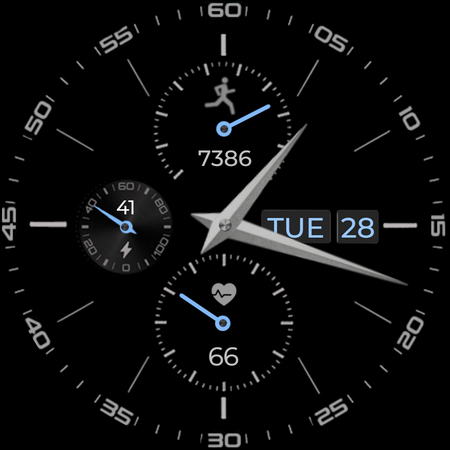
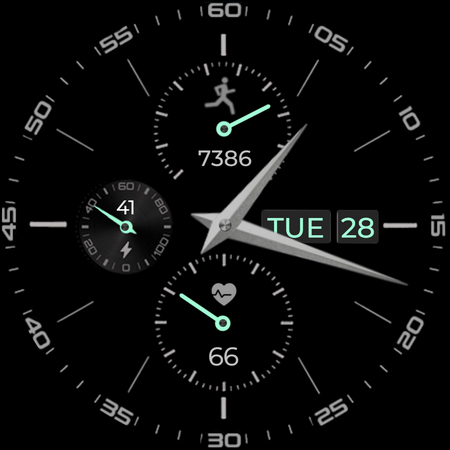
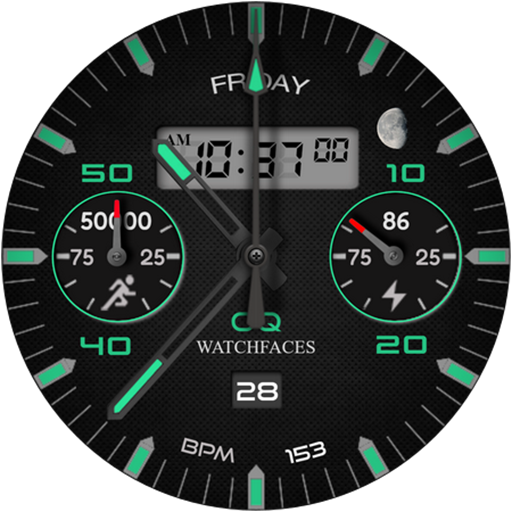
A basic watchface with lot of information and colors variations for WEAR OS 4
Following features are available
0. 4 x customizable complications and 2 x complication shortcuts available via long press watch face menu.
1. Tapping inside Battery chronometer will open watch battery settings app.
2. Steps Indicator meter shows Goal % of whatever steps target selected by user in watch Samsung Health App.
3. Clicking on date will open will open watch Alarm menu.
4. Clicking on day text will open watch Calendar app.
5. Tapping on battery text area will open watch battery menu.
6. Hands Color by default is off. You can turn it On from customization menu.
7. Outer Index Color can be now switched Off/On as well from customization menu.
8. Secs Mov option is vailable via customization menu.
9. Dim your main background or your AOS Background option is made available for both Main and AoD separately.
What's New
1. Tap on chronometer steps fixed was opening battery setting now fixed.
2. New Play store Screen Previews and Wear OS preview with new changes added
Version Information
- Version
- -
- Downloads
- 10K+
- Updated on
- May 10, 2024
- Released
- Nov 5, 2021
- Requires
- Android Varies with device
Statistics
Google Play Rating History
Rating Distribution
Downloads Over Time
Analog Basic 2 for WEAR OS 4 has been downloaded times. Over the past 30 days, it averaged downloads per day.
Shaded area shows 30-day prediction based on historical trends
Historical data collection started recently. More data points will be available over time.
Analog Basic 2 for WEAR OS 4 users say on Google Play
 Aalys Smith
Great watch face! Looks nice and just enough options. Can't figure out what the bottom dial indicates, though. Not an alarm. Not the time. Is it the month? Then why all the lines in between numbers?
 William Cheng
Pretty good watchface with excellent battery life on my Pixel Watch 2 (with display always on, brightness set to 4) -- it drops from 100% to 50% after about 14-15 hours. Watchface is nicely visible even when dimmed on Always On. A good number of options for complications. My only wish would be for more options to change the hands or background. Otherwise, more good work from OQ!
 Bes Limani
How to make the seconds arrow and other arrows red or different colors with white background like on your screenshots? No option..
 Shahzeb Bazai
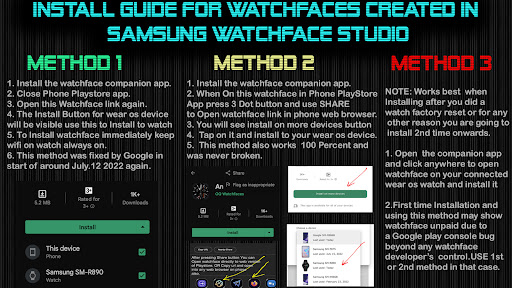
It is not worthy to download because it will not upload the watch. So it is a waste of time
ApkTrusted Ratings & Reviews
More from OQ Watchfaces
See more apps
Digital Basic 7 Wear OS 5+
Paid
Digital Basic 3b Wear OS 4+
Paid

Diver Classic 3 Wear OS 4+
Paid

Digital Basic 4 Wear OS 5+
Paid

Diver Classic 2 Wear OS 4+
Paid

Analog Classic 5 Wear OS4
Free
Analog Basic 21 Wear OS 5+
Paid

Digital Basic 8 Wear OS 4+
Paid
Analog Basic 12 Wear OS 4+
Free

Analog Basic 13 Wear OS 4+
Free

Analog Basic 14 Wear OS 4+
Free

Analog Basic 16 Wear OS 4+
Free
Analog Basic 16C Wear OS 4+
Paid

Analog Basic 20 Wear OS 4+
Paid
Analog Basic 11B Wear OS 5+
Free

Analog Basic 22 Wear OS 4+
Free
Scan this QR code to download

Forwarding you to the page at Google Play market in seconds...
Open Google Play market now