
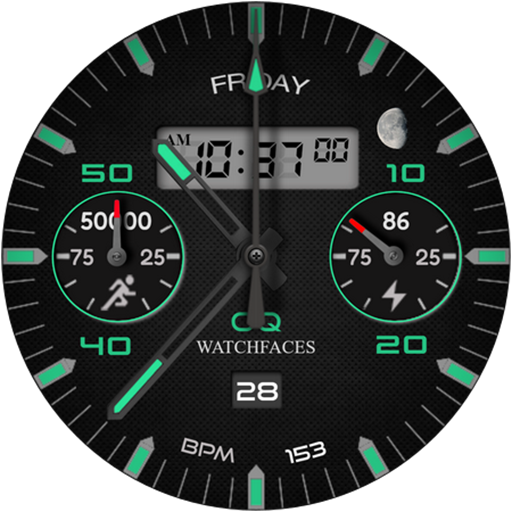
Analog Classic 6 Wear OS 4+ vVARY
OQ Watchfaces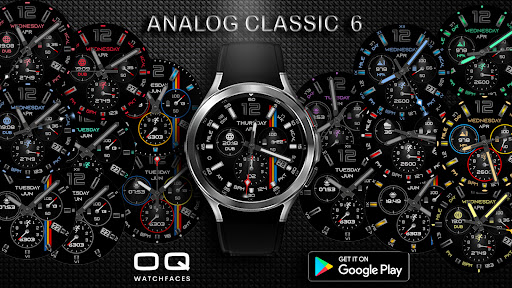
About this app
Developer Description
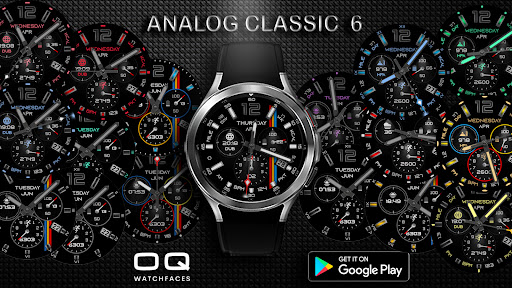
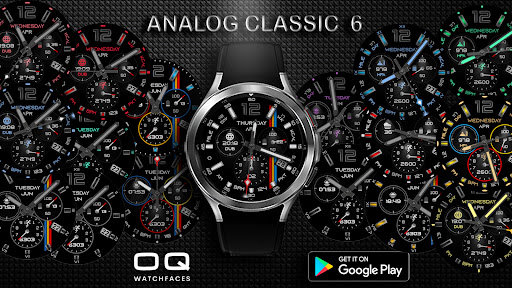
A watchface with multiple customization options availble to the user.
NOTICE: READ THIS ALWAYS BEFORE AND AFTER DOWNLOADING OUR WATCH FACE TO AVOID ANY SITUATION YOU DON'T LIKE.
=======================================================
a. This watch face contains a lot of options in customization menu.If for some reason it takes time to load customization options in Wearable app wait for at least 8 secs to let load up all customization menu options while opening on Galaxy wearable app.
b. An Effort has be done to make a INSTALL GUIDE which is attached as an image with screen previews.It is the 1st image in previews for Newbie Android Wear OS Users or for those who donot know how to install the watchface to your connected device. So it is requested to users to read it before posting cannot install statements reviews.
c. DO NOT PAY TWICE FROM WATCH PLAY STORE . READ The Install Guide Image again. See 3 x methods 100 percent working to install both phone app and watch app . The install guide clearly says tap to open connected on connected watch is when you are installing it for the first time.
=======================================================
FEATURES AND FUNCTIONS
=======================================================
Analog Classic 6 has following features:-
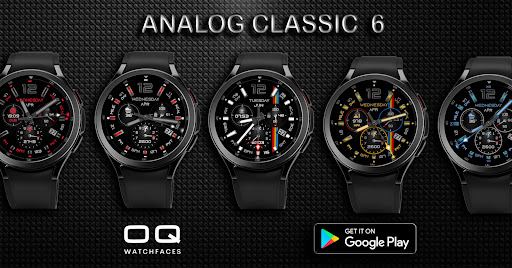
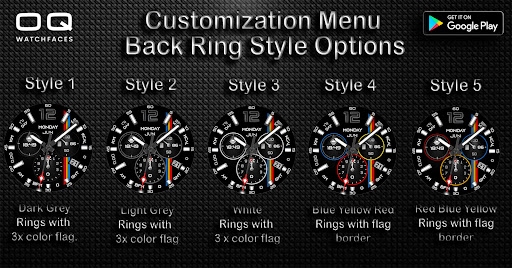
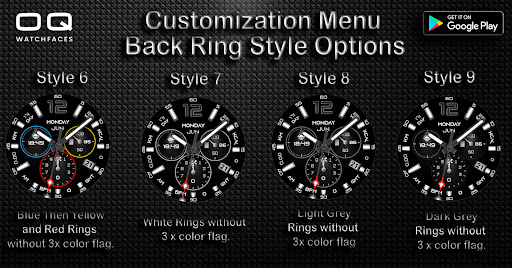
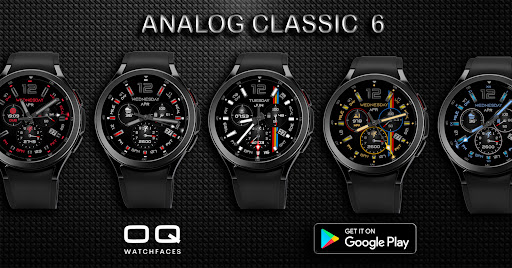
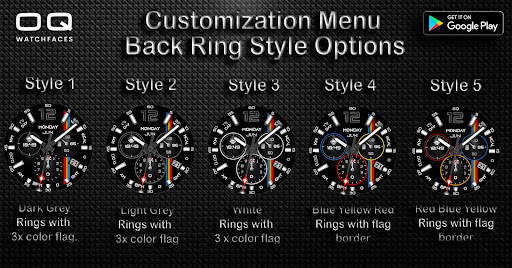
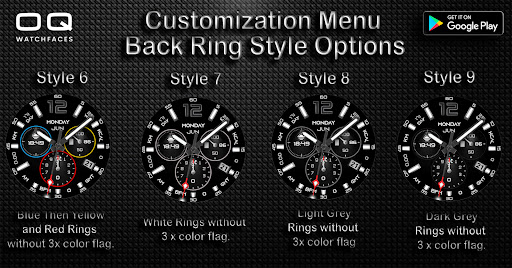
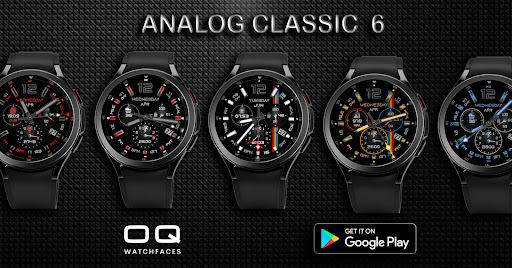
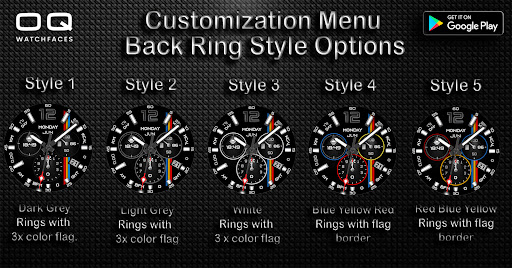
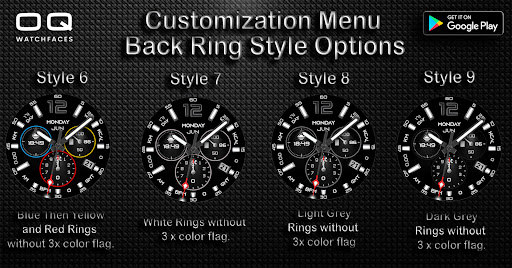
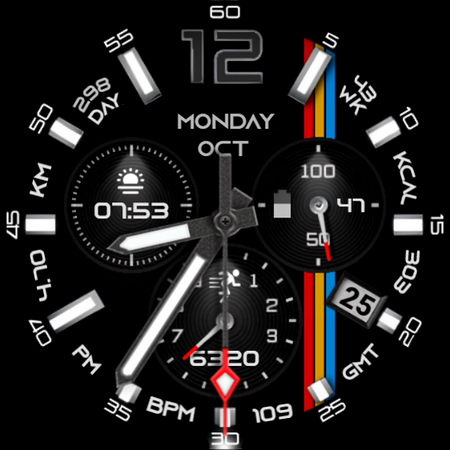
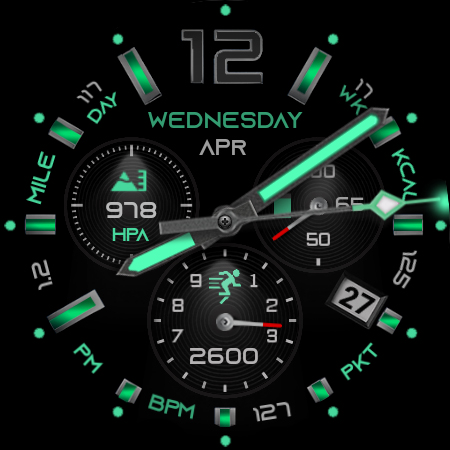
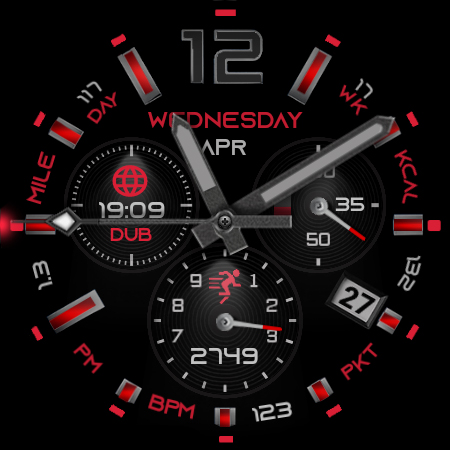
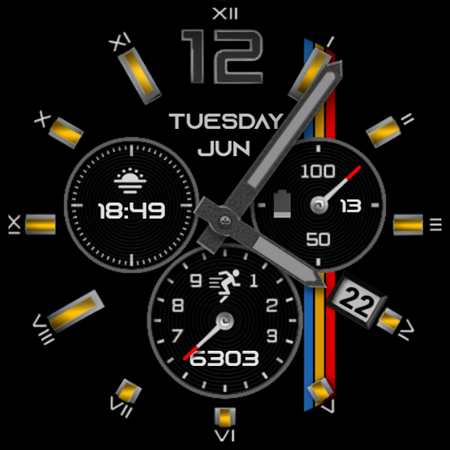
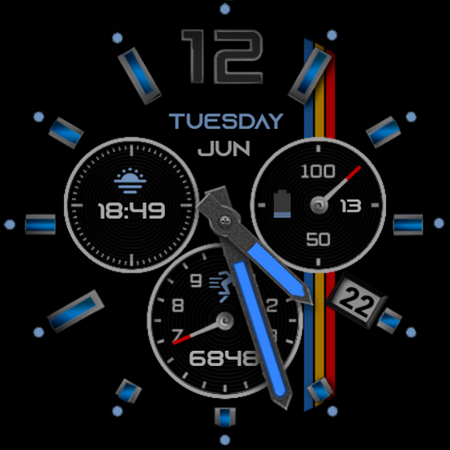
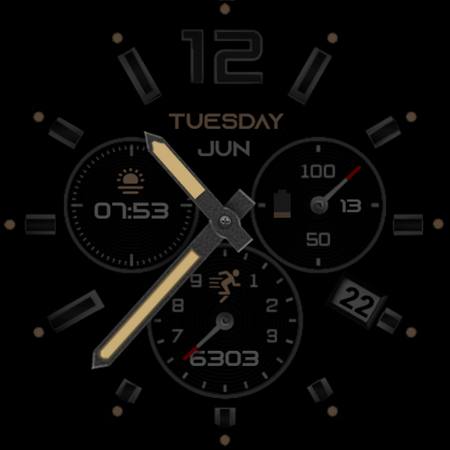
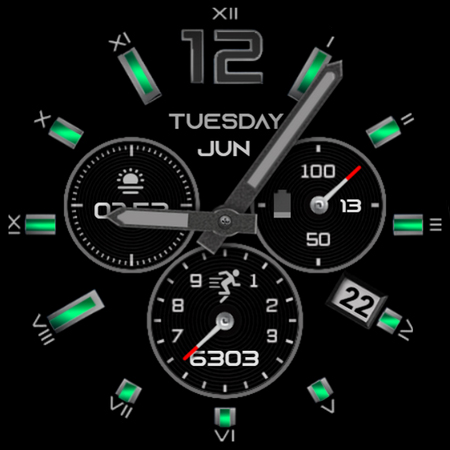
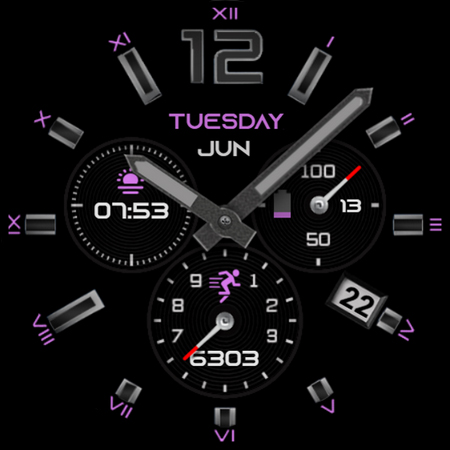
1. Chrono ring color styles that can be selected from customization menu.
Full detailed screen previews x 2 have been added of Back style Rings Option explaining in detail how each style looks when changed from user customization menu Back Ring Style Option. Please see the screen previews.
2. Outer indexes are available in customization menu.Please also see the watch face previews for further details.
3. Inner indexes customization option is also available for customization in user menu. Inner indexes are independently available for color customization and not lined to colors menu.
4. Different colored pair of hands are also available in the customization menu. Hands color can be set independently from the theme colors menu.
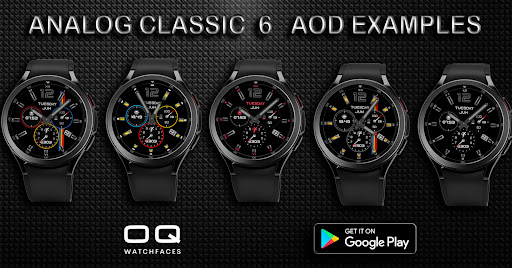
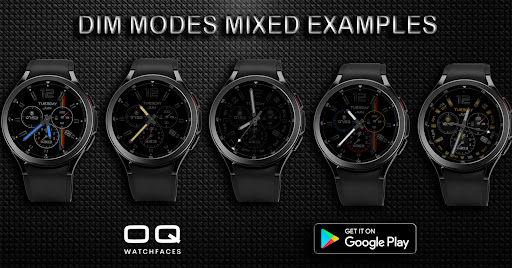
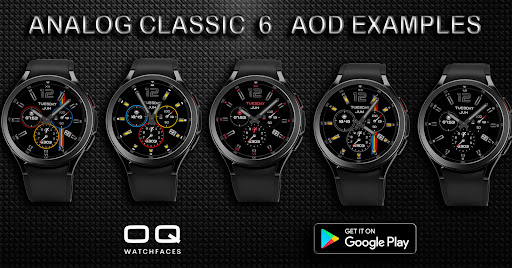
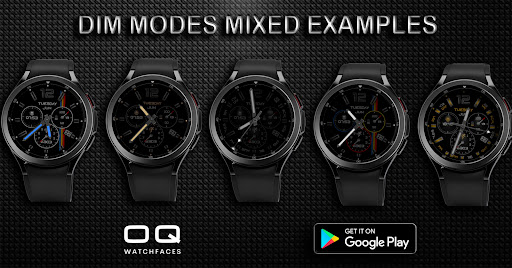
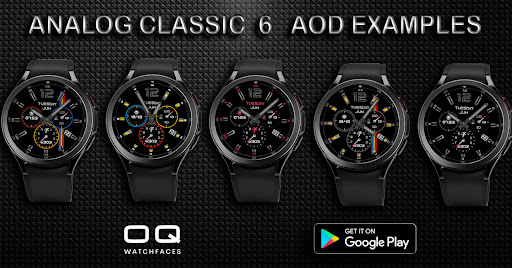
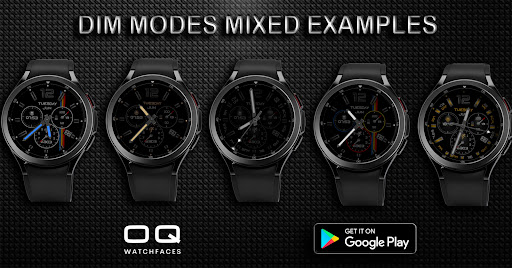
5. Dim Modes are also available to user for Normal and AoD both separately with 1 to 10 settings.
6. Tapping on steps complication will open watch steps menu.
7. Tapping on battery complication will open watch battery settings.
8. When you tap on BPM or BPM data it will blink till the time heart rate sensor completes taking the reading and will stop when reading is updated.
9. Tapping on Timezone text between 4 and 5 o clok position will open phone dial screen.
10. 5 x invisible shortcut customization complications are also available for the user to select in customization menu.
11. Tapping on the day text area will open calendar app.
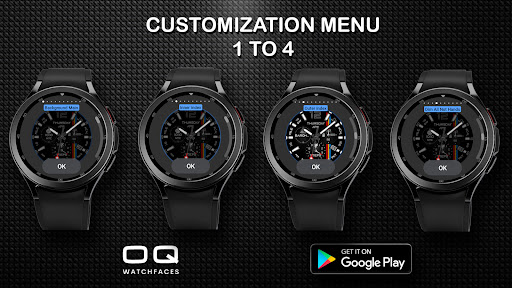
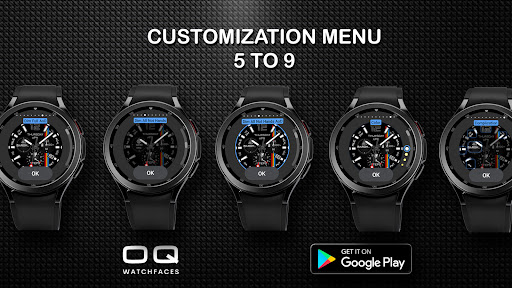
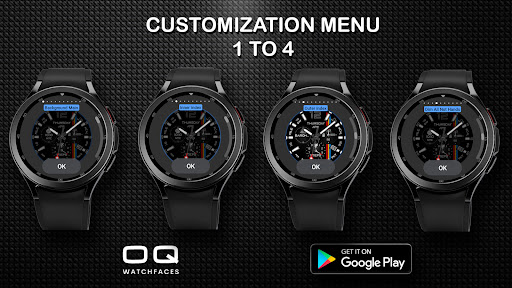
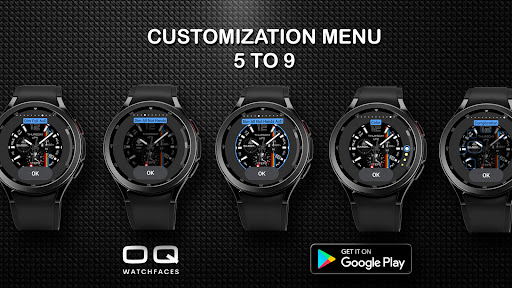
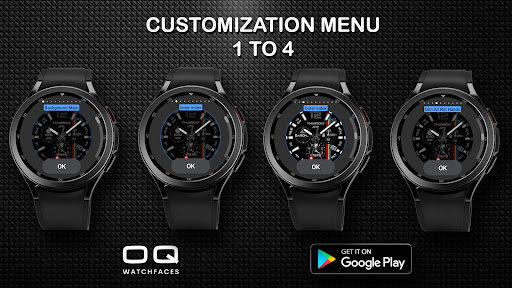
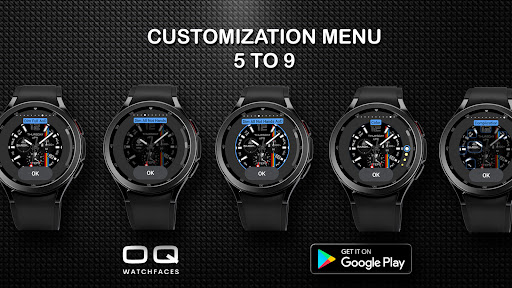
Please see the screen previews in detail each of them are examples of how various elements can be selected from customization menu and achieve multiple different looking watch face look every time.
What's New
1. Watch face updated with Samsung Latest Watch Studio V1.6.10 as per Google New Policy To target Android 13 (API level 33) or higher
Version Information
- Version
- -
- Downloads
- 10K+
- Updated on
- Jul 26, 2024
- Released
- Apr 27, 2022
- Requires
- Android Varies with device
Statistics
Google Play Rating History
Rating Distribution
Downloads Over Time
Analog Classic 6 Wear OS 4+ has been downloaded times. Over the past 30 days, it averaged downloads per day.
Shaded area shows 30-day prediction based on historical trends
Historical data collection started recently. More data points will be available over time.
Analog Classic 6 Wear OS 4+ users say on Google Play
 Nick Marchetti
Absolute favorite. Super clean, yet still very customizable. It can be as minimal or as flashy as you like. If you dislike clunky watch faces as much as I do, this is definitely a solid choice. Sometimes I adjust it to be flashy, other times I adjust it to be minimal. TLDR: This face is clean and very customizable. If you don't like all the super clunky watch faces Google recommends, get this one.
 Faustino Dehostos
Looks nice
ApkTrusted Ratings & Reviews
More from OQ Watchfaces
See more apps
Digital Basic 7 Wear OS 5+
Paid
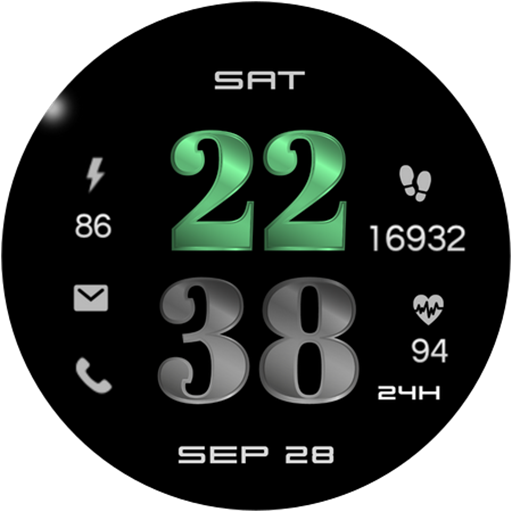
Digital Basic 3b Wear OS 4+
Paid

Digital Basic 4 Wear OS 5+
Paid

Diver Classic 2 Wear OS 4+
Paid

Analog Classic 5 Wear OS4
Free
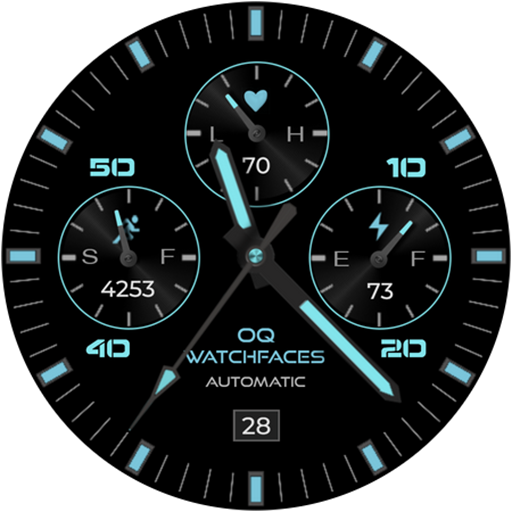
Analog Basic 21 Wear OS 5+
Paid

Digital Basic 8 Wear OS 4+
Paid

Analog Basic 13 Wear OS 4+
Free
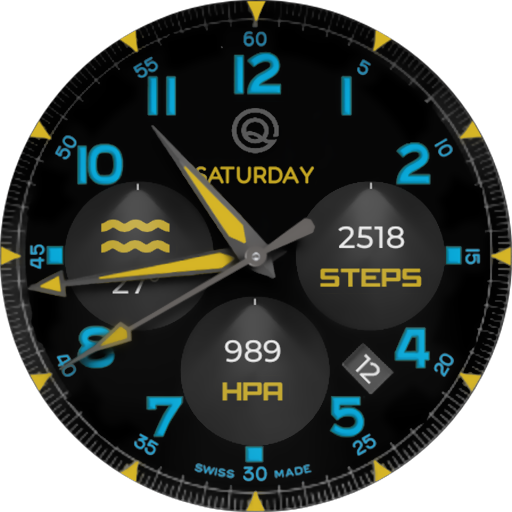
Analog Basic 12 Wear OS 4+
Free

Analog Basic 14 Wear OS 4+
Free

Analog Basic 16 Wear OS 4+
Free
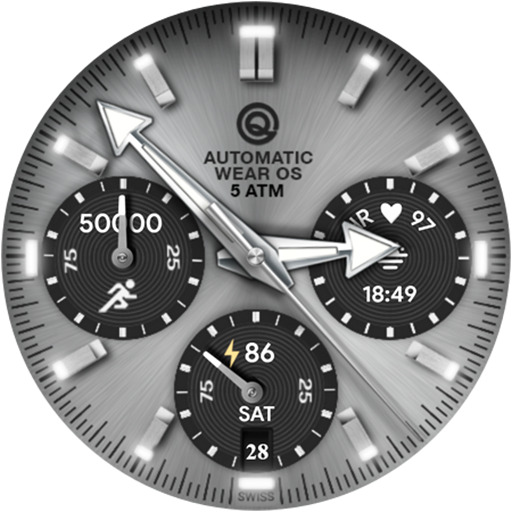
Analog Basic 16C Wear OS 4+
Paid

Analog Basic 20 Wear OS 4+
Paid
Analog Basic 11B Wear OS 5+
Free

Analog Basic 22 Wear OS 4+
Free

Analog Basic 23 WEAR OS 4+
Free
Scan this QR code to download

Forwarding you to the page at Google Play market in seconds...
Open Google Play market now