Ballozi DIVAN Digital vVARY
BALLOZI Watch Faces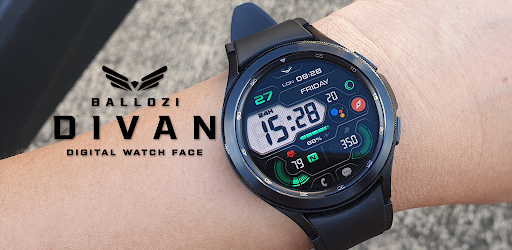


About this app
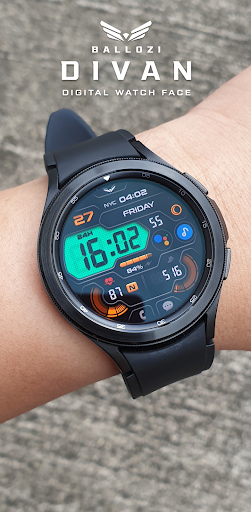
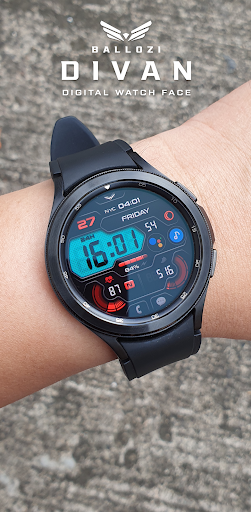
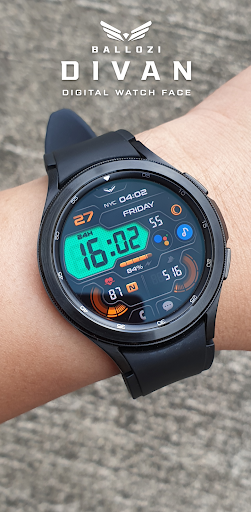
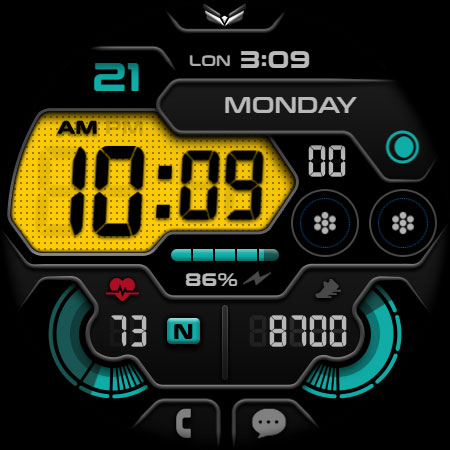
The Ballozi DIVAN Digital watch face solves the problem of dull and uninspiring Wear OS designs, offering a modern futuristic retro digital look that benefits users seeking a unique and stylish aesthetic. Compared to alternatives in the Personalization category, this app stands out with its excellent user rating and top-tier app status, indicating a high level of quality and user satisfaction. However, the limited download numbers may raise concerns about the app's visibility and community support. Overall, the app's paid model and lack of ads are significant advantages, but the limited version history and unclear update frequency may fall short of some users' expectations.
Pros
- With an excellent user rating of 4.8/5, this app demonstrates a high level of quality and user satisfaction, indicating a well-designed and functional product.
- The paid model of $0.99 is a significant advantage, as it ensures a ad-free experience and supports the developer's efforts to maintain and update the app.
- The app's lack of permissions is a major pro, as it ensures user data privacy and security, and indicates that the developer is respectful of user information.
- The app's unique and stylish design is a significant advantage, as it offers users a distinctive and modern look that sets it apart from other watch faces.
- The developer's email support, balloziwatchface@gmail.com, provides users with a direct channel for feedback and issue resolution, indicating a commitment to customer satisfaction.
Cons
- The limited download numbers of 100+ may raise concerns about the app's visibility and community support, potentially impacting the developer's ability to maintain and update the app.
- The unclear update frequency and limited version history may fall short of some users' expectations, potentially indicating a lack of ongoing support and development.
- The app's paid model may deter some users who prefer free alternatives, potentially limiting the app's adoption and user base.
- The lack of information about the developer's website and other products may raise concerns about the developer's reputation and commitment to the app's long-term support.
Best for: The ideal user for this app is a tech-savvy individual, likely between 25-45 years old, who values unique and stylish designs, and is willing to pay for a high-quality product that enhances their Wear OS experience, with a focus on personalization and customization.
Developer Description
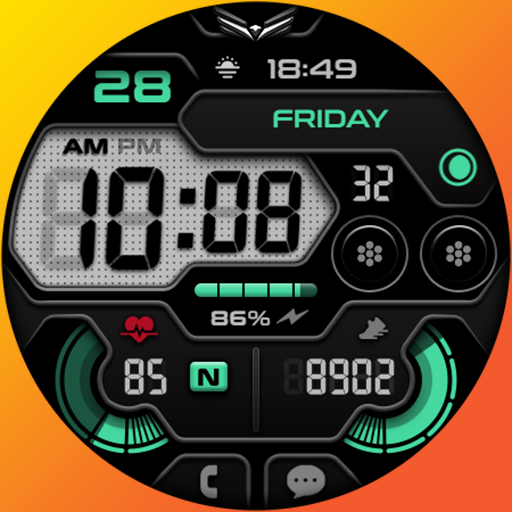
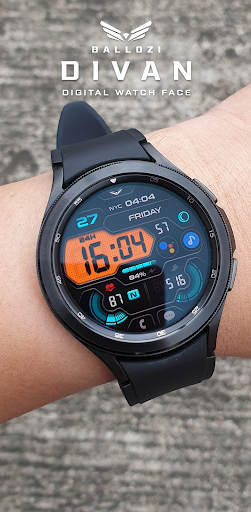
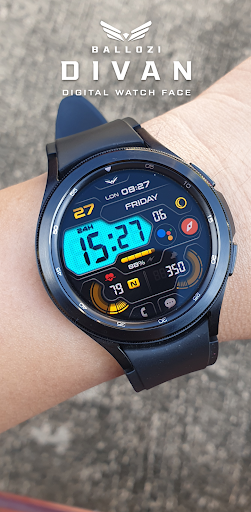
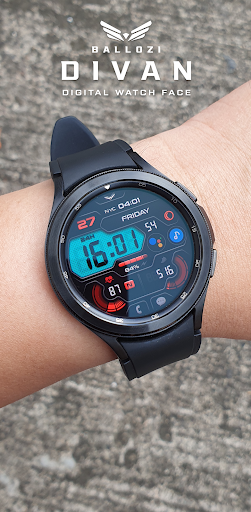
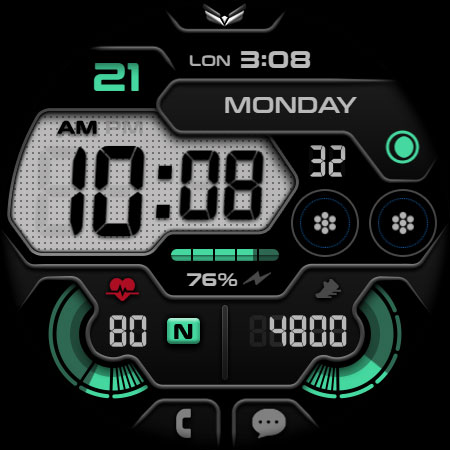
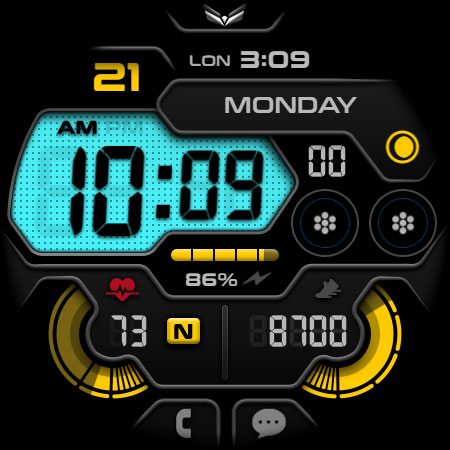
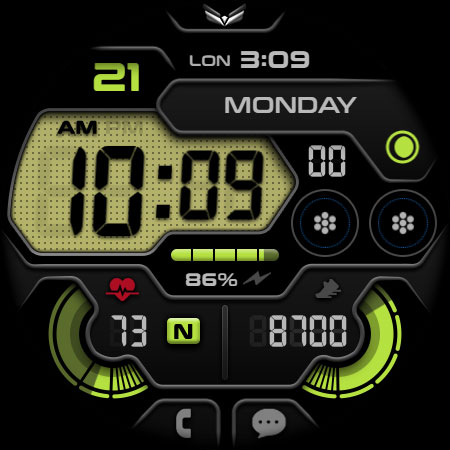
A modern futuristic retro digital watch face for Wear OS by Ballozi
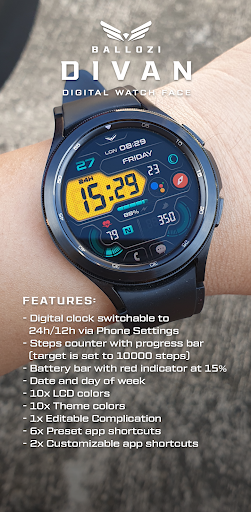
FEATURES:
- Digital clock switchable to 24h/12h via Phone Settings
- Steps counter with progress bar (target is set to 10000 steps)
- Battery bar with red indicator at 15%
- Date and day of week
- 10x LCD colors
- 10x Theme colors
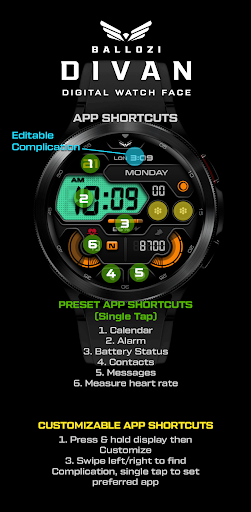
- 1x Editable Complication
- 6x Preset app shortcuts
- 2x Customizable app shortcuts
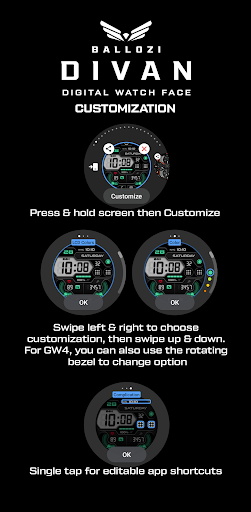
CUSTOMIZATION:
1. Press and hold display then hit "Customize".
2. Swipe left and right to choose what to customize.
3. Swipe up and down to choose options available.
4. Hit "OK".
PRESET APP SHORTCUTS
1. Calendar
2. Alarm
3. Battery Status
4. Phone
5. Messages
6. Measure heart rate
Measuring Heart Rate (Manual refresh). The Measuring Heart Rate shortcut takes independent measurement of heart rate and doesn't update the Wear OS heart rate app. This watch face displays the heart rate at the time of measurement and it may have different reading from the Wear OS app. To measure heart rate: Please make sure to wear your watch properly, screen turned on and stay still while measuring. Then single tap the shortcut to measure heart rate. Icon appears when measuring heart rate. Wait for a few seconds. Heart rate icon disappears once done. Heart rate will automatically measure every hour.
CUSTOMIZABLE APP SHORTCUTS
1. Press & hold display then Customize
3. Find Complication, single tap to set preferred app in the shortcuts.
Check out Ballozi's updates at:
Facebook page: https://www.facebook.com/ballozi.watchfaces/
Telegram group: https://t.me/Ballozi_Watch_Faces
Instagram: https://www.instagram.com/ballozi_watchfaces/
Youtube Channel: https://www.youtube.com/channel/UCkY2oGwe1Ava5J5ruuIoQAg
Pinterest: https://www.pinterest.ph/ballozi/
Compatible devices are: Samsung Galaxy Watch5 Pro, Samsung Watch4 Classic, Samsung Galaxy Watch5, Samsung Galaxy Watch4, Mobvoi TicWatch Pro 4 GPS, TicWatch Pro 4 Ultra GPS, Fossil Gen 6, Fossile Wear OS, Google Pixel Watch, Suunto 7, Mobvoi TicWatch Pro, Fossil Wear, Mobvoi TicWatch Pro, Fossil Gen 5e, (g-shock) Casio GSW-H1000, Mobvoi TicWatch E3, Mobvoi Ticwatch Pro 4G, Mobvoi TicWatch Pro 3, TAG Heuer Connected 2020, Fossil Gen 5 LTE, Movado, Connect 2.0, Mobvoi TicWatch E2/S2, Montblanc Summit 2+, Montblanc Summit, Motorola Moto 360, Fossil Sport, Hublot Big Bang e Gen 3, TAG Heuer Connected Calibre E4 42mm, Montblanc Summit Lite, Casio WSD-F21HR, Mobvoi TicWatch C2, Montblanc SUMMIT, Oppo OPPO Watch, Fossil Wear, Oppo OPPO Watch, TAG Heuer Connected Calibre E4 45mm
For support and request, you can email me at balloziwatchface@gmail.com
Privacy
Since the app requests no permissions, users can be confident that their data is private and secure. However, as with any app, users should be cautious when installing and using the app, and monitor their device's performance and data usage. To ensure maximum security, users should only install the app from trusted sources, such as the Play Store.
Tips
To get the most out of this app, users should first ensure their Wear OS device is compatible and up-to-date. Then, they can customize the watch face to their preferences, exploring the various design options and settings. Additionally, users can optimize the app's performance by closing unnecessary apps and background processes, and monitoring their device's battery and data usage.
What's New
- Updated Wear OS app to target Android 14 (API level 34) or higher
Version Information
- Version
- -
- Downloads
- 100+
- Updated on
- Aug 26, 2025
- Released
- May 26, 2022
- Requires
- Android Varies with device
Statistics
Google Play Rating History
Rating Distribution
Downloads Over Time
Ballozi DIVAN Digital has been downloaded times. Over the past 30 days, it averaged downloads per day.
Shaded area shows 30-day prediction based on historical trends
Historical data collection started recently. More data points will be available over time.
Ballozi DIVAN Digital users say on Google Play
 John Sibley
Edit: Seems to have the same "Item not found" error as some of the other faces. Original: I've just added this great-looking watch face to my collection (I have all of this developer's watch faces) and it looks amazing on the TicWatch Pro 3 Ultra. It'd be great to have an option to keep the two app shortcuts as the grid icons as they are on the Stealth Marine 2 watch face, as I'm not really a fan of having icons on the watch face (but that's just a minor gripe on an otherwise amazing design!)
ApkTrusted Ratings & Reviews
More from BALLOZI Watch Faces
See more apps
Ballozi AVEN Watch Face
Paid

Ballozi AERONOX Digital
Paid

Ballozi AFERO Digital
Paid

Ballozi ASCENT Hybrid Analog
Paid

Ballozi ASTIG Hybrid Analog
Paid

Ballozi ASPHALTON Hybrid
Paid
Ballozi ALTUM Diver Classic
Paid

Ballozi ASPHALTON 2 Hybrid
Paid

Ballozi CORSA Hybrid
Paid

Ballozi SLATE Digital Hybrid
Paid

Ballozi STEALTH FORTO Hybrid
Paid
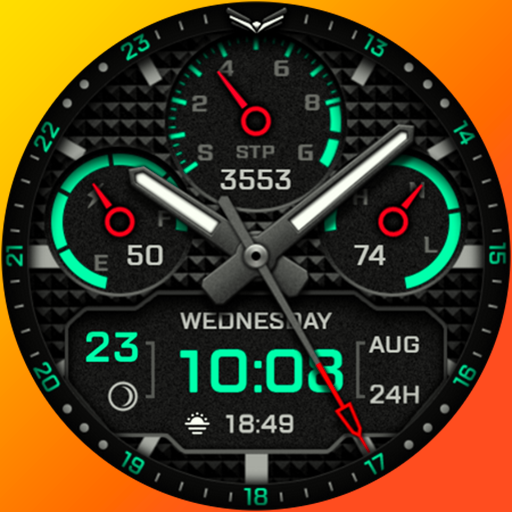
Ballozi AERONOX VERTEX Hybrid
Paid

Ballozi BELVORO
Paid

Ballozi BLAZON Hybrid
Paid

Ballozi CIFERO Digital Retro
Paid

Ballozi CRONUS Hybrid
Paid
Similar Apps

Flux Watch Face
Paid
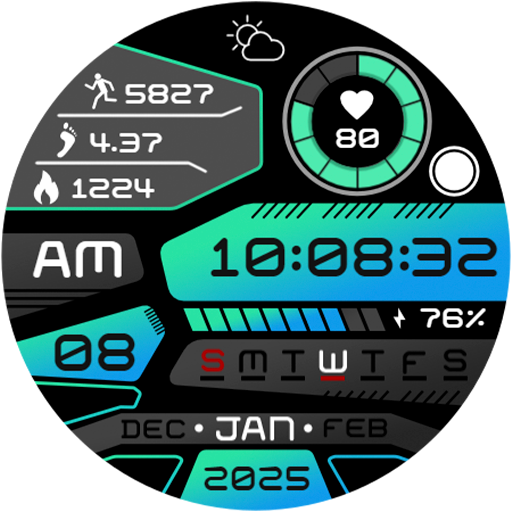
Digital Quantum HUD Watch Face
Paid

PRADO X142 Digital WatchFace
Paid

SamWatch Digital Aglaea
Paid
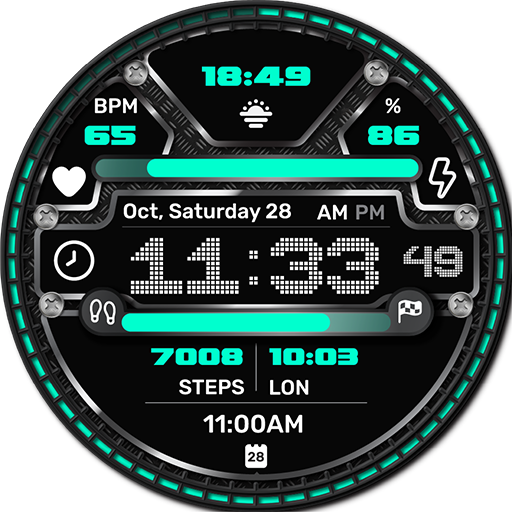
Stellar Watch Face
Paid
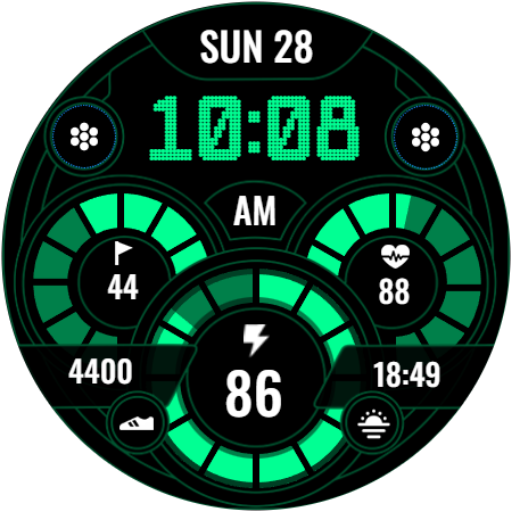
Digital Sport V13
Paid

CNRwatch047
Paid
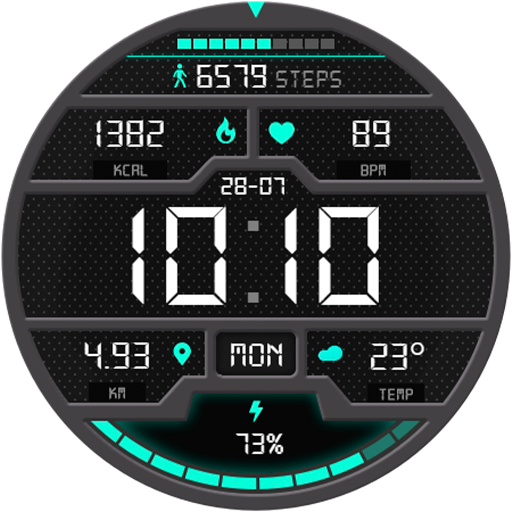
Digital MetricFlow Watch Face
Paid

OMG 28 - Digital Retro Watch
Paid

ML2U 229 Watch Face
Paid
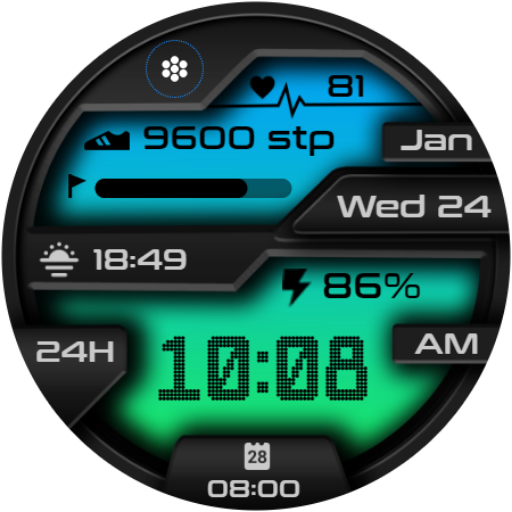
Digital Sport V11
Paid
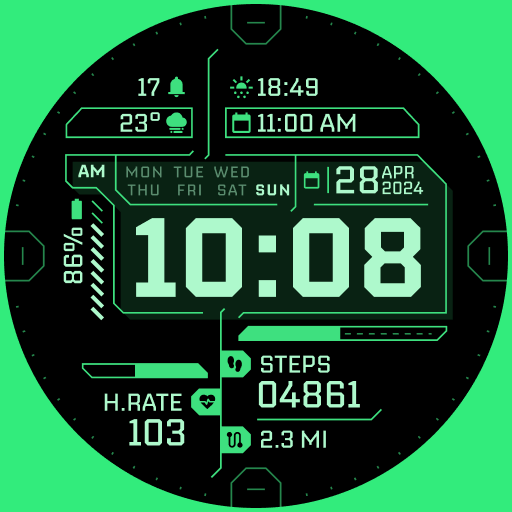
TKS 02 Fracture Watch Face
Paid

Modern Retro Watch - OMG 405
Paid

Cyberpunk Neon Watch Face
Paid

Fresh Green LCD ZKin Watch
Paid
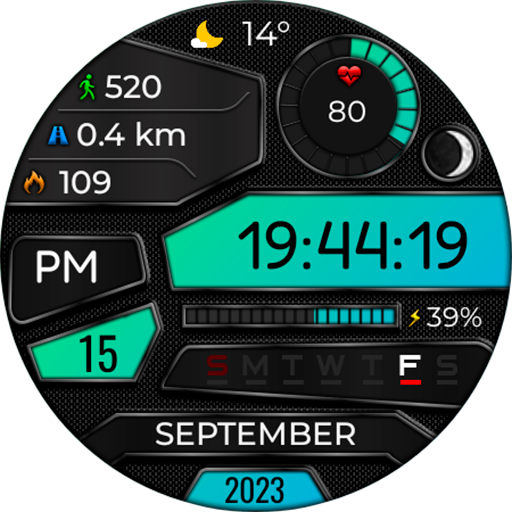
Digital Miqykof Watch Face
Paid
Scan this QR code to download

Forwarding you to the page at Google Play market in seconds...
Open Google Play market now