
Ballozi FIGEAR Digital Retro vVARY
BALLOZI Watch Faces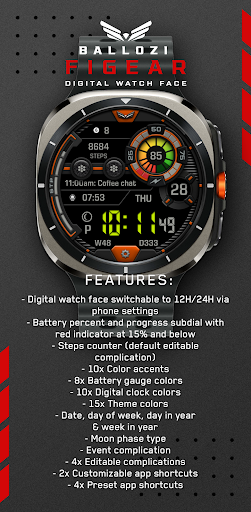


About this app
Developer Description
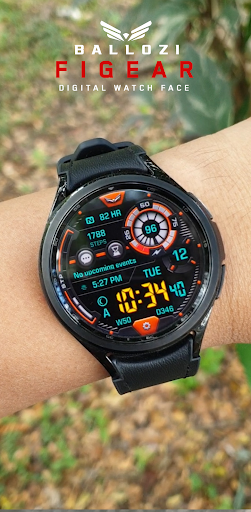
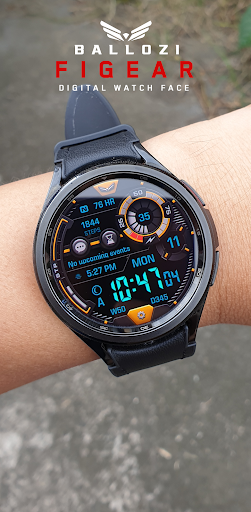
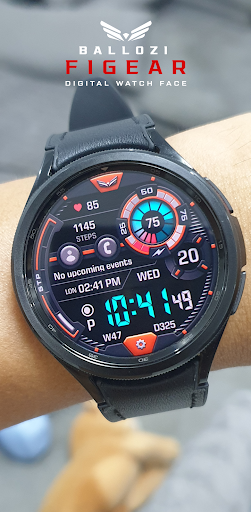
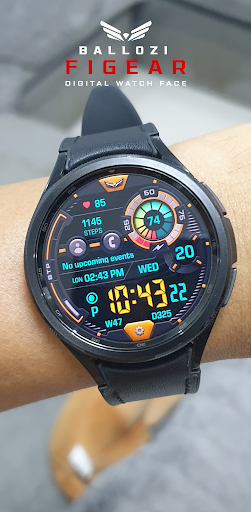
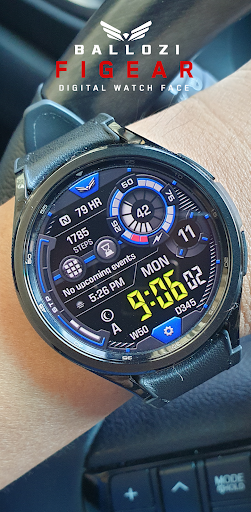
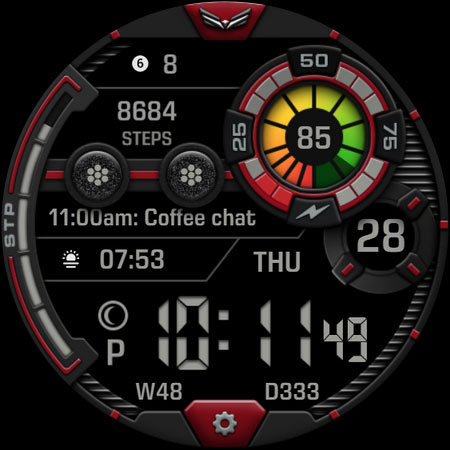
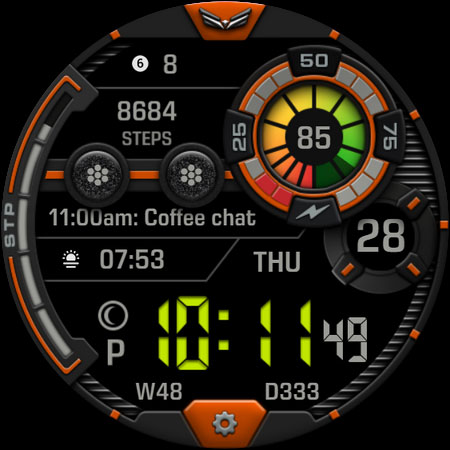
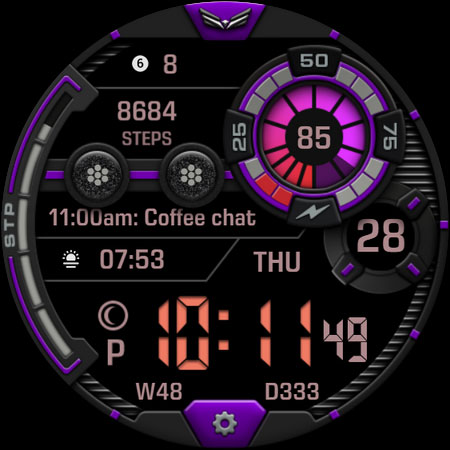
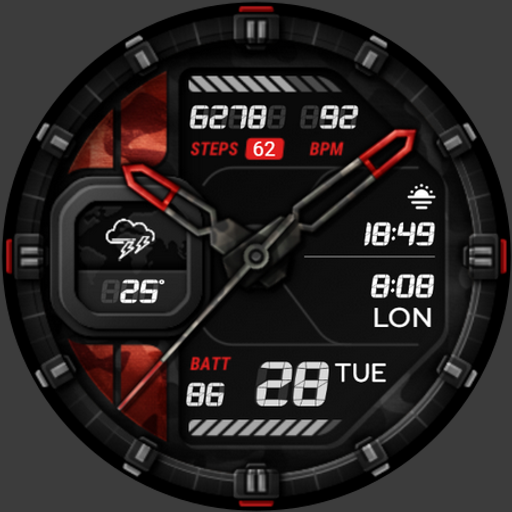
A modern retro inspired digital watch face for Wear OS by BALLOZI
INSTALLATION OPTIONS:
1. Keep your watch connected to your phone.
2. Install in the phone. After installation, immediately check your watch face list in your watch by pressing and hold display then swipe to the very end and click Add watch face. There you can see the newly installed watch face and just activate it.
3. After installation, you can also check the following:
A. For Samsung watches, check your Galaxy Wearable app in your phone (install it if not yet installed). Under Watch faces > Downloaded, there you can see the newly installed watch face and then just apply it to connected watch.
B. For other smartwatch brands, for other Wear OS devices, please check the watch app installed in your phone that comes with your smartwatch brand and find the newly installed watch face in the watch face gallery or list.
4. Please also visit the link below showing many options how to install Wear OS watch face in your watch.
https://developer.samsung.com/sdp/blog/en-us/2022/11/15/install-watch-faces-for-galaxy-watch5-and-one-ui-watch-45
For support and request, you can email me at balloziwatchface@gmail.com
FEATURES:
- Digital watch face switchable to 12H/24H via phone settings
- Battery percent and progress subdial with red indicator at 15% and below
- Steps counter (default editable complication)
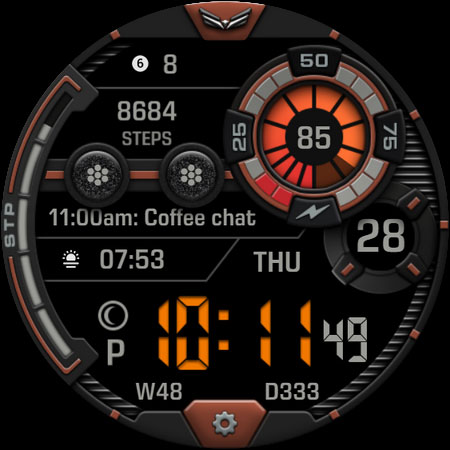
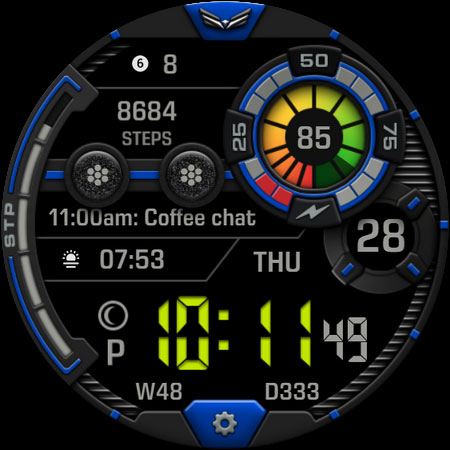
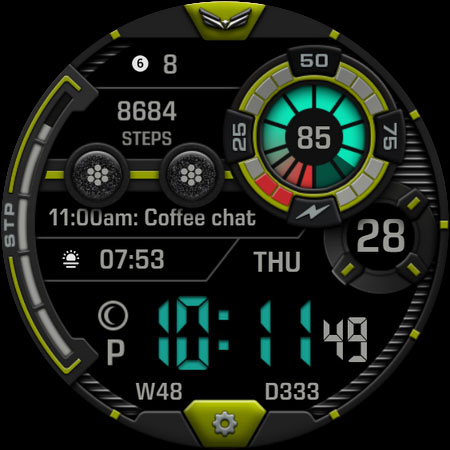
- 10x Color accents
- 8x Battery gauge colors
- 10x Digital clock colors
- 15x Theme colors
- Date, day of week, day in year & week in year
- Moon phase type
- Event complication
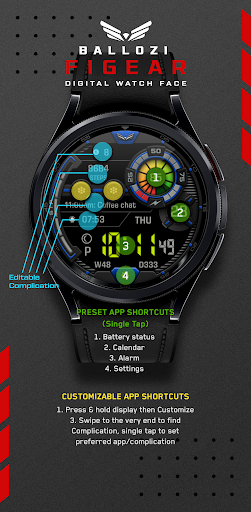
- 4x Editable complications
- 2x Customizable app shortcuts
- 4x Preset app shortcuts
CUSTOMIZATION:
1. Press and hold display then hit "Customize".
2. Swipe left and right to choose what to customize.
3. Swipe up and down to choose options available.
4. Hit "OK".
PRESET APP SHORTCUTS:
1. Heart rate
2. Battery Status
3. Calendar
4. Alarm
5. Settings
CUSTOMIZABLE APP SHORTCUTS
1. Press & hold display then Customize
3. Find Complication, single tap to set preferred app in the shortcuts.
Check out Ballozi's updates at:
Facebook page: https://www.facebook.com/ballozi.watchfaces/
Instagram: https://www.instagram.com/ballozi.watchfaces/
Youtube Channel: https://www.youtube.com/@BalloziWatchFaces
Pinterest: https://www.pinterest.ph/ballozi/
Compatible devices are: Samsung Galaxy Watch5 Pro, Samsung Watch4 Classic, Samsung Galaxy Watch5, Samsung Galaxy Watch4, Mobvoi TicWatch Pro 4 GPS, TicWatch Pro 4 Ultra GPS, Fossil Gen 6, Fossile Wear OS, Google Pixel Watch, Suunto 7, Mobvoi TicWatch Pro, Fossil Wear, Mobvoi TicWatch Pro, Fossil Gen 5e, (g-shock) Casio GSW-H1000, Mobvoi TicWatch E3, Mobvoi Ticwatch Pro 4G, Mobvoi TicWatch Pro 3, TAG Heuer Connected 2020, Fossil Gen 5 LTE, Movado, Connect 2.0, Mobvoi TicWatch E2/S2, Montblanc Summit 2+, Montblanc Summit, Motorola Moto 360, Fossil Sport, Hublot Big Bang e Gen 3, TAG Heuer Connected Calibre E4 42mm, Montblanc Summit Lite, Casio WSD-F21HR, Mobvoi TicWatch C2, Montblanc SUMMIT, Oppo OPPO Watch, Fossil Wear, Oppo OPPO Watch, TAG Heuer Connected Calibre E4 45mm
For support, you can email me at balloziwatchface@gmail.com
What's New
Version Information
- Version
- -
- Downloads
- 500+
- Updated on
- Nov 29, 2025
- Released
- Nov 27, 2023
- Requires
- Android Varies with device
Statistics
Google Play Rating History
Rating Distribution
Downloads Over Time
Ballozi FIGEAR Digital Retro has been downloaded times. Over the past 30 days, it averaged downloads per day.
Shaded area shows 30-day prediction based on historical trends
Historical data collection started recently. More data points will be available over time.
Ballozi FIGEAR Digital Retro users say on Google Play
 D H (WrathDh)
Wow, love the color options on this design. Excellent information layout, especially like the long text complication. Amazing shadows and highlights! Superb craftsmanship!!!
 James
James
An interesting retro watch face. I prefer the Ultro because the time is in the centre and on the Figear the battery counter and date are too large. Just doesn't feel as balanced as the Ultro. What I do like is the long complication for the Next Event. Ultro only has the short complication.
ApkTrusted Ratings & Reviews
More from BALLOZI Watch Faces
See more apps
Ballozi AVEN Watch Face
Paid

Ballozi AERONOX Digital
Paid

Ballozi AFERO Digital
Paid

Ballozi ASCENT Hybrid Analog
Paid

Ballozi ASTIG Hybrid Analog
Paid

Ballozi ASPHALTON Hybrid
Paid
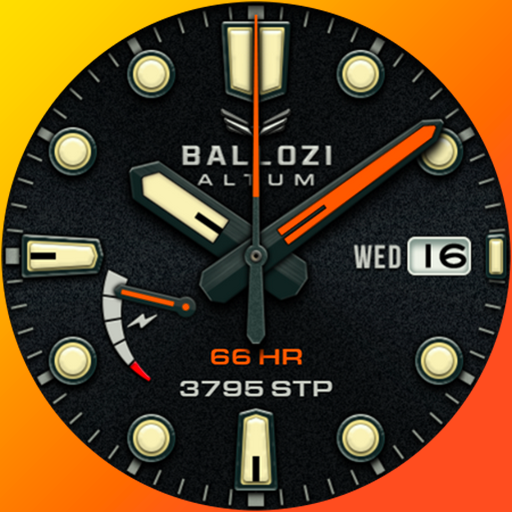
Ballozi ALTUM Diver Classic
Paid

Ballozi ASPHALTON 2 Hybrid
Paid

Ballozi CORSA Hybrid
Paid

Ballozi SLATE Digital Hybrid
Paid

Ballozi STEALTH FORTO Hybrid
Paid
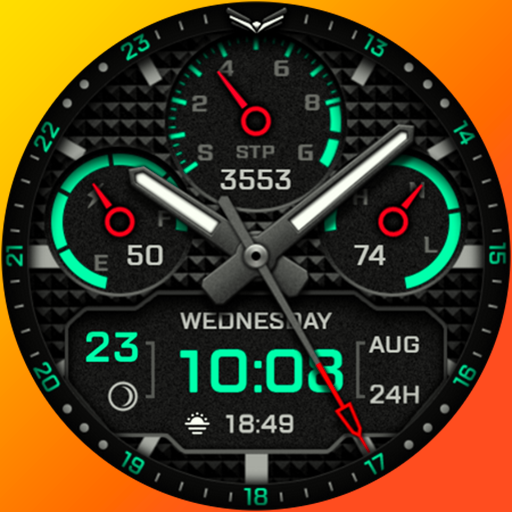
Ballozi AERONOX VERTEX Hybrid
Paid

Ballozi BELVORO
Paid

Ballozi BLAZON Hybrid
Paid

Ballozi CIFERO Digital Retro
Paid

Ballozi CRONUS Hybrid
Paid
Similar Apps

SamWatch D Pygmalion 2022
Paid

Chester LCD modern watch face
Paid
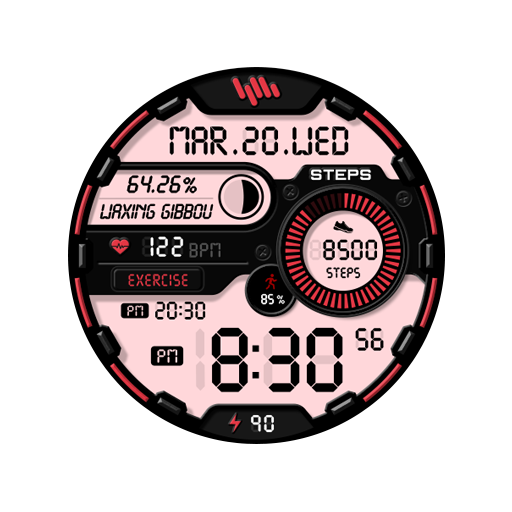
SamWatch Digital E 2021
Paid

샘워치 Digital Rhea 2023
Paid

BRN155 - TREZO
Paid

HKR062
Paid

SamWatch Digital Rhea 2023
Paid

SH026 Watch Face, WearOS watch
Paid

A400 Tech Watch Face Wear OS
Free
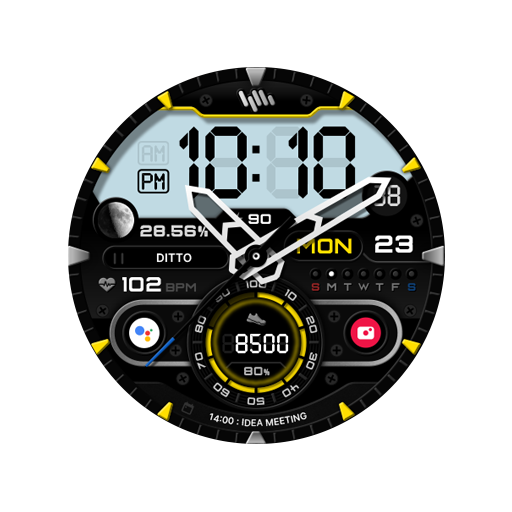
SamWatch AD Wosret 2023
Paid
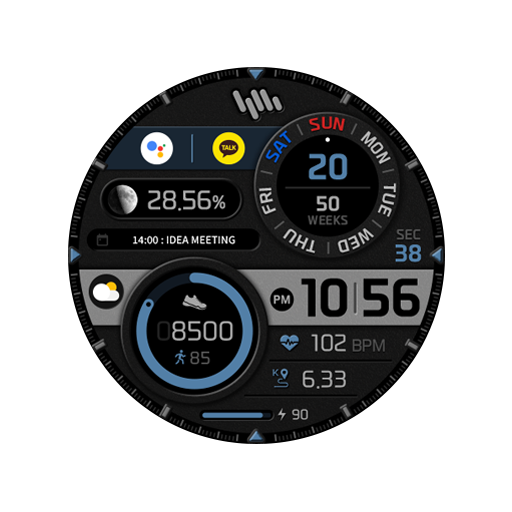
SamWatch Digital Hathor 2023
Paid
![[KNA003] SHADOW icon](https://play-lh.googleusercontent.com/gAEbOfVWggZtiv2ts8txZOuJPFKvKThQII_UKGYAGjxdawev_REEoeaXQocD-PcjLw)
[KNA003] SHADOW
Paid

BRN156 - TREZO Analog
Free
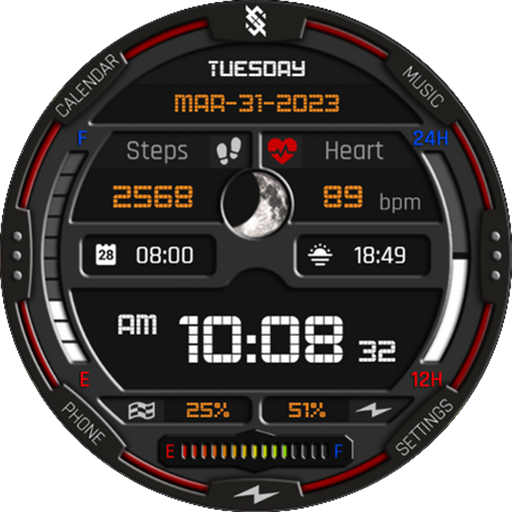
BFF2- Digital: Colorfull
Free
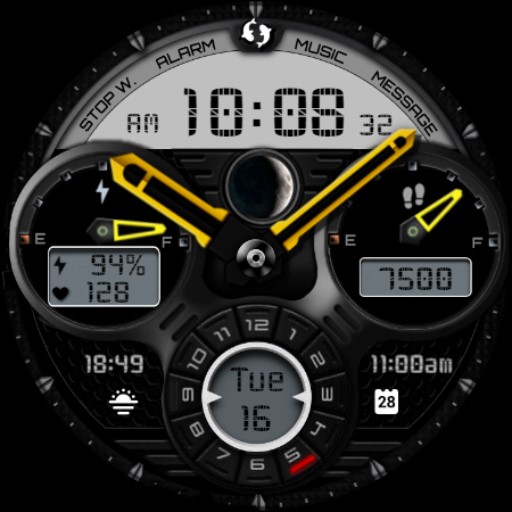
Beast Dark Analog Watch IN47
Paid
Chester Military style 2
Paid
Scan this QR code to download

Forwarding you to the page at Google Play market in seconds...
Open Google Play market now